Oct 8, 2026
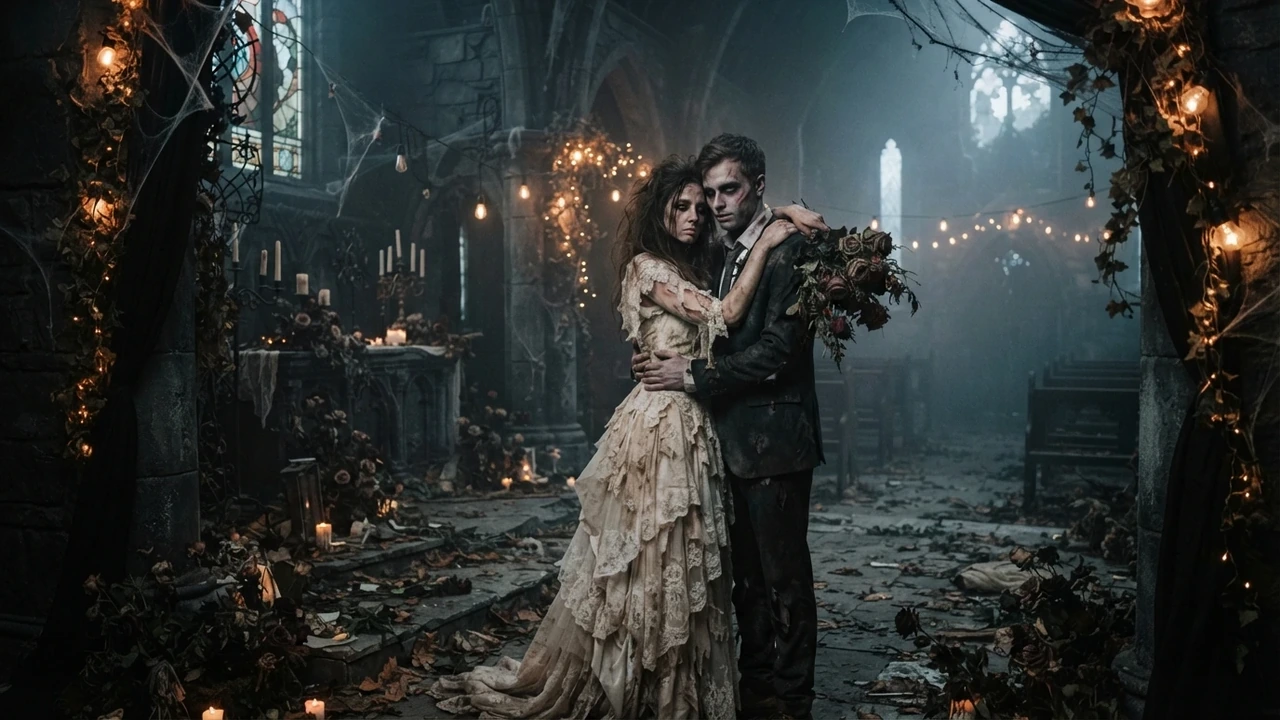
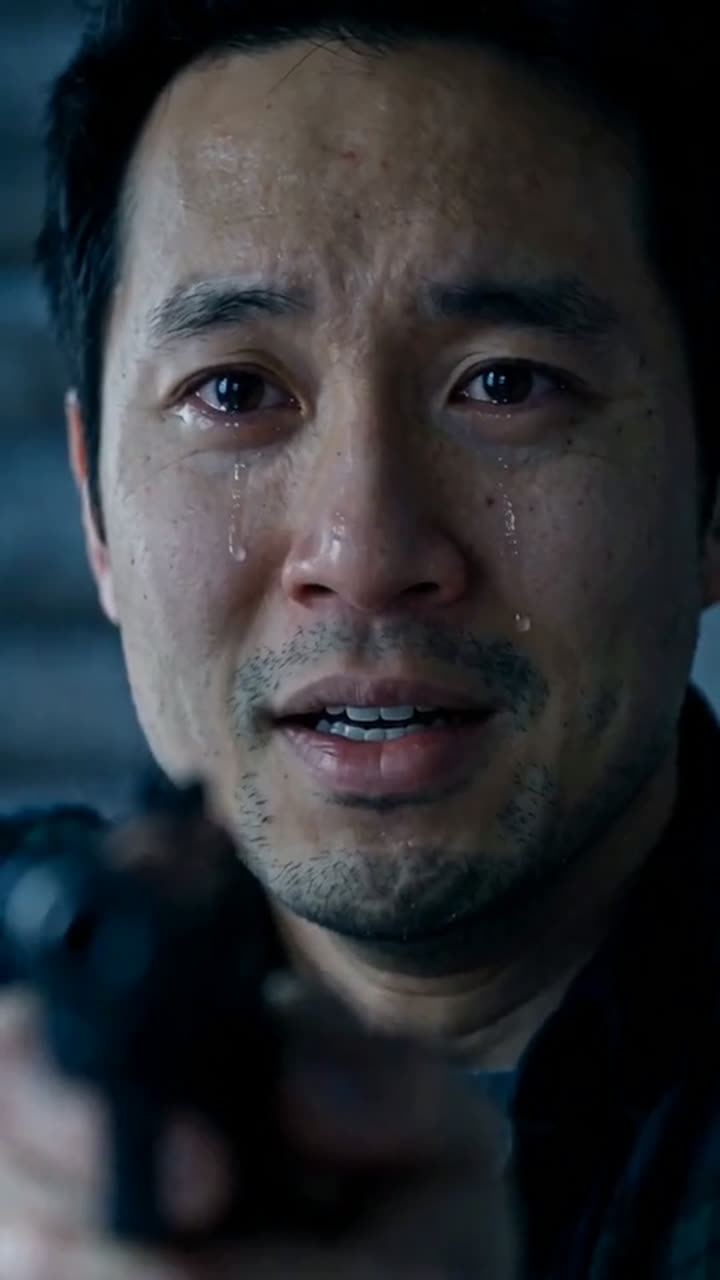
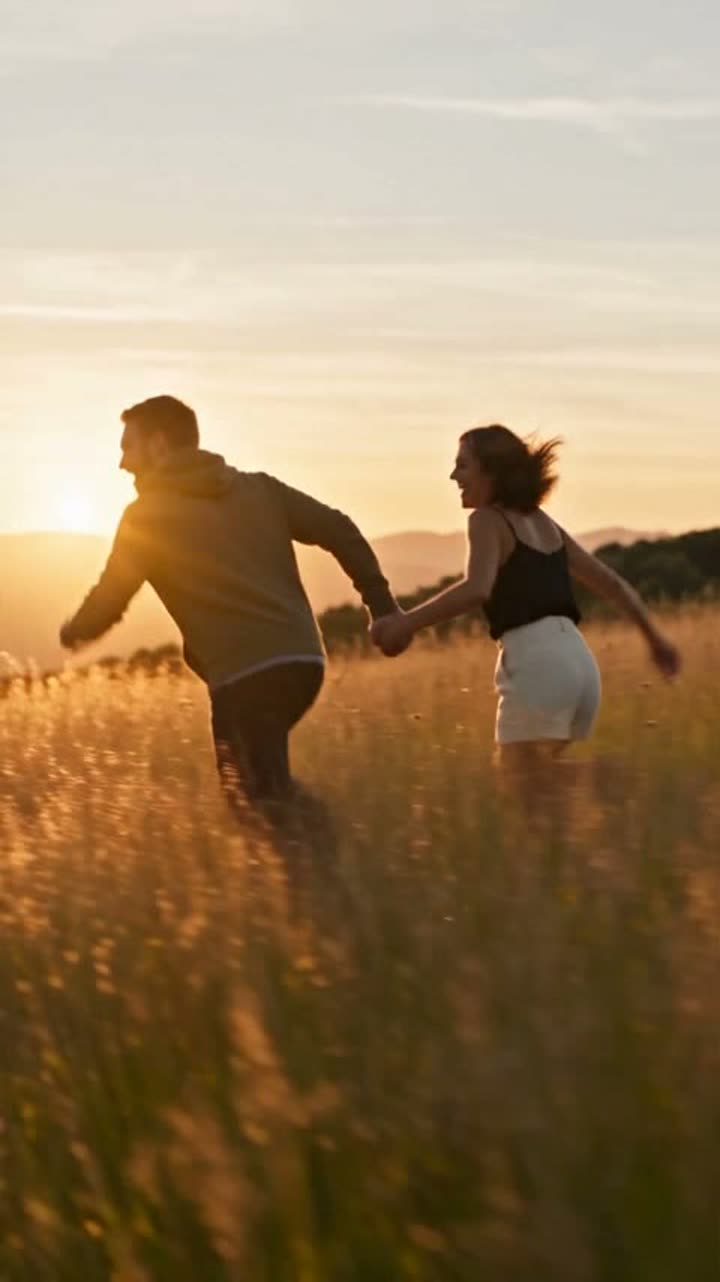
Zombie-Love-Story mit KI: Der Ein-Foto-Trend erklärt
Der Zombie-Love-Story-Trend mit KI erklärt: die vier emotionalen Momente, warum er auf Kurzvideos so schnell lief und wie ein Foto zu einem Filmclip wird.
Lade ein frontales Selfie hoch und das KI-Halloween-Make-up legt einen rissigen, grauen Spezialeffekt-Look auf dein Gesicht, während deine Züge erkennbar bleiben.
Referenzfoto hochladen
JPG, PNG (max. 10 MB)
Oder ein Beispiel ausprobieren
Der Clip ist KI-generiert und kein echtes Filmmaterial der Personen auf den Fotos.
Eine fehlgeschlagene Generierung kostet dich nichts: Die Credits gehen automatisch auf dein Guthaben zurück.
Jede Karte ist ein fertiger Prompt für den Make-up-Effekt: Text kopieren oder im Studio mit bereits eingetragenem Prompt öffnen.
 Prompt
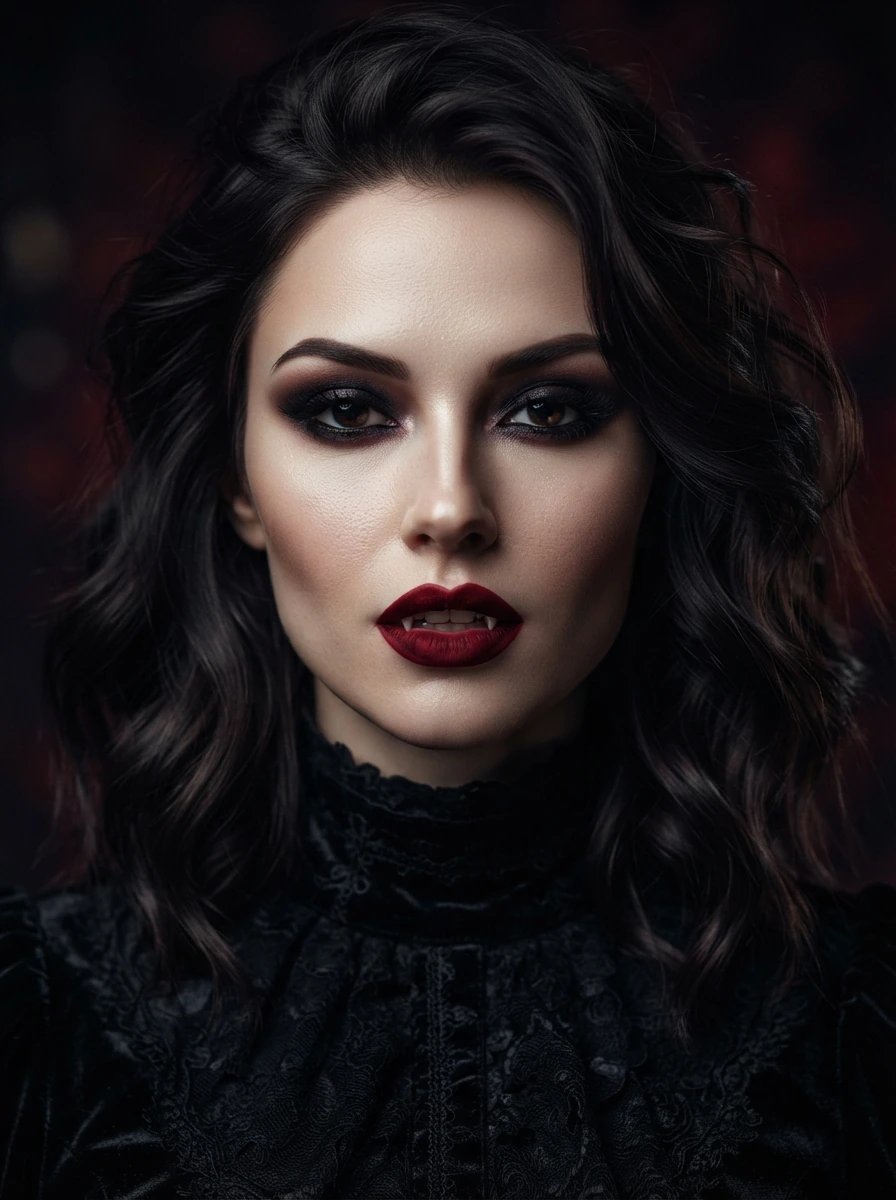
Use the uploaded image as the subject and transform it into a glamorous vampire portrait with pale porcelain skin, deep red velvet lips, smoky black eyeshadow, subtle fangs, sculpted cheekbones, cinematic low-key lighting, a black and crimson color palette, glossy beauty-editorial texture, and a polished Halloween mood.
 Prompt
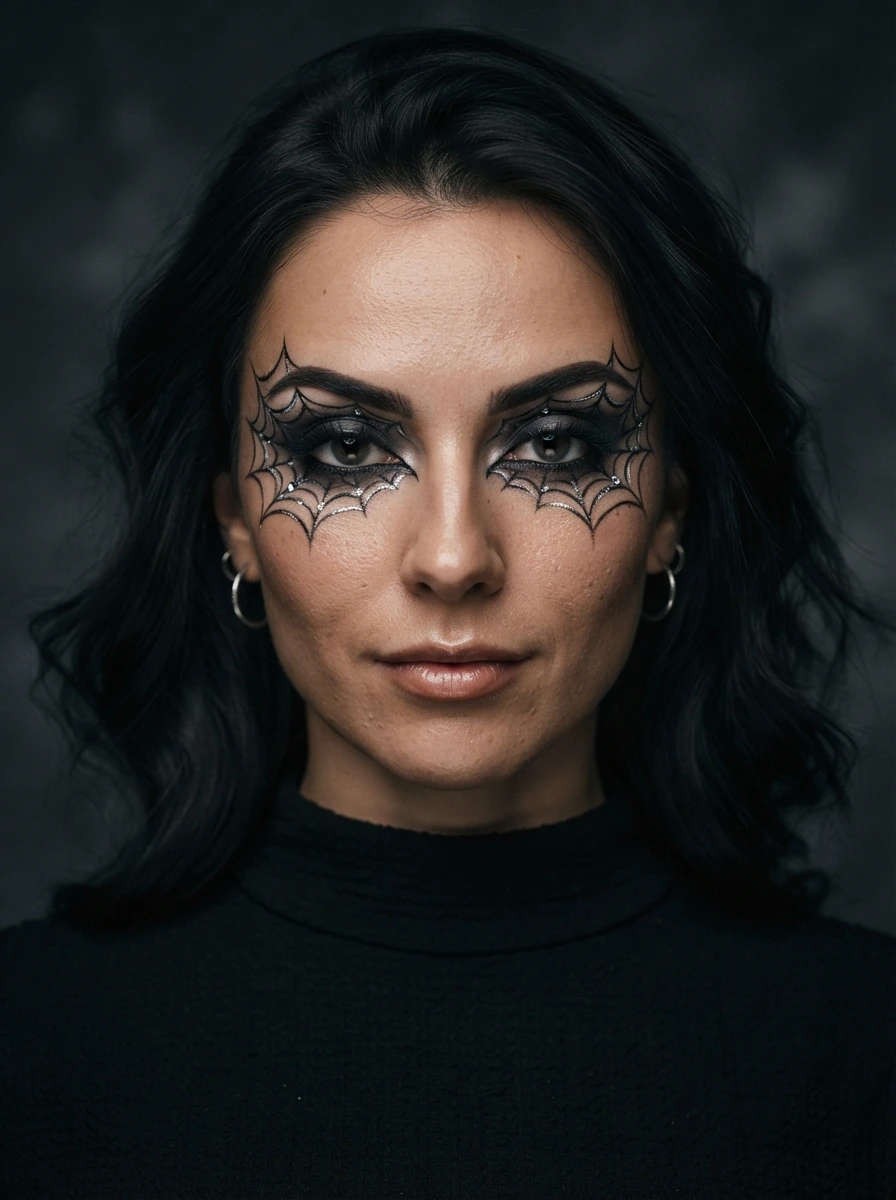
Use the uploaded image as the subject and add Halloween spiderweb eye makeup with precise black liner, metallic silver accents, defined lashes, sharp brows, soft contour, moody studio lighting, charcoal and silver tones, clean skin texture, and a stylish gothic-beauty finish perfect for social sharing.
 Prompt
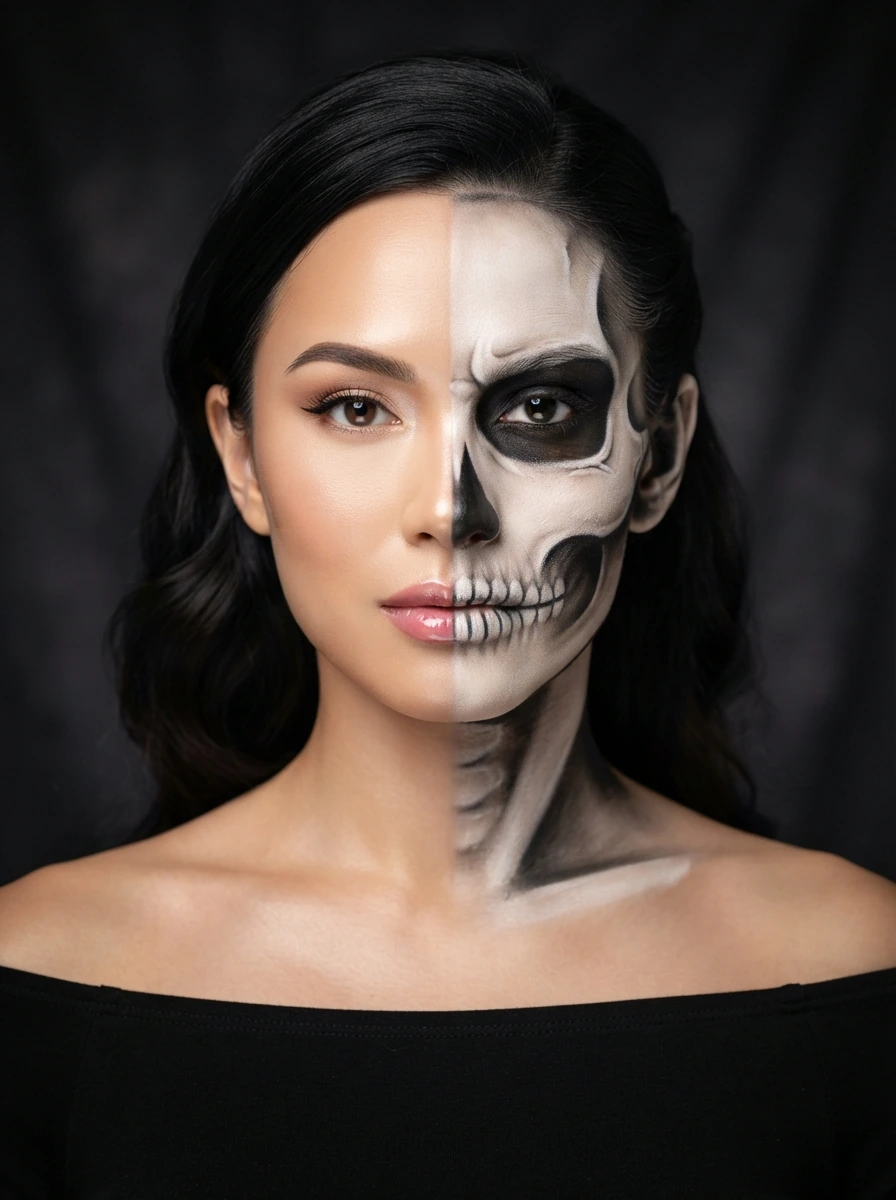
Use the uploaded image as the subject and create a split-face transformation with one side kept as soft glam beauty and the other side turned into realistic skull face paint, featuring clean symmetry, white bone texture, dark eye socket shading, dramatic contrast, and a sharp editorial Halloween look.
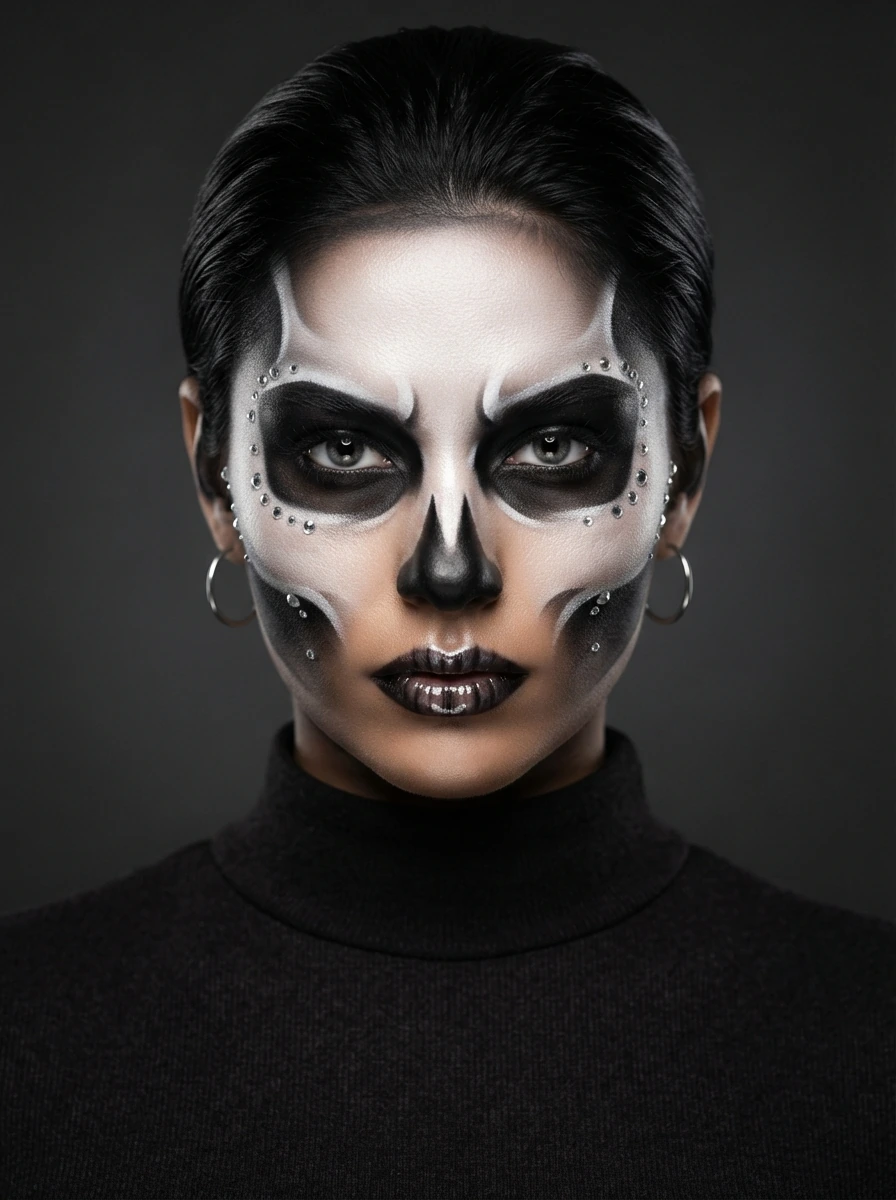 Prompt
Use the uploaded image as the subject and apply glamorous skeleton-inspired makeup with white face-paint highlights, black hollow contouring, glossy lips, rhinestone accents, luminous skin finish, high-contrast studio lighting, and a black-white-silver palette that feels spooky yet fashion-forward.
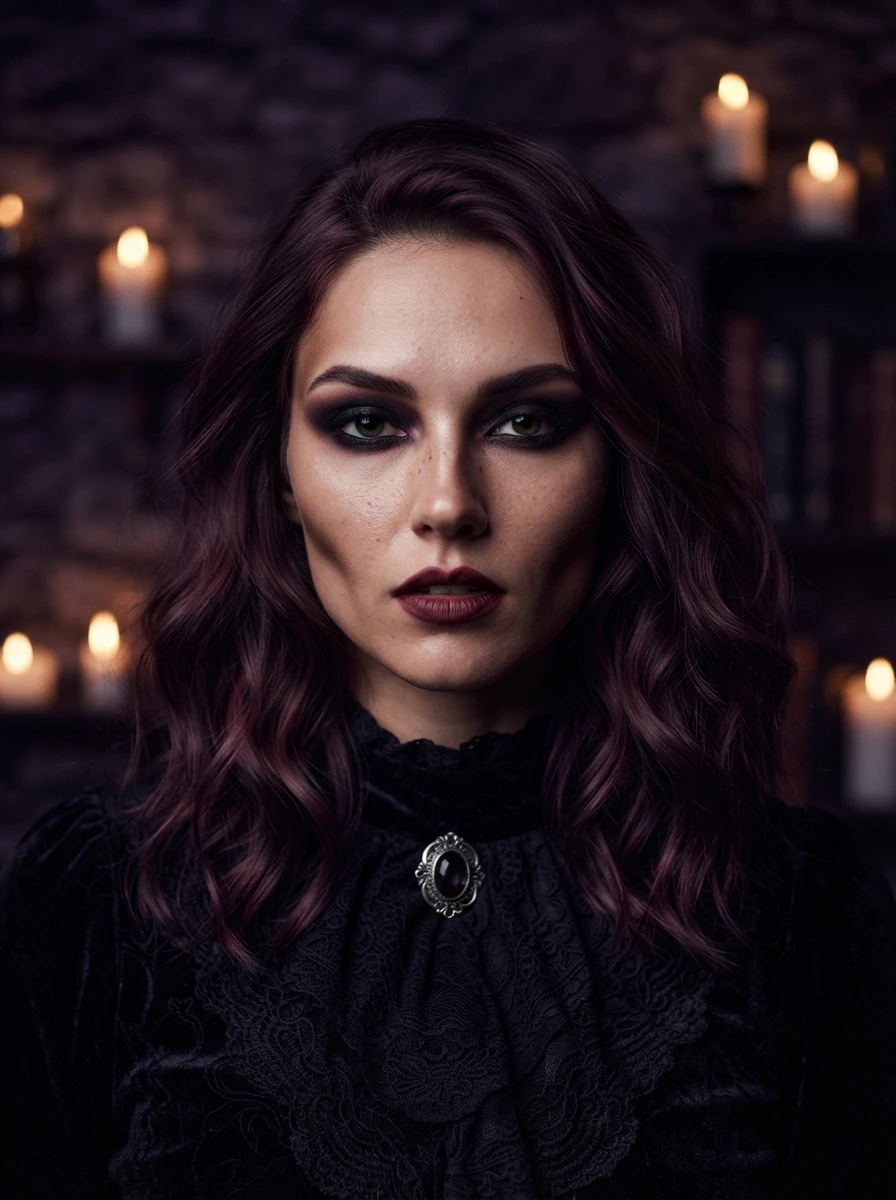 Prompt
Use the uploaded image as the subject and transform it into a dark witch beauty look with smoky black and plum eyeshadow, sharp contour, deep berry lips, subtle shimmer, mystical shadowing, moody candlelit atmosphere, and rich purple-black tones for an elegant gothic Halloween portrait.
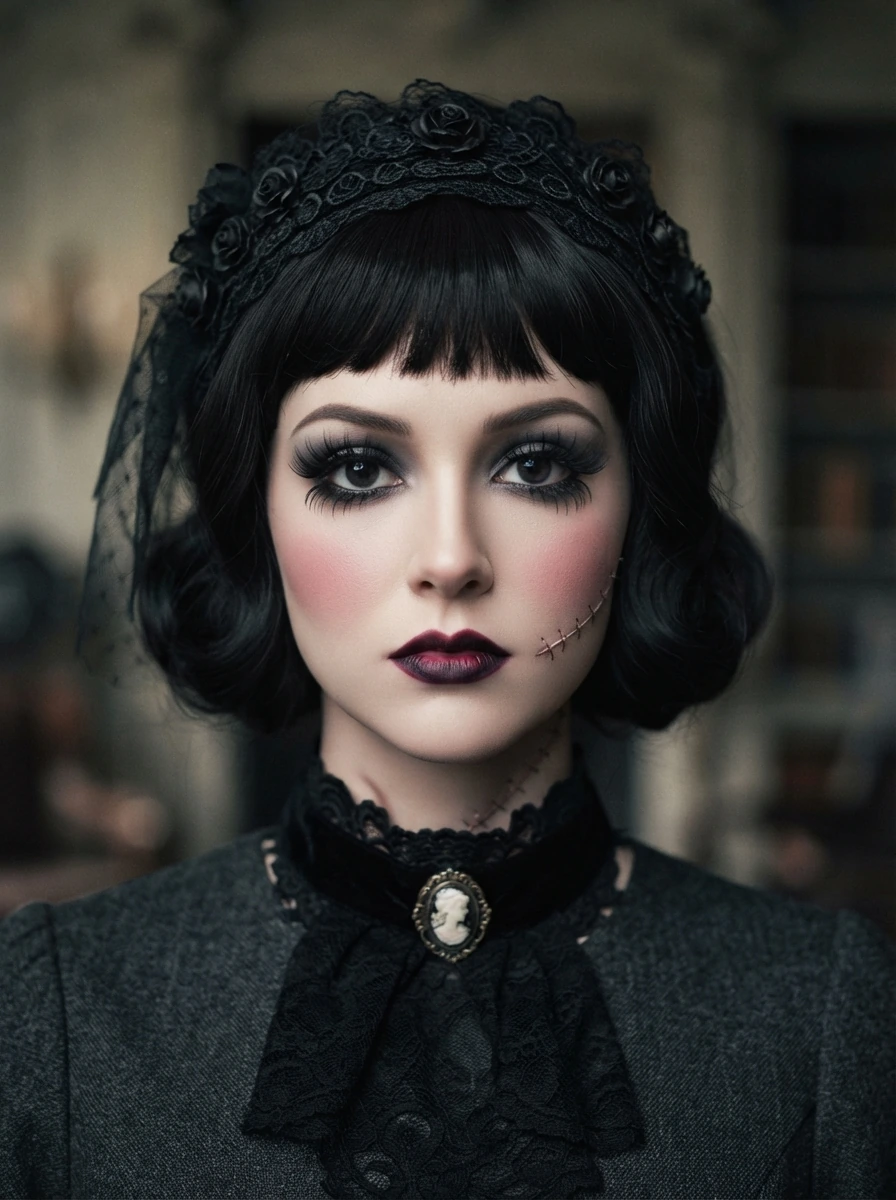 Prompt
Use the uploaded image as the subject and create a spooky gothic doll makeup style with porcelain skin, oversized lashes, rosy cheeks, dark lips, tiny stitched accents, delicate symmetry, soft eerie lighting, and a muted pink, ivory, and black palette that feels cute and haunting.
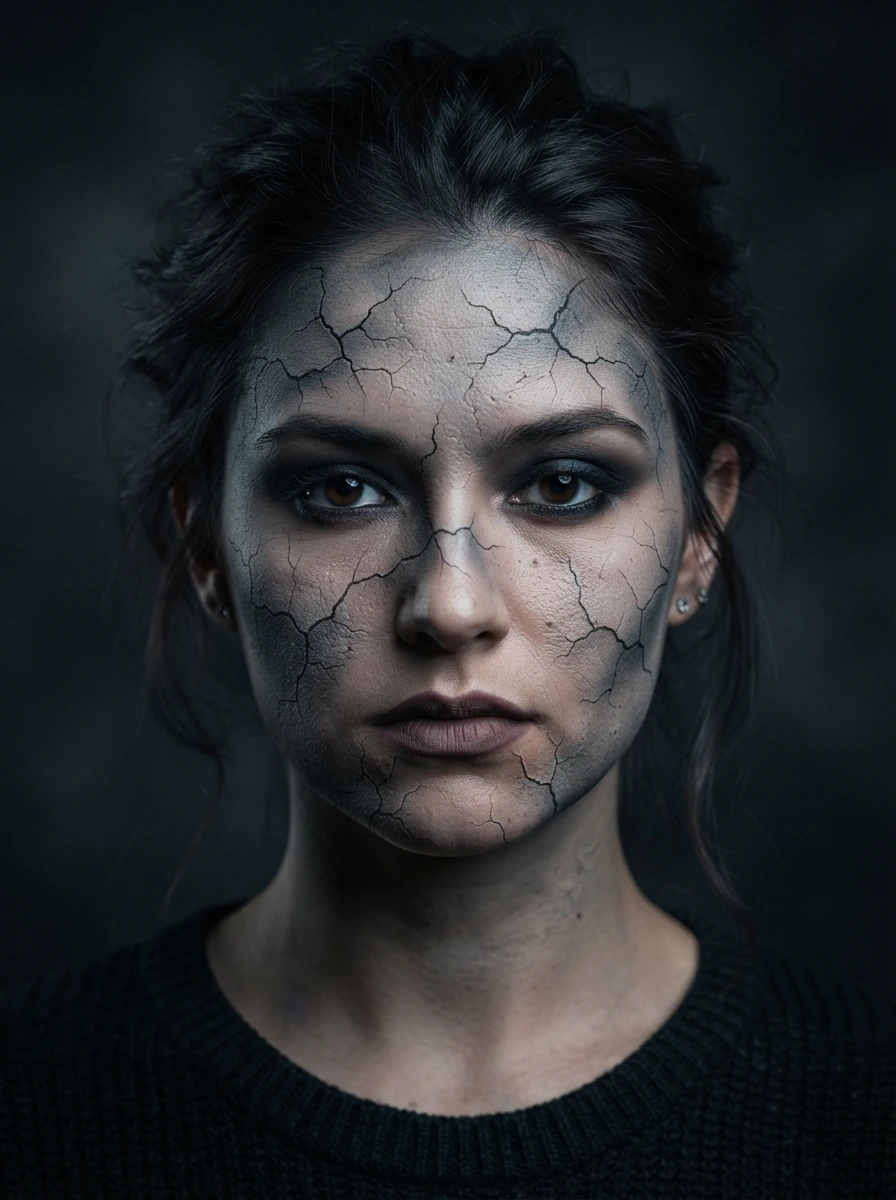 Prompt
Use the uploaded image as the subject and add a dramatic cracked-skin Halloween effect with realistic fissures across the face, subtle glowing depth, smoky eye makeup, cool gray undertones, strong shadow separation, and a cinematic horror-beauty finish that still preserves facial identity.
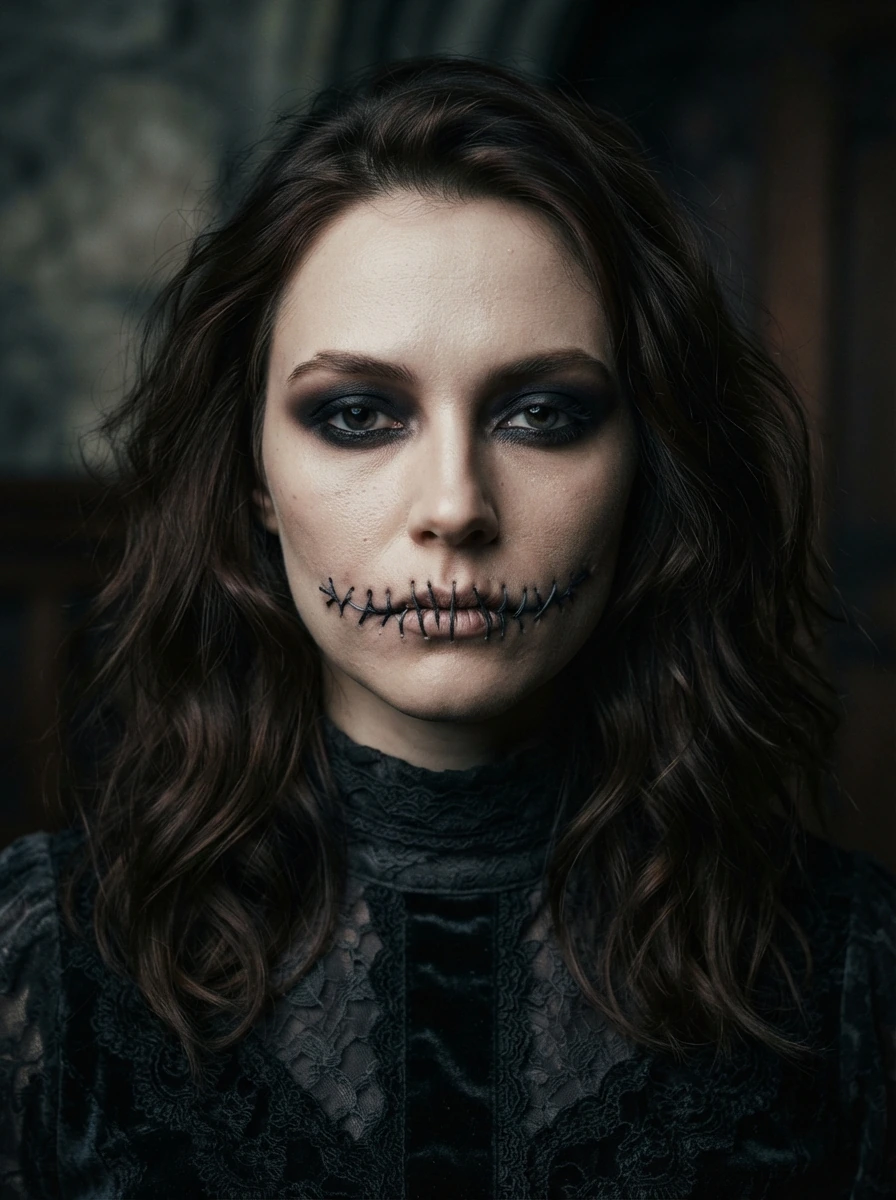 Prompt
Use the uploaded image as the subject and apply stitched-mouth Halloween makeup with realistic thread details, pale complexion, dark smoky eyes, subtle blush reduction, eerie cinematic lighting, charcoal and ivory tones, and a polished scary-beauty aesthetic designed for a striking portrait edit.
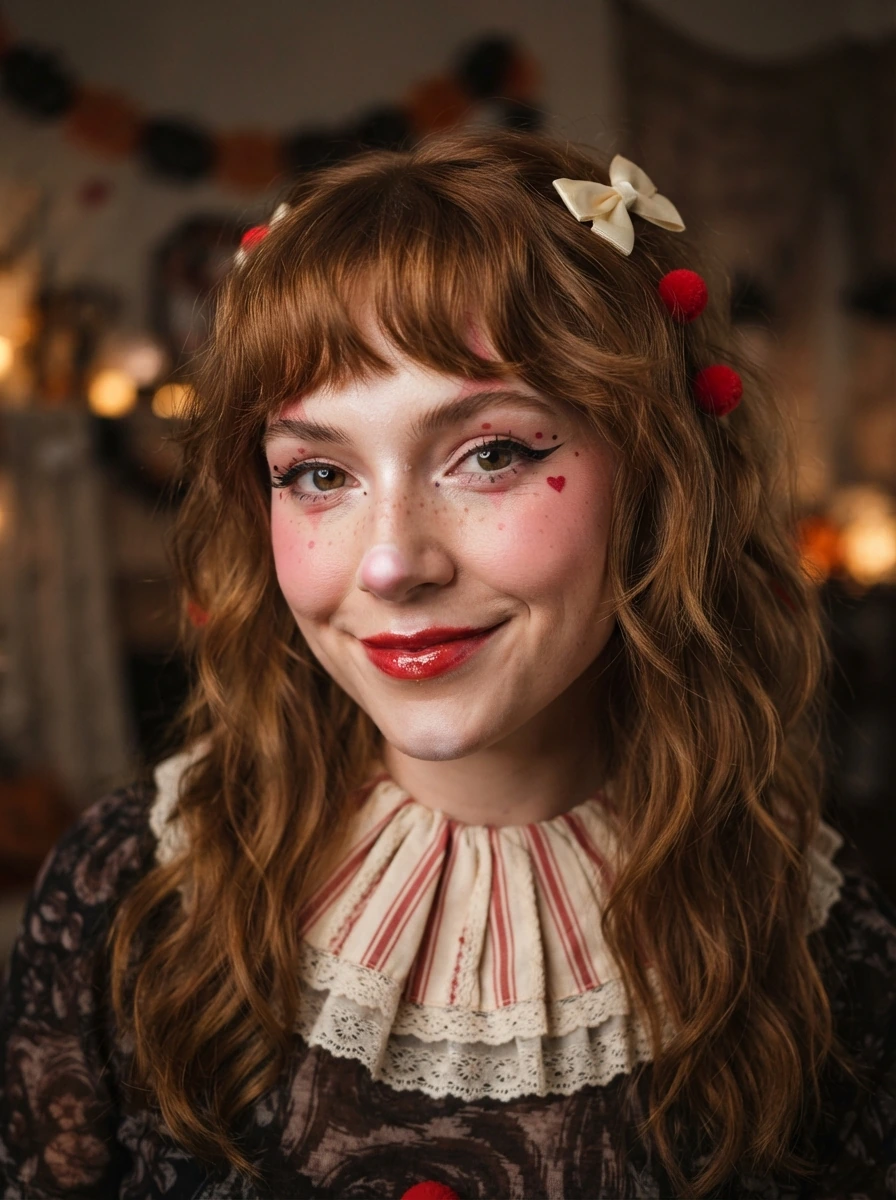 Prompt
Use the uploaded image as the subject and turn it into a cute clown Halloween style with heart details, glossy red lips, pastel blush, soft white face accents, playful eyeliner, bright yet spooky mood, diffused lighting, and a pink, red, and cream palette for a social-ready transformation.
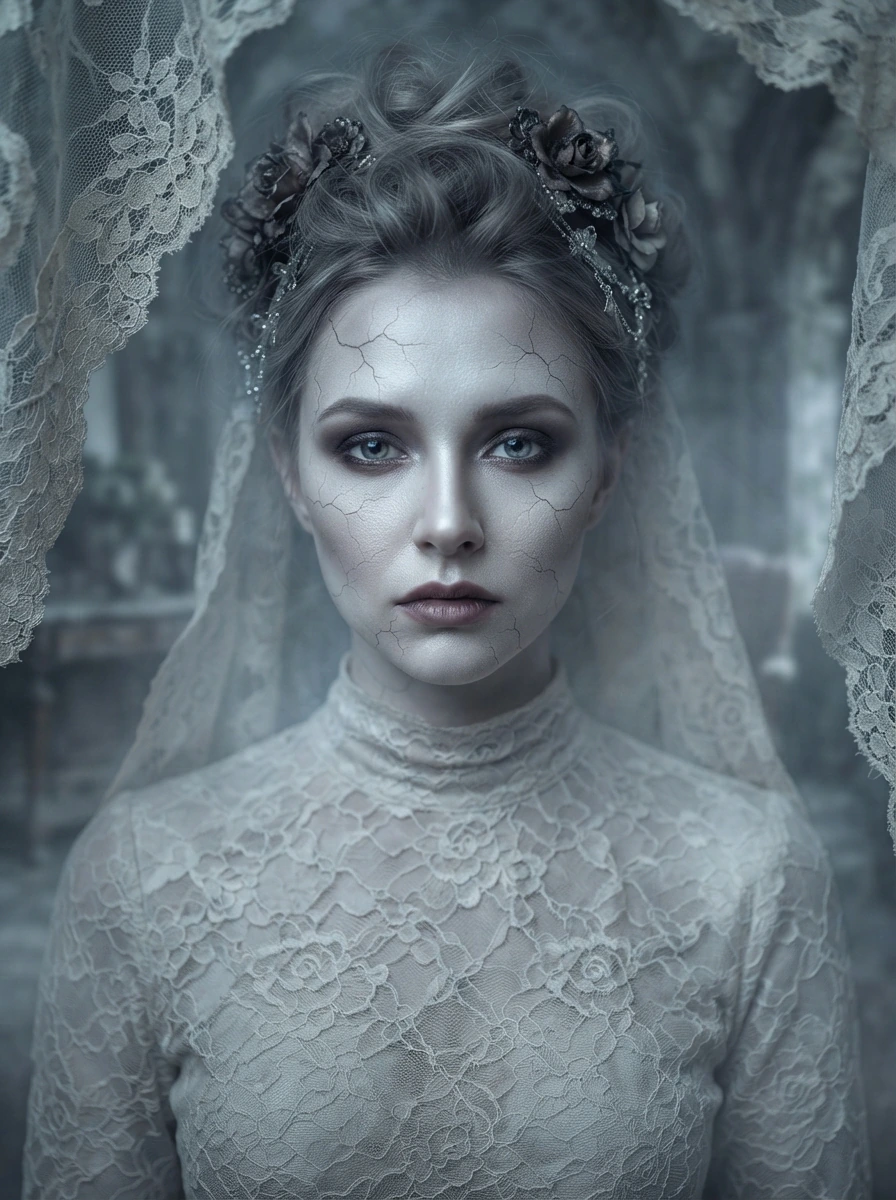 Prompt
Use the uploaded image as the subject and transform it into a ghost bride portrait with pale translucent skin, dark romantic eyes, muted lips, vintage bridal styling, subtle facial cracks, soft mist, cool moonlit lighting, and a desaturated silver-blue palette for an elegant haunted mood.
Jeder Prompt ist für das Foto geschrieben, das du hochlädst – das Ergebnis ist ein Ausgangspunkt.
Wähle den Effekt, lade die geforderten Fotos hoch und prüfe die Kosten, bevor du generierst.
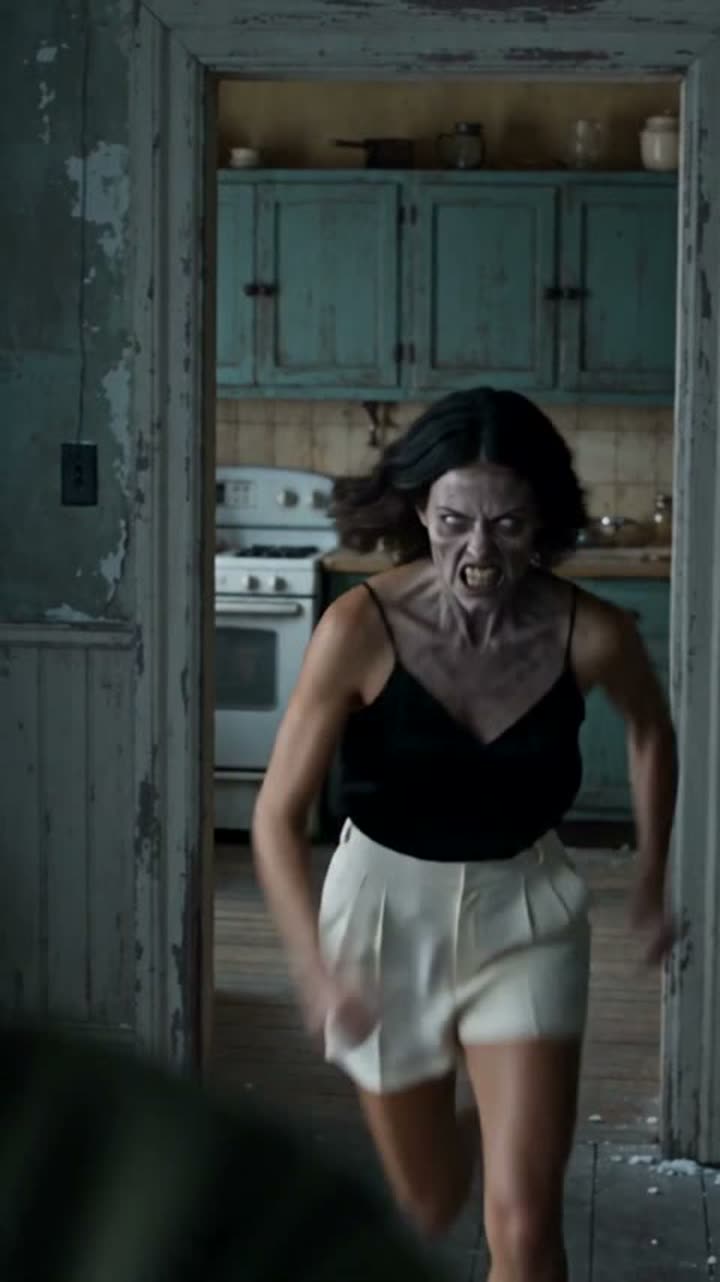
Beginne mit der Zombie-Liebesgeschichte; Zombie-Haustier, KI-Halloween-Make-up, KI Mini-Me und KI-Rieseneffekt findest du im Menü „Effekte“.
Füge die Fotos hinzu, die der Effekt braucht – ein Selfie, ein Haustierfoto oder ein Referenzbild und -video.
Prüfe zuerst die Kosten und erzeuge dann ein 5-Sekunden-Video für 300 Credits oder ein 10-Sekunden-Video für 600.
Das Make-up wird auf das Gesicht aufgetragen, das das Modell in deinem Foto findet, also entscheidet, wie dieses Gesicht aufgenommen ist, über das Ergebnis.
Eine einzelne Person vor der Linse; der Effekt bemalt das Gesicht, das er dort findet.
Alles, was die Augen oder die Wangen bedeckt, verdeckt den Teil, den der Effekt verändert.
Das sind die zwei Formate, die das Modell akzeptiert; alles andere wird abgelehnt, bevor ein Credit verbraucht wird.
Ein Foto, bei dem die Augen scharf sind, funktioniert. Ein Screenshot eines Fotos oder ein Bild, das durch fünf Apps gelaufen ist, verliert die Details, die das Modell braucht.
Du kannst das Studio mit einem Beispielfoto testen, bevor du etwas ausgibst – die Leiste unter dem Fotofeld lädt eines von uns.
Das Prompt-Feld öffnet sich bereits mit den Anweisungen dieses Effekts, auf Englisch, weil das Videomodell das am zuverlässigsten liest. Lass sie unverändert, und du bekommst den Effekt, den diese Seite beschreibt; bearbeite sie nur, wenn du eine andere Szene willst.
Die Kamerabewegungen, das Licht und der Look gehören zu den Anweisungen, die das Studio baut – du musst sie nicht beschreiben.
Die Art Foto, mit der der Effekt startet, und der rissige graue Look, den er aufbaut.
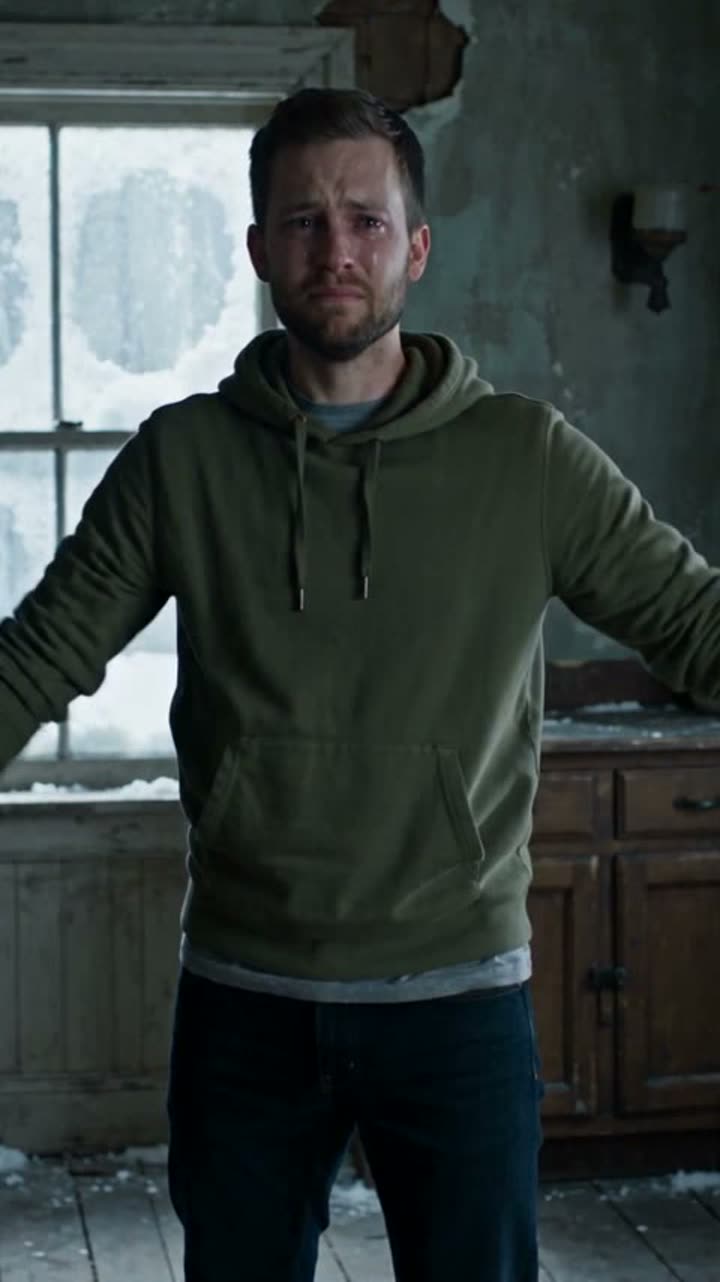
Ein Standbild aus unserem Democlip: frontale Aufnahme ohne Make-up
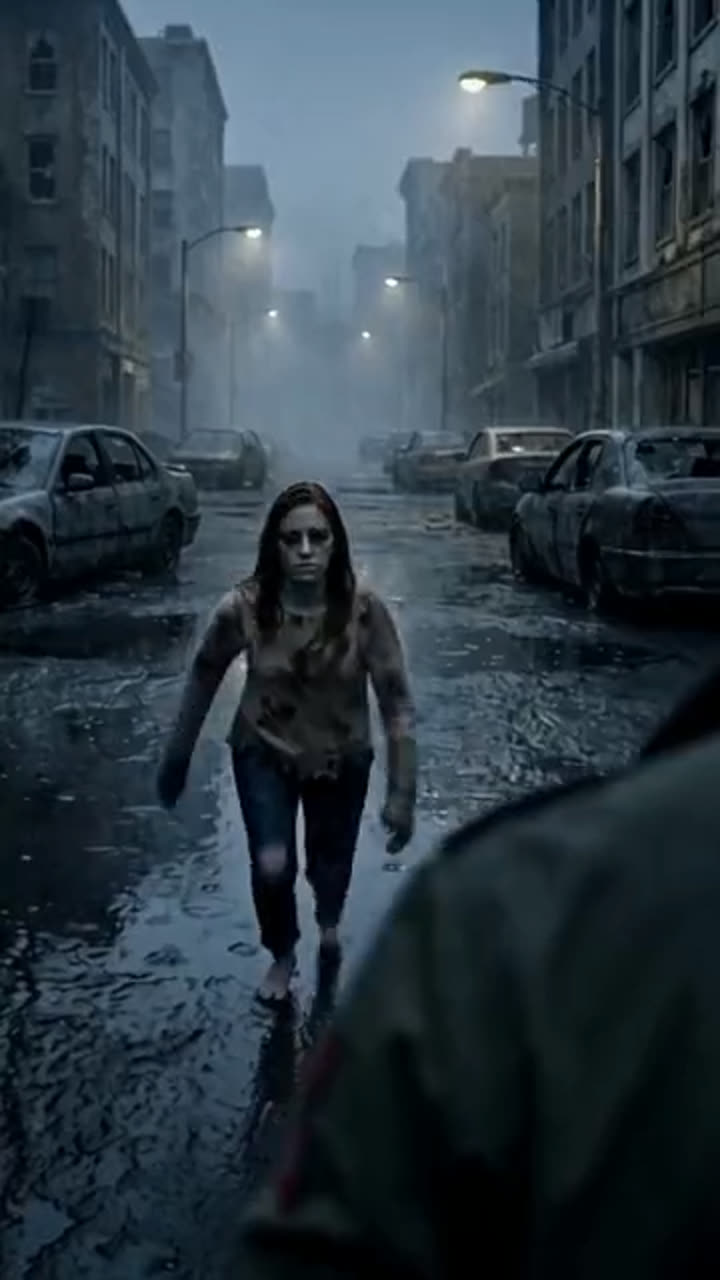
Ein Standbild aus unserem Democlip: rissige graue Haut und dunkle, eingesunkene Augen
Beide Standbilder stammen aus unseren eigenen Democlips und beschreiben den Look - sie zeigen nicht dieselbe Person vorher und nachher.
Antworten zu Selfies, Looks und den Kosten eines Clips.
Wähle einen Effekt, lade die Fotos hoch, die das Studio verlangt, und prüfe die Credit-Kosten vor dem Absenden. Der erste 5-Sekunden-Clip kostet $4.99, und Einmalpakete kommen ohne Abo.
Oct 8, 2026
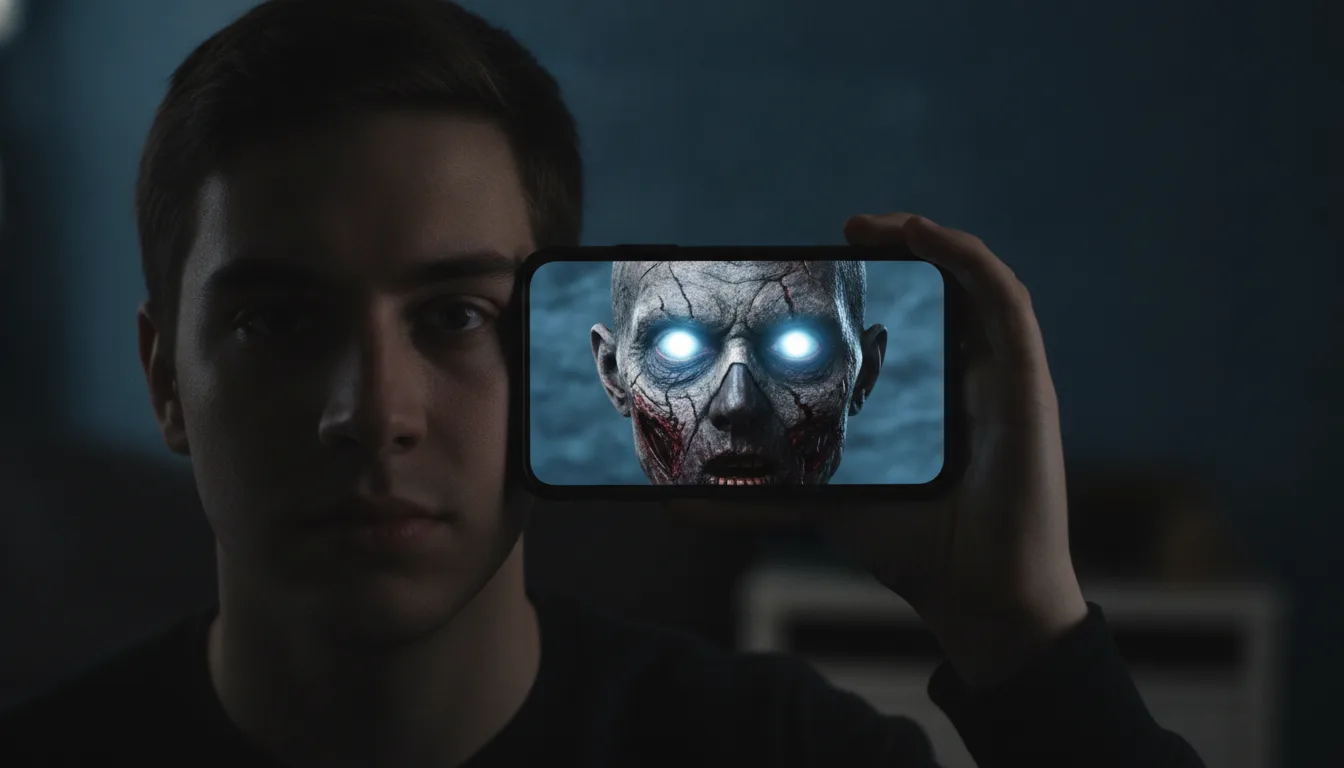
Der Zombie-Love-Story-Trend mit KI erklärt: die vier emotionalen Momente, warum er auf Kurzvideos so schnell lief und wie ein Foto zu einem Filmclip wird.
Oct 8, 2026
Eine Schritt-für-Schritt-Anleitung für ein Zombie-AI-Video aus einem Foto: wie ein gutes Ausgangsfoto aussieht, wie die Vorschau läuft und was Credits kosten.
Oct 8, 2026
Fünfzehn Prompts für Zombie AI Videos zu Liebesgeschichte, Haustier, Halloween-Make-up, Mini Me und Riesen-Effekt, plus eine Notiz zu dieser Seite.
Oct 8, 2026
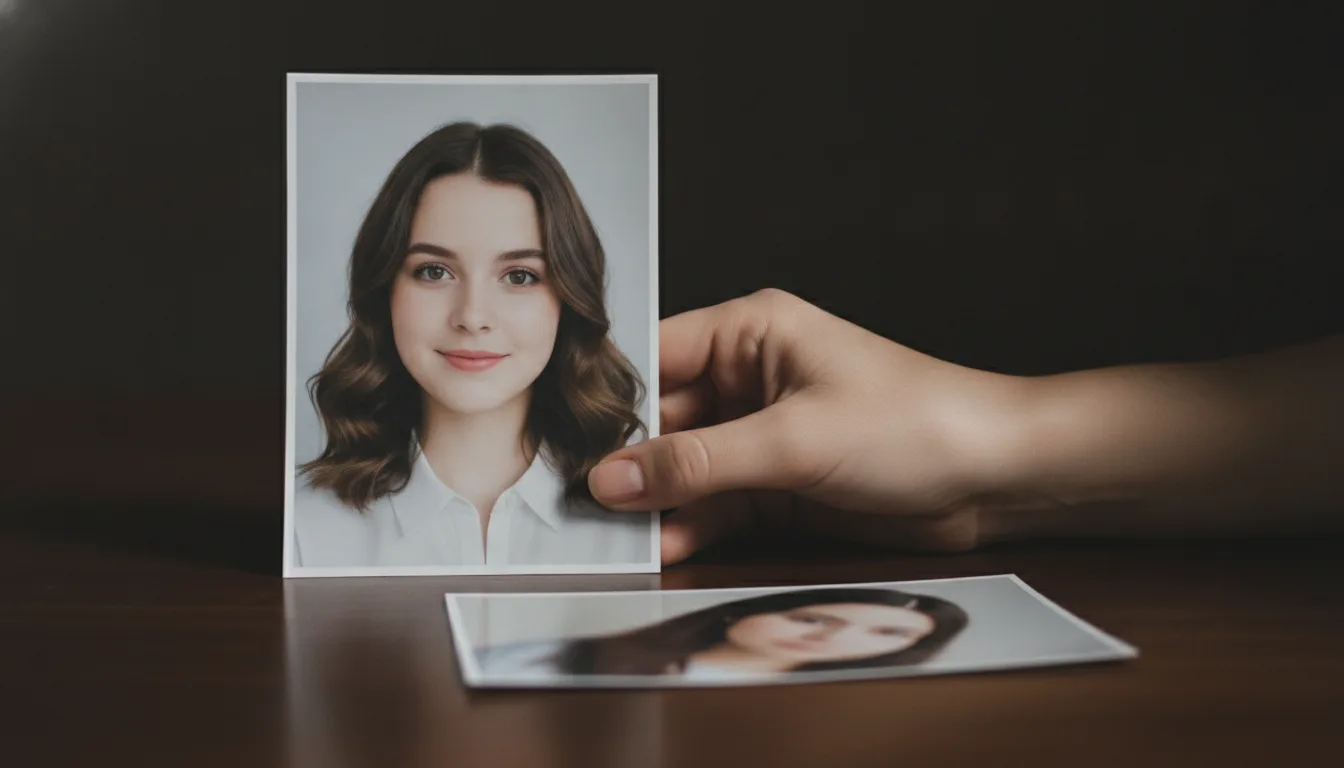
Wie du das Ausgangsfoto für ein Zombie-AI-Video auswählst und vorbereitest: frontale Rahmung, gleichmäßiges Licht, scharfe Details und die Fehler, die die Ähnlichkeit verwischen.
Oct 8, 2026
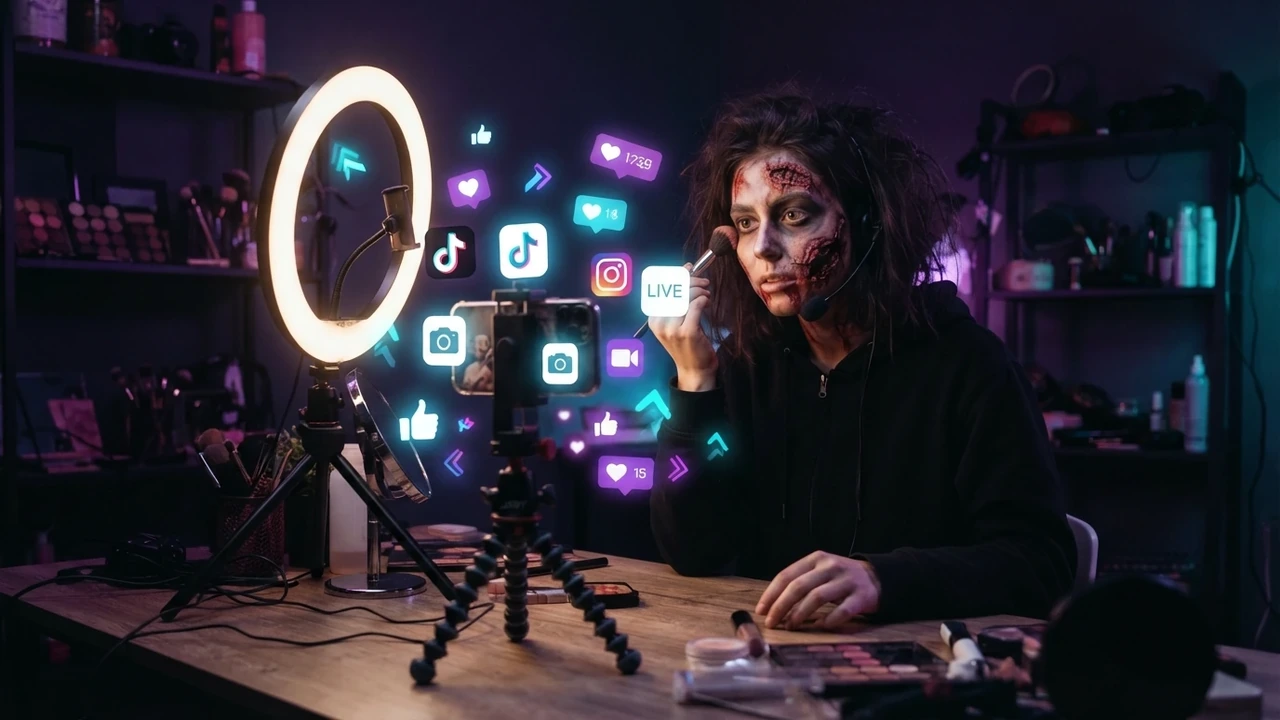
So erstellst du den Zombie-Liebesclip für TikTok: vertikaler Ausschnitt, Hook in Sekunde eins, Captions, Hashtags, Sound, Posting-Zeit und Antwort-Remakes.
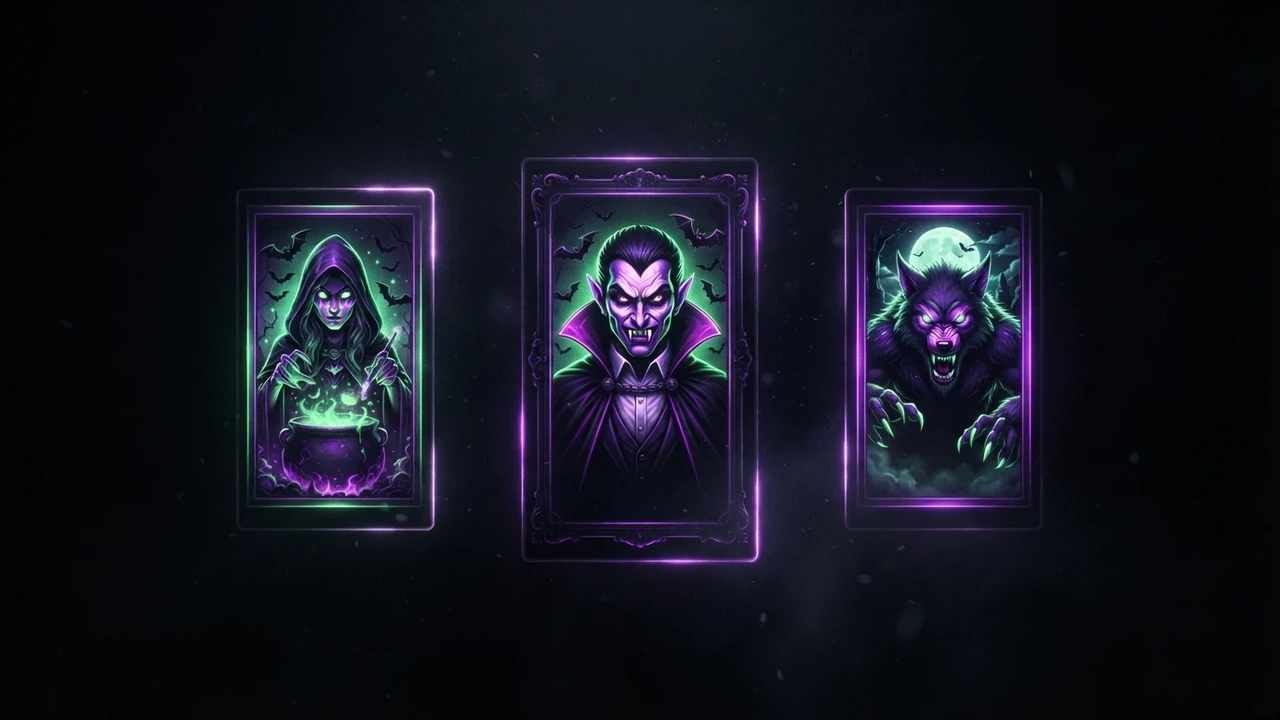
Oct 8, 2026
Wie du den Zombie-Liebesclip auf Instagram Reels veröffentlichst: vertikaler Rahmen, Cover, die vier Beats, der harte Schnitt, Cross-Posting und Hashtags.
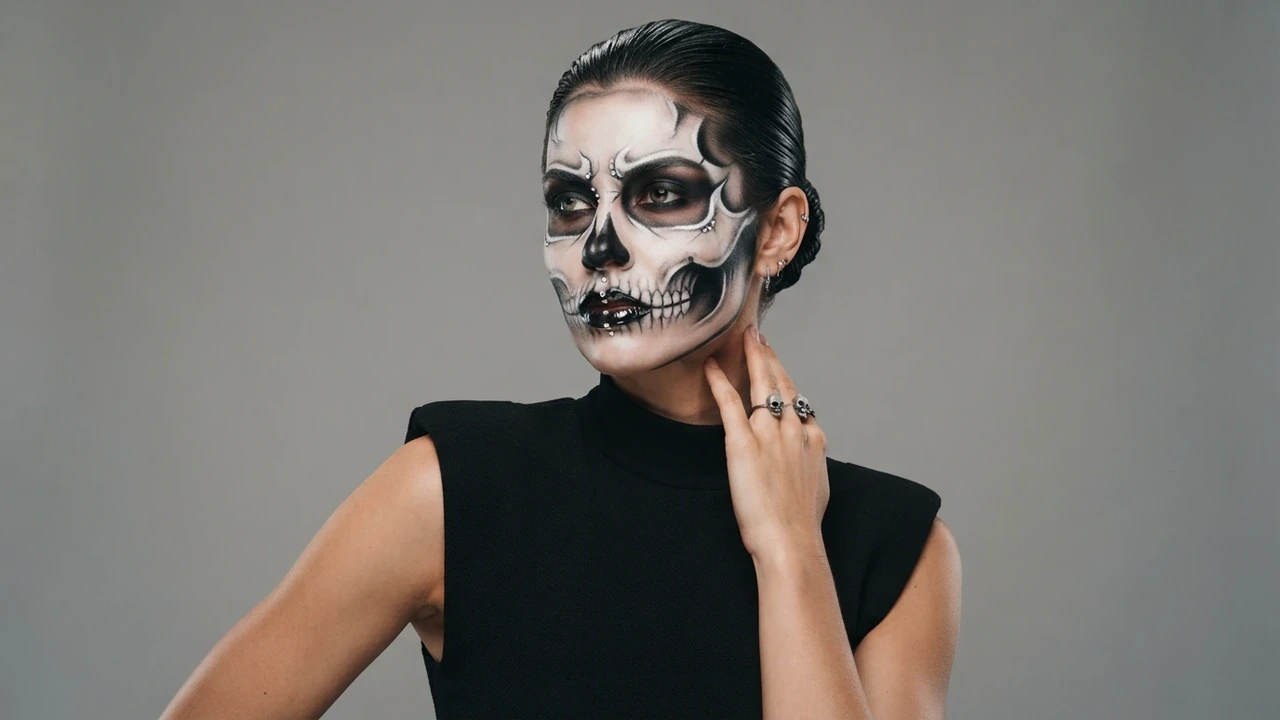
Oct 8, 2026
Der KI-Halloween-Make-up-Effekt Look für Look: was er verändert, wie du deinen Wunschlook beschreibst und wie du ihn mit einer Zombie-Clip-Story kombinierst.
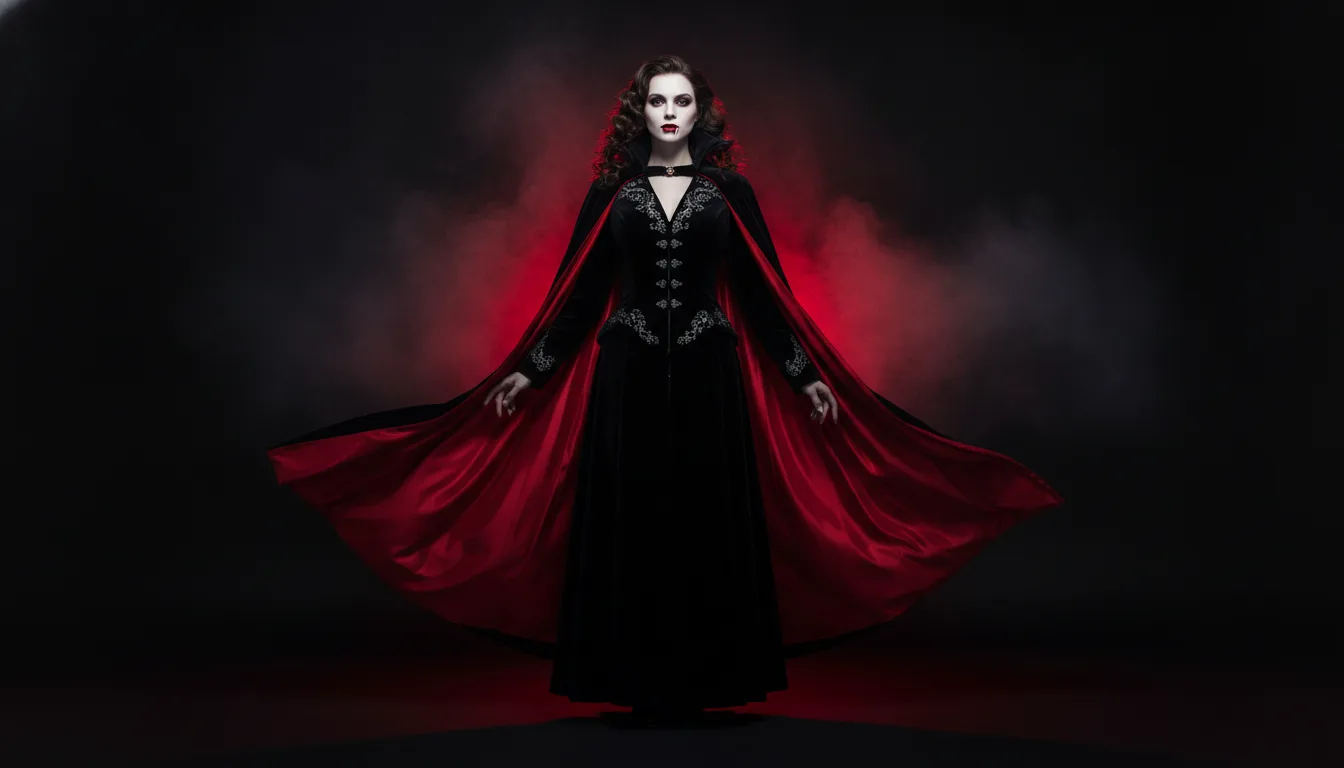
Oct 8, 2026
KI-Halloween-Kostümideen für 2026: Aus einem Selfie werden mehrere Kostüm-Clips, dazu ein Set für Familie und Haustier – fertig vor dem 31. Oktober.
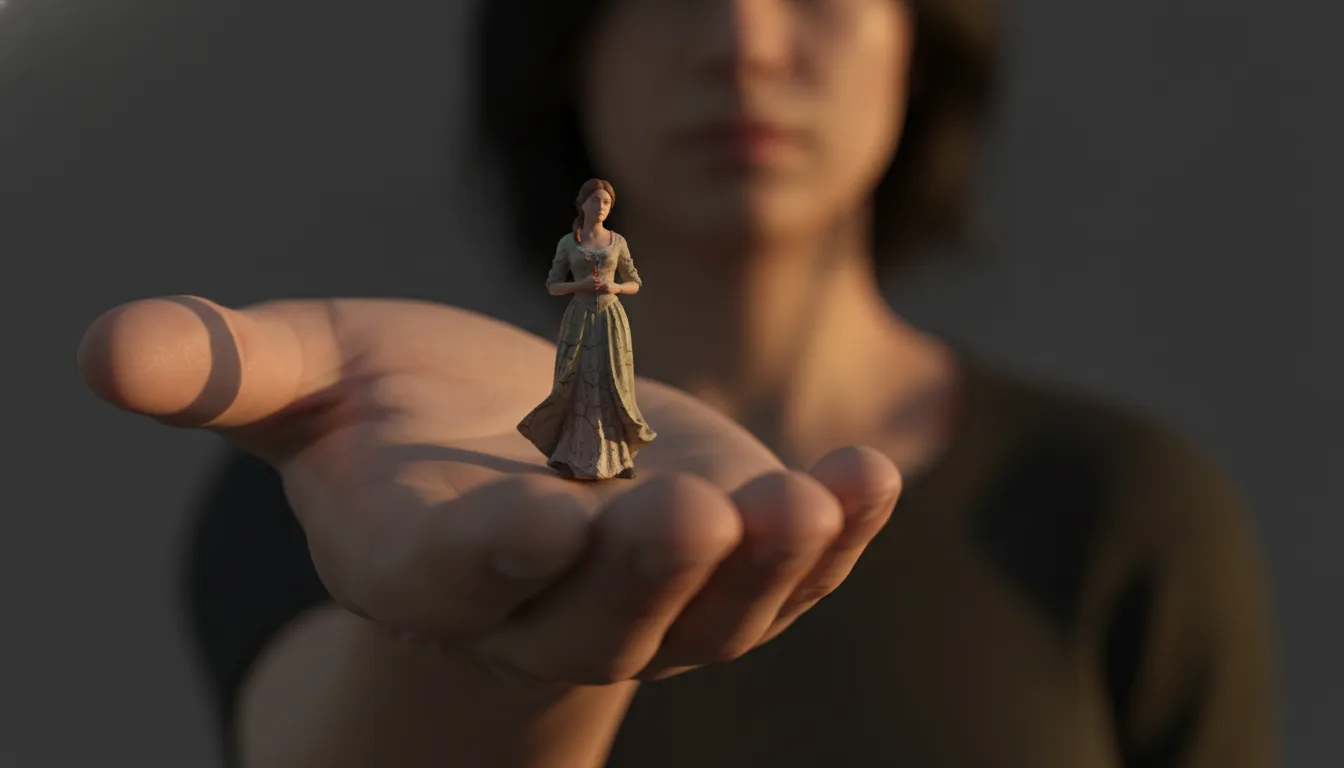
Oct 8, 2026
Der KI-Mini-Me-Trend macht aus einem Foto eine Miniaturfigur in einem Raum in Originalgröße: wie der Effekt entsteht, wie du dafür fotografierst und Clip-Ideen.
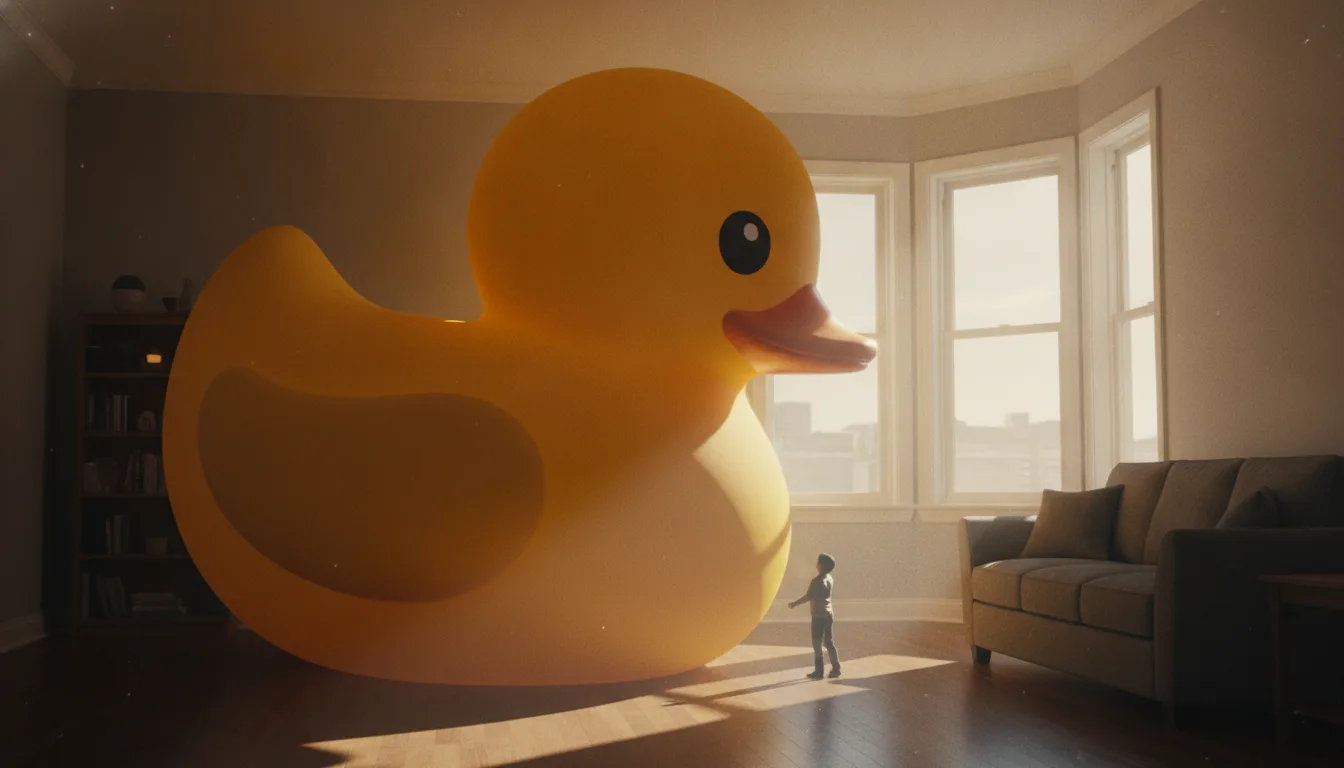
Oct 8, 2026
Der Riesen-KI-Effekt vergrößert ein kleines Alltagsobjekt, bis es den Raum füllt. Welche Objekte taugen, wie die Szene glaubwürdig bleibt, plus Clip-Ideen.