Oct 8, 2026
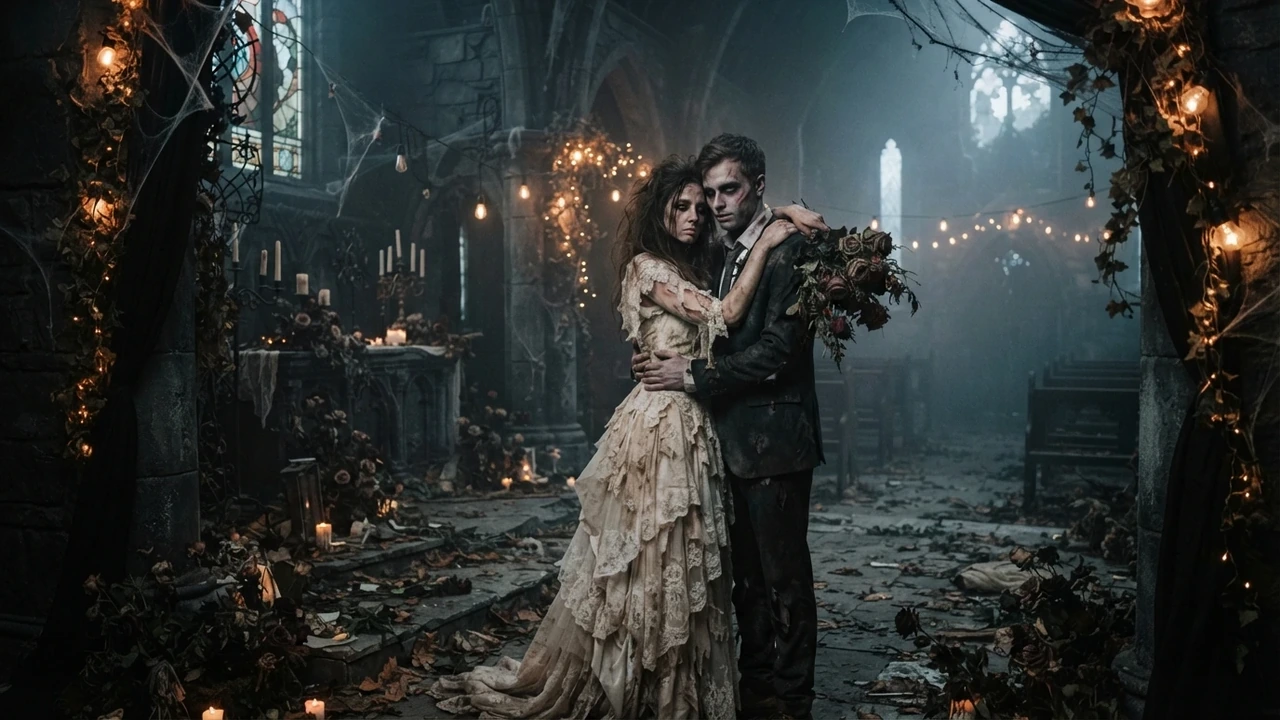
Zombie Love Story IA: come funziona il trend
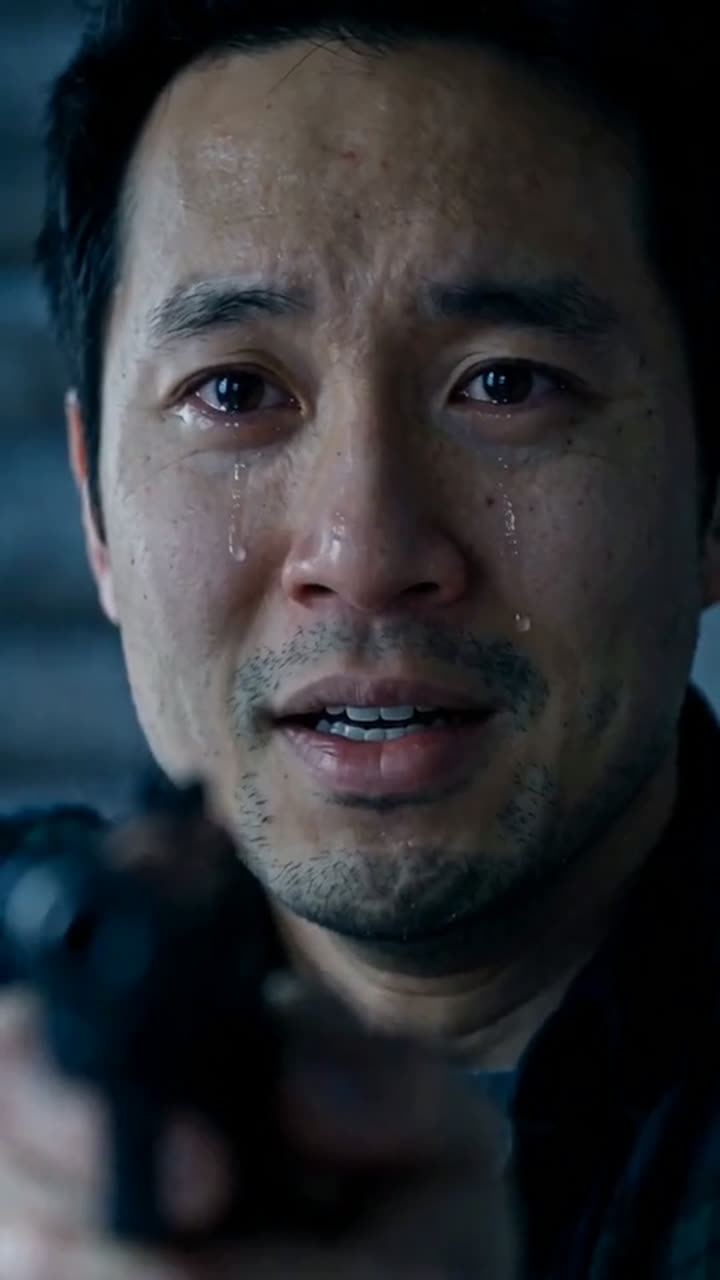
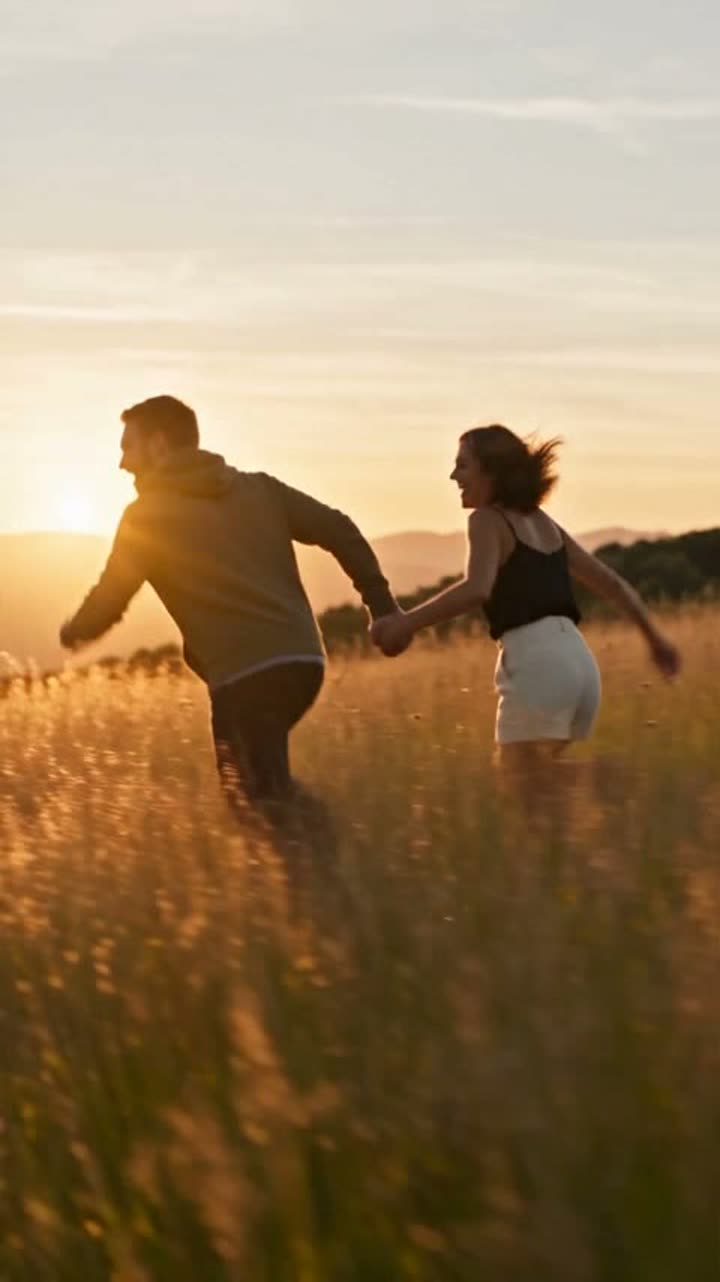
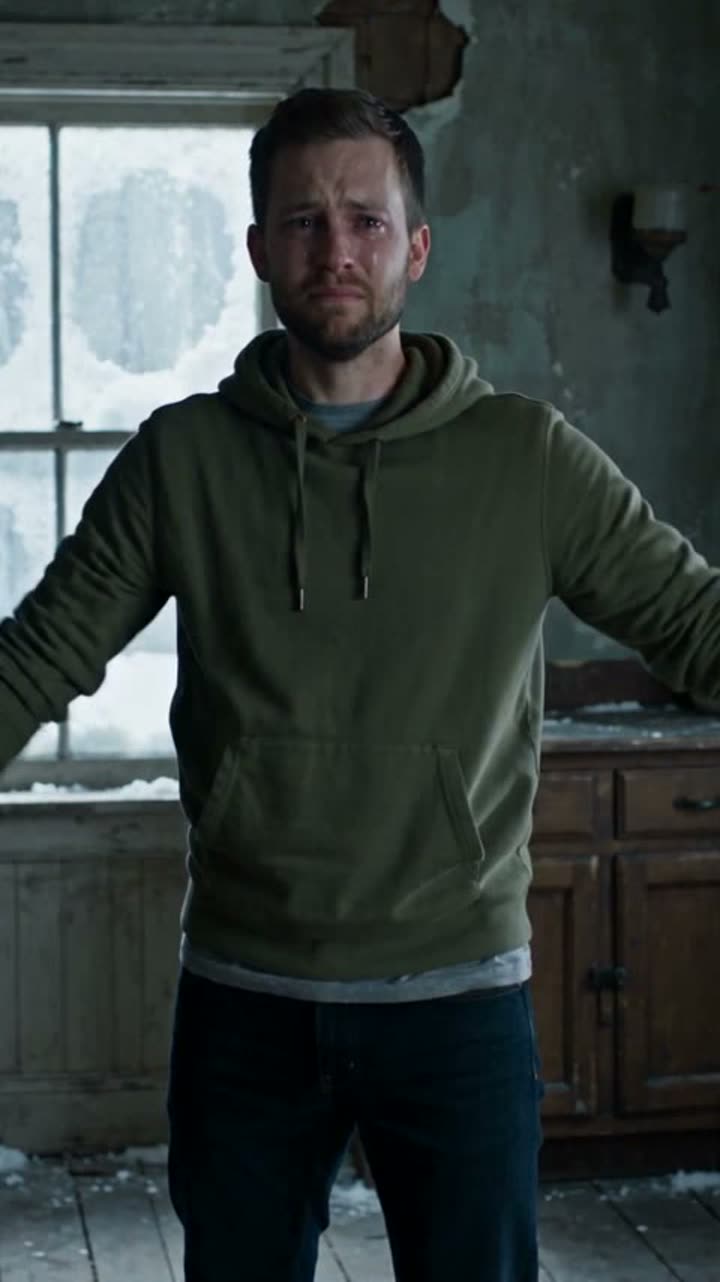
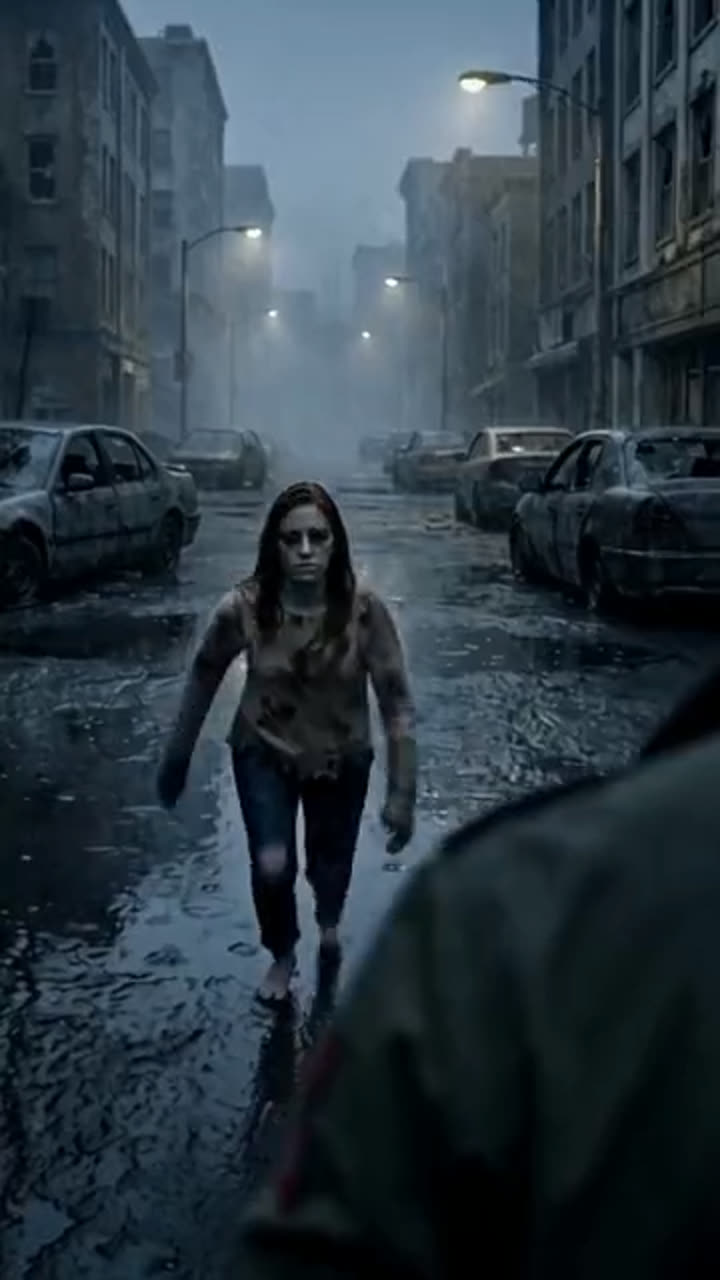
Il trend Zombie Love Story con IA spiegato: i quattro momenti emotivi, perché si è diffuso sui video brevi e come una foto diventa un filmato.
Carica un selfie frontale e Trucco di Halloween IA applica al tuo viso un look di trucco speciale screpolato e grigio, mantenendo riconoscibili i tuoi lineamenti.
Carica la foto di riferimento
JPG, PNG (max 10 MB)
Oppure prova un esempio
Il clip è generato dall’IA, non è un filmato reale delle persone nelle foto.
Una generazione non riuscita non ti viene addebitata: i crediti tornano automaticamente al tuo saldo.
Ogni scheda è un prompt pronto per l'effetto trucco: copia il testo o aprilo nello studio con il prompt già nel campo.
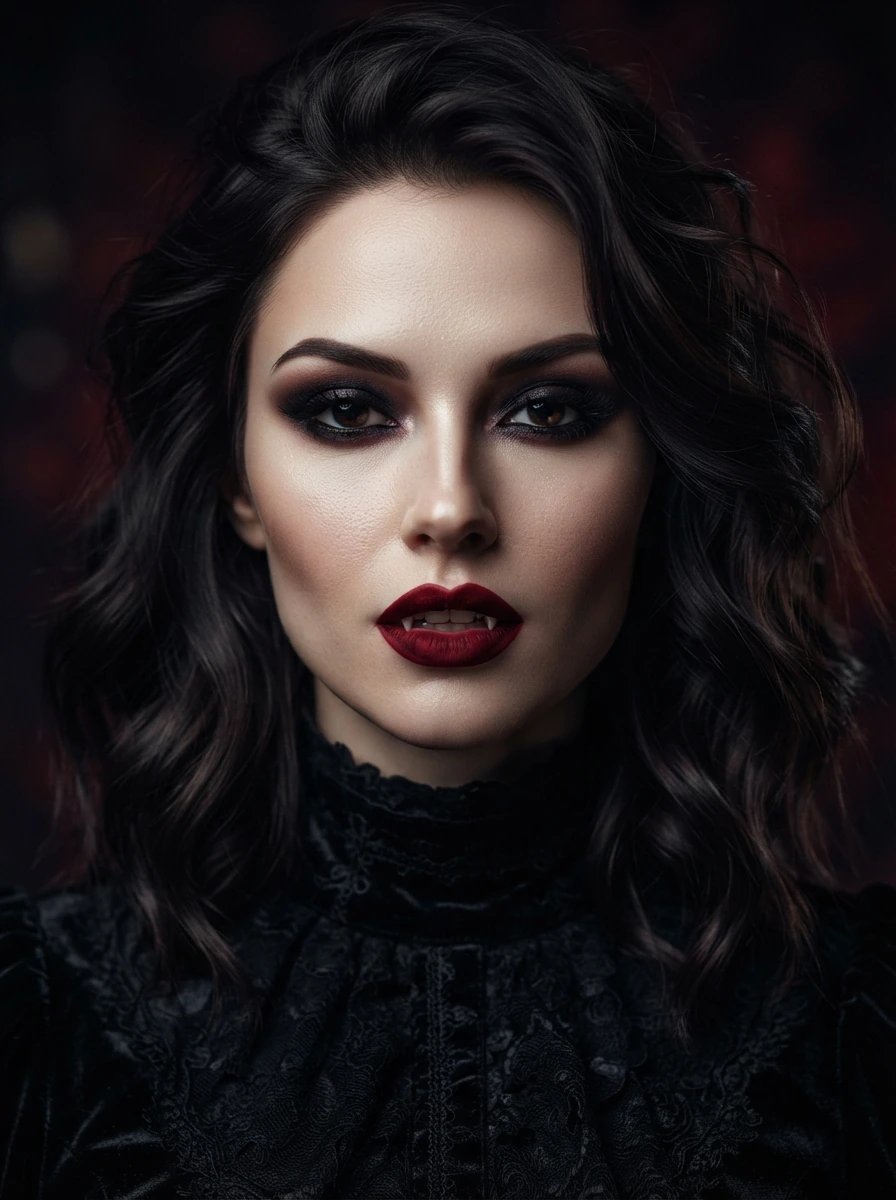 Prompt
Use the uploaded image as the subject and transform it into a glamorous vampire portrait with pale porcelain skin, deep red velvet lips, smoky black eyeshadow, subtle fangs, sculpted cheekbones, cinematic low-key lighting, a black and crimson color palette, glossy beauty-editorial texture, and a polished Halloween mood.
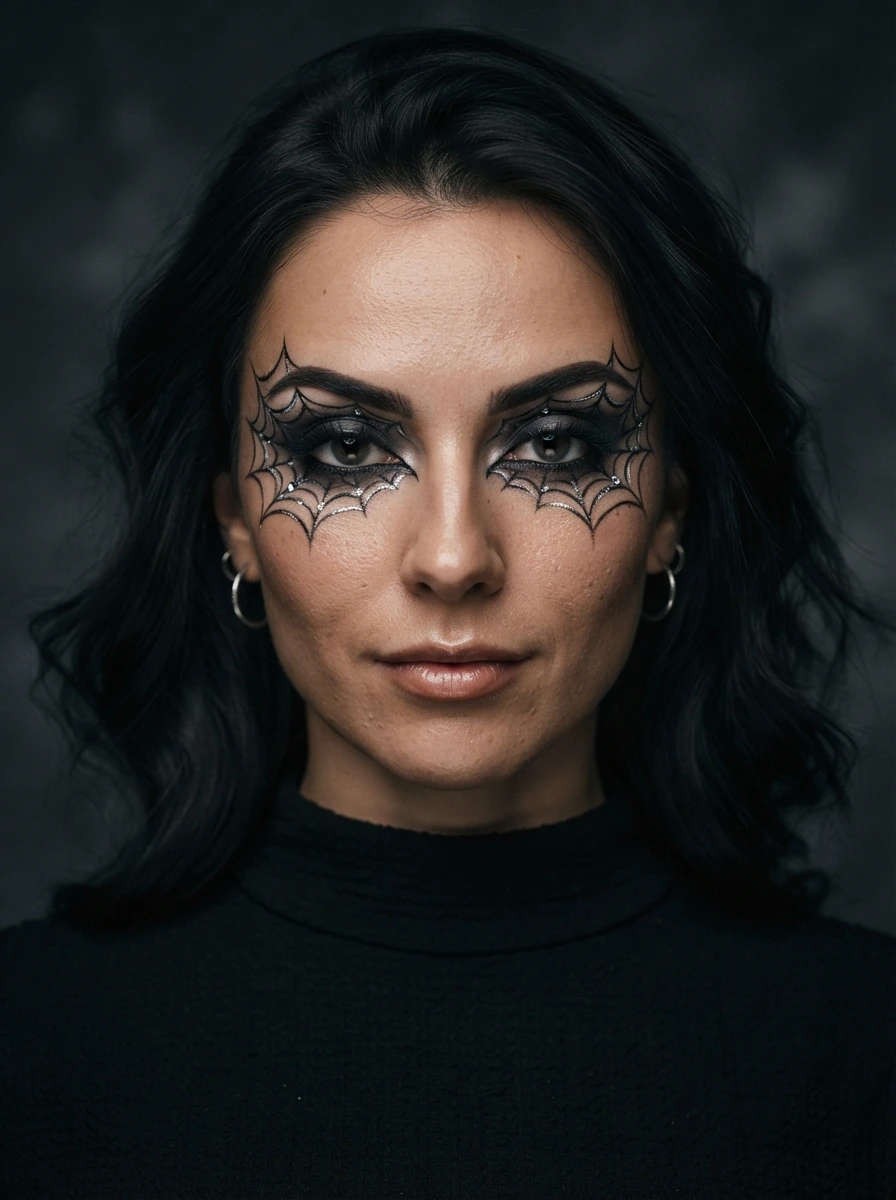 Prompt
Use the uploaded image as the subject and add Halloween spiderweb eye makeup with precise black liner, metallic silver accents, defined lashes, sharp brows, soft contour, moody studio lighting, charcoal and silver tones, clean skin texture, and a stylish gothic-beauty finish perfect for social sharing.
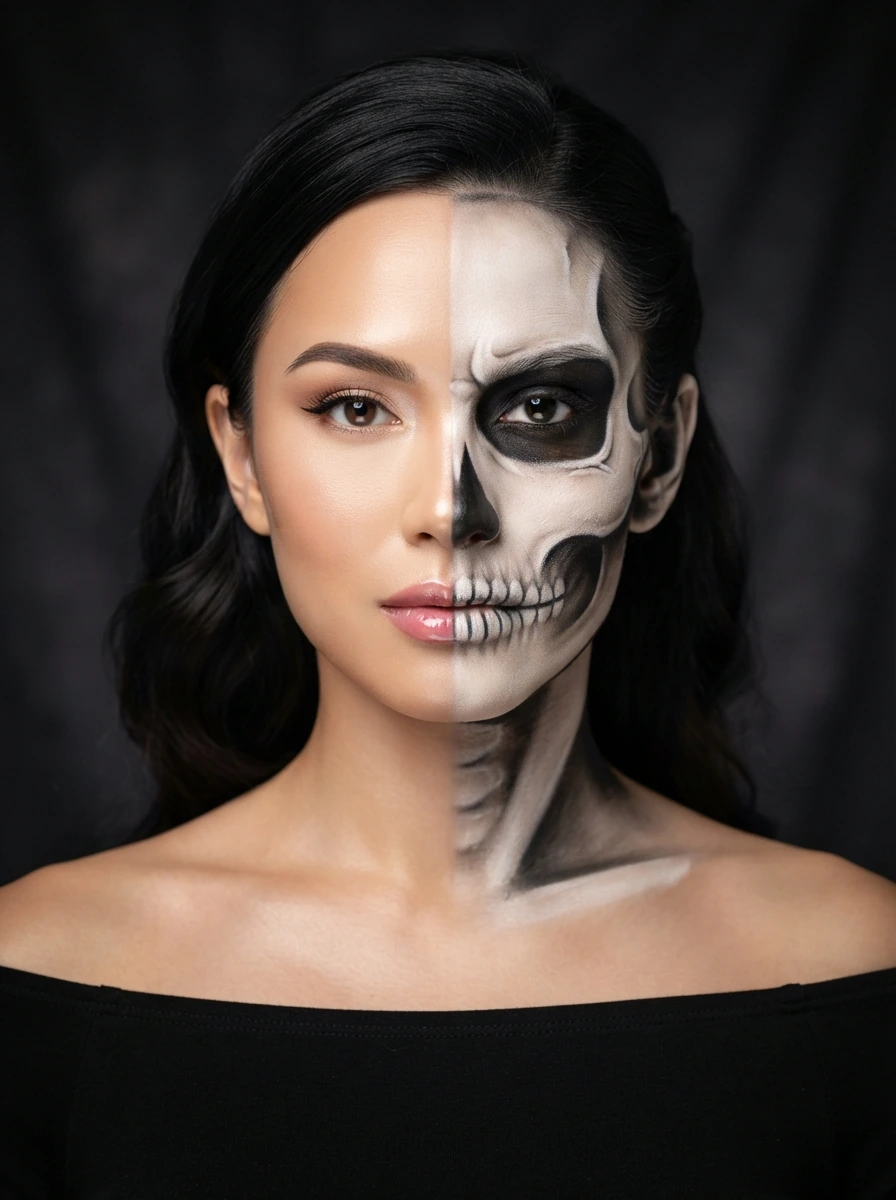 Prompt
Use the uploaded image as the subject and create a split-face transformation with one side kept as soft glam beauty and the other side turned into realistic skull face paint, featuring clean symmetry, white bone texture, dark eye socket shading, dramatic contrast, and a sharp editorial Halloween look.
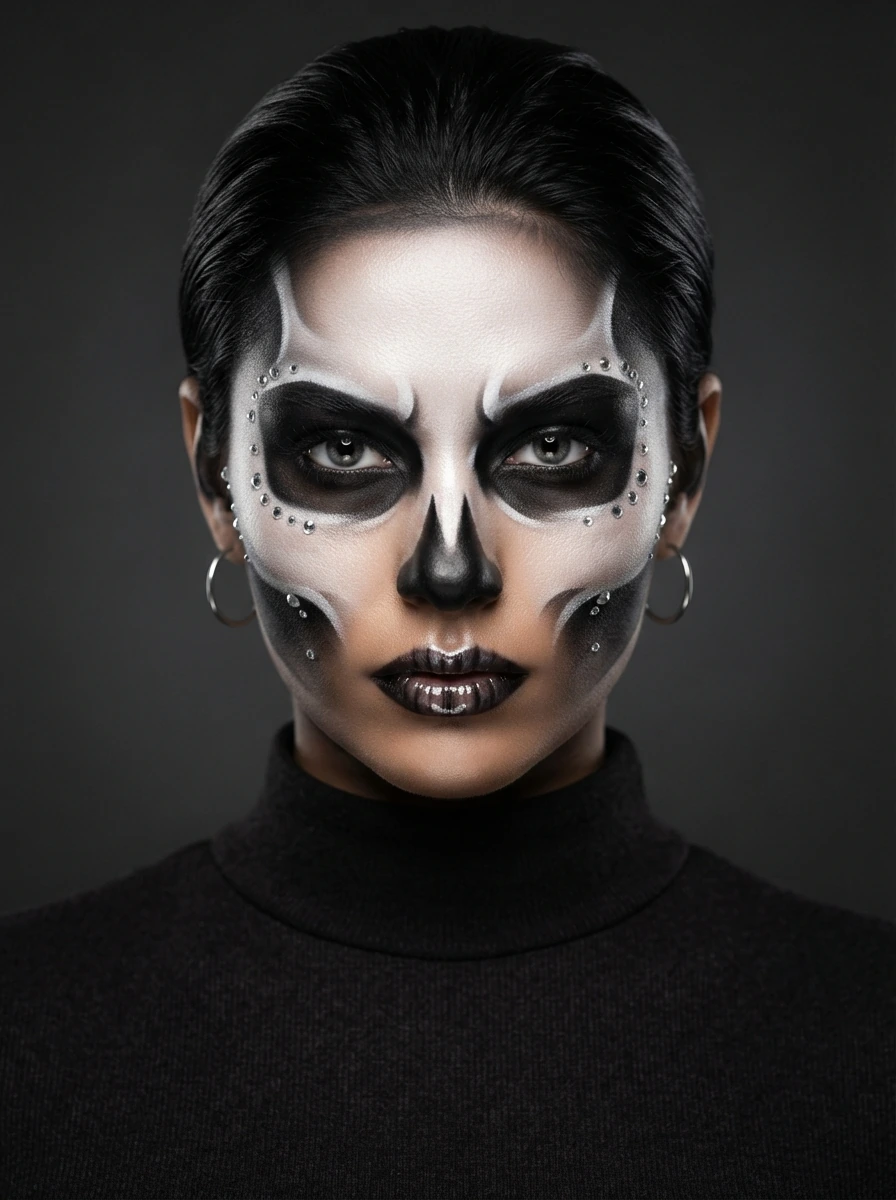 Prompt
Use the uploaded image as the subject and apply glamorous skeleton-inspired makeup with white face-paint highlights, black hollow contouring, glossy lips, rhinestone accents, luminous skin finish, high-contrast studio lighting, and a black-white-silver palette that feels spooky yet fashion-forward.
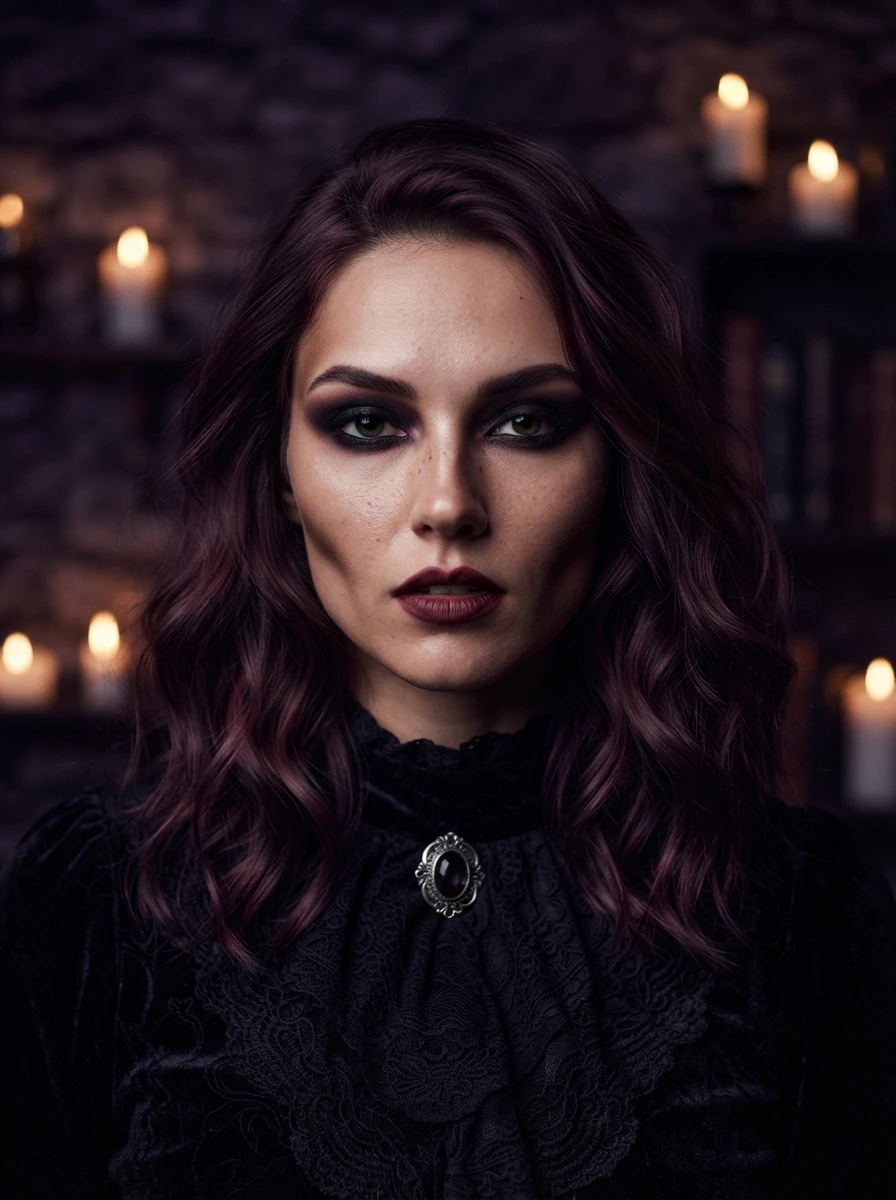 Prompt
Use the uploaded image as the subject and transform it into a dark witch beauty look with smoky black and plum eyeshadow, sharp contour, deep berry lips, subtle shimmer, mystical shadowing, moody candlelit atmosphere, and rich purple-black tones for an elegant gothic Halloween portrait.
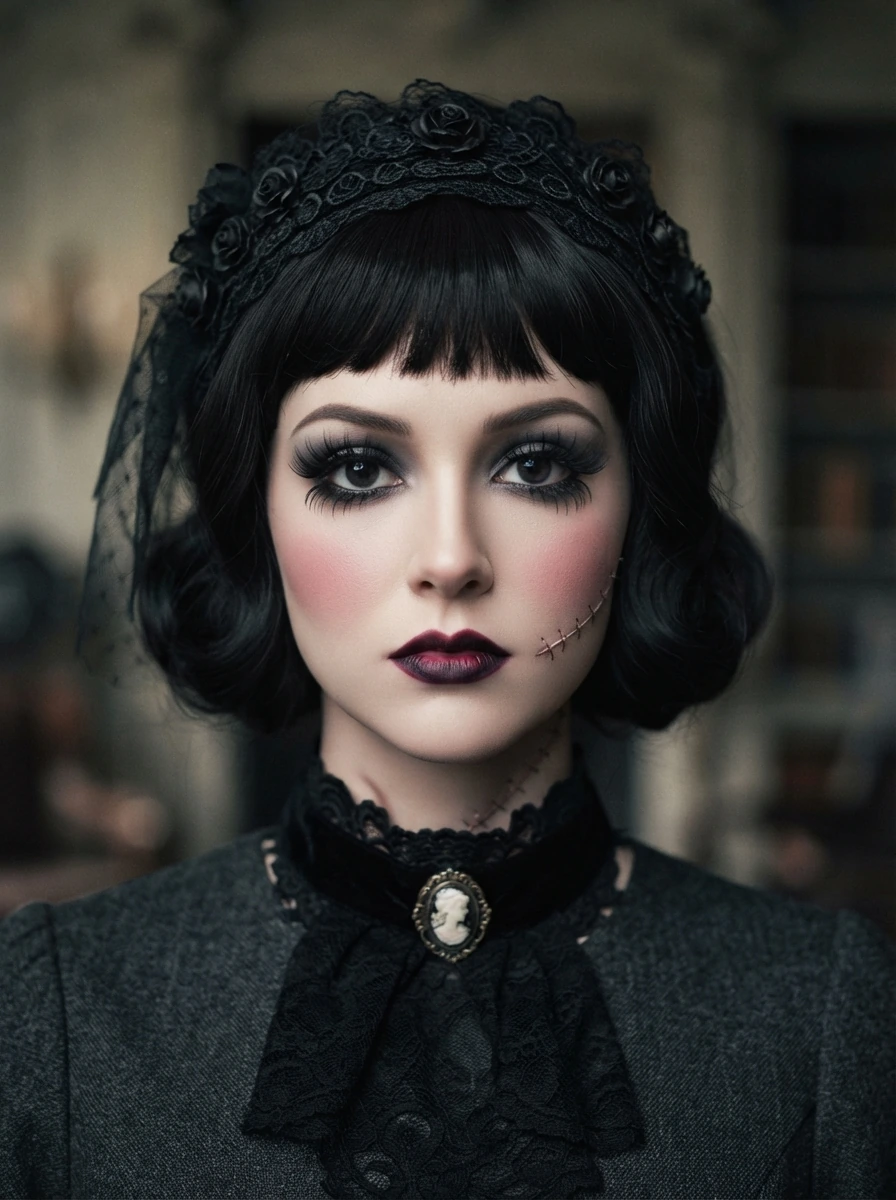 Prompt
Use the uploaded image as the subject and create a spooky gothic doll makeup style with porcelain skin, oversized lashes, rosy cheeks, dark lips, tiny stitched accents, delicate symmetry, soft eerie lighting, and a muted pink, ivory, and black palette that feels cute and haunting.
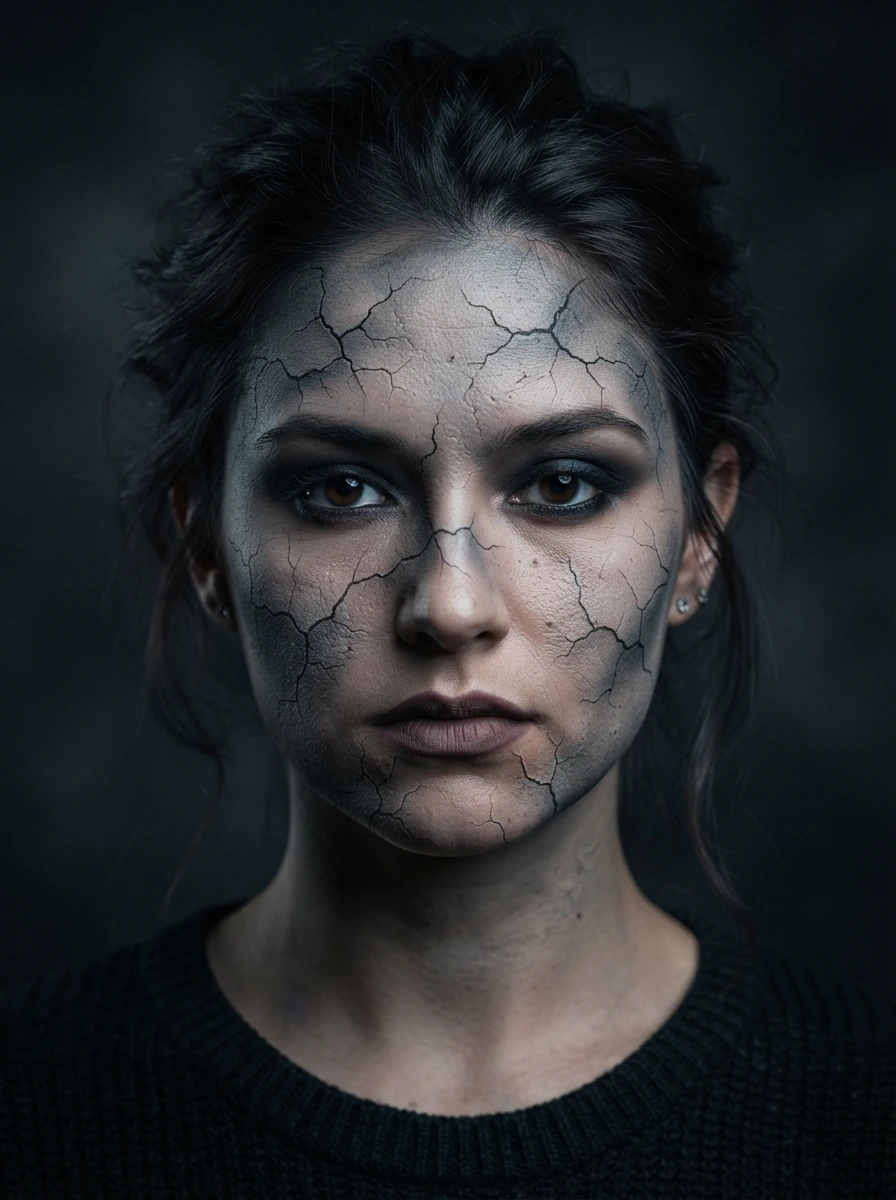 Prompt
Use the uploaded image as the subject and add a dramatic cracked-skin Halloween effect with realistic fissures across the face, subtle glowing depth, smoky eye makeup, cool gray undertones, strong shadow separation, and a cinematic horror-beauty finish that still preserves facial identity.
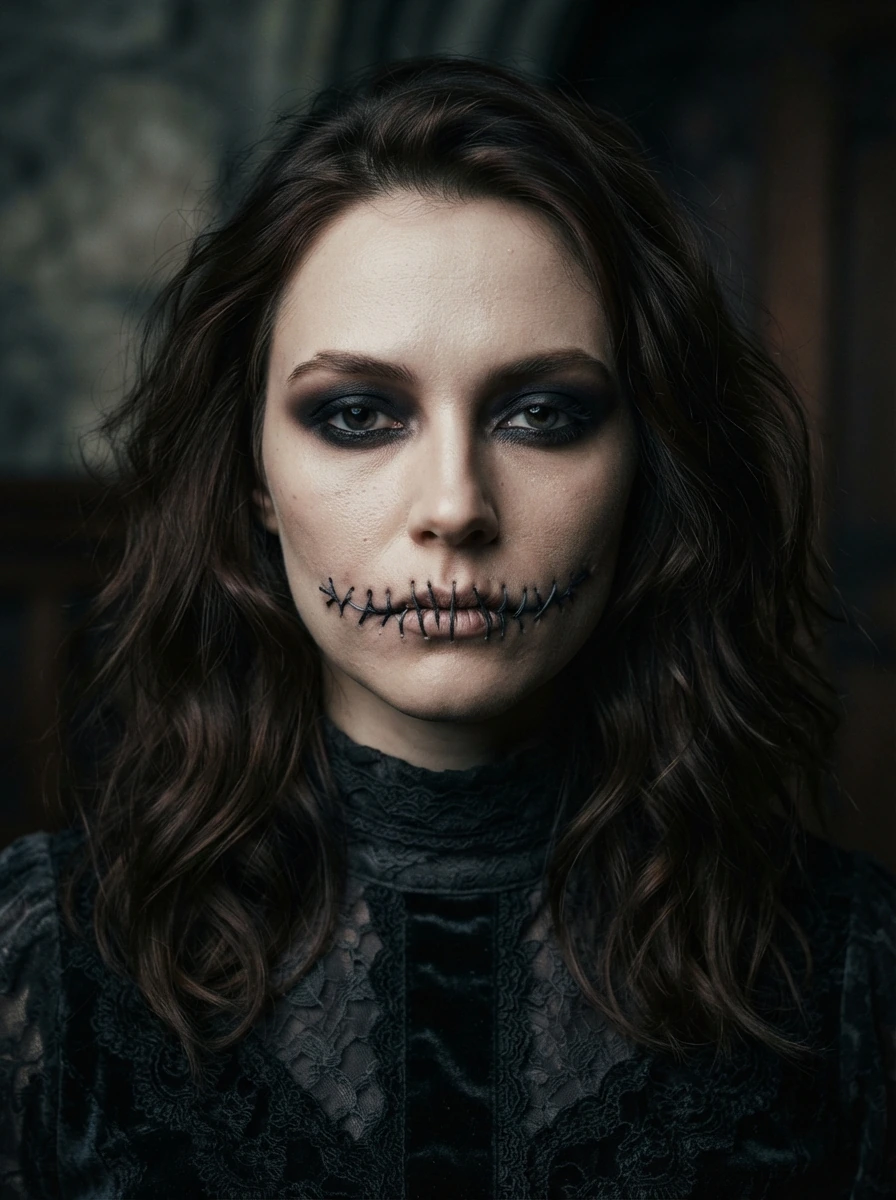 Prompt
Use the uploaded image as the subject and apply stitched-mouth Halloween makeup with realistic thread details, pale complexion, dark smoky eyes, subtle blush reduction, eerie cinematic lighting, charcoal and ivory tones, and a polished scary-beauty aesthetic designed for a striking portrait edit.
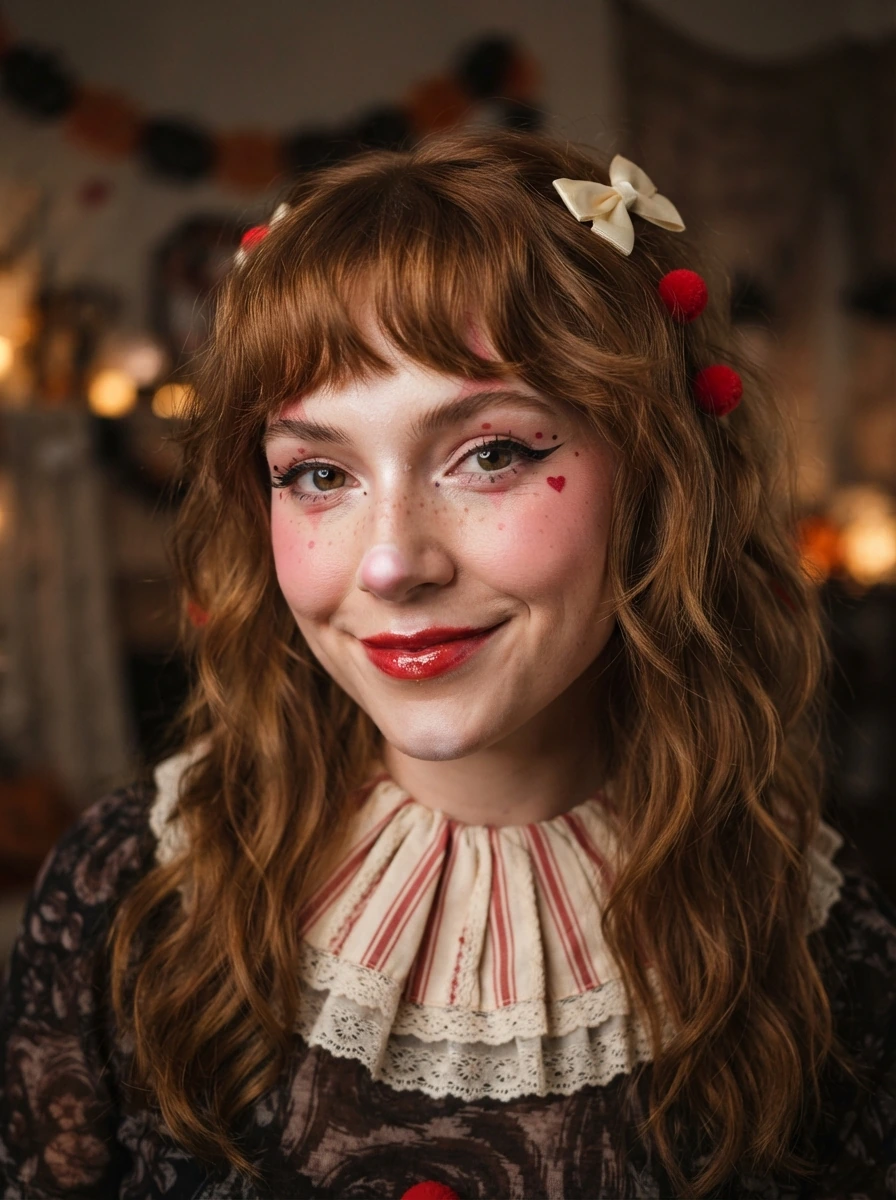 Prompt
Use the uploaded image as the subject and turn it into a cute clown Halloween style with heart details, glossy red lips, pastel blush, soft white face accents, playful eyeliner, bright yet spooky mood, diffused lighting, and a pink, red, and cream palette for a social-ready transformation.
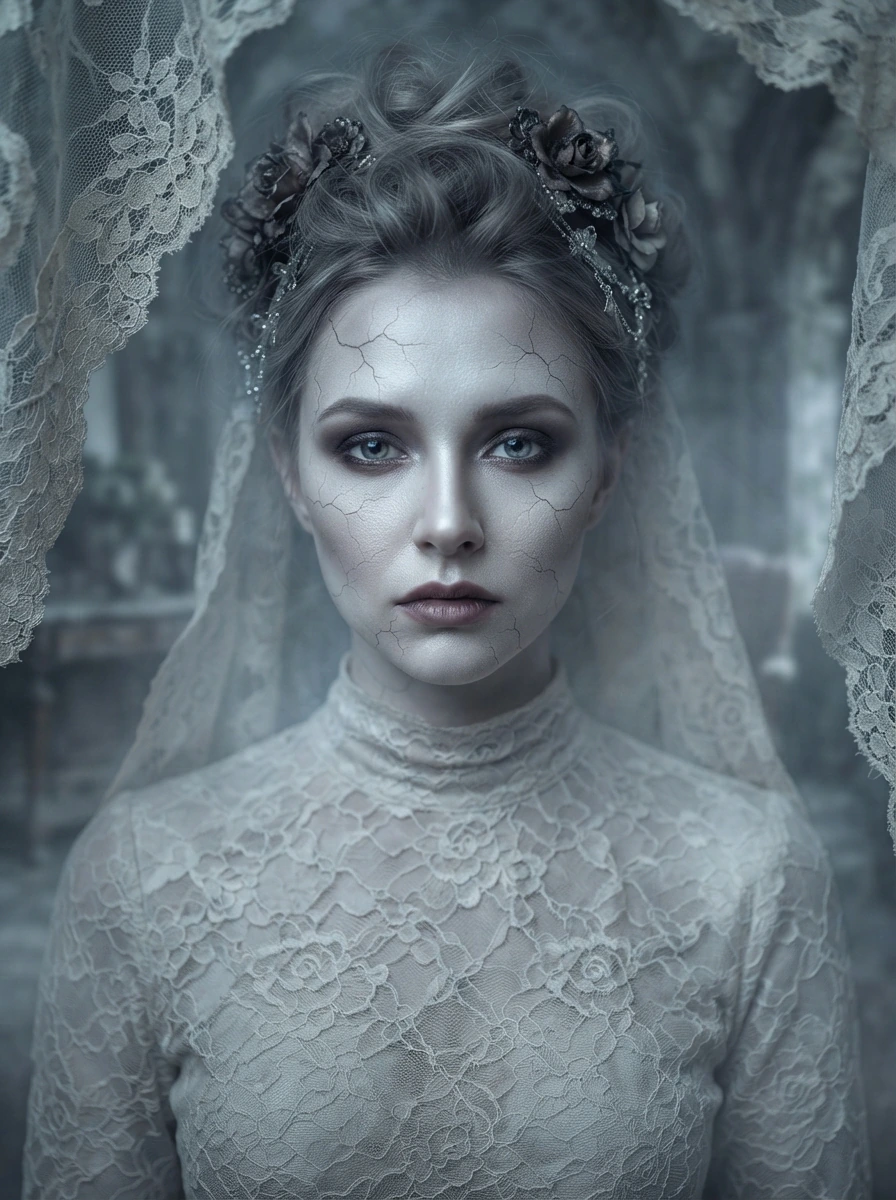 Prompt
Use the uploaded image as the subject and transform it into a ghost bride portrait with pale translucent skin, dark romantic eyes, muted lips, vintage bridal styling, subtle facial cracks, soft mist, cool moonlit lighting, and a desaturated silver-blue palette for an elegant haunted mood.
Ogni prompt è scritto per la foto che carichi: considera il risultato un punto di partenza.
Scegli l'effetto, carica le foto richieste e controlla il costo prima di generare.
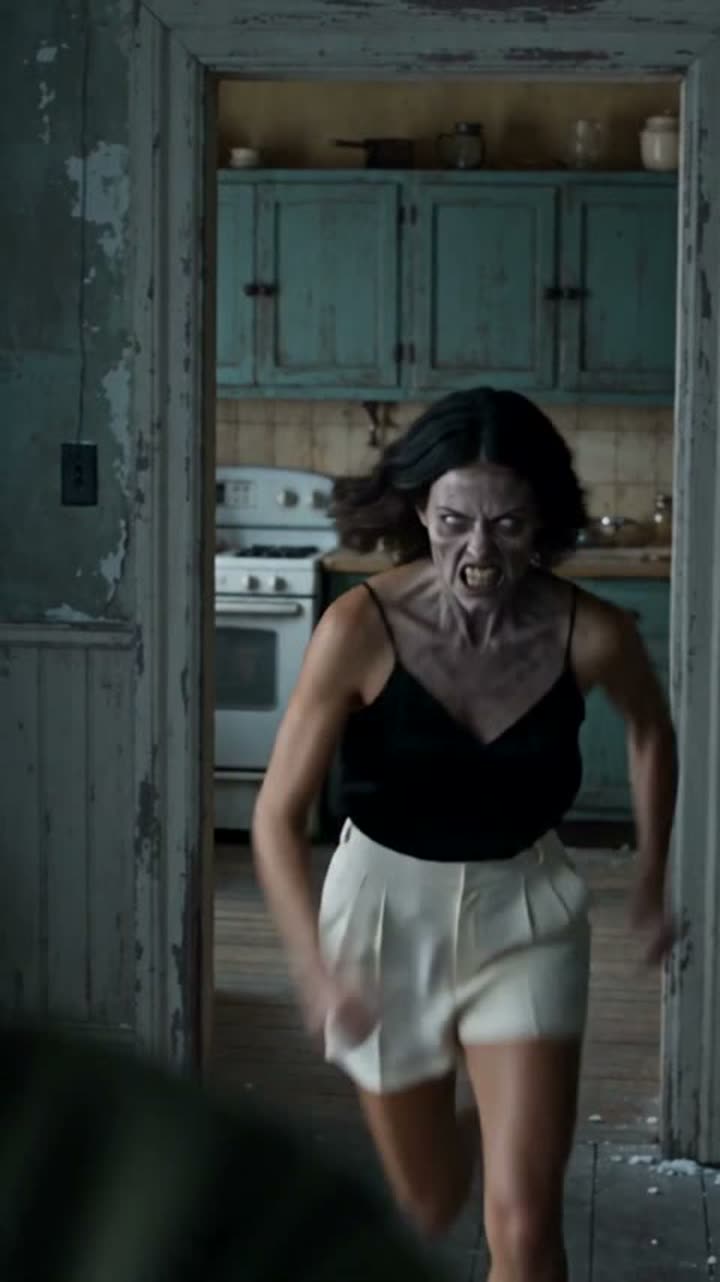
Parti dalla storia d’amore zombie; animale zombie, trucco di Halloween IA, IA Mini Me e IA effetto gigante sono nel menu «Effetti».
Aggiungi ciò che l'effetto richiede: un selfie, una foto dell'animale o un'immagine e un clip di riferimento.
Controlla prima il costo, poi genera un video di 5 secondi per 300 crediti o uno da 10 secondi per 600.
Il trucco viene applicato al volto che il modello trova nella tua foto, quindi come è ripreso quel volto decide il risultato.
Una sola persona rivolta all’obiettivo; l’effetto dipinge il volto che trova lì.
Qualsiasi cosa copra gli occhi o le guance nasconde la parte che l’effetto modifica.
Questi sono i due formati accettati dal modello; tutto il resto viene rifiutato prima che venga speso un credito.
Una foto in cui gli occhi sono a fuoco funziona. Uno screenshot di una foto, o un’immagine passata attraverso cinque app, perde i dettagli che servono al modello.
Puoi provare lo studio con una foto di esempio prima di spendere qualsiasi cosa: la barra sotto lo spazio della foto ne carica una nostra.
Il campo del prompt si apre già con le istruzioni di questo effetto, in inglese, perché è ciò che il modello video legge in modo più affidabile. Lasciale così e ottieni l’effetto descritto in questa pagina; modificale solo se vuoi una scena diversa.
I movimenti di camera, l’illuminazione e il look fanno parte delle istruzioni che lo studio costruisce: non devi descriverli.
Il tipo di foto da cui parte l'effetto e il look grigio screpolato che costruisce.
Un fotogramma dal nostro clip dimostrativo: scatto frontale senza trucco
Un fotogramma dal nostro clip dimostrativo: pelle grigia screpolata e occhi scuri infossati
Entrambi i fotogrammi provengono dai nostri clip dimostrativi e descrivono il look: non sono la stessa persona prima e dopo.
Risposte sui selfie, sui look e sul costo di un clip.
Scegli un effetto, carica le foto richieste dallo studio e controlla il costo in crediti prima di inviare. Il primo clip da 5 secondi costa $4.99 e i pacchetti una tantum non richiedono abbonamento.
Oct 8, 2026
Il trend Zombie Love Story con IA spiegato: i quattro momenti emotivi, perché si è diffuso sui video brevi e come una foto diventa un filmato.
Oct 8, 2026
Guida passo passo per creare un video Zombie AI da una foto: come deve essere una buona foto di partenza, come funziona l'anteprima e quanto costano i crediti.
Oct 8, 2026
Quindici prompt per video Zombie AI su storia d'amore, animale, trucco di Halloween, mini me e gigante, con una nota su come funzionano qui.
Oct 8, 2026
Come scegliere e preparare la foto di partenza per un video Zombie AI: inquadratura frontale, luce uniforme, dettaglio nitido e gli errori che rovinano la somiglianza.
Oct 8, 2026
Come creare il clip della storia d'amore zombie per TikTok: inquadratura verticale, hook nel primo secondo, didascalie, hashtag, audio e orari di pubblicazione.
Oct 8, 2026
Come pubblicare il clip della storia d'amore zombie su Instagram Reels: formato verticale, copertina, le quattro battute, lo stacco netto e gli hashtag.
Oct 8, 2026
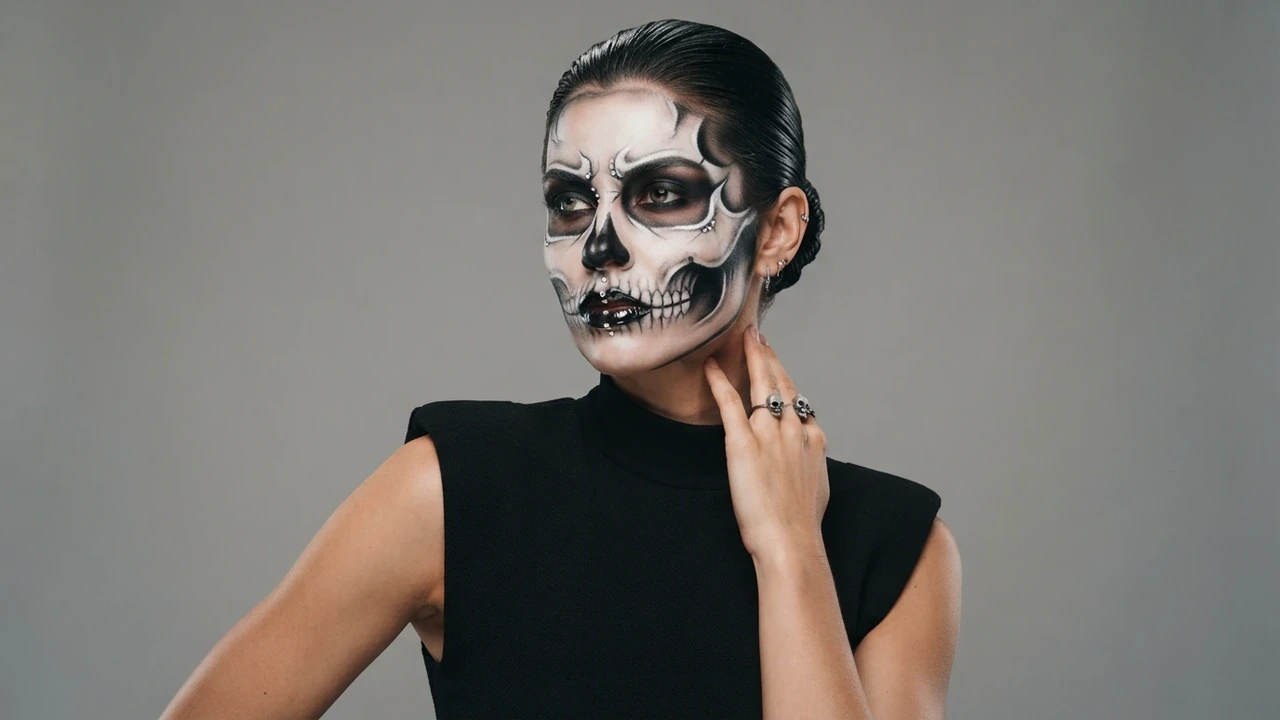
Una guida look per look all'effetto trucco Halloween AI: cosa cambia, come descrivere il look che vuoi e come abbinarlo a una clip con la storia di zombie.
Oct 8, 2026
Idee per costumi di Halloween con l'AI nel 2026: da un selfie nascono più clip, un set per la famiglia e per il cane, pronto prima del 31 ottobre.
Oct 8, 2026
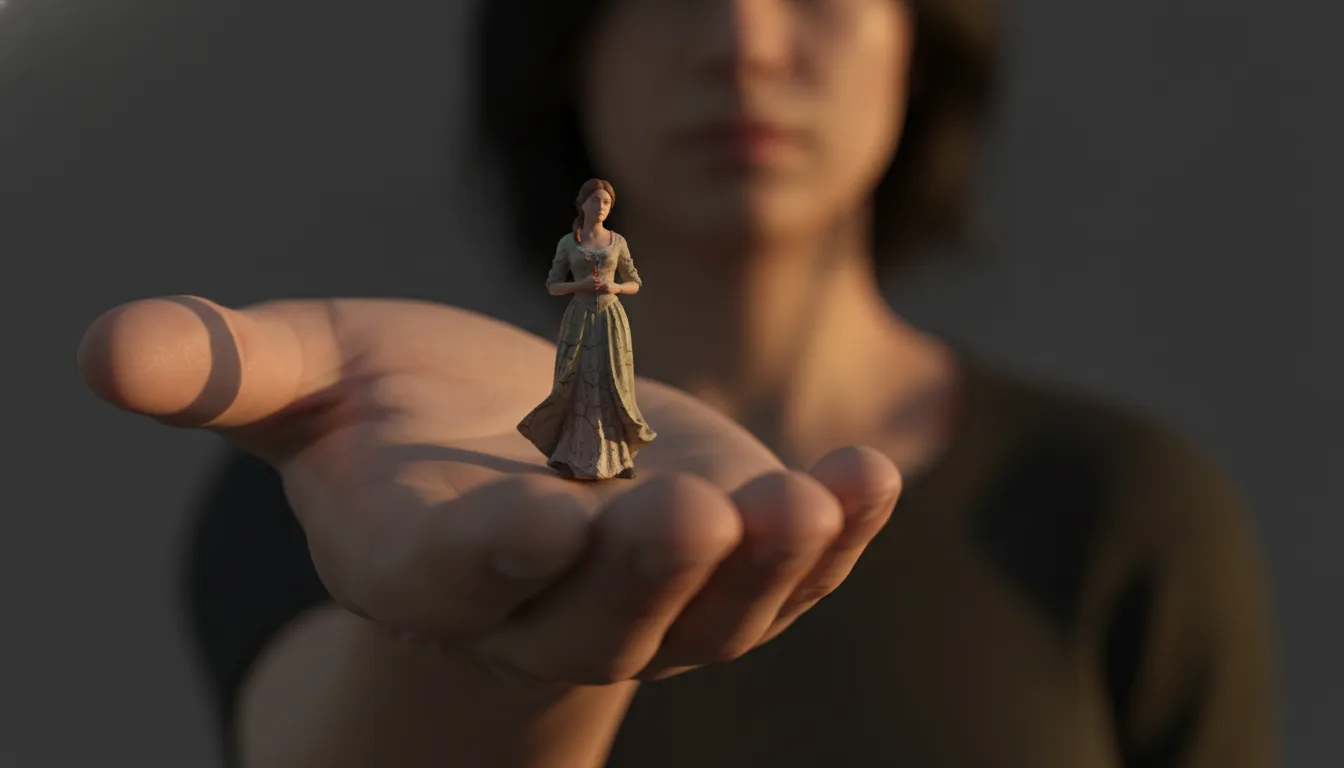
Il trend AI mini me trasforma una foto in una versione minuscola di te in una stanza a grandezza naturale: come nasce l'effetto, come fotografare e alcune idee.
Oct 8, 2026
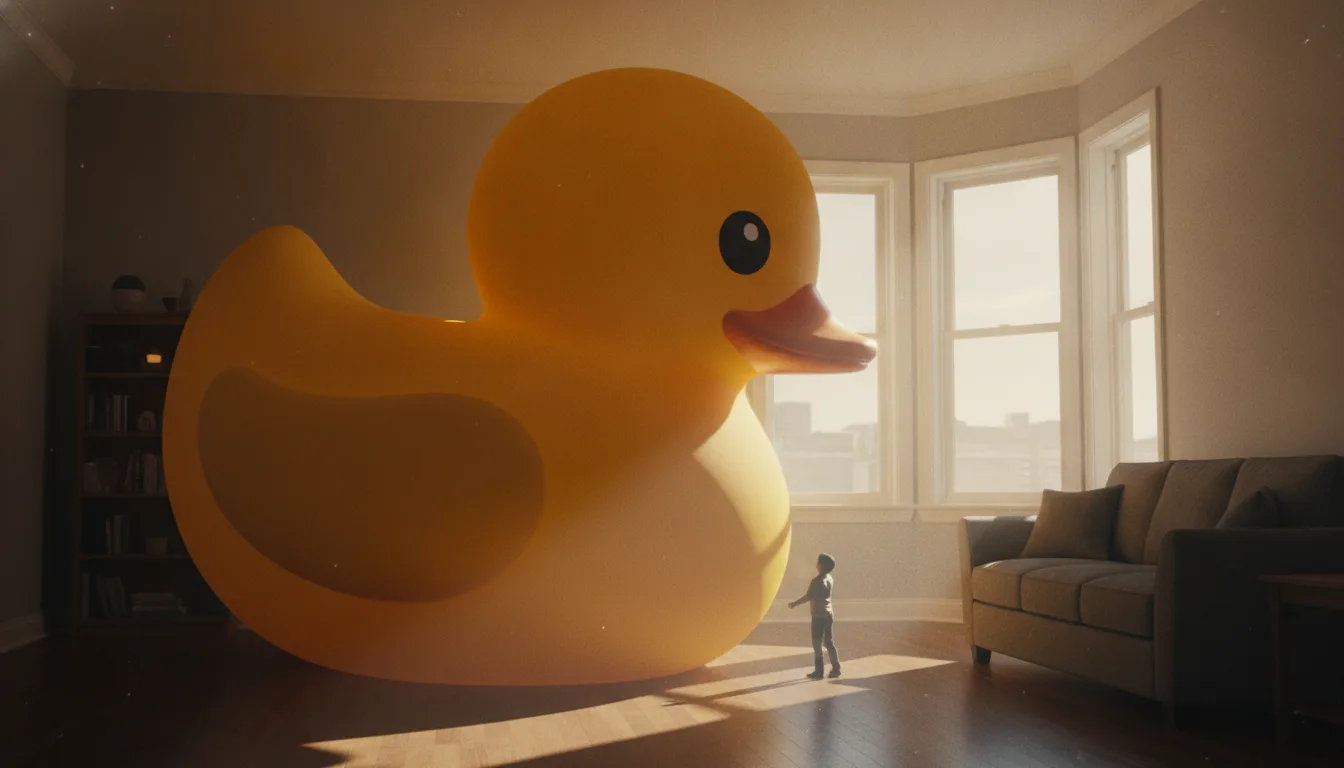
L'effetto gigante con l'IA ingrandisce un piccolo oggetto finché riempie la stanza. Quali oggetti funzionano, come tenere credibile la scena e idee per i clip.