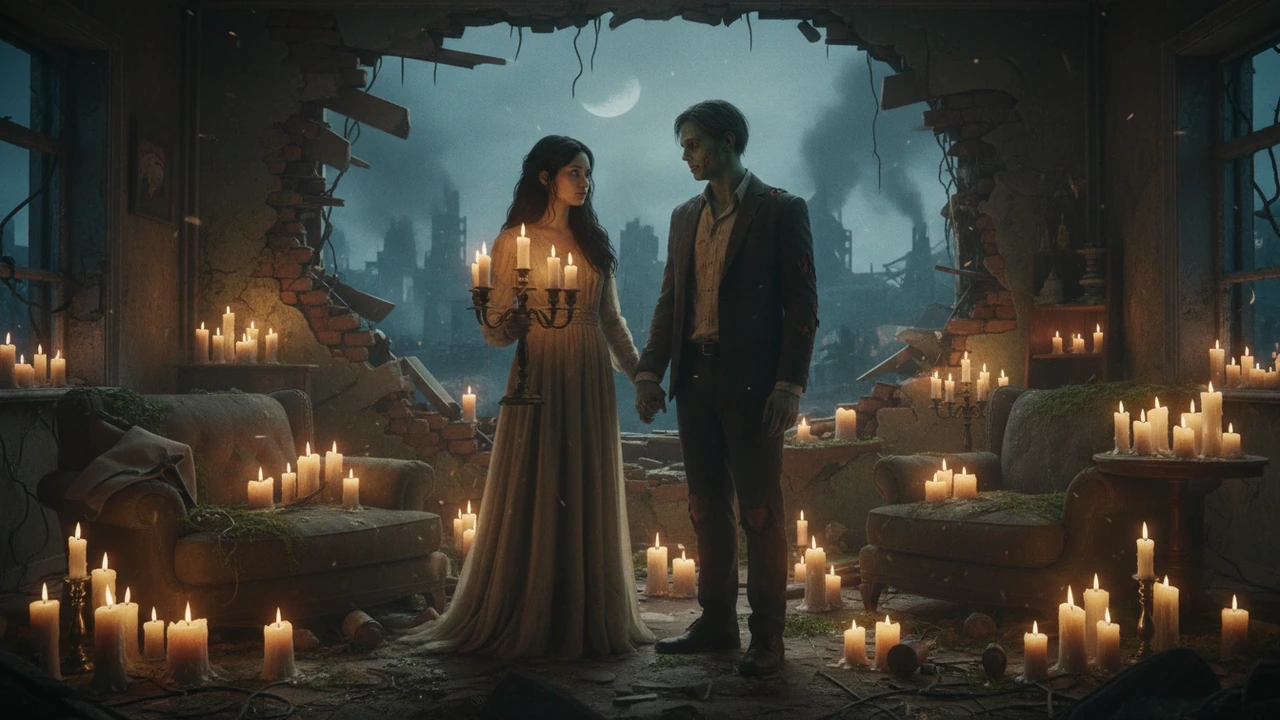
A zombie love story is one of the few short-video formats that works as a story rather than a gag: a survivor faced with a turned partner chooses the person over the rule, and the clip pays that choice off with a single cut. It is built from one photo, it needs no dialogue, and it holds up with the sound off. This page is about the craft of writing and building one, beat by beat, so the result feels like a scene rather than an effect.
What makes it a story
The format earns the word "story" because it contains a reversal. Something is expected at the start, and something else happens by the end, and the gap between the two is the whole point. The viewer arrives expecting a kill and leaves with a memory, and neither half makes sense without the other.
That structure is why the clip is memorable where a straight scare is not. A scare is over the moment the shock lands. A reversal gives the viewer something to hold, and a viewer who is still holding it when the clip ends is a viewer who watches again. If you are looking for how the format spread across short video, that belongs to the zombie love story trend; this page is about building one of your own.
The four beats and what each one does
Every good version hits the same four moments. Treat them as a script.
Beat one: the standoff
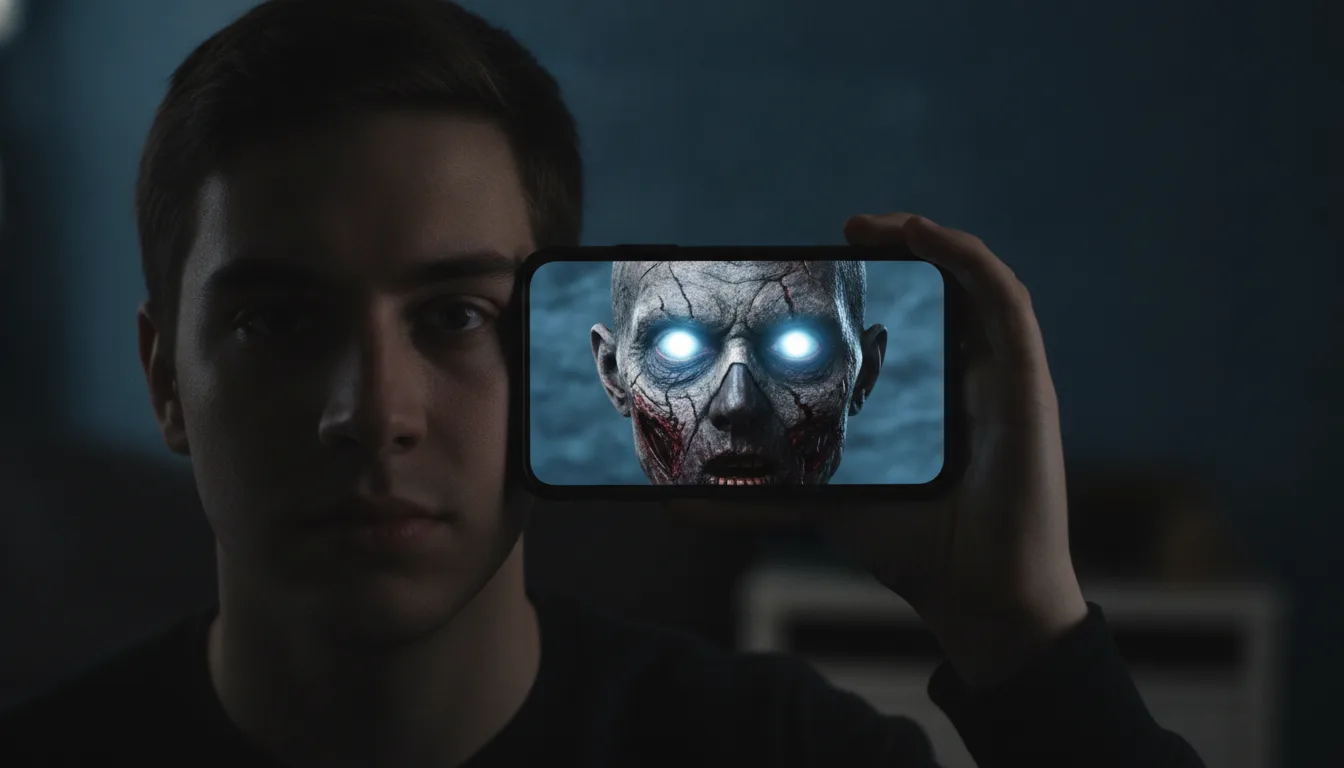
Open on tension. The survivor faces the turned partner with the weapon up. The turned face carries the horror, so this is where the clearest, best-lit photo earns its keep. The beat needs only a small, real hesitation in the survivor's posture, not a performance. The viewer should expect a kill.
Beat two: the lowered weapon
The reversal starts here. The weapon comes down the way a person actually abandons a decision they cannot follow through with, slow and slightly unwilling. Keep it quiet; over-acting flattens the beat. By now the viewer understands the survivor has chosen the person.
Beat three: the hug
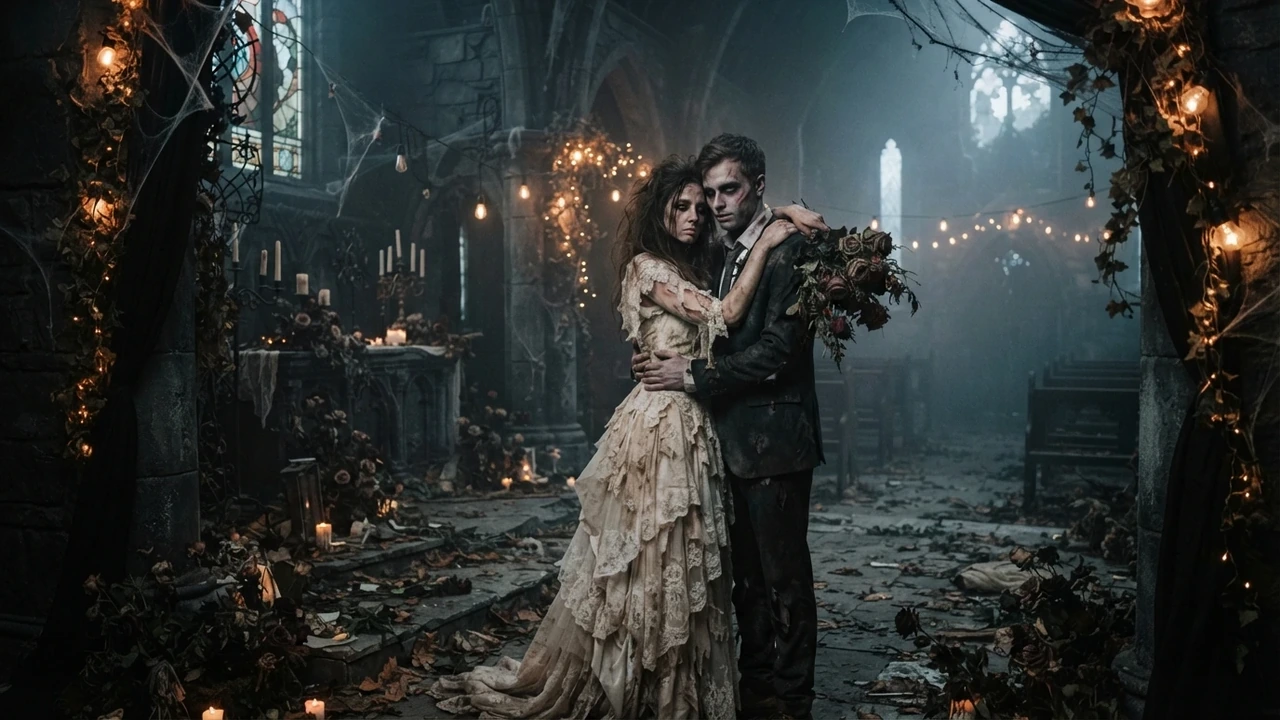
The two close the distance and hold each other. This is the beat that separates the format from a generic zombie clip, because it is recognition rather than a fight. It is the emotional peak of the cold half, and it is what makes the coming cut feel earned instead of arbitrary.
Beat four: the hard cut to a warm memory
The clip cuts, without a dissolve, into a sunlit memory of the same two people in the same pose. Same faces, same embrace, different world. The hard cut is deliberate; a soft transition would blur the shock of the colour and light change. This half is where the replay value lives, because viewers rewatch to catch what carries over.
Writing your own version
The beats are fixed, but the writing lives in what you change around them. Three levers do most of the work.
The first is the relationship. A couple, a parent and a child, two old friends: each one changes the meaning of the hug without changing the structure. The second is the setting, which should feel narrow and enclosed in the cold half, because the story is about two people who cannot see a way out. The third is the memory, which should feel open and bright, with light coming from behind or beside the subjects. You are not lighting the clip yourself, but the photos you pick push the result one way or the other.
A good test before you generate anything: can you describe the reversal in one sentence? "She was supposed to shoot him, and instead she held him." If the sentence works, the four beats have something to hang on.
Casting the two faces
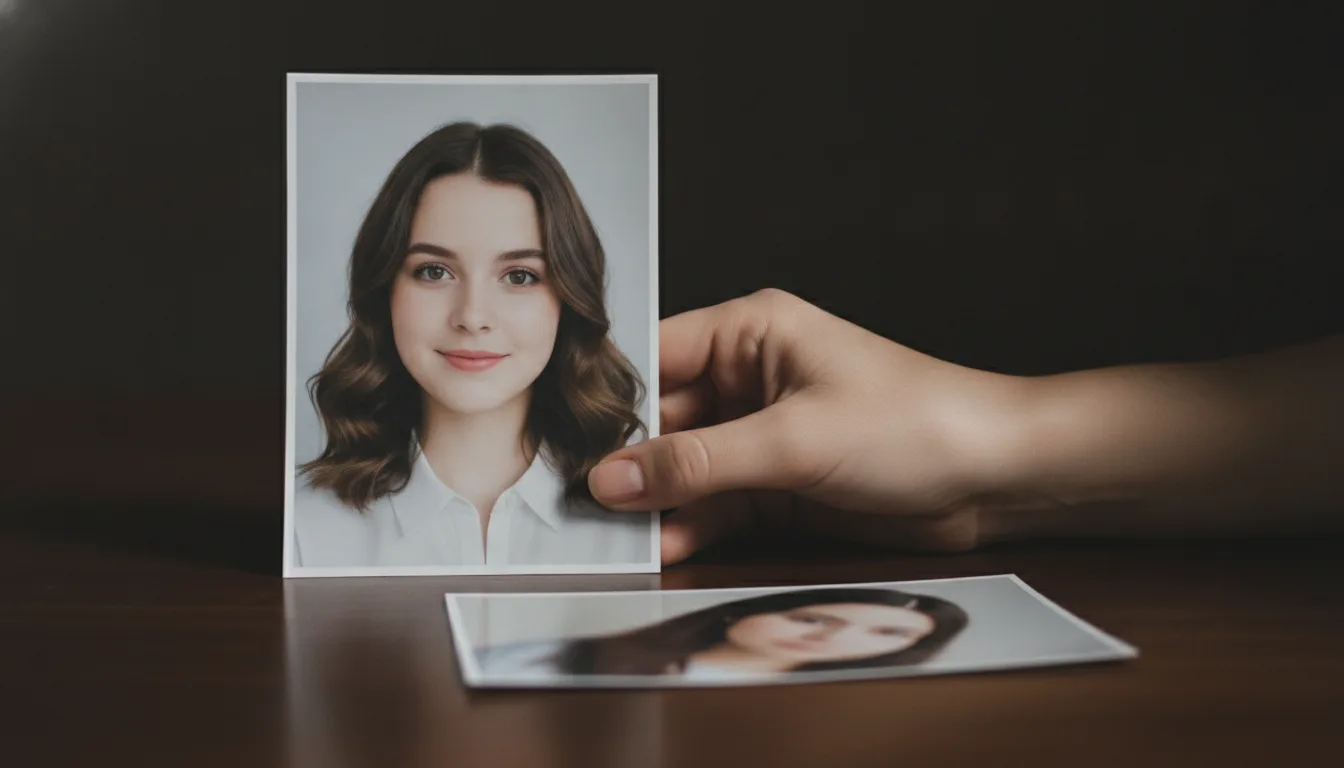
Both halves of the clip use the same two faces, so the memory shot only lands if the viewer recognises the people in it. That means the source photo has to be honest and clear. Pick a shot where the face is front-facing and well lit; a turned head or a hidden eye gives the model less to carry across the cut.
If you want the technical version of this checklist, the photo rules are the same as for making a zombie AI video from a single picture, and they apply to every effect on this site.
Where it sits with the other effects
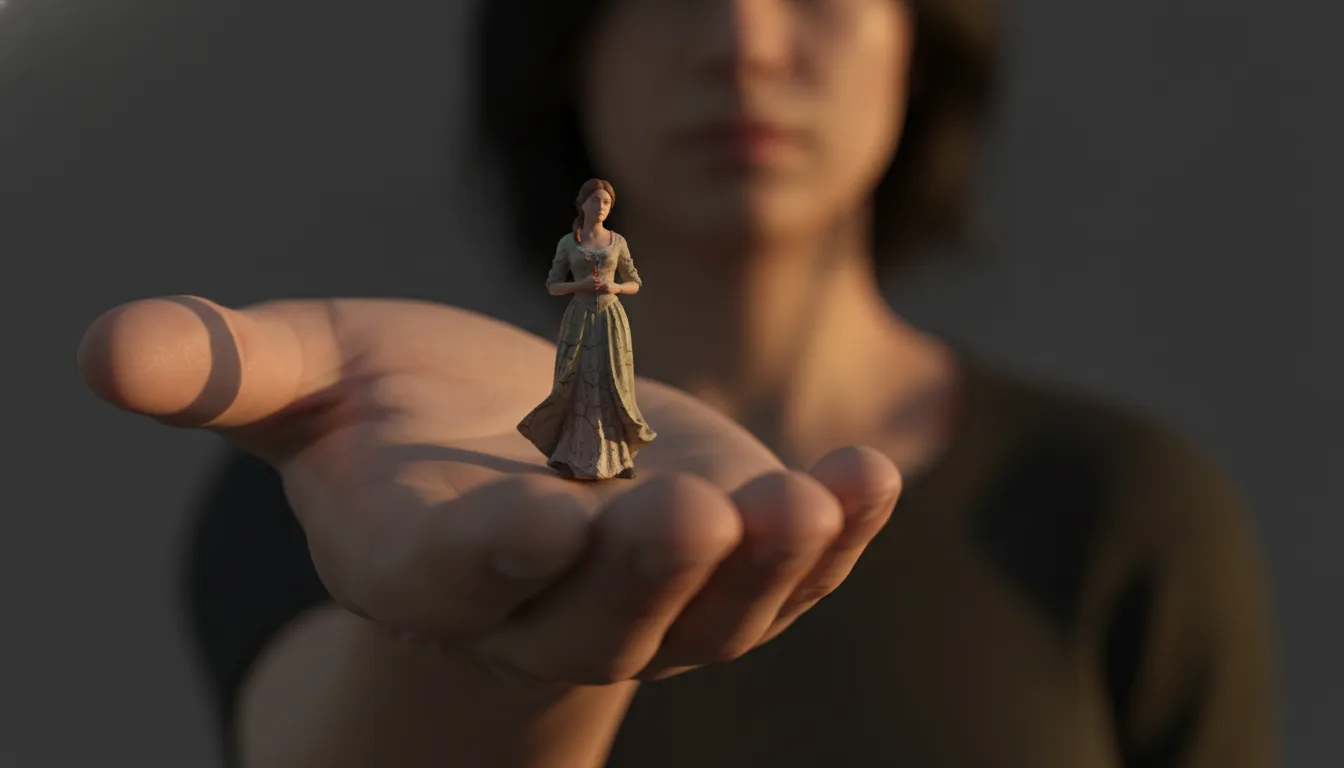
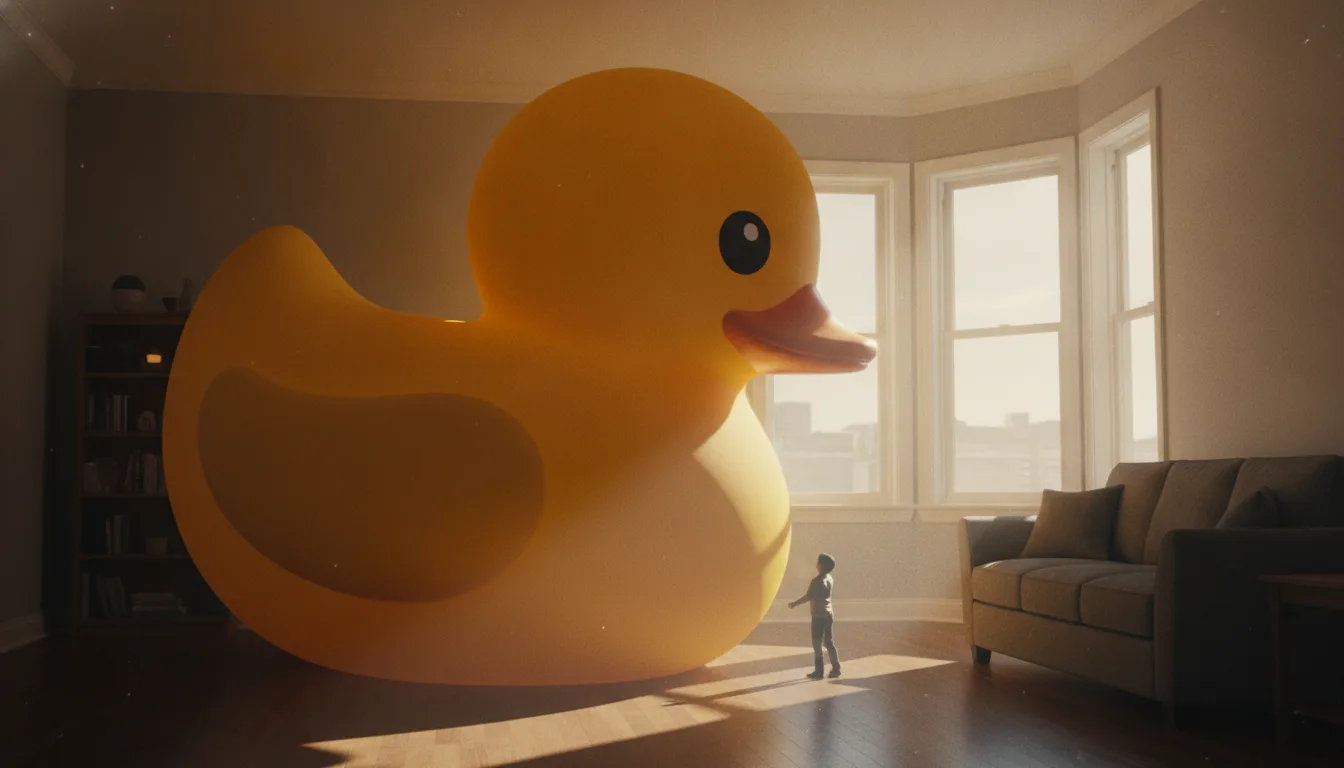
The love story is one of five effects on one pipeline, so once you can build it you can build the rest without learning a new tool. The zombie pet effect plays the same turn with an animal, the AI Halloween makeup effect builds the costume, and the AI mini me effect and make-things-giant effect handle the two scale formats. All of them share the same photo habits: clear subject, even light, one face.
What a clip costs
One clip is 300 credits, and a clip is five seconds. The entry tier is $4.99 for a single clip, $9.99 for five, and $19.99 for eleven, with the same prices as the monthly plans and yearly options above them. The studio shows the credit cost before you generate, video is paid from the first clip, and the file you download has no watermark on it, so the version you post is clean. The pricing page has the full set.
Build your own love story
If you have one clear photo, you can make your own version of this format now. Upload it to the zombie video generator, check the credit cost before you generate, and watch the four beats play out with your own face in the memory shot. If the likeness is not right on the first photo, swap it and run again; each clip is paid, and each one tells you what the model responds to.