Oct 8, 2026
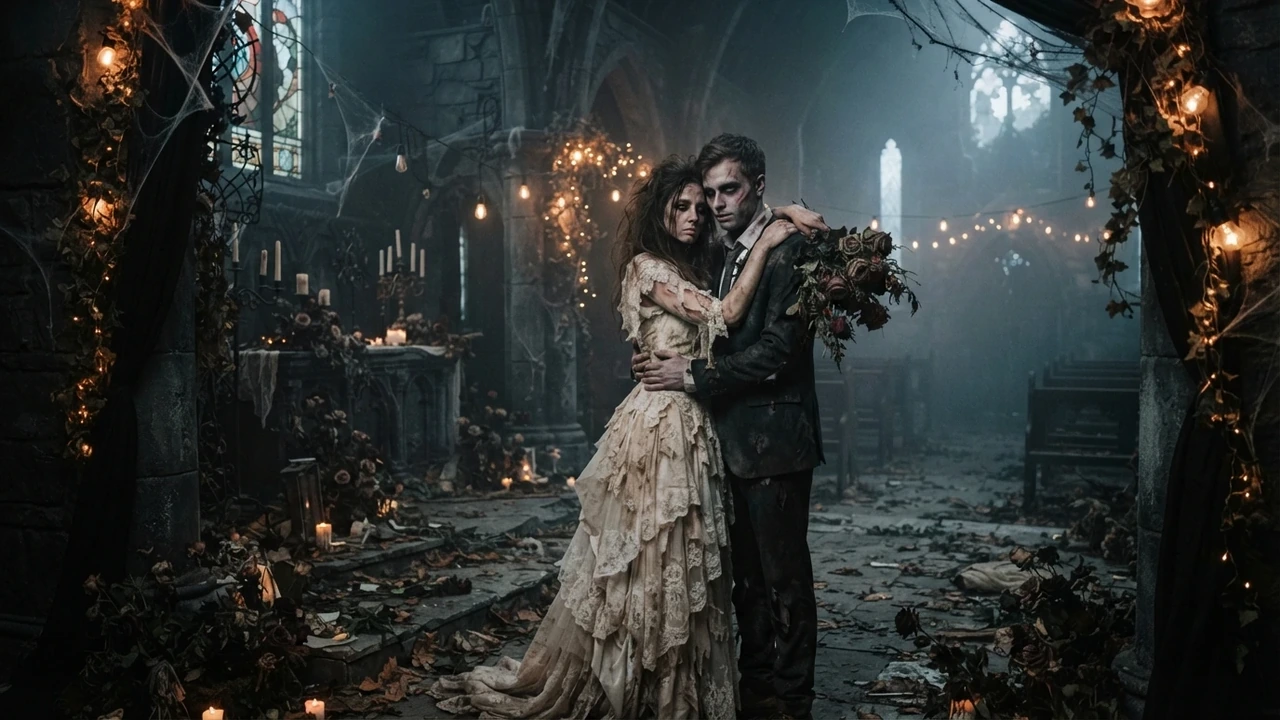
Zombie Love Story AI: How the Trend Works
The zombie love story AI trend explained: the four emotional beats, why it spread on short video, and how a photo becomes a cinematic clip of your own.
Upload one front-facing selfie and AI Halloween makeup applies a cracked, grey, special-effects look to your face while keeping your features recognizable.
Upload reference photo
JPG, PNG (max 10MB)
Or try an example
The clip is AI-generated, not real footage of the people in the photos.
A generation that fails does not charge you: the credits go back to your balance automatically.
Every card is a ready prompt for the makeup effect: copy the text, or open it in the studio with the prompt already in the box.
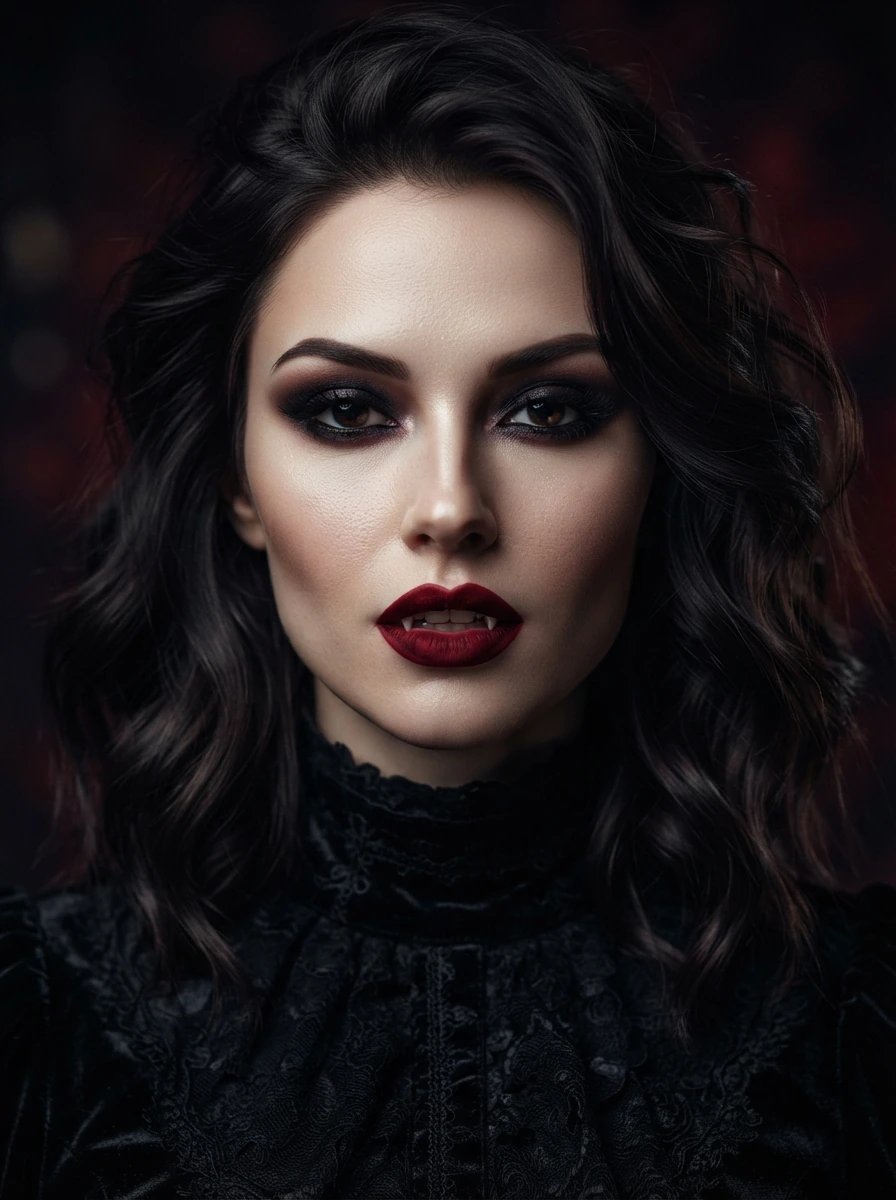 Prompt
Use the uploaded image as the subject and transform it into a glamorous vampire portrait with pale porcelain skin, deep red velvet lips, smoky black eyeshadow, subtle fangs, sculpted cheekbones, cinematic low-key lighting, a black and crimson color palette, glossy beauty-editorial texture, and a polished Halloween mood.
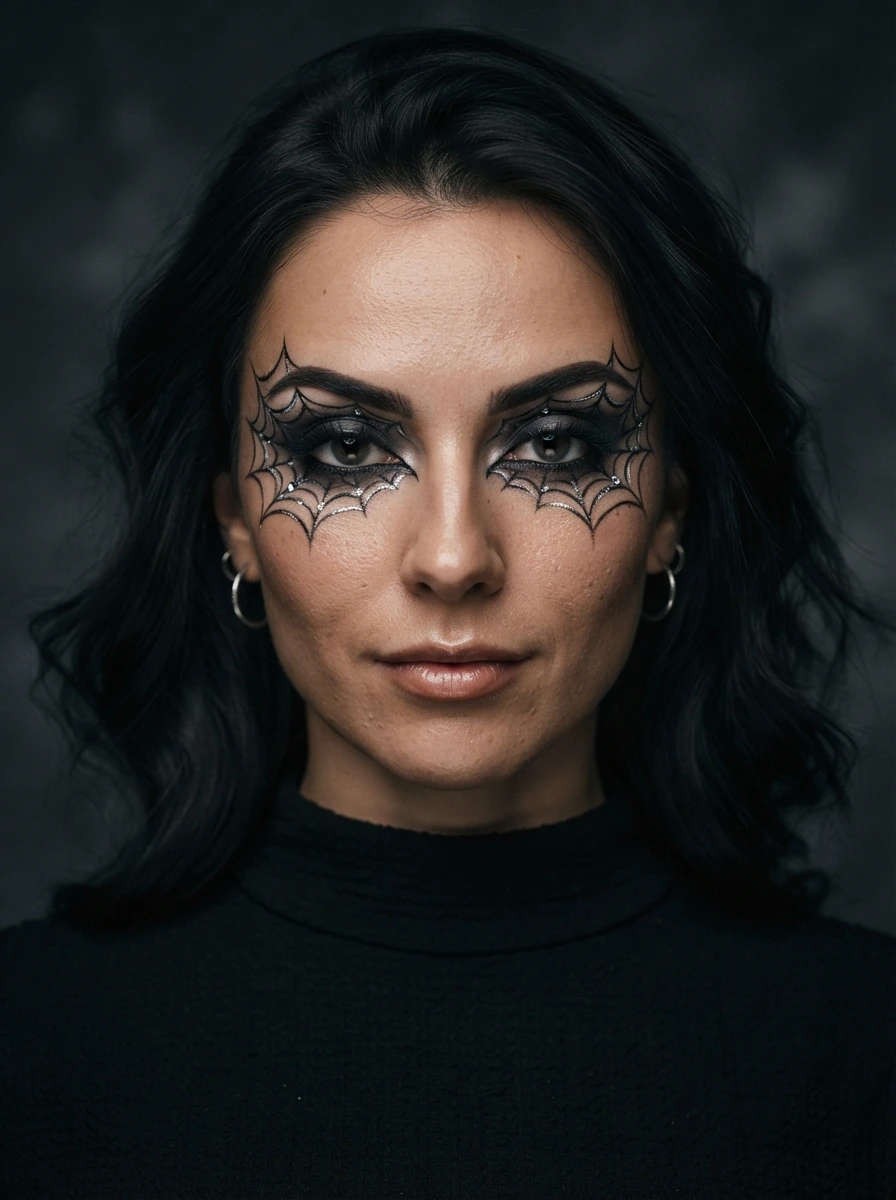 Prompt
Use the uploaded image as the subject and add Halloween spiderweb eye makeup with precise black liner, metallic silver accents, defined lashes, sharp brows, soft contour, moody studio lighting, charcoal and silver tones, clean skin texture, and a stylish gothic-beauty finish perfect for social sharing.
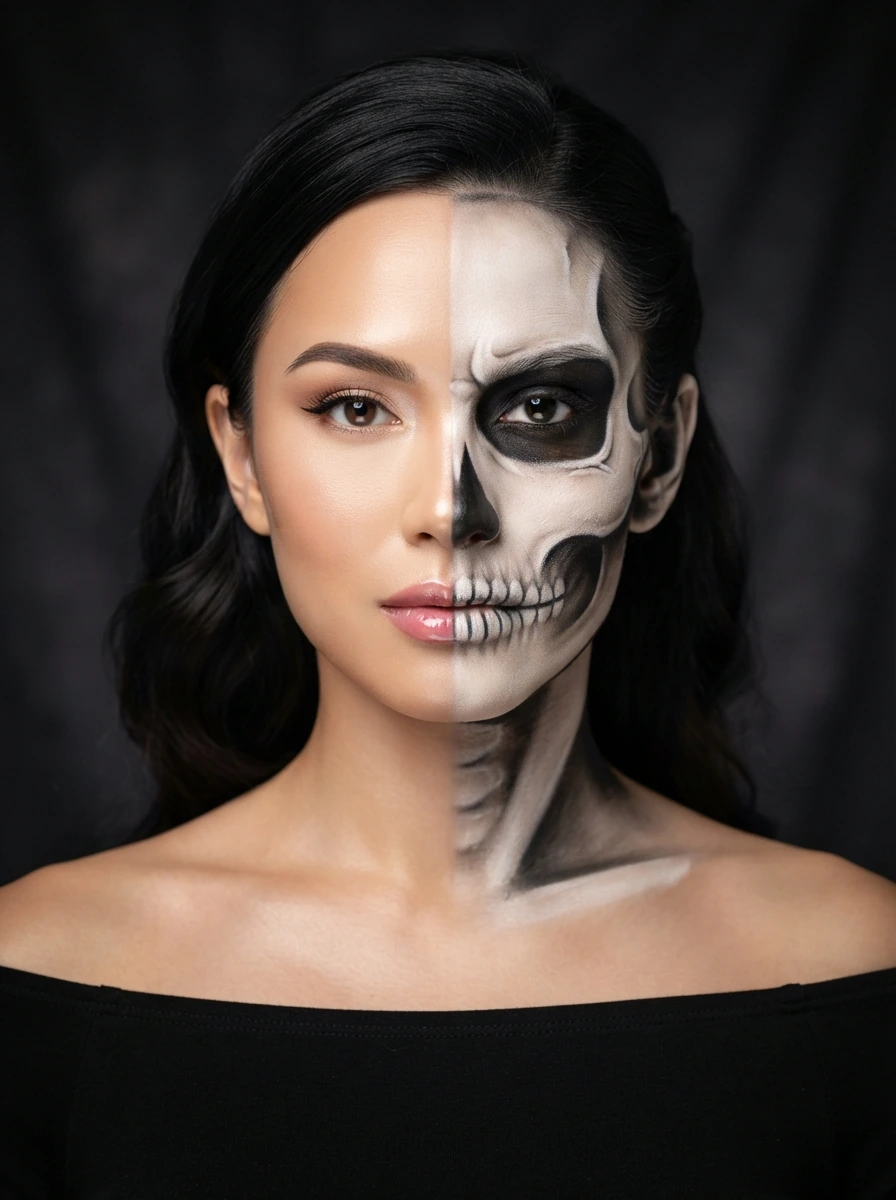 Prompt
Use the uploaded image as the subject and create a split-face transformation with one side kept as soft glam beauty and the other side turned into realistic skull face paint, featuring clean symmetry, white bone texture, dark eye socket shading, dramatic contrast, and a sharp editorial Halloween look.
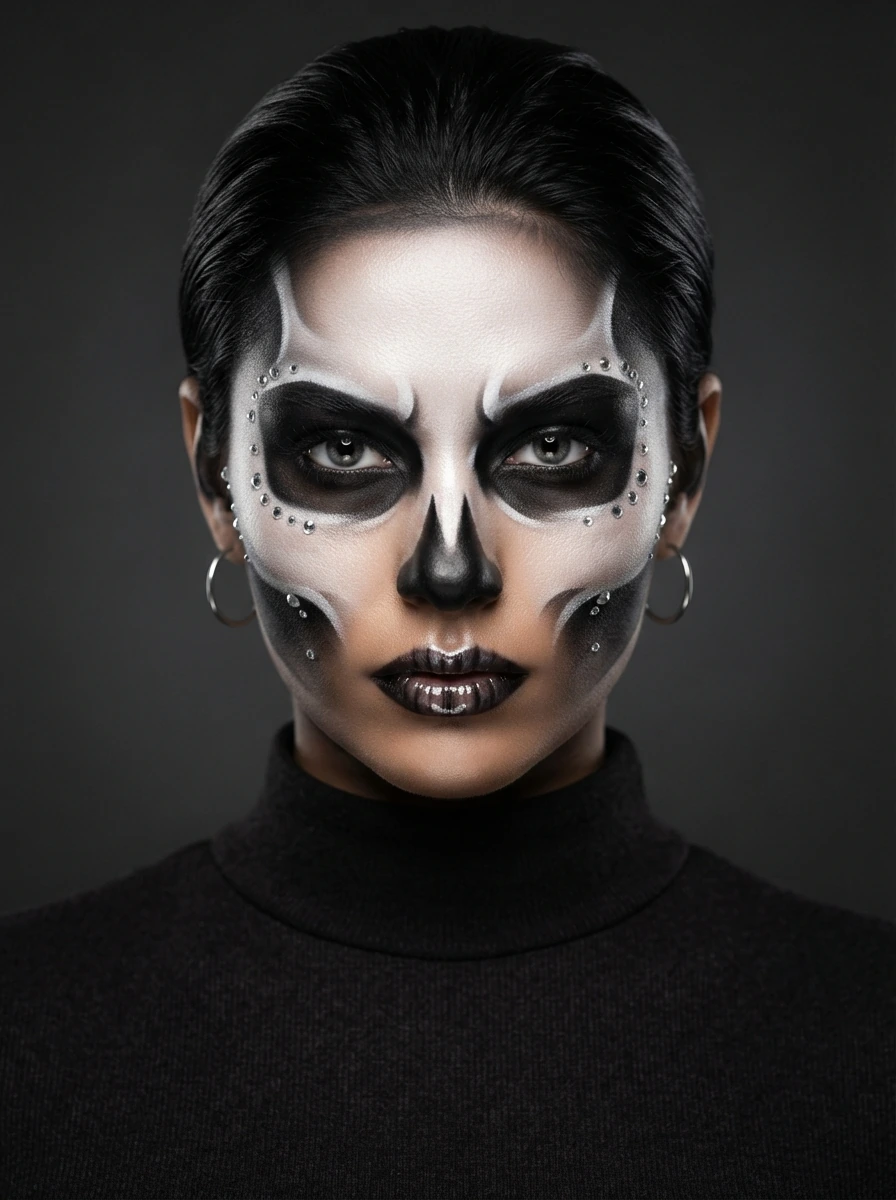 Prompt
Use the uploaded image as the subject and apply glamorous skeleton-inspired makeup with white face-paint highlights, black hollow contouring, glossy lips, rhinestone accents, luminous skin finish, high-contrast studio lighting, and a black-white-silver palette that feels spooky yet fashion-forward.
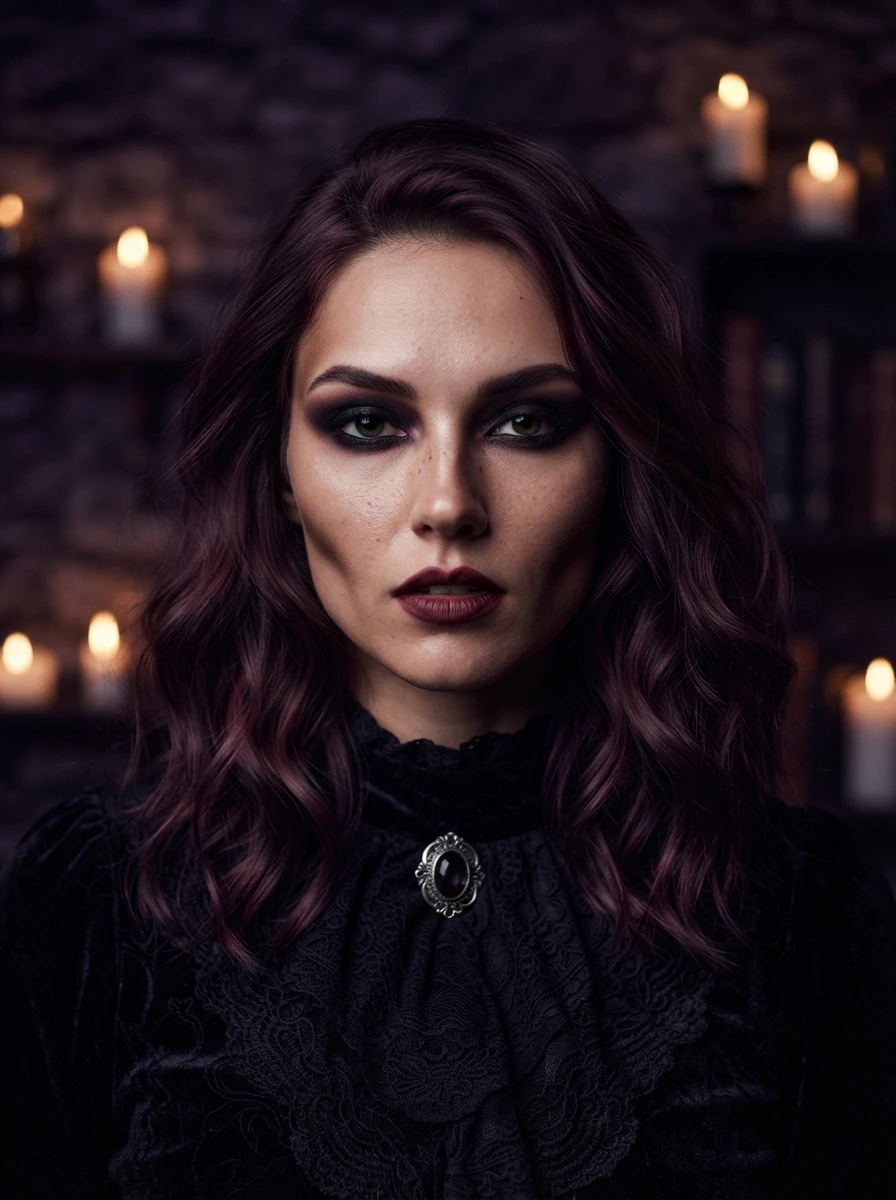 Prompt
Use the uploaded image as the subject and transform it into a dark witch beauty look with smoky black and plum eyeshadow, sharp contour, deep berry lips, subtle shimmer, mystical shadowing, moody candlelit atmosphere, and rich purple-black tones for an elegant gothic Halloween portrait.
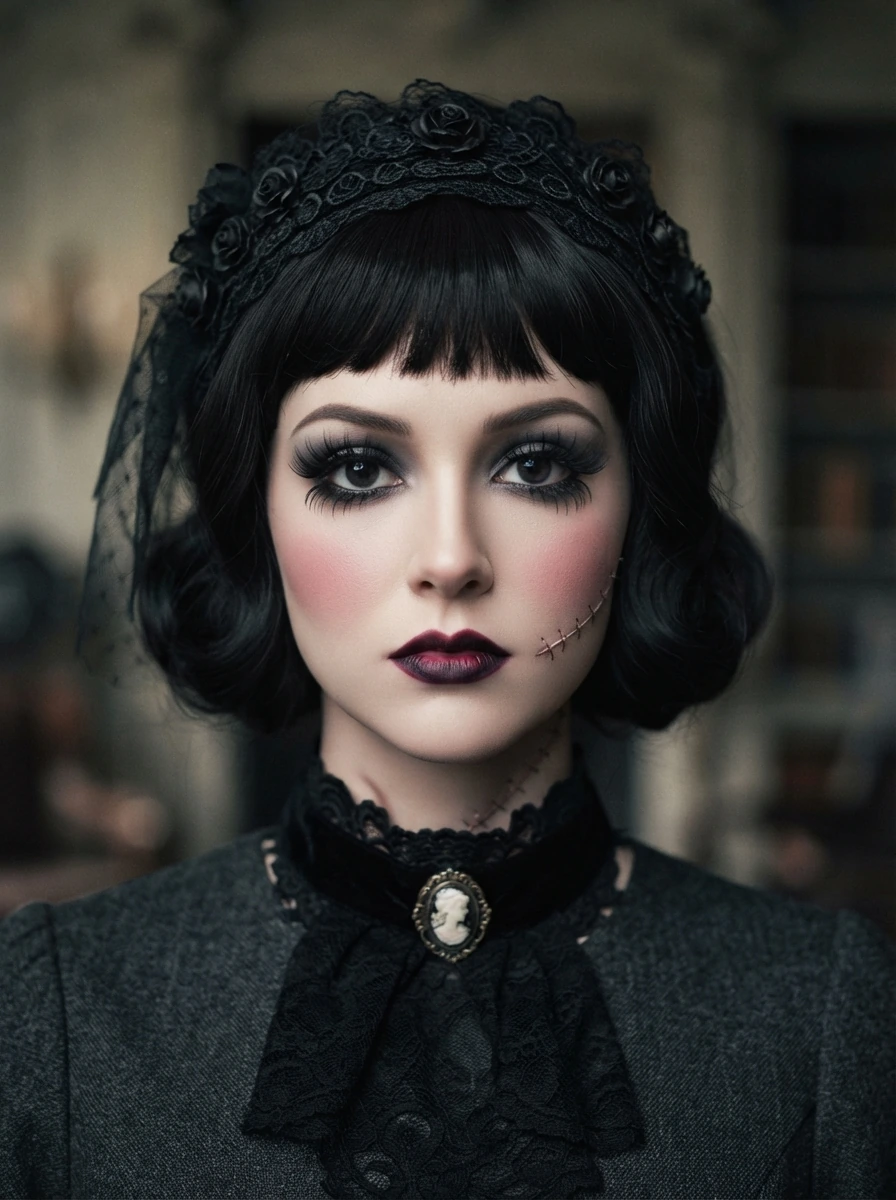 Prompt
Use the uploaded image as the subject and create a spooky gothic doll makeup style with porcelain skin, oversized lashes, rosy cheeks, dark lips, tiny stitched accents, delicate symmetry, soft eerie lighting, and a muted pink, ivory, and black palette that feels cute and haunting.
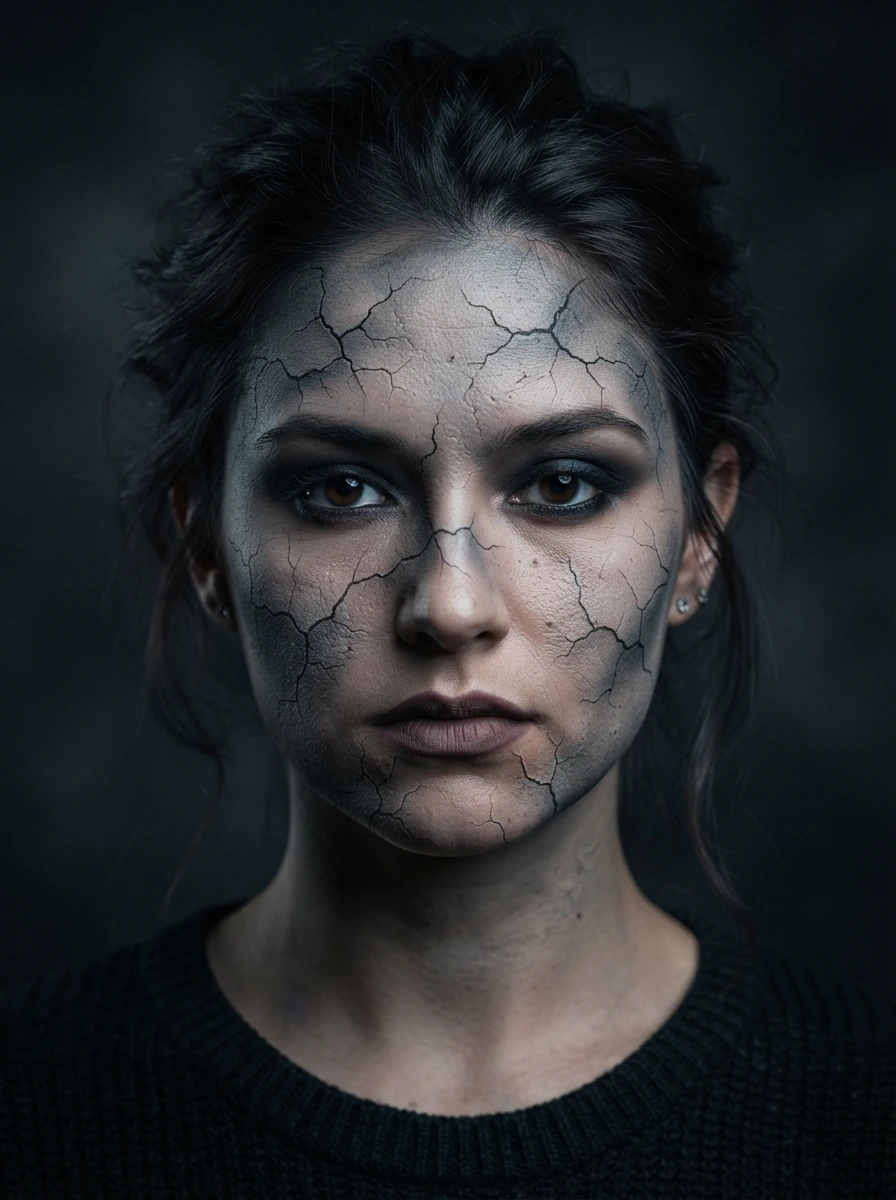 Prompt
Use the uploaded image as the subject and add a dramatic cracked-skin Halloween effect with realistic fissures across the face, subtle glowing depth, smoky eye makeup, cool gray undertones, strong shadow separation, and a cinematic horror-beauty finish that still preserves facial identity.
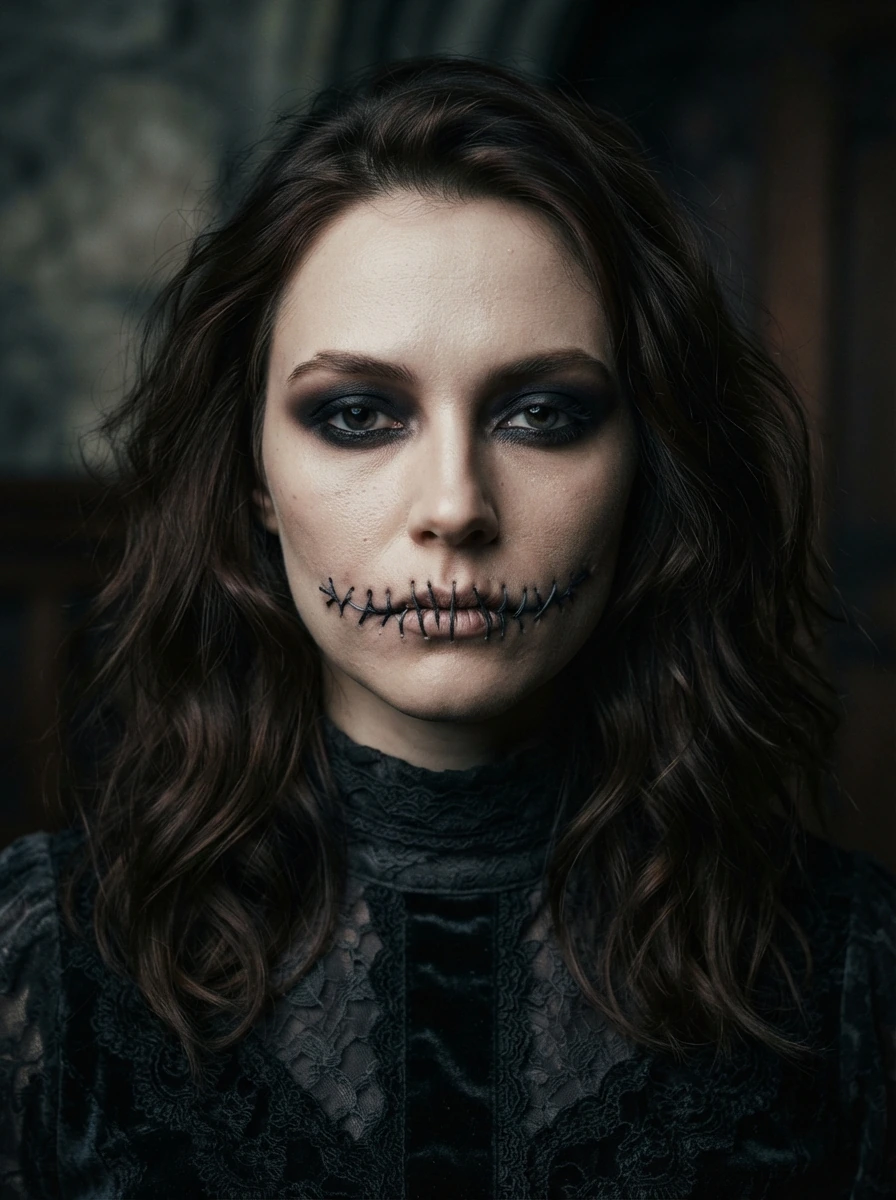 Prompt
Use the uploaded image as the subject and apply stitched-mouth Halloween makeup with realistic thread details, pale complexion, dark smoky eyes, subtle blush reduction, eerie cinematic lighting, charcoal and ivory tones, and a polished scary-beauty aesthetic designed for a striking portrait edit.
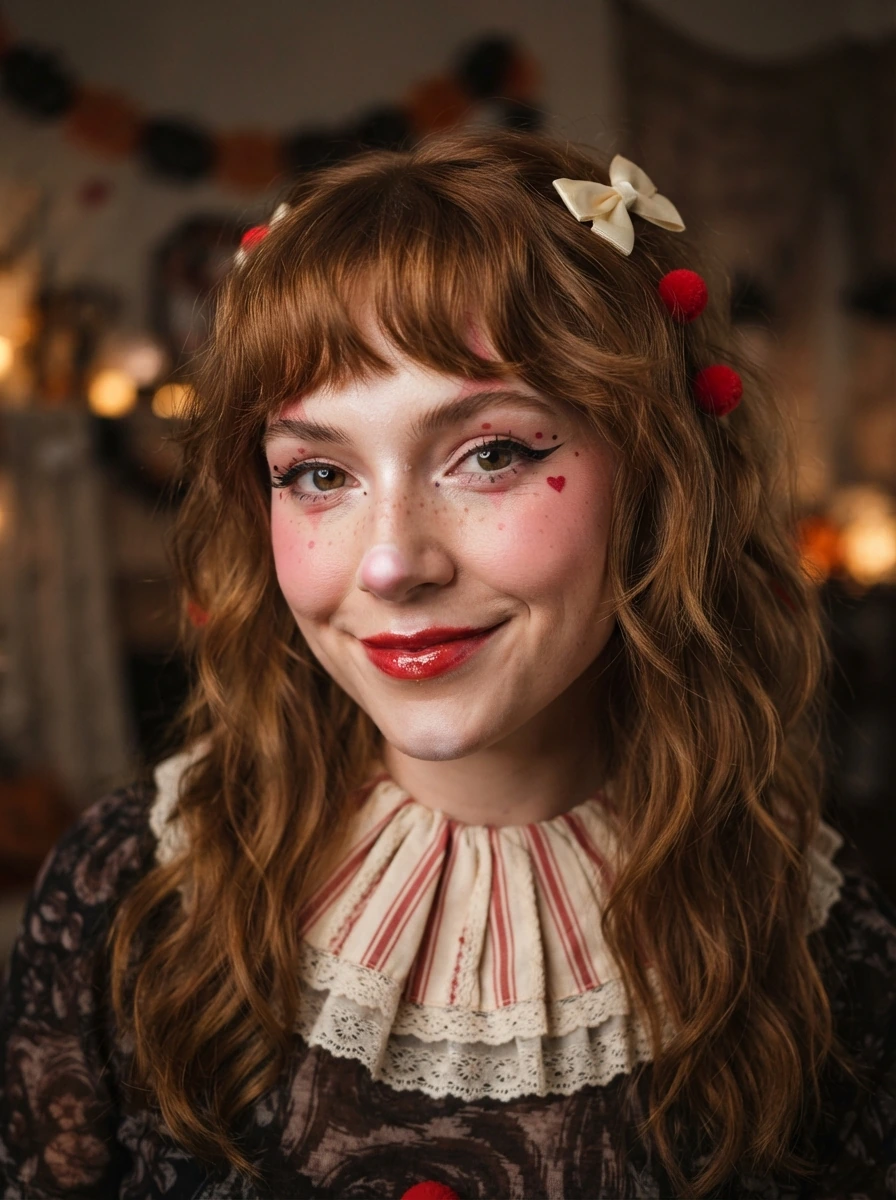 Prompt
Use the uploaded image as the subject and turn it into a cute clown Halloween style with heart details, glossy red lips, pastel blush, soft white face accents, playful eyeliner, bright yet spooky mood, diffused lighting, and a pink, red, and cream palette for a social-ready transformation.
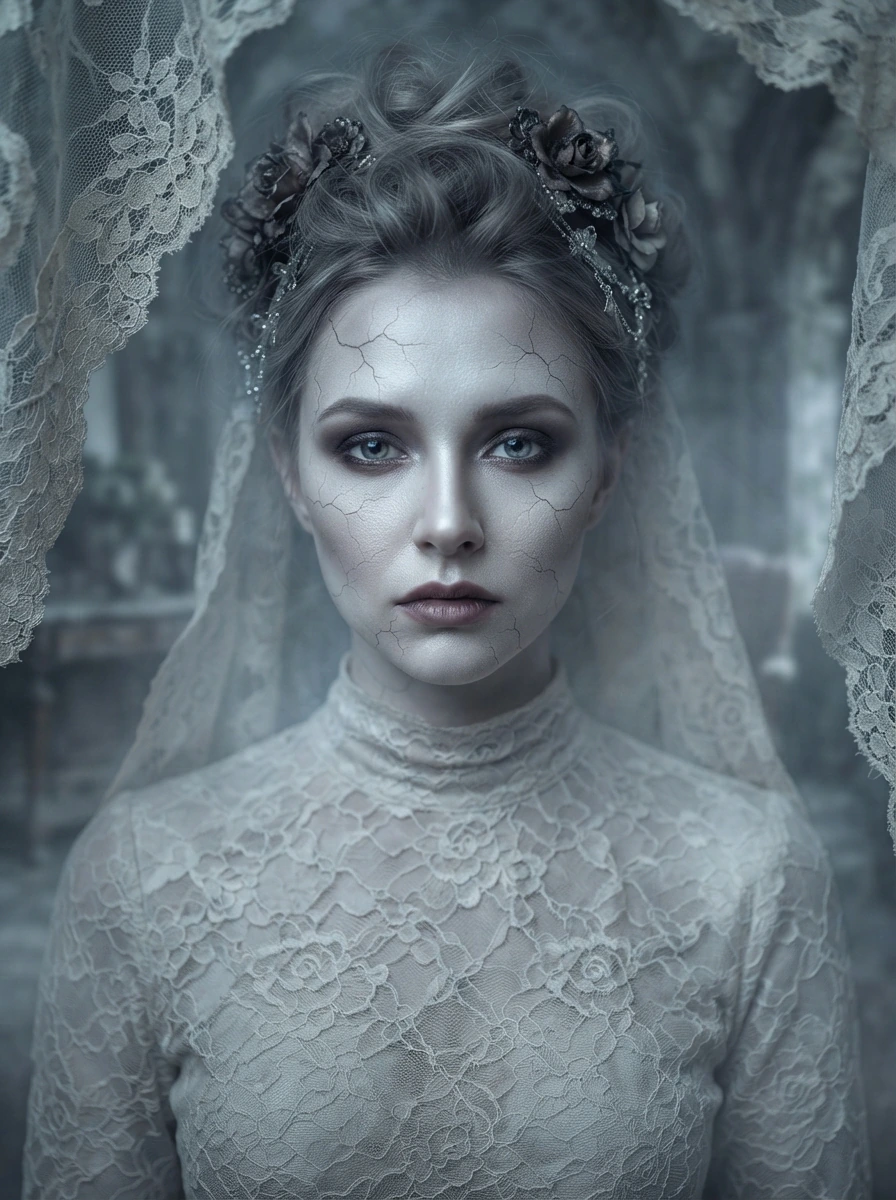 Prompt
Use the uploaded image as the subject and transform it into a ghost bride portrait with pale translucent skin, dark romantic eyes, muted lips, vintage bridal styling, subtle facial cracks, soft mist, cool moonlit lighting, and a desaturated silver-blue palette for an elegant haunted mood.
Each prompt is written for the photo you upload, so treat the result as a starting point.
Pick the effect, upload the photos it asks for, and review the cost before you generate.
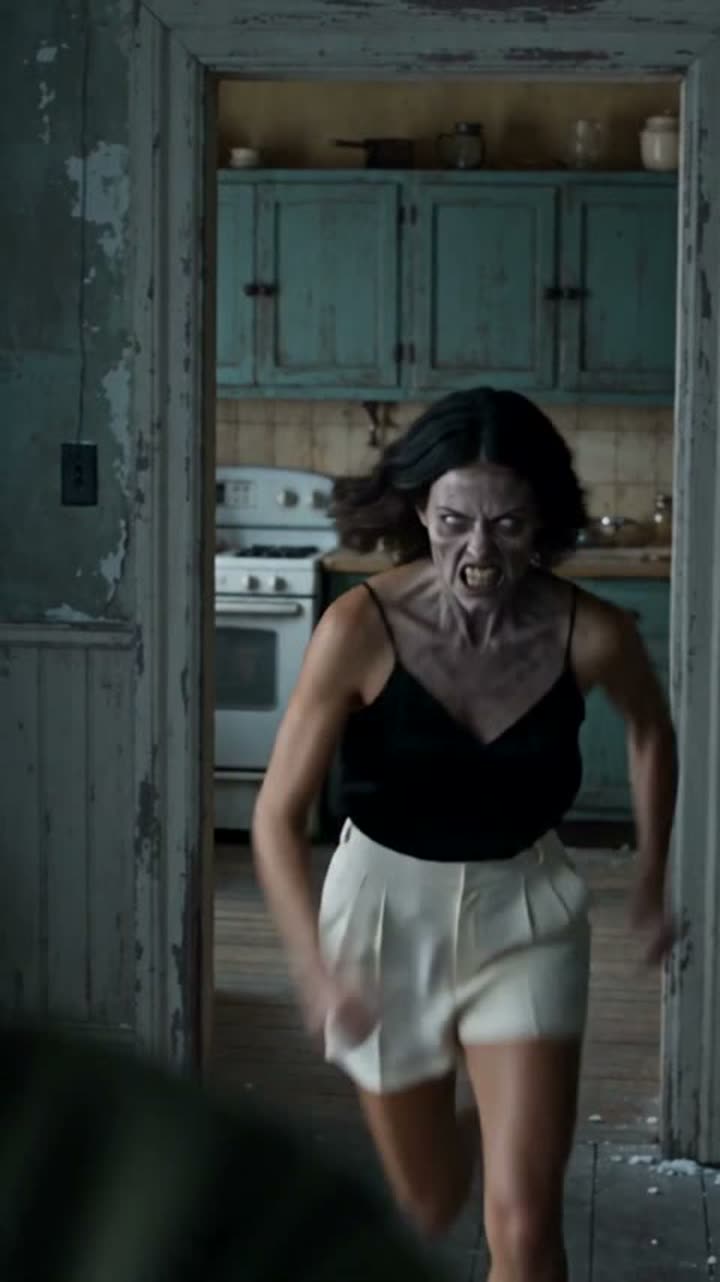
Start with the zombie love story; the zombie pet, AI Halloween makeup, AI mini me and AI make things giant effects sit in the Effects menu.
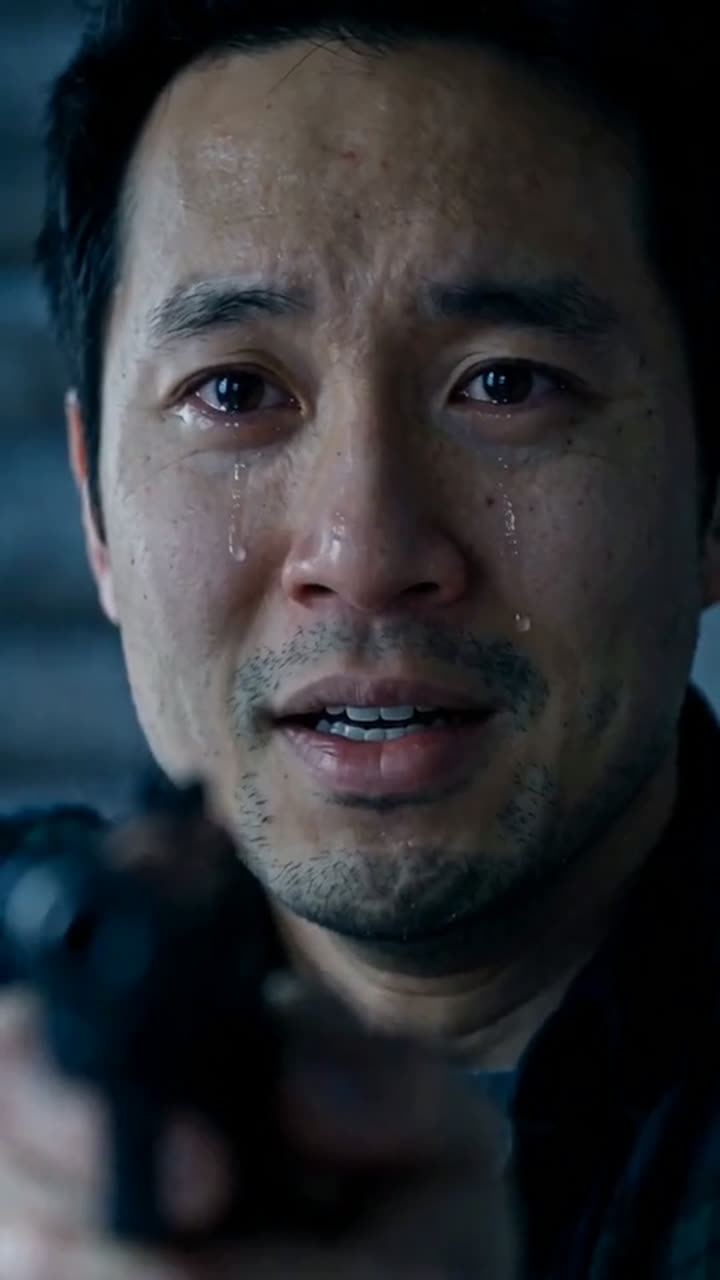
Add the photos the effect needs — one selfie, a pet photo, or a reference image and clip.
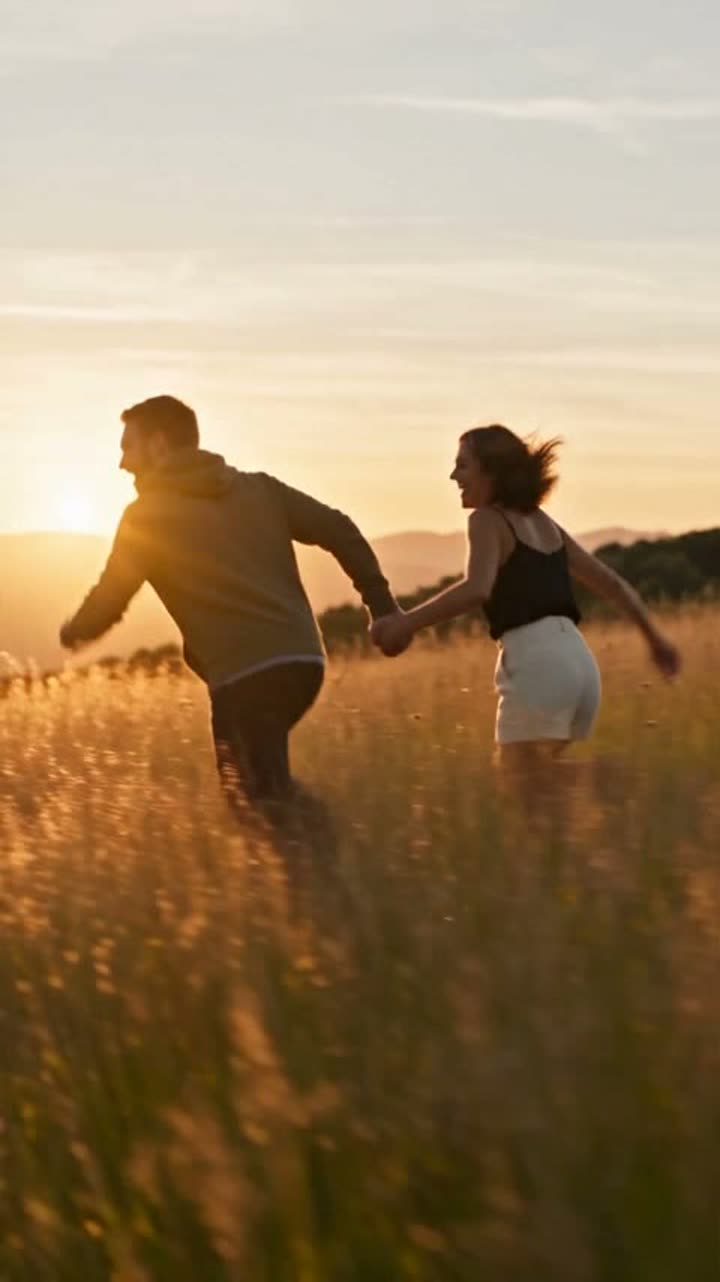
Review the cost first, then generate a 5-second video for 300 credits or a 10-second video for 600.
The makeup is applied to the face the model finds in your photo, so how that face is shot decides the result.
A single person facing the lens; the effect paints the face it finds there.
Anything covering the eyes or the cheeks hides the part the effect changes.
Those are the two formats the model accepts; anything else is refused before a credit is spent.
A photo where the detail is in focus works. A screenshot of a photo, or an image that has been through five apps, loses the detail the model needs.
You can try the studio with a sample photo before you spend anything - the tray under the photo slot loads one of ours.
The prompt box opens with this effect's instructions already in it, in English, because that is what the video model reads most reliably. Leave it as it is and you get the effect this page describes; edit it only if you want a different scene.
The camera moves, the lighting and the look are part of the instructions the studio builds - you do not have to describe them.
The kind of photo the effect starts from, and the cracked grey look it builds.
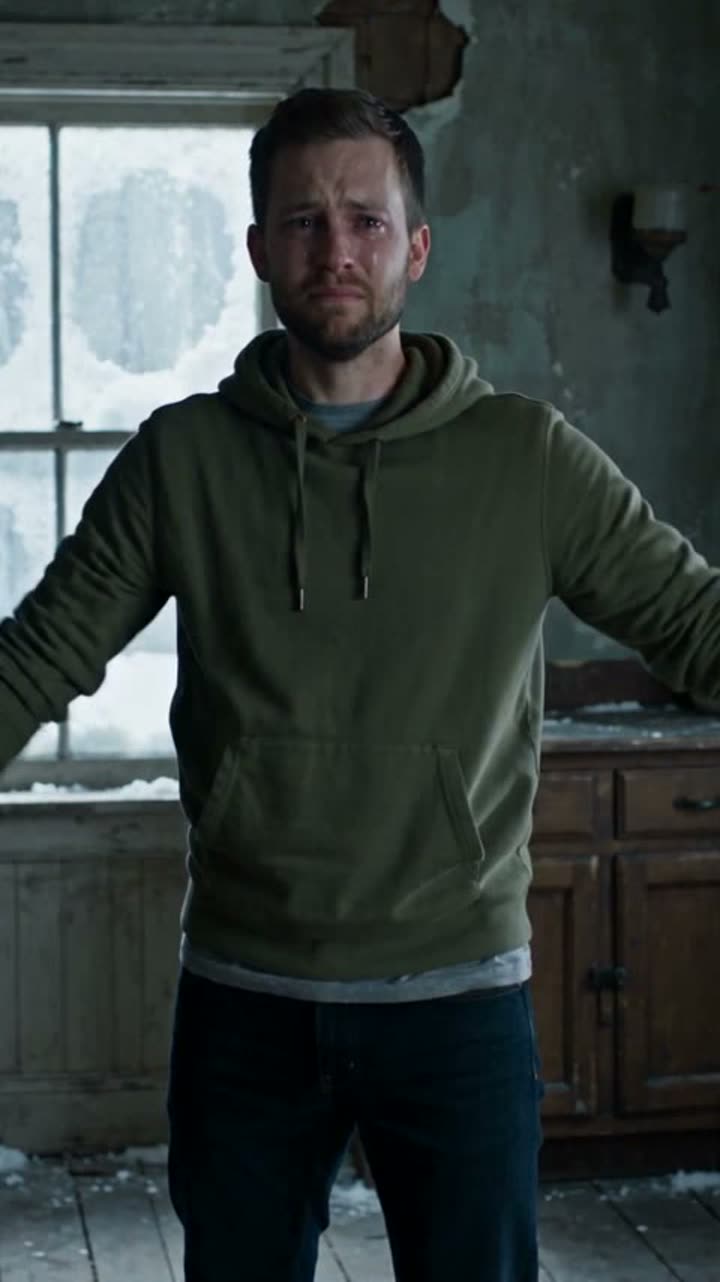
A still from our own demo clip: a front-facing shot with no makeup
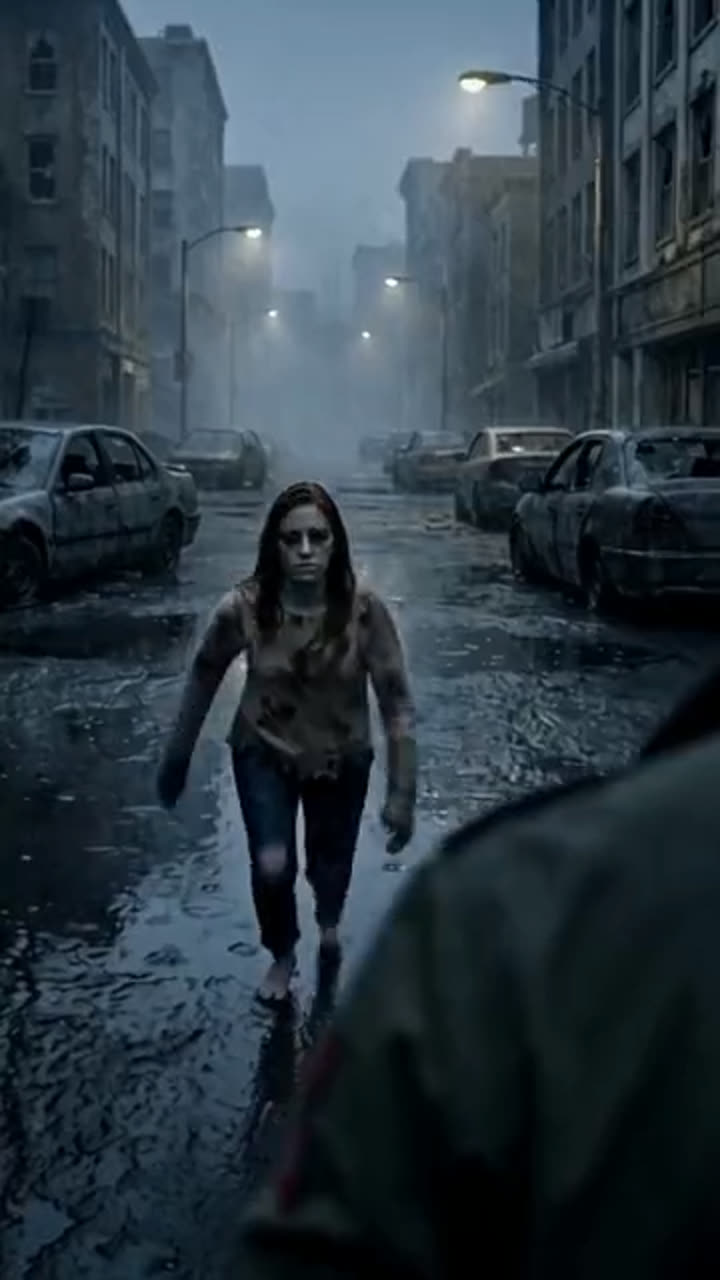
A still from our own demo clip: cracked grey skin and dark sunken eyes
Both stills are frames from our own demo clips, shown to describe the look - not a before/after of one person.
Answers about selfies, looks and what a clip costs.
Pick an effect, add the photos the studio asks for, and check the credit cost before you submit. The first 5-second clip is $4.99, and one-time packs carry no subscription.
Oct 8, 2026
The zombie love story AI trend explained: the four emotional beats, why it spread on short video, and how a photo becomes a cinematic clip of your own.
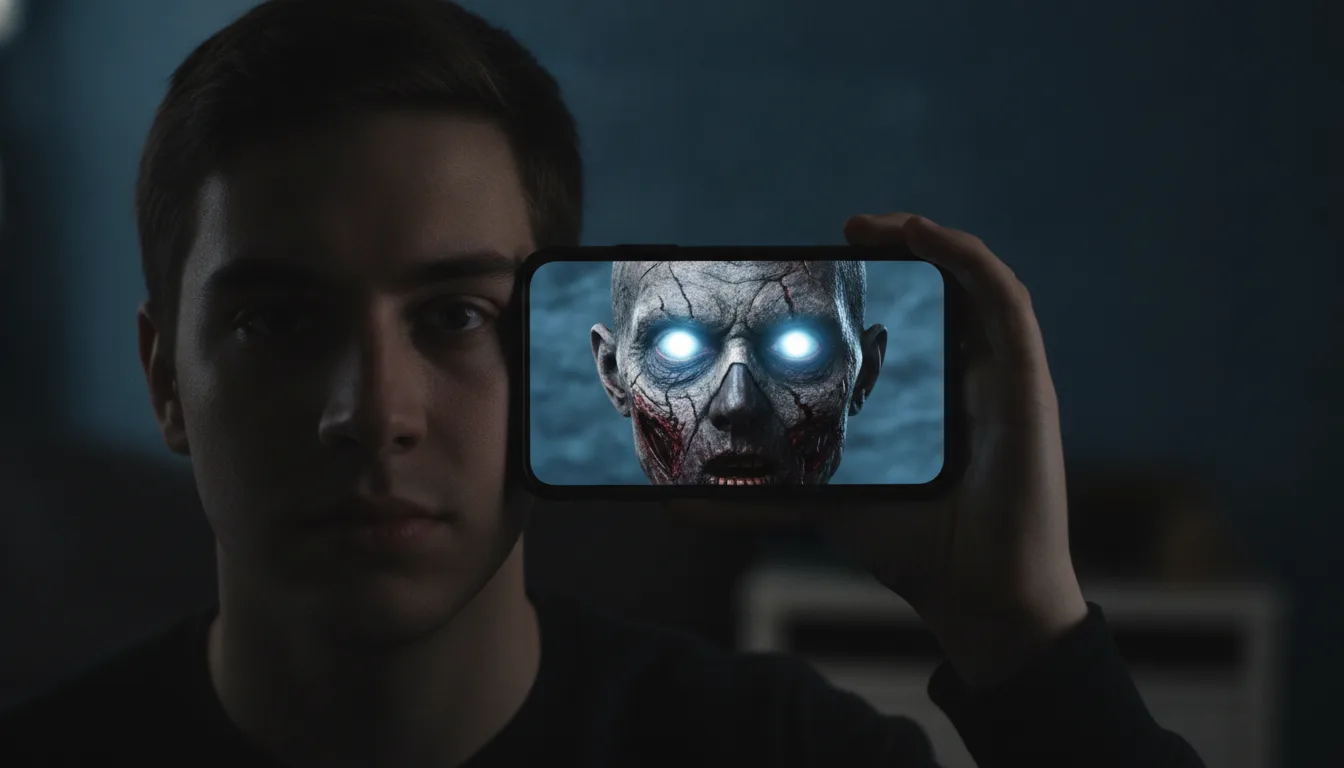
Oct 8, 2026
A step-by-step guide to making a zombie AI video from one photo: what a good source photo looks like, how the preview works, and what credits cost.
Oct 8, 2026
Fifteen zombie AI video prompts for the love story, pet, Halloween makeup, mini me and giant effects, with a short note on how prompts meet this site.
Oct 8, 2026
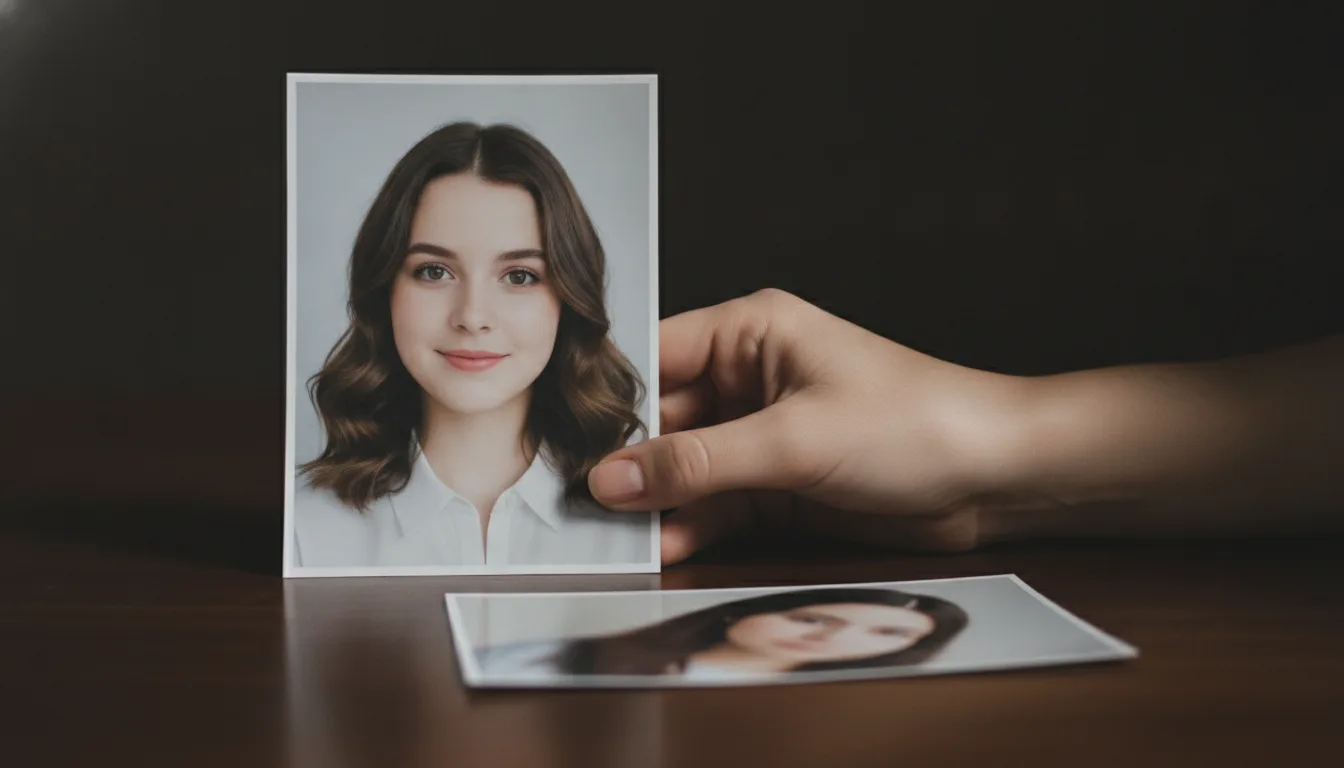
How to pick and prepare the source photo for a zombie AI video: front-facing framing, even light, sharp detail, and the mistakes that blur the likeness.
Oct 8, 2026
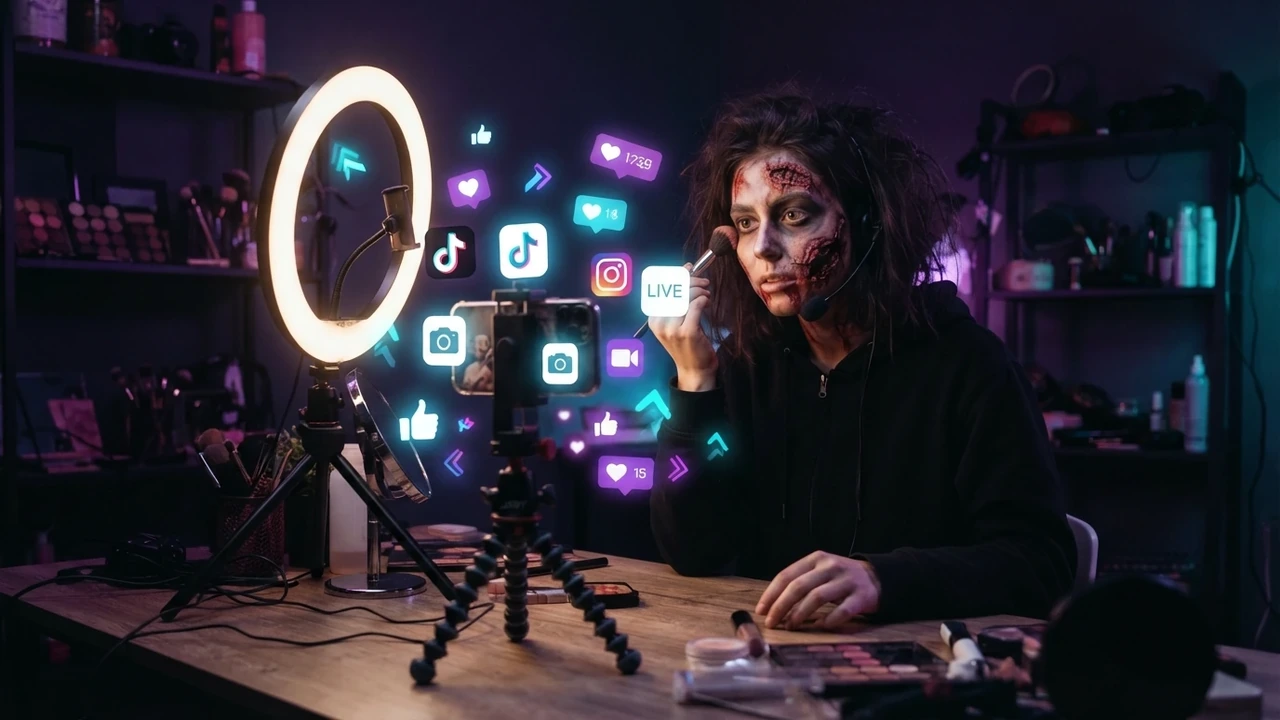
How to make the zombie love story clip for TikTok: vertical framing, the first-second hook, captions, hashtags, sound, posting time, and reply remakes.
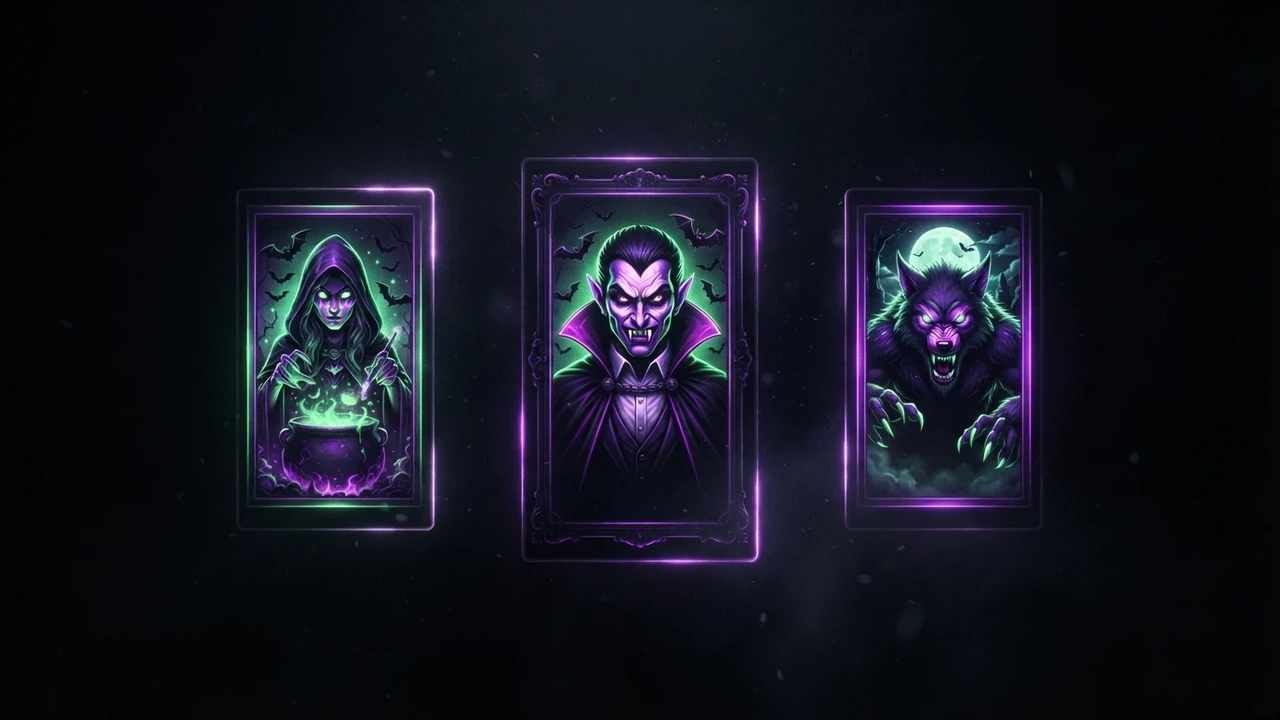
Oct 8, 2026
How to publish the zombie love story clip on Instagram Reels: vertical framing, cover image, the four beats, the hard cut, cross-posting, and hashtags.
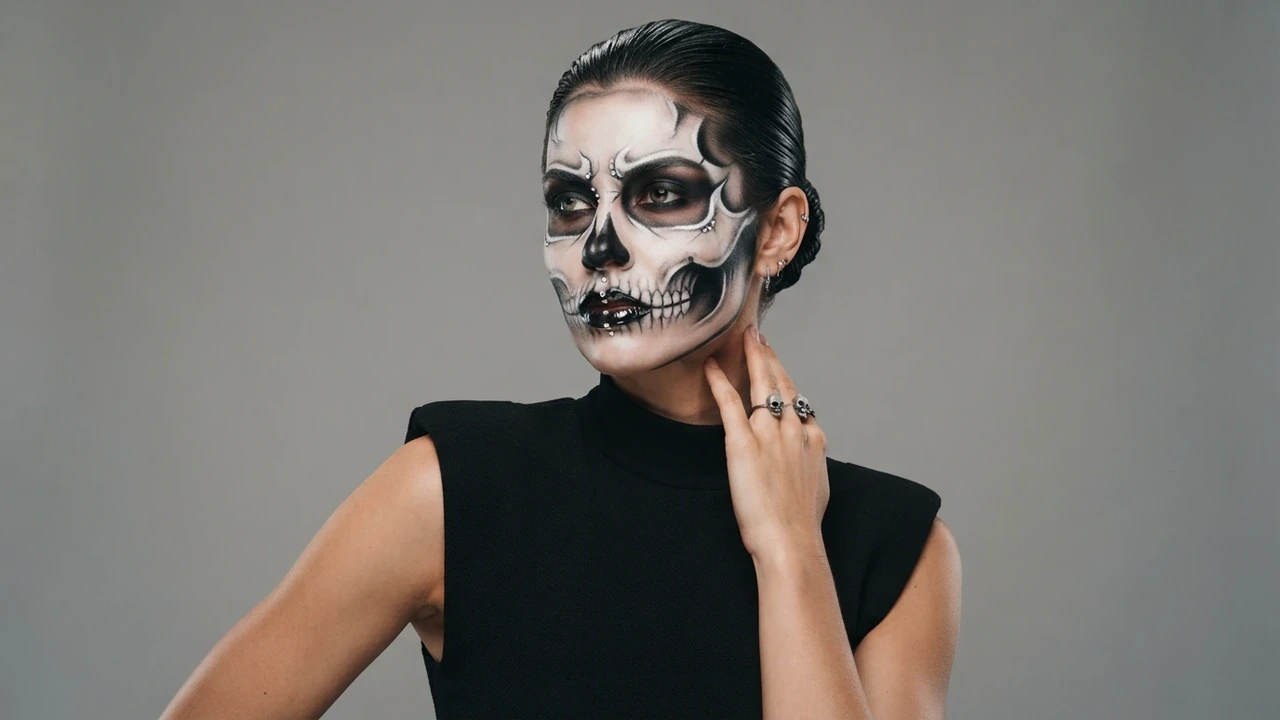
Oct 8, 2026
A look-by-look guide to the AI Halloween makeup effect: what it changes, how to describe the look you want, and how to pair it with a zombie story clip.
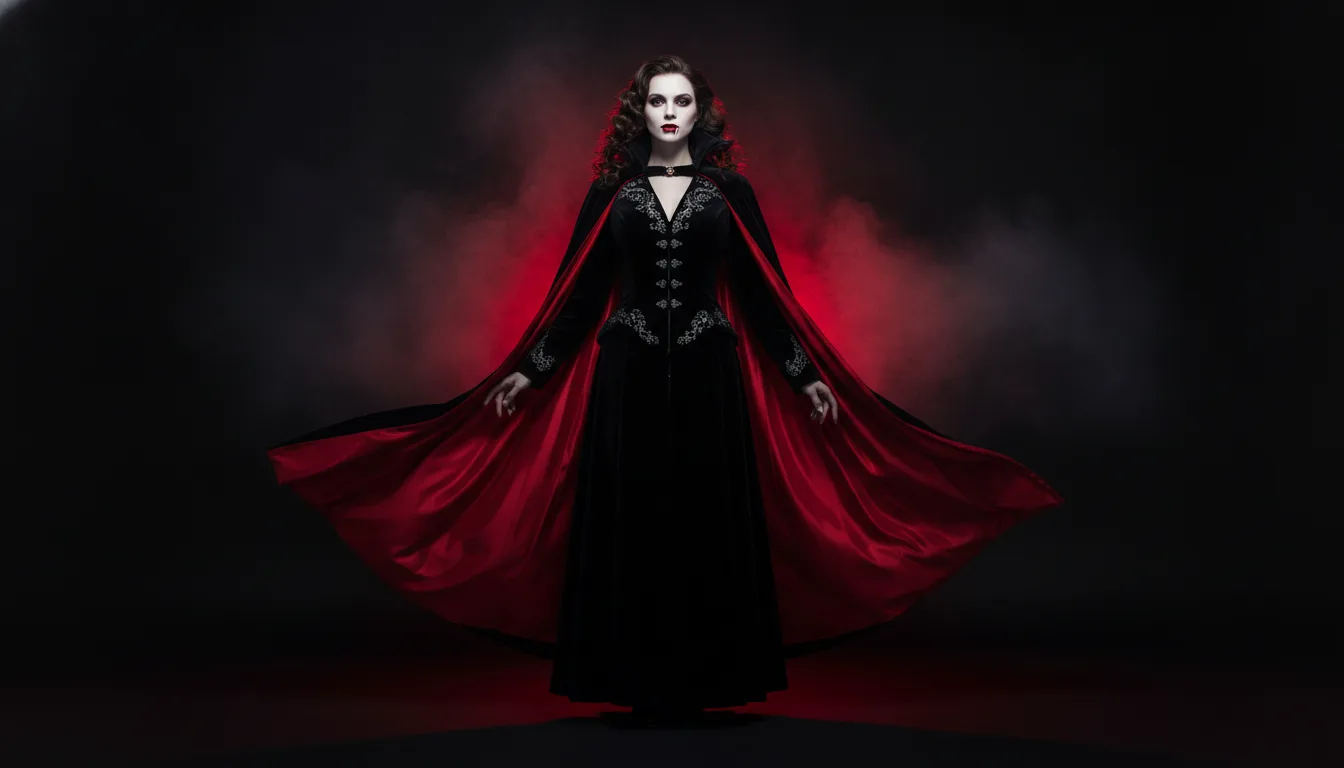
Oct 8, 2026
AI Halloween costume ideas for 2026: turn one selfie into several costume clips, plan a family and pet set, and post a Halloween series before 31 October.
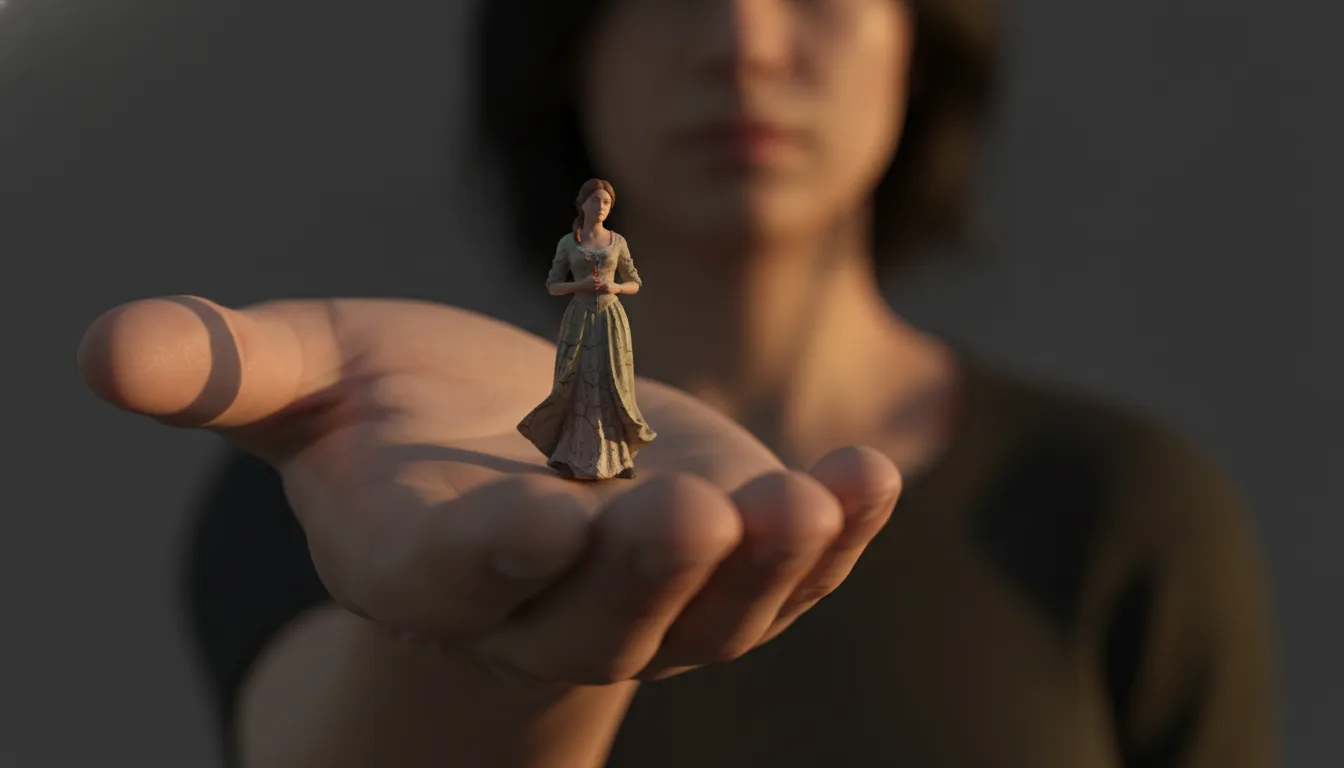
Oct 8, 2026
The AI mini me trend turns one photo into a tiny version of you inside a full-size room. How the effect is made, how to shoot for it, and clip ideas.
Oct 8, 2026
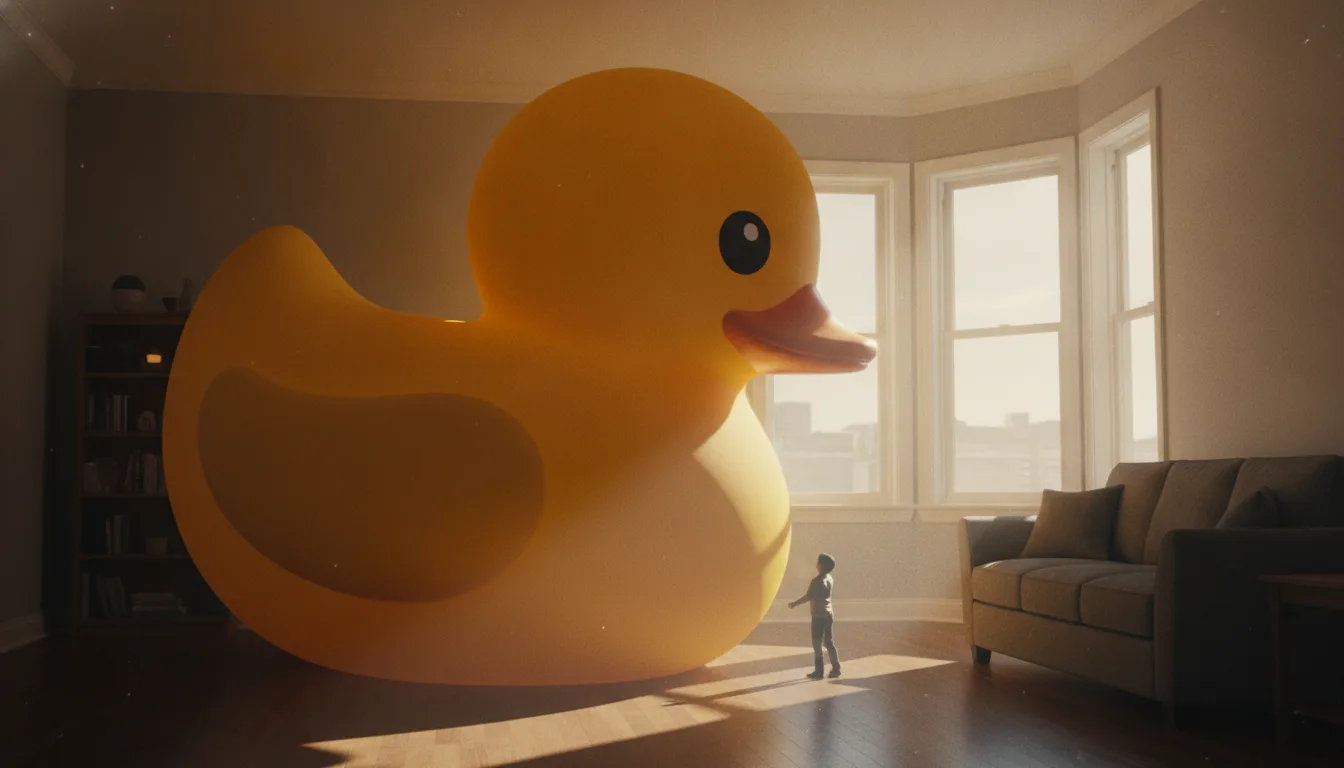
Make it giant AI scales a small everyday object up until it towers over a room. Which objects work best, how to keep the scene believable, and clip ideas.