Oct 8, 2026
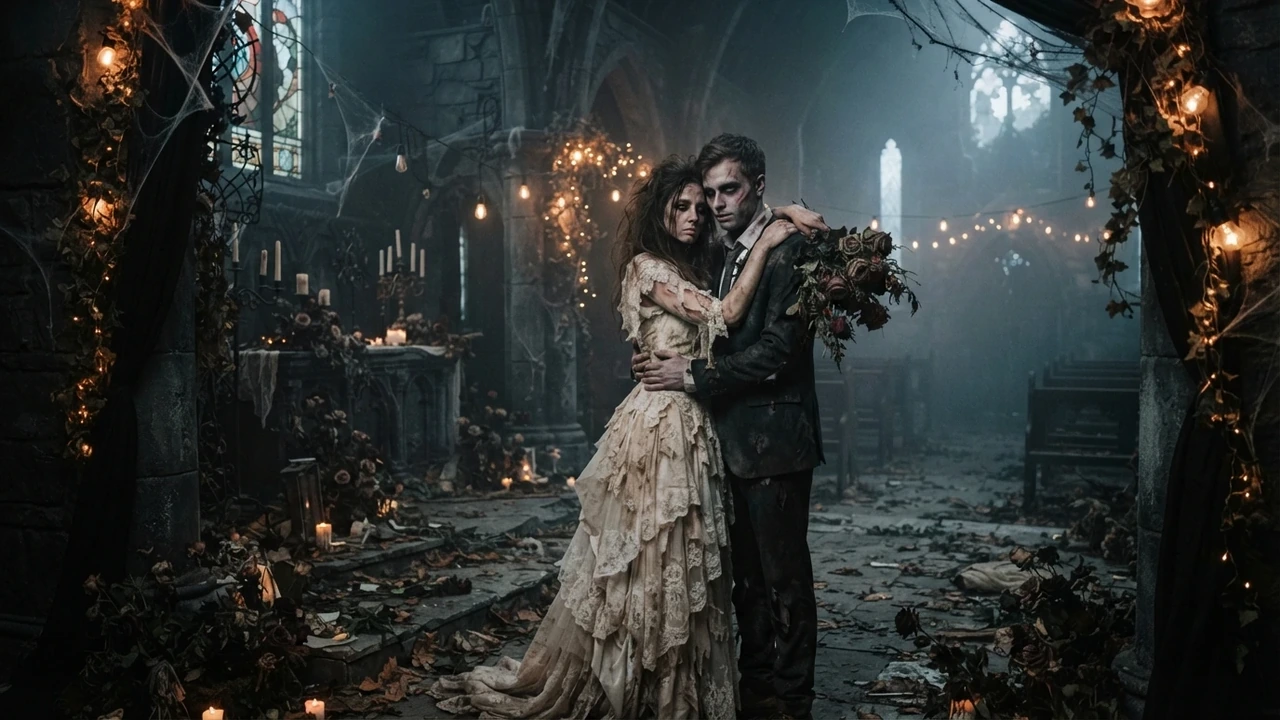
Zombie Love Story AI: How the Trend Works
The zombie love story AI trend explained: the four emotional beats, why it spread on short video, and how a photo becomes a cinematic clip of your own.
Every tool below runs on this site’s own pipeline. Photo editors change a still image while keeping the face; video generators animate one photo into a five-second clip. Pick the subject you have and start there.
One or two photos in, one edited still out. Image edits cost 80 credits each.
Image editing
Upload a front-facing photo, choose a preset and generate. The prompt is already written for you; edit it only if you want a different scene.
Image editing
Upload a portrait and choose gothic glam, pumpkin party or midnight witch. The preset writes the costume, makeup and lighting instructions for you.
Image editing
Upload one pet photo and choose a pumpkin, glow dinosaur or little wizard costume. The prompt protects the animal’s face and markings.
Image editing
Upload one clear photo per person, then choose cowboy and angel, vampire duo or cosmic pair. The prompt keeps both identities and the two-person count.
One photo in, one five-second vertical clip out. Video clips cost 300 credits each.
Video generation
Upload a clear photo and keep the preset prompt. It asks for restrained motion, a cold grade and a slow camera move instead of a jump scare.
Video generation
Upload one photo and keep the preset prompt. It rebuilds the room as a liminal corridor and keeps the subject recognizable.
Video generation
Upload one portrait and keep the preset prompt. It adds translucency and cold mist without turning the person into a different face.
Video generation
Upload a costume or portrait photo and keep the preset prompt. It adds pumpkins, fog and candlelight while the subject stays in frame.
Video generation
Upload a clear photo and keep the preset prompt. It builds the ruined street and keeps the subject’s face and clothing consistent.
Video generation
Upload a portrait and keep the preset prompt. It asks for a wearable costume, not a full face replacement.
Instant Client-Side Utilities
Check portrait lighting, build identity-safe VFX prompts, and estimate exact video credits locally in your browser before launching the studio.
Free Browser Canvas Tool
Inspect photo brightness, contrast, color warmth, and 9:16 safe-zone framing locally on an HTML5 canvas before spending credits in the Zombie AI studio.
Free Browser Prompt Workbench
Assemble structured, identity-preserving prompts for Zombie Love Story, Zombie Pet, Halloween Makeup, AI Mini Me, and Make It Giant clips without guesswork.
Free Browser Budget Tool
Plan a four-beat TikTok, Reels, or Shorts zombie clip timeline and calculate exact studio credit requirements using the live Zombie AI pricing schedule.
Start with the zombie photo editor for a still image, or the horror generator for a clip. Both open with the prompt already written.
Browse the toolsOct 8, 2026
The zombie love story AI trend explained: the four emotional beats, why it spread on short video, and how a photo becomes a cinematic clip of your own.
Oct 8, 2026
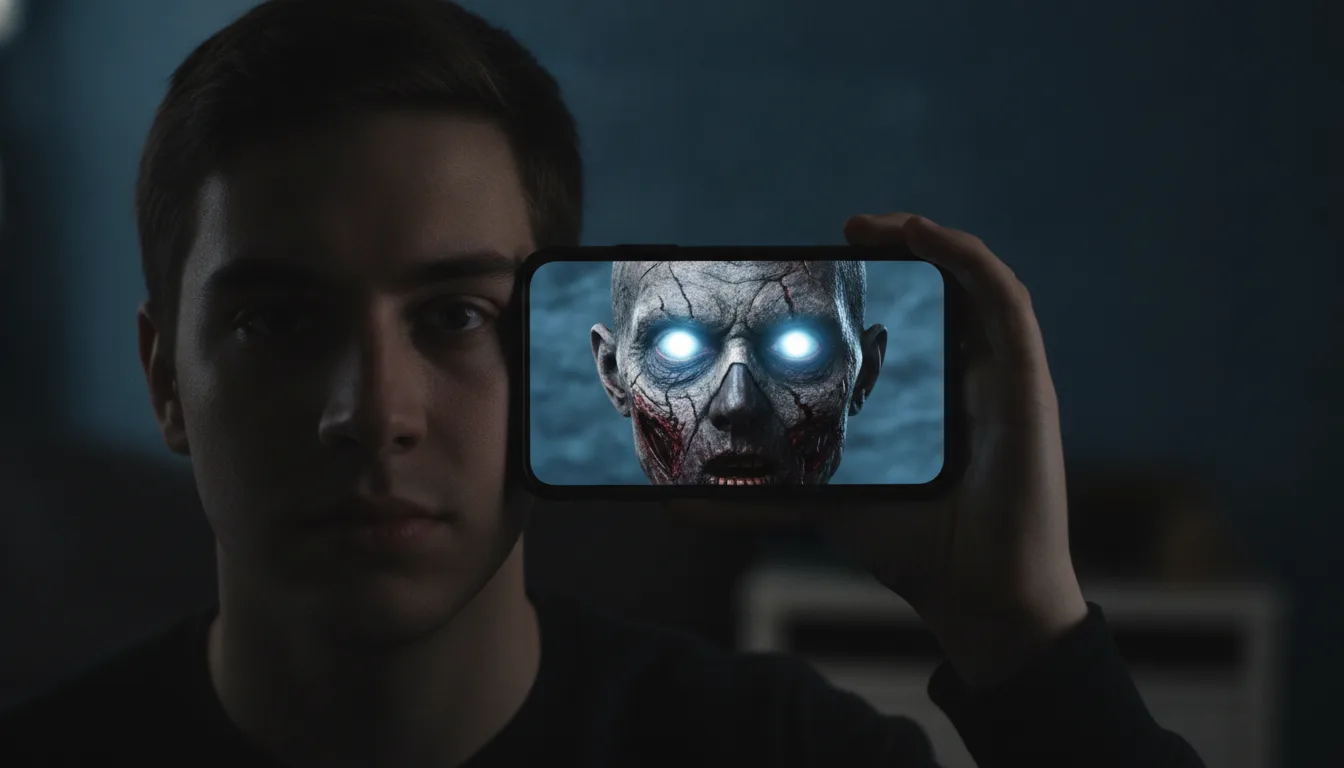
A step-by-step guide to making a zombie AI video from one photo: what a good source photo looks like, how the preview works, and what credits cost.
Oct 8, 2026
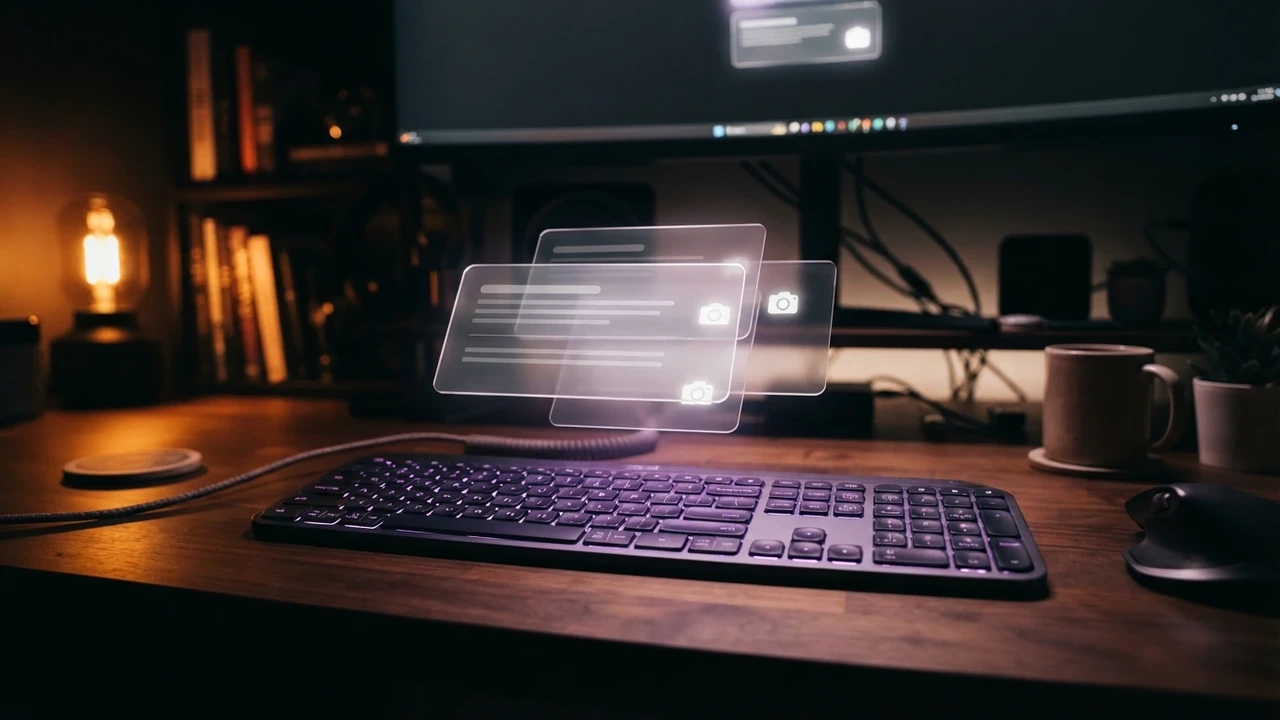
Fifteen zombie AI video prompts for the love story, pet, Halloween makeup, mini me and giant effects, with a short note on how prompts meet this site.
Oct 8, 2026
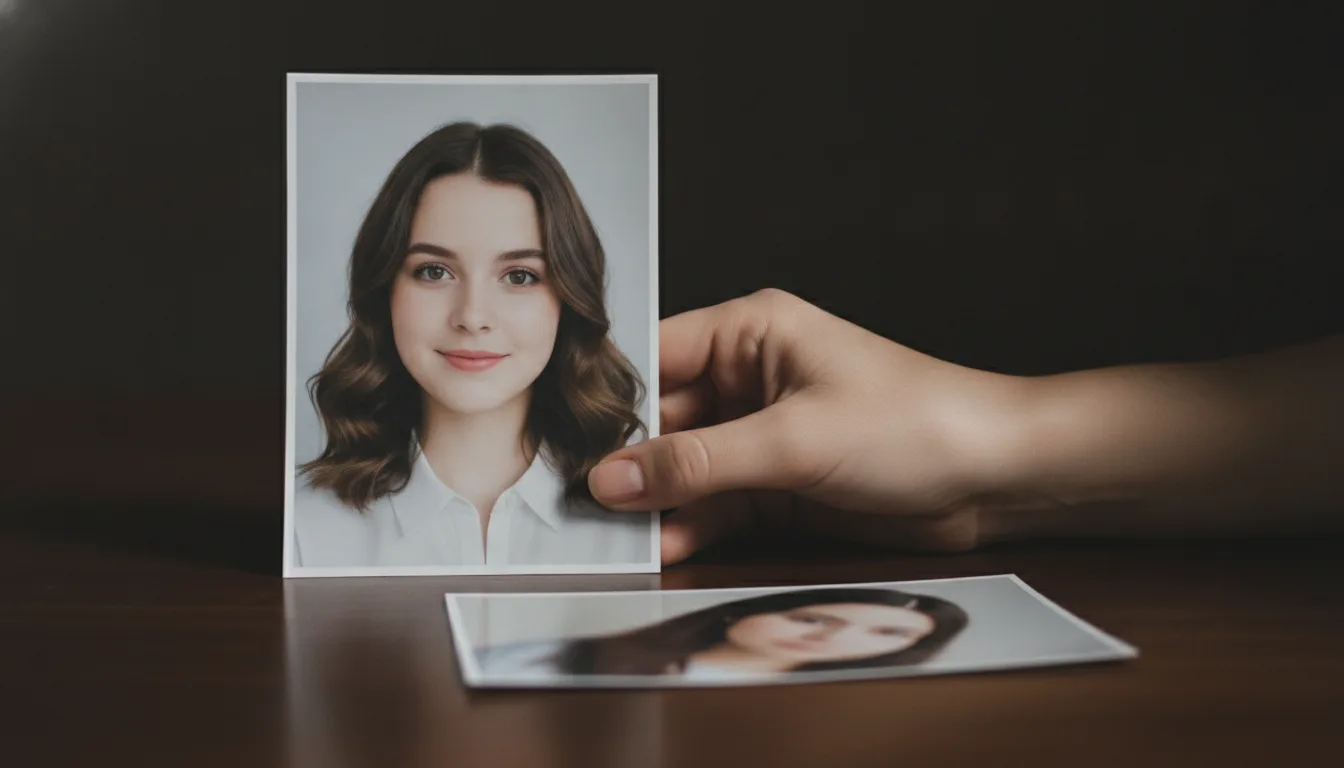
How to pick and prepare the source photo for a zombie AI video: front-facing framing, even light, sharp detail, and the mistakes that blur the likeness.
Oct 8, 2026
How to make the zombie love story clip for TikTok: vertical framing, the first-second hook, captions, hashtags, sound, posting time, and reply remakes.
Oct 8, 2026
How to publish the zombie love story clip on Instagram Reels: vertical framing, cover image, the four beats, the hard cut, cross-posting, and hashtags.
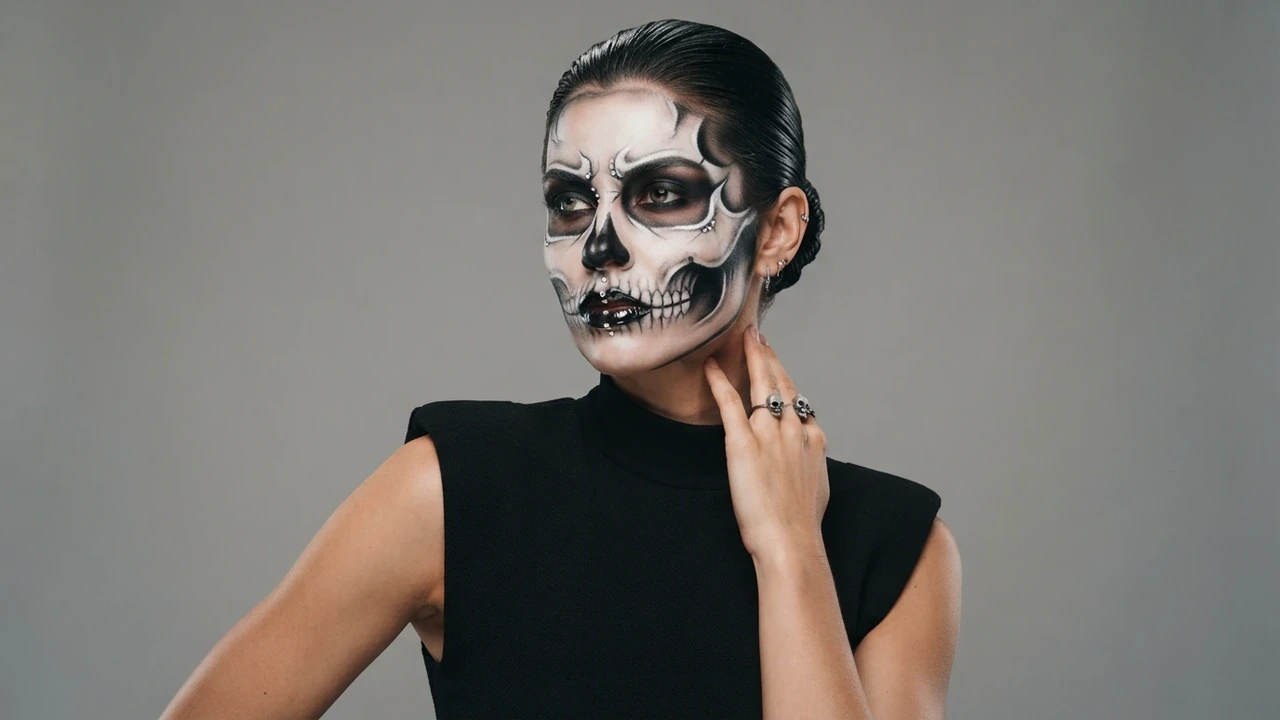
Oct 8, 2026
A look-by-look guide to the AI Halloween makeup effect: what it changes, how to describe the look you want, and how to pair it with a zombie story clip.
Oct 8, 2026
AI Halloween costume ideas for 2026: turn one selfie into several costume clips, plan a family and pet set, and post a Halloween series before 31 October.
Oct 8, 2026
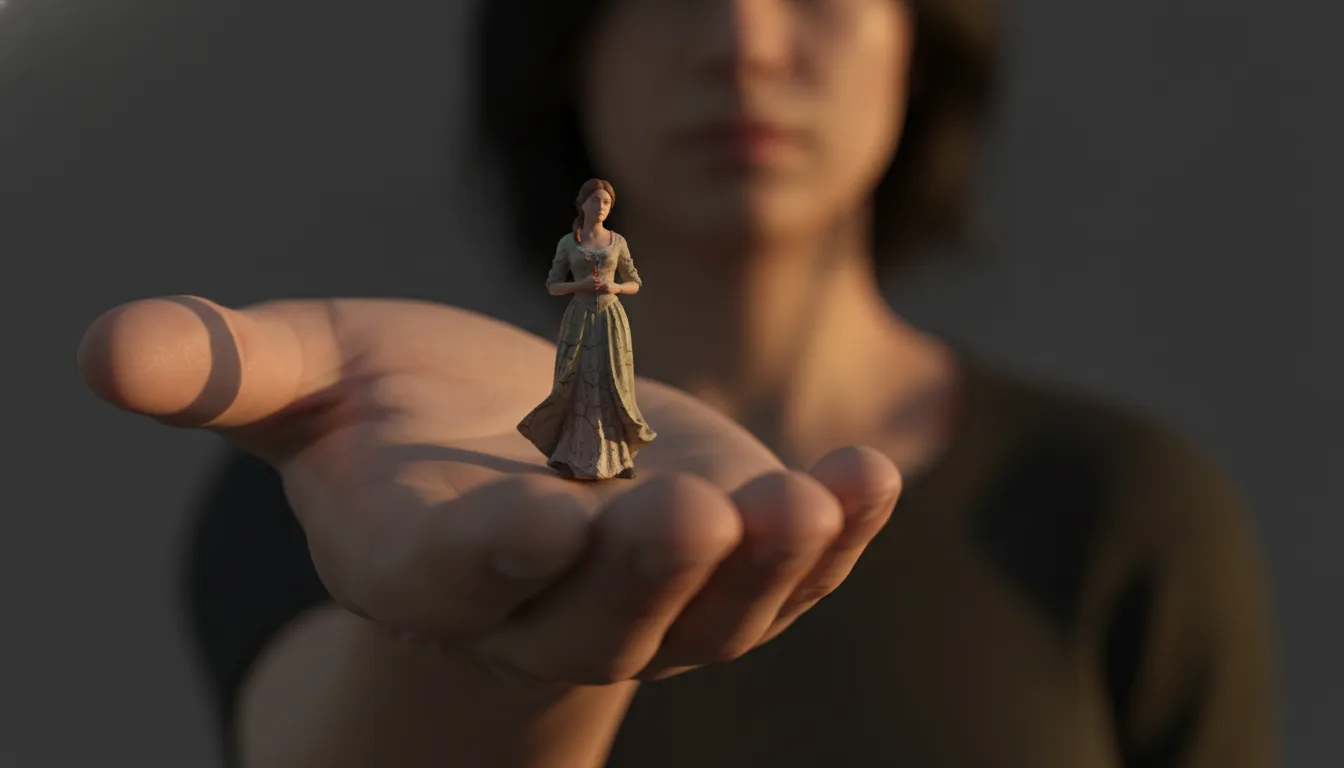
The AI mini me trend turns one photo into a tiny version of you inside a full-size room. How the effect is made, how to shoot for it, and clip ideas.
Oct 8, 2026
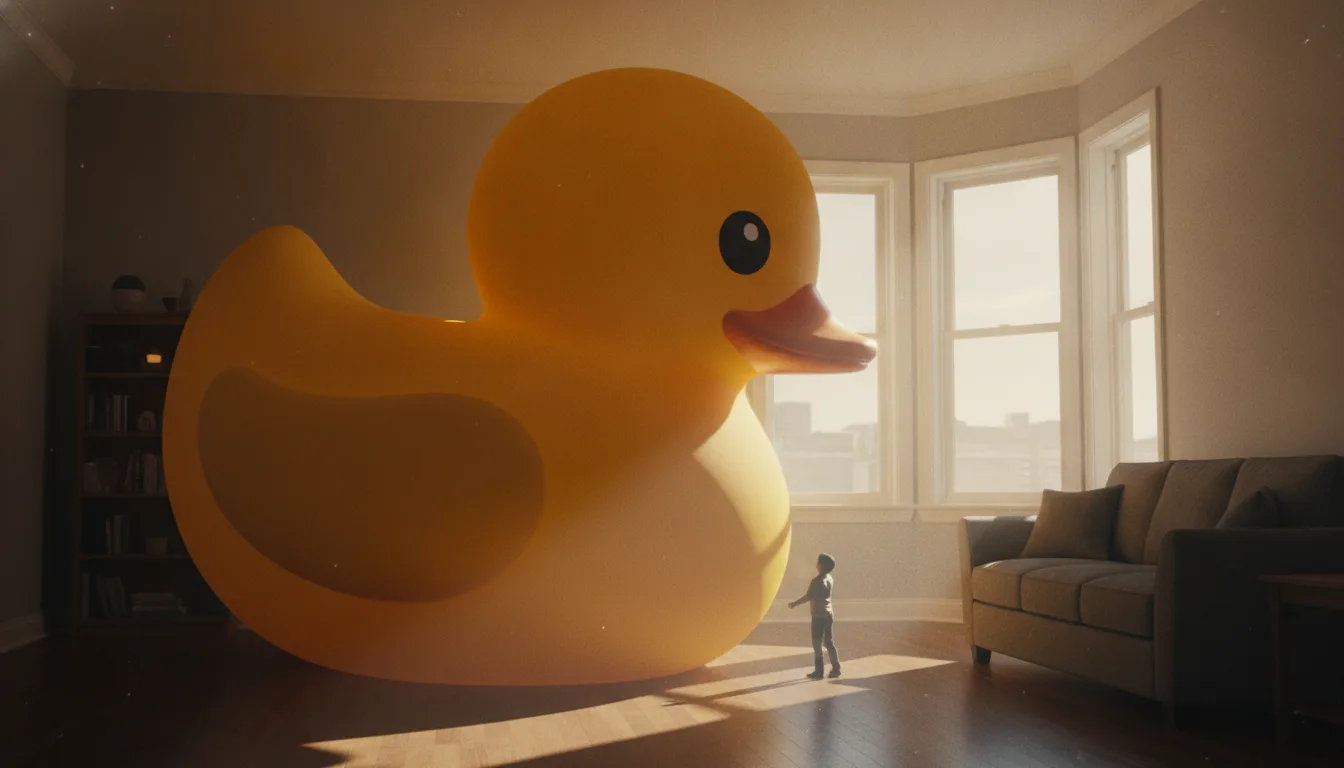
Make it giant AI scales a small everyday object up until it towers over a room. Which objects work best, how to keep the scene believable, and clip ideas.