Oct 8, 2026
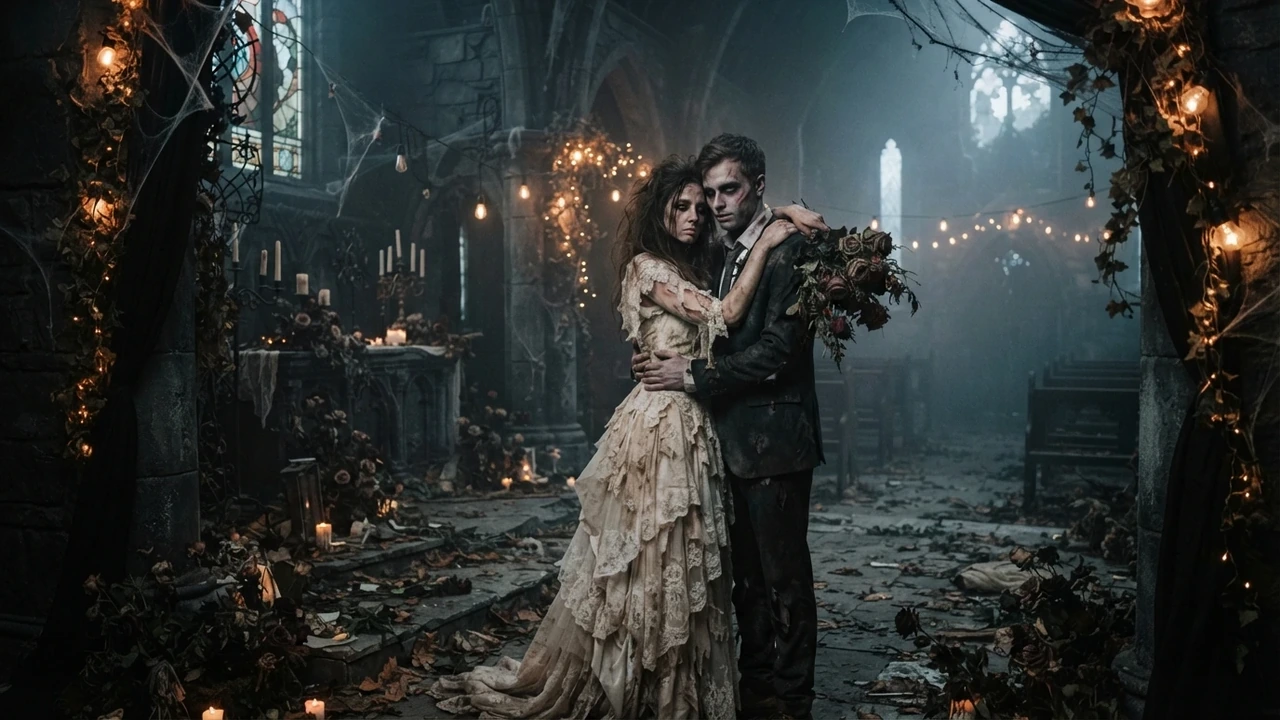
Zombie Love Story AI: How the Trend Works
The zombie love story AI trend explained: the four emotional beats, why it spread on short video, and how a photo becomes a cinematic clip of your own.
Video generation
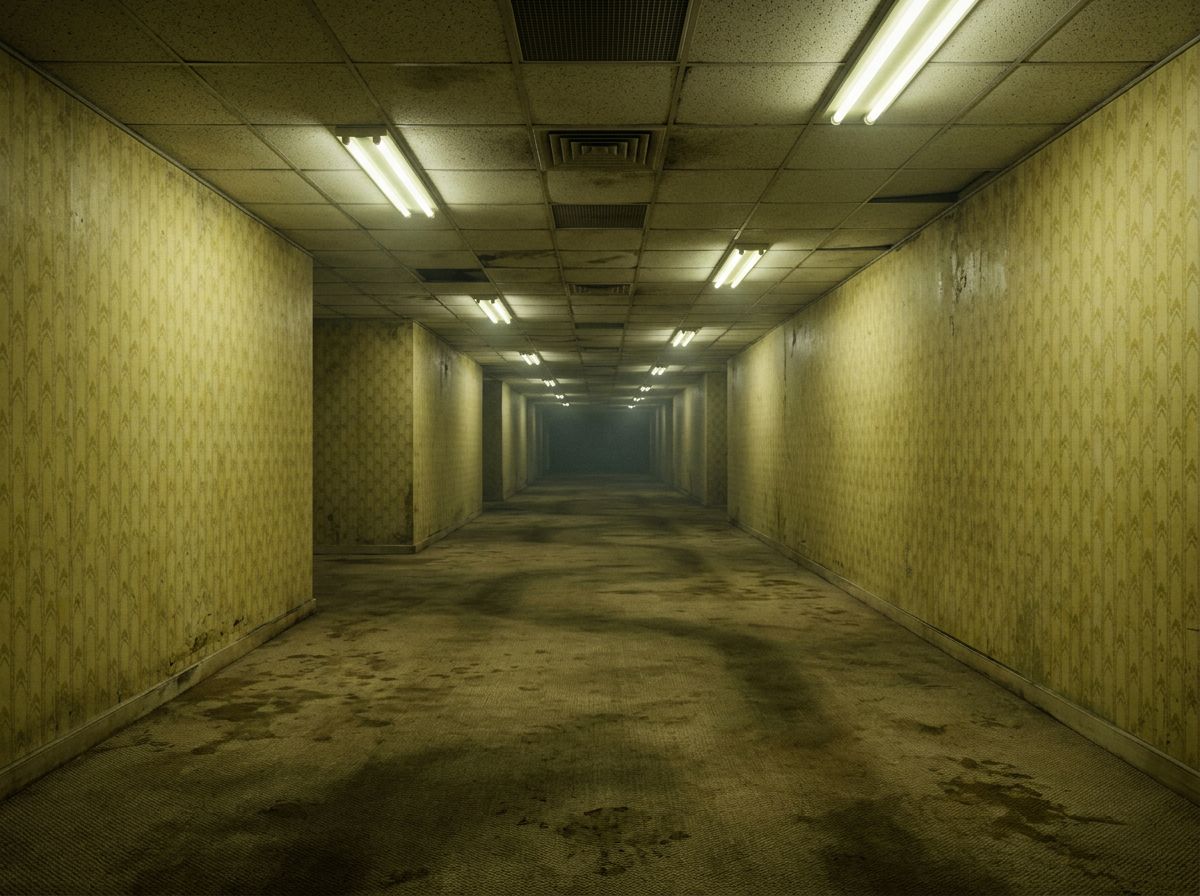
The Backrooms are unsettling because they are almost ordinary: yellow wallpaper, damp carpet, fluorescent lights and a corridor with no exit. This tool places the subject from your photo in that space and lets the camera drift forward for five seconds.
Video generation
Photo to video
Output
9:16, 5 seconds
Credits
300 per clip
Upload one photo and keep the preset prompt. It rebuilds the room as a liminal corridor and keeps the subject recognizable.
Upload reference photo
JPG, PNG (max 10MB)
Or try an example
The clip is AI-generated, not real footage of the people in the photos.
A generation that fails does not charge you: the credits go back to your balance automatically.
A five-second video clip costs 300 credits. The entry one-time pack is $4.99.
The scene does the work. The prompt keeps the movement slow and the sound implied.
A person standing in a simple pose is easiest to place in a corridor. Avoid a photo with several competing faces.
The default prompt asks for yellow wallpaper, damp carpet, fluorescent light and a slow forward drift.
Look for warped walls or floating objects. A clean source photo and the default prompt are the most reliable combination.
One continuous shot: the corridor stretches, the lights hum and the camera moves forward without a cut.
A short answer to the questions this effect raises.
The Backrooms are an internet horror concept about an endless liminal space: empty offices, yellow wallpaper, damp carpet and fluorescent lights. This tool uses that visual language, not a specific film set.
Yes. The photo gives the clip a consistent subject. Without one, the model has no face or body to hold steady while the room moves.
The default prompt builds the classic yellow corridor. You can edit the prompt to describe another level, but the result is more reliable when the scene stays simple.
A five-second clip costs 300 credits, $4.99 in the entry pack. Failed generations return their credits.
Try a ghost effect, a horror shot or a zombie outbreak.
Video generation
Upload a clear photo and keep the preset prompt. It asks for restrained motion, a cold grade and a slow camera move instead of a jump scare.
OpenVideo generation
Upload one portrait and keep the preset prompt. It adds translucency and cold mist without turning the person into a different face.
OpenVideo generation
Upload a portrait and keep the preset prompt. It asks for a wearable costume, not a full face replacement.
OpenUpload a photo and make a five-second Backrooms clip.
Open the Backrooms studioOct 8, 2026
The zombie love story AI trend explained: the four emotional beats, why it spread on short video, and how a photo becomes a cinematic clip of your own.
Oct 8, 2026
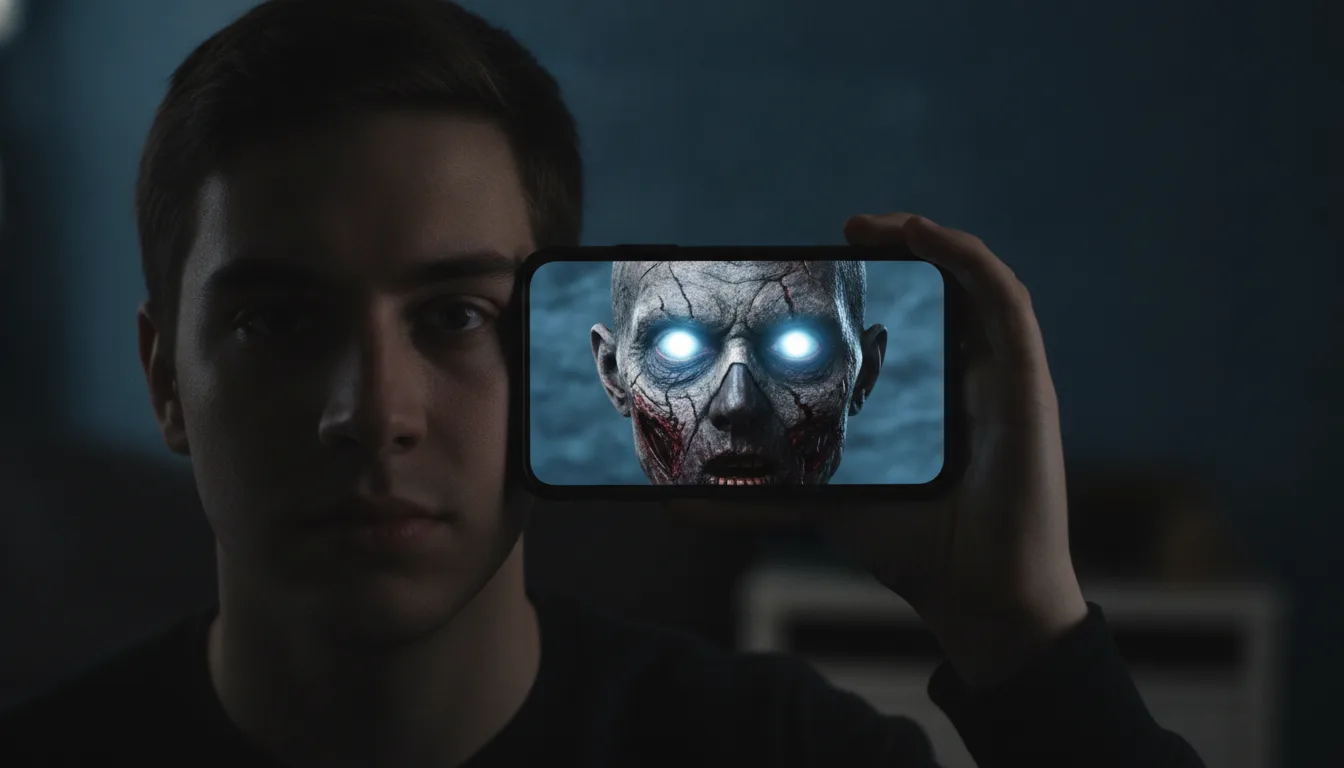
A step-by-step guide to making a zombie AI video from one photo: what a good source photo looks like, how the preview works, and what credits cost.
Oct 8, 2026
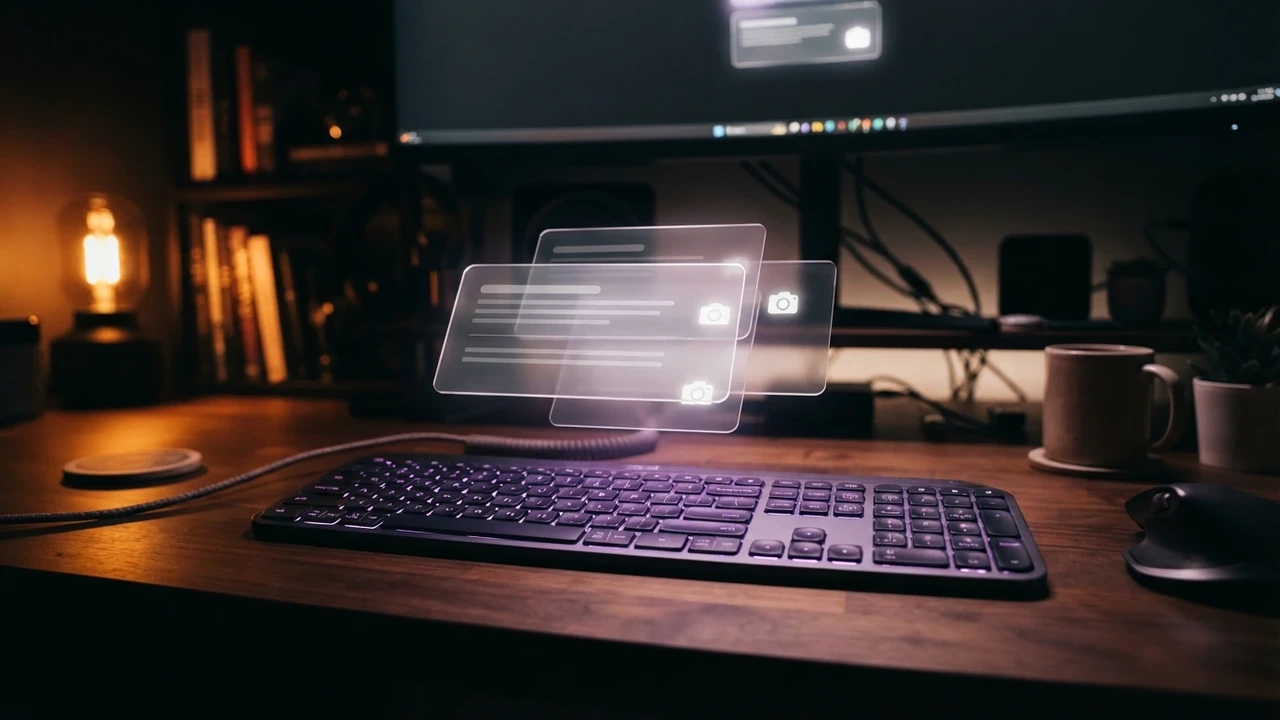
Fifteen zombie AI video prompts for the love story, pet, Halloween makeup, mini me and giant effects, with a short note on how prompts meet this site.
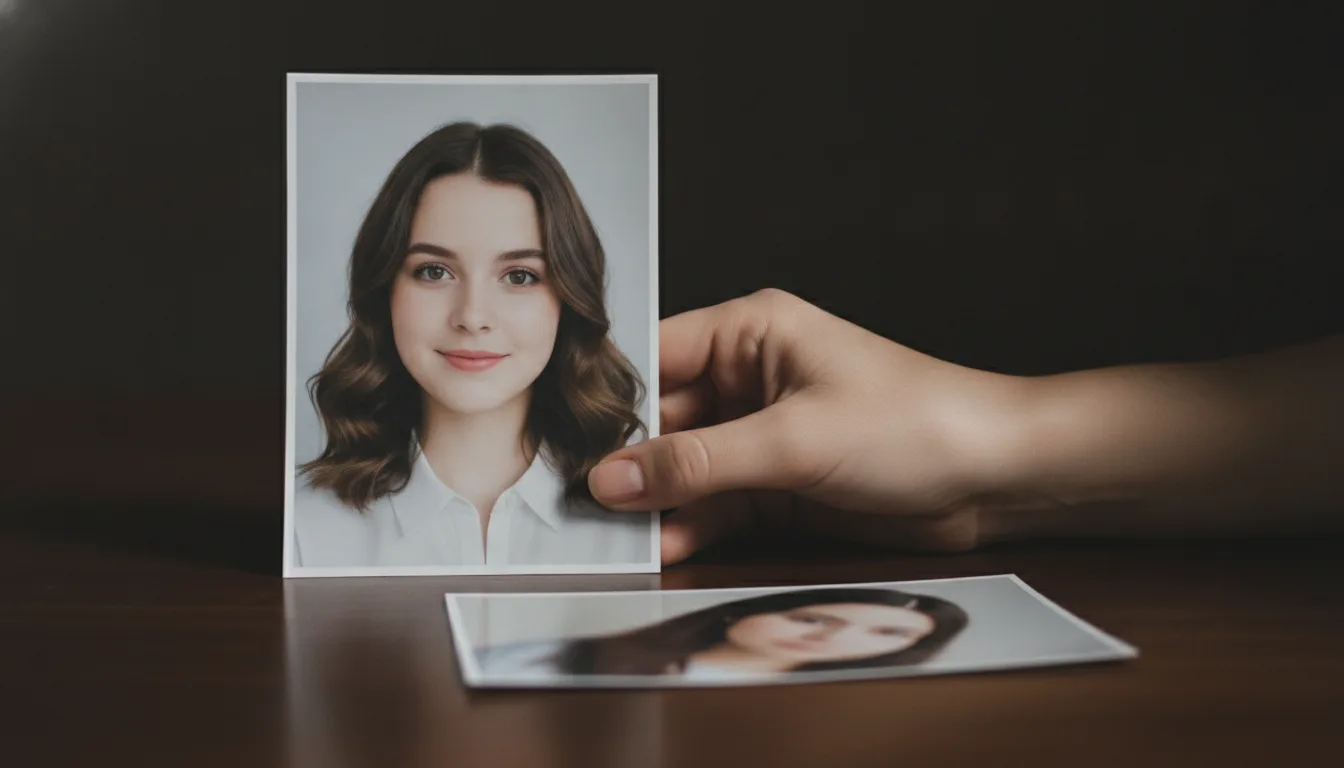
Oct 8, 2026
How to pick and prepare the source photo for a zombie AI video: front-facing framing, even light, sharp detail, and the mistakes that blur the likeness.
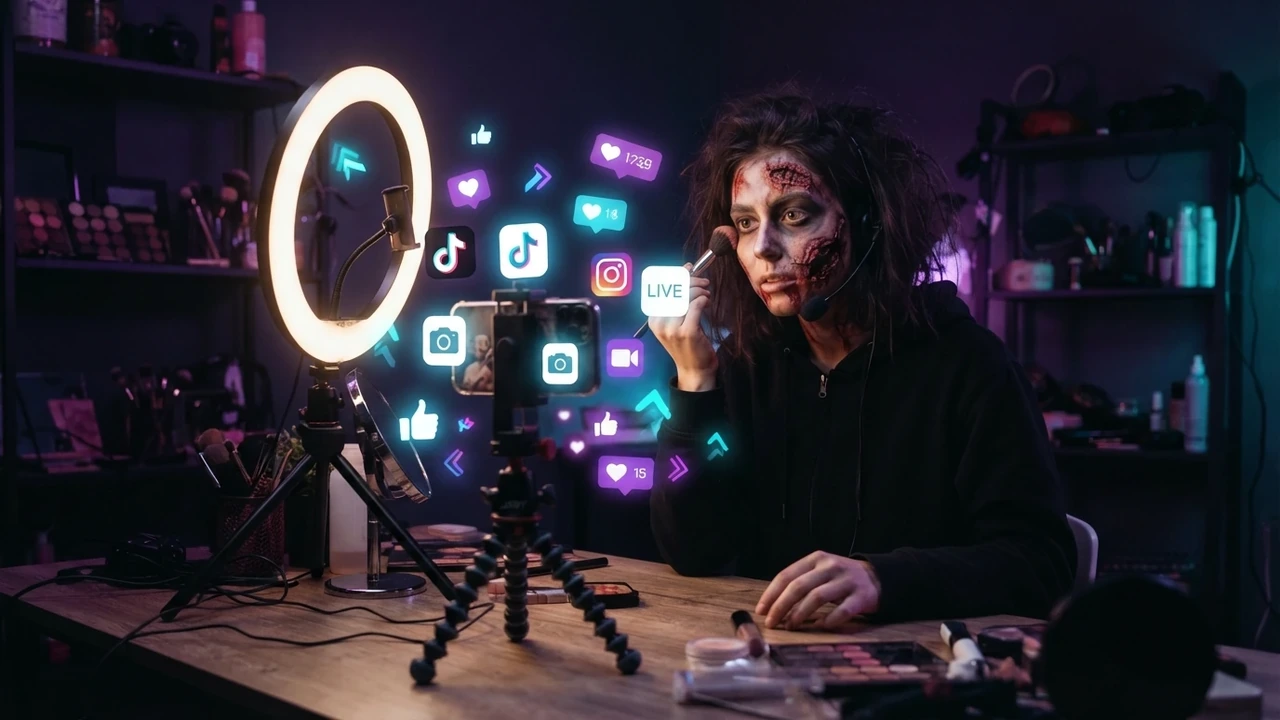
Oct 8, 2026
How to make the zombie love story clip for TikTok: vertical framing, the first-second hook, captions, hashtags, sound, posting time, and reply remakes.
Oct 8, 2026
How to publish the zombie love story clip on Instagram Reels: vertical framing, cover image, the four beats, the hard cut, cross-posting, and hashtags.
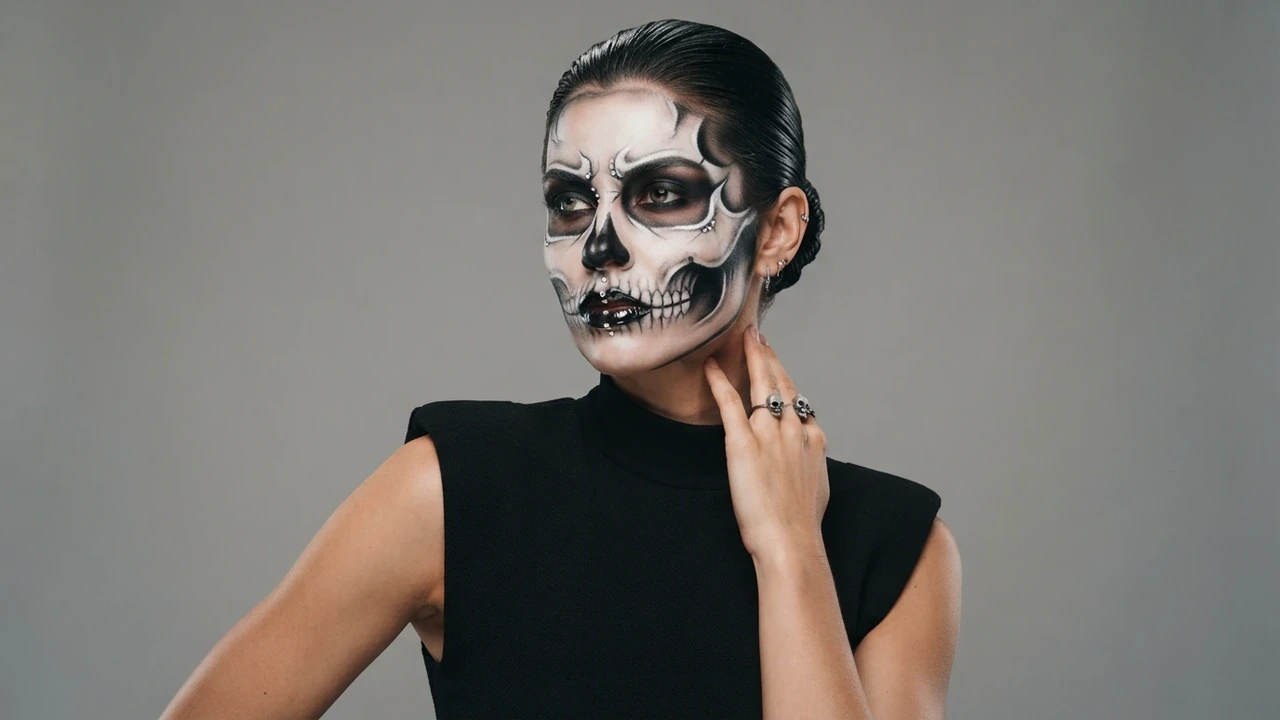
Oct 8, 2026
A look-by-look guide to the AI Halloween makeup effect: what it changes, how to describe the look you want, and how to pair it with a zombie story clip.
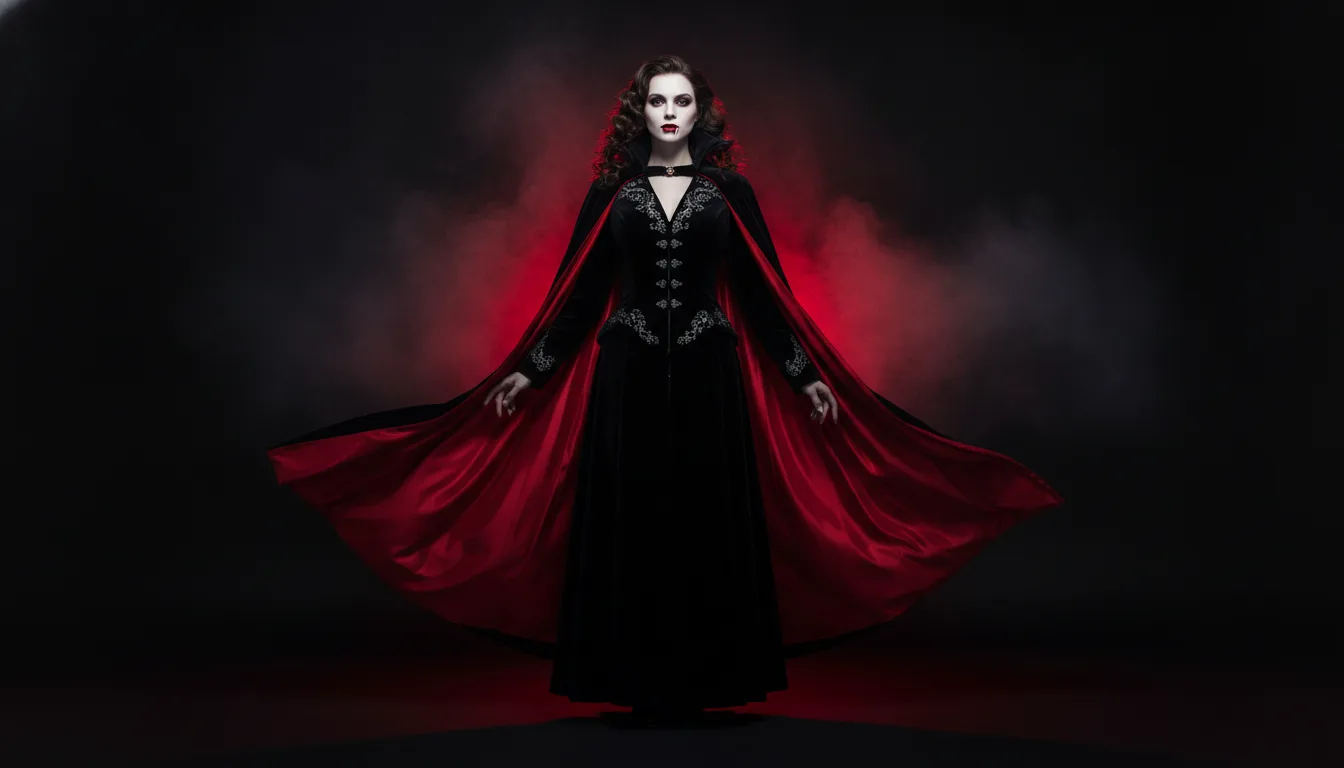
Oct 8, 2026
AI Halloween costume ideas for 2026: turn one selfie into several costume clips, plan a family and pet set, and post a Halloween series before 31 October.
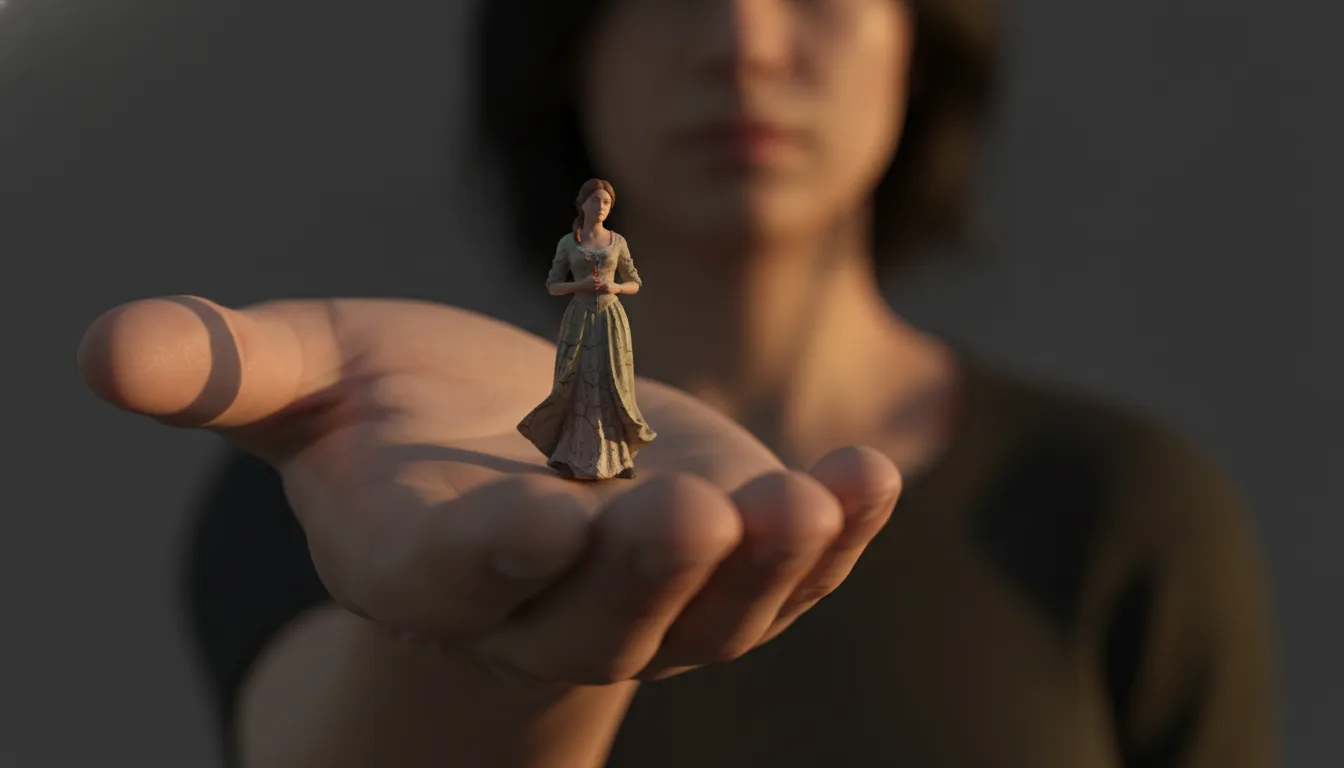
Oct 8, 2026
The AI mini me trend turns one photo into a tiny version of you inside a full-size room. How the effect is made, how to shoot for it, and clip ideas.
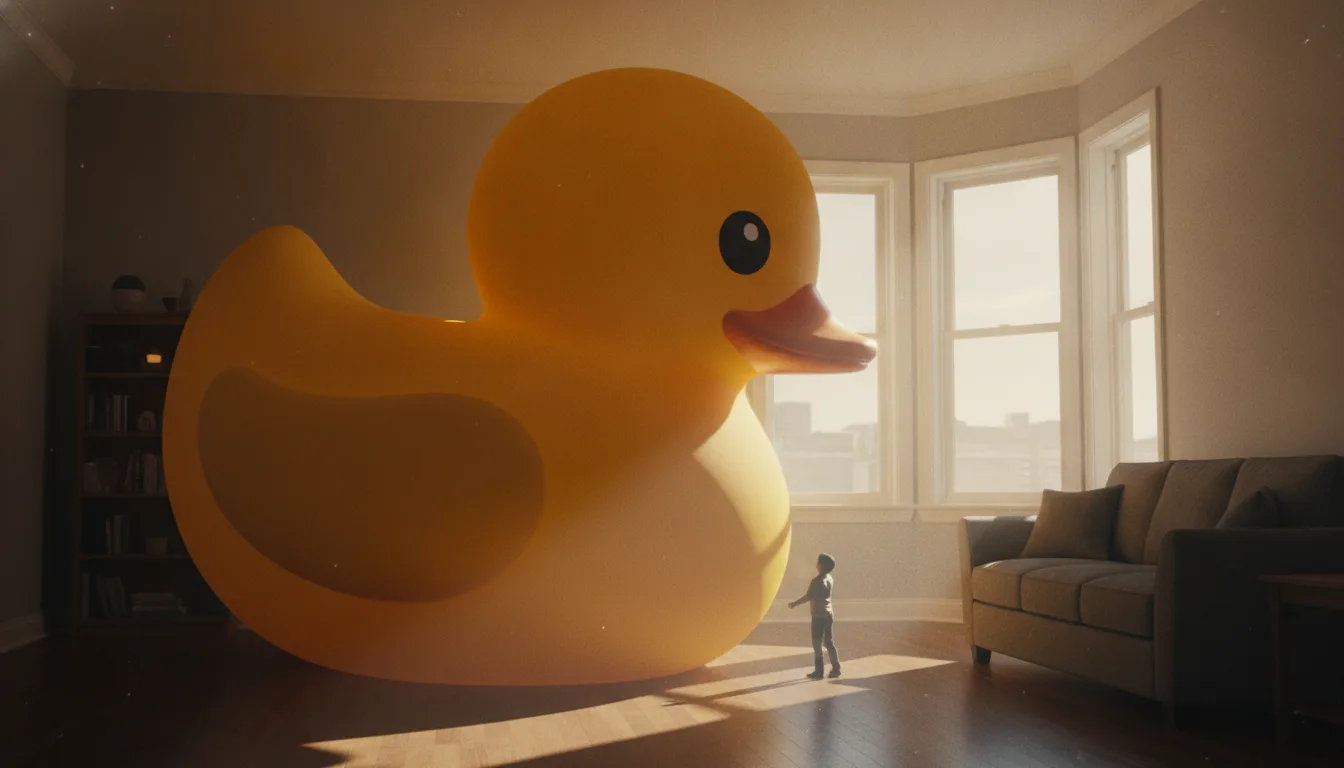
Oct 8, 2026
Make it giant AI scales a small everyday object up until it towers over a room. Which objects work best, how to keep the scene believable, and clip ideas.