Oct 8, 2026
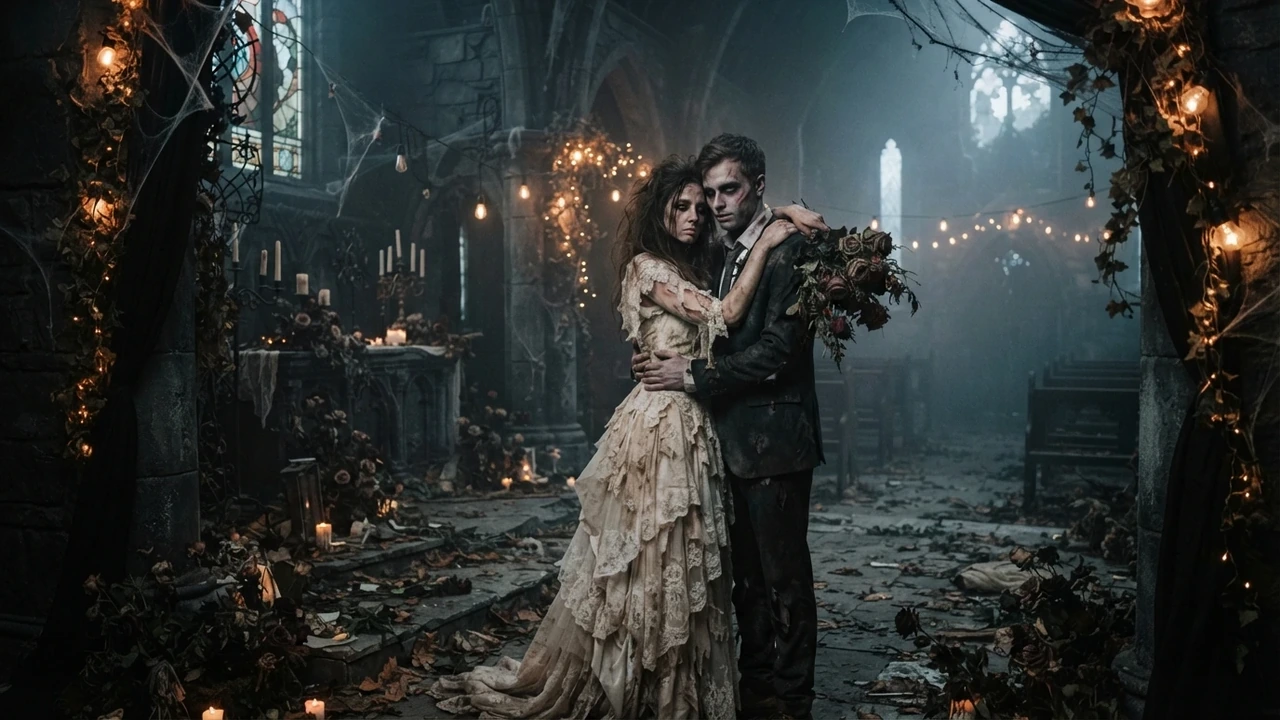
Zombie Love Story AI: How the Trend Works
The zombie love story AI trend explained: the four emotional beats, why it spread on short video, and how a photo becomes a cinematic clip of your own.
Create a zombie love story from one photo. Add an optional second photo to guide the other person's appearance. Results can vary.
Upload reference photo
JPG, PNG (max 10MB)
Upload the second photo
Create a zombie love story from one photo. Add an optional second photo to guide the other person's appearance. Results can vary.
Or try an example
The clip is AI-generated, not real footage of the people in the photos.
A generation that fails does not charge you: the credits go back to your balance automatically.
Pick the effect, upload the photos it asks for, and review the cost before you generate.
Start with the zombie love story; the zombie pet, AI Halloween makeup, AI mini me and AI make things giant effects sit in the Effects menu.
Add the photos the effect needs — one selfie, a pet photo, or a reference image and clip.
Review the cost first, then generate a 5-second video for 300 credits or a 10-second video for 600.
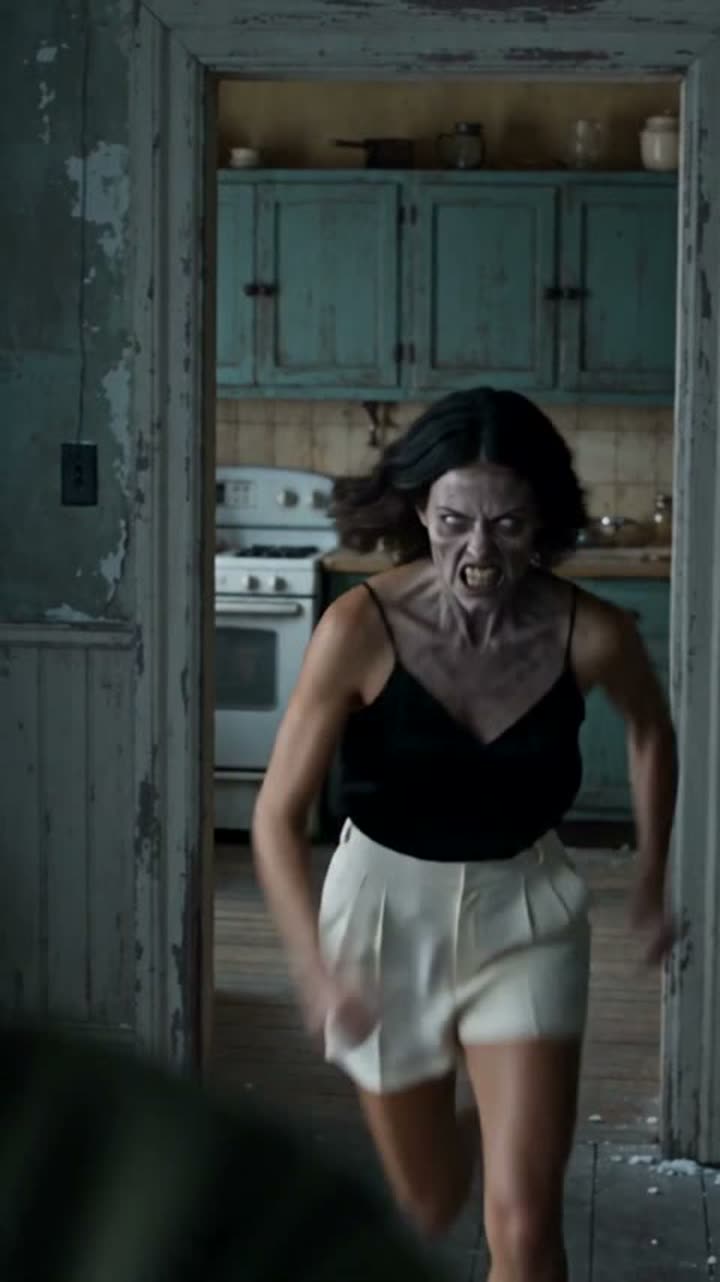
This is the shot list the studio writes into the prompt, timed on our own 8-second demo clip: four beats, in this order, whatever photos you upload.
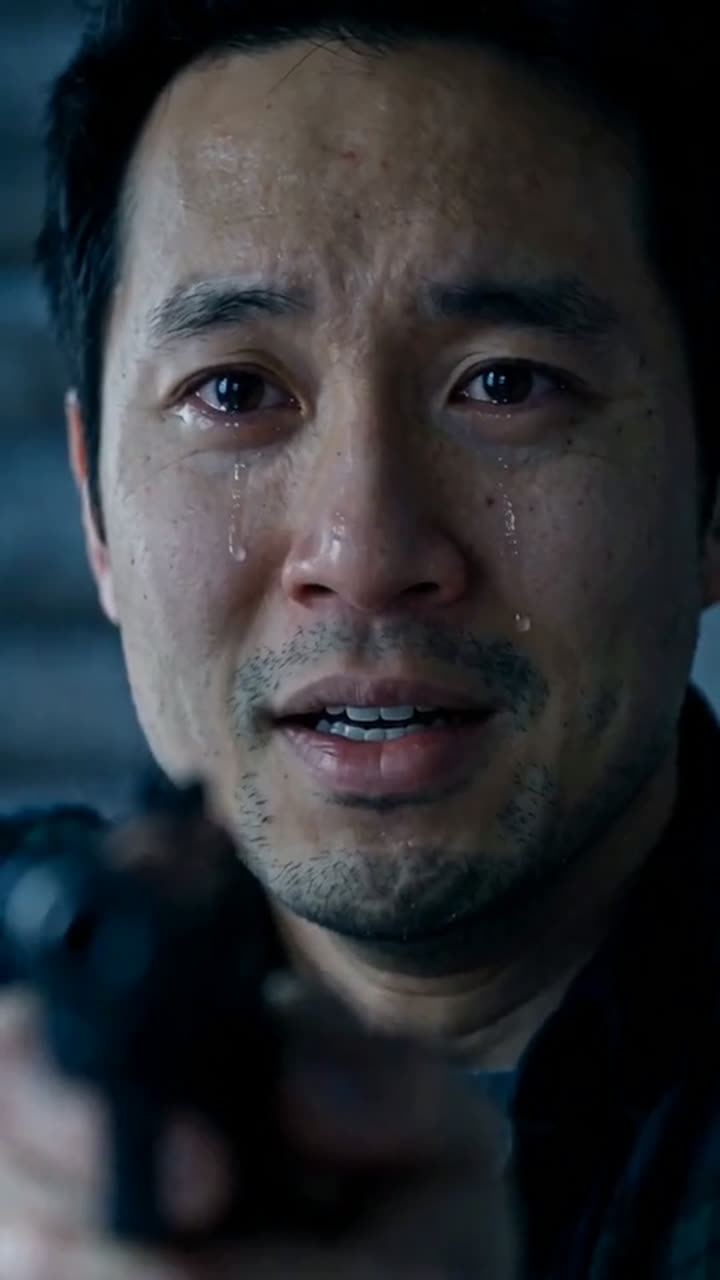
The clip opens behind the gun: the frame is filled by the weapon, held up, with the room behind it.
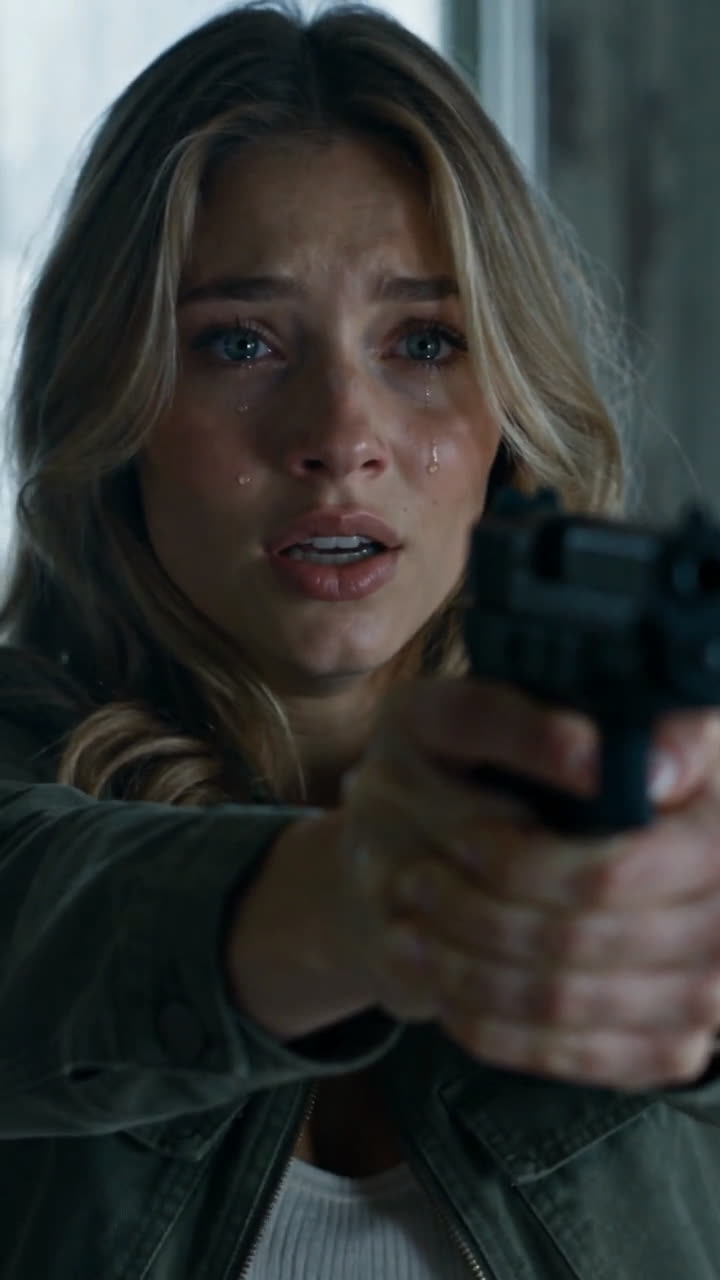
The camera finds the person standing there while the weapon stays up. This is the beat that decides whether the clip lands.
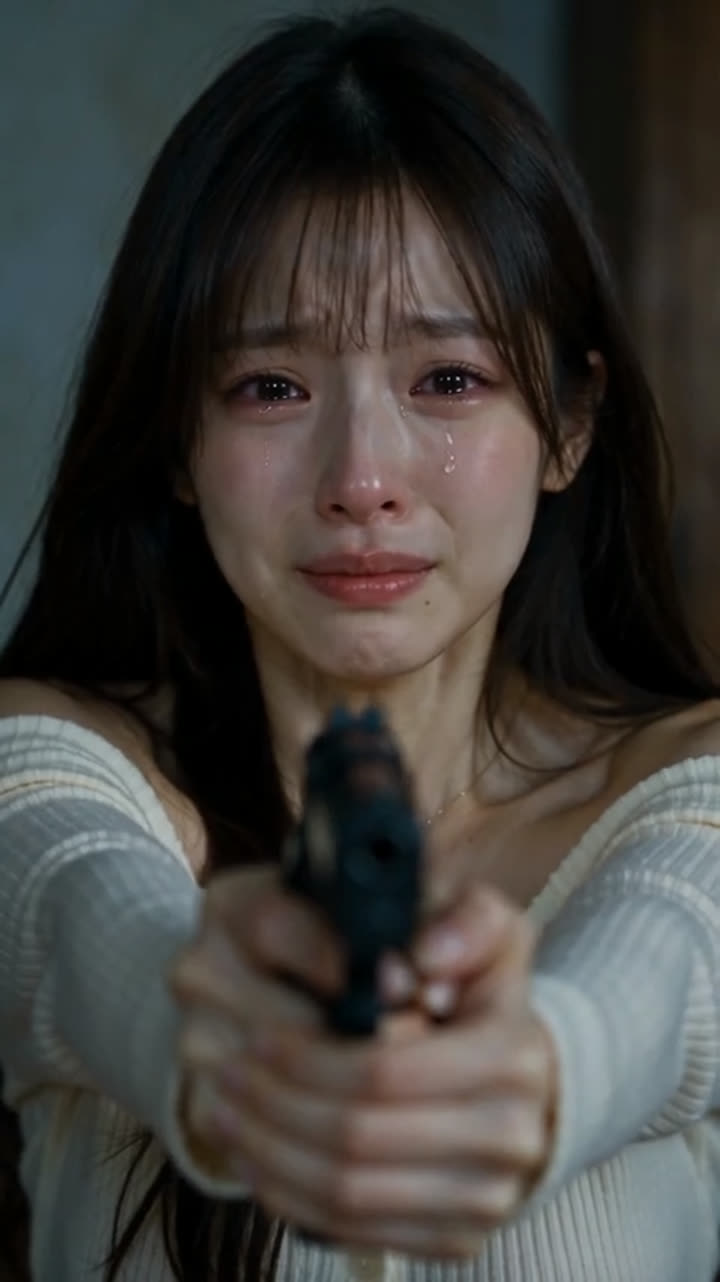
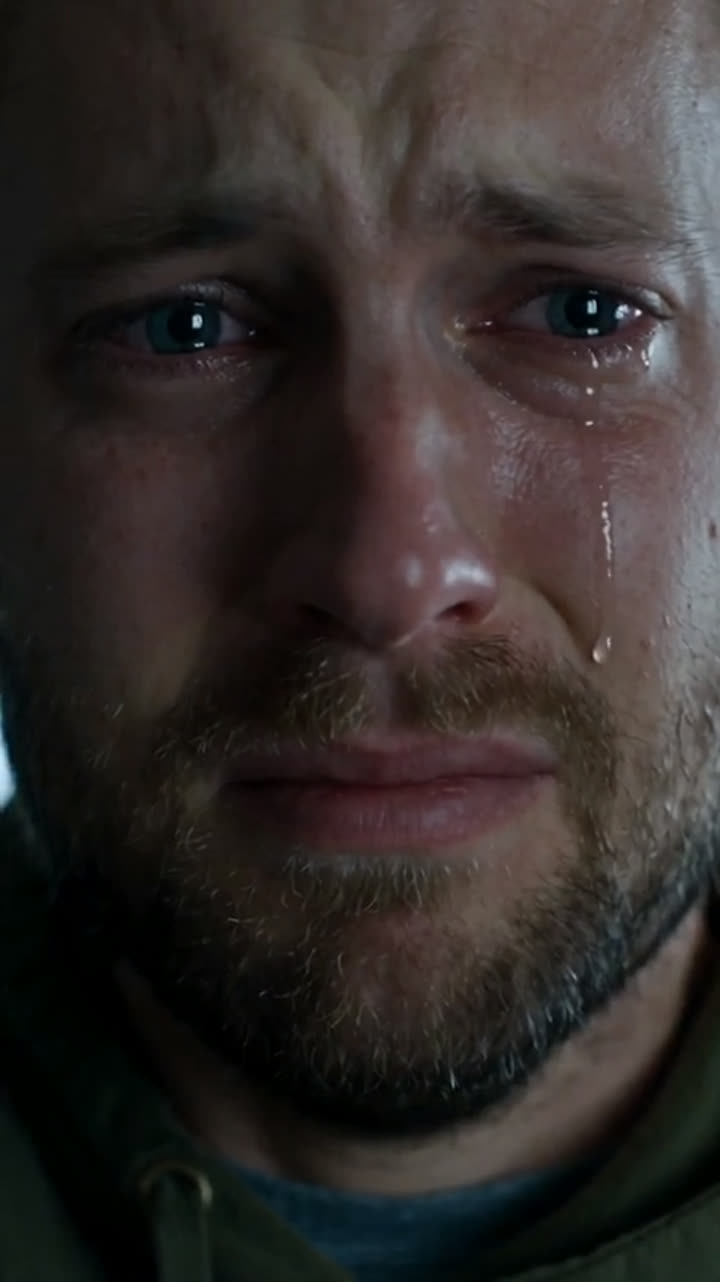
Then it closes in and holds on the face, and the weapon drops out of the bottom of the frame.
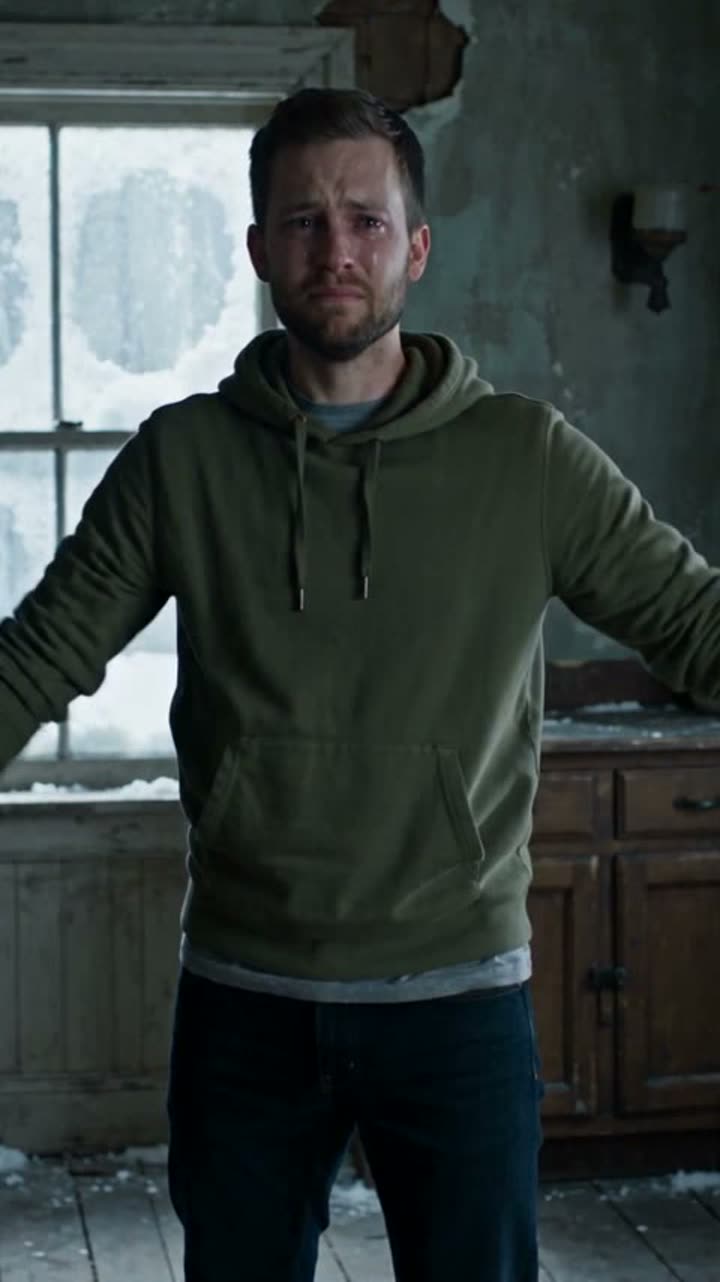
The clip ends as the survivor walks in with both arms open - the step before the hug.
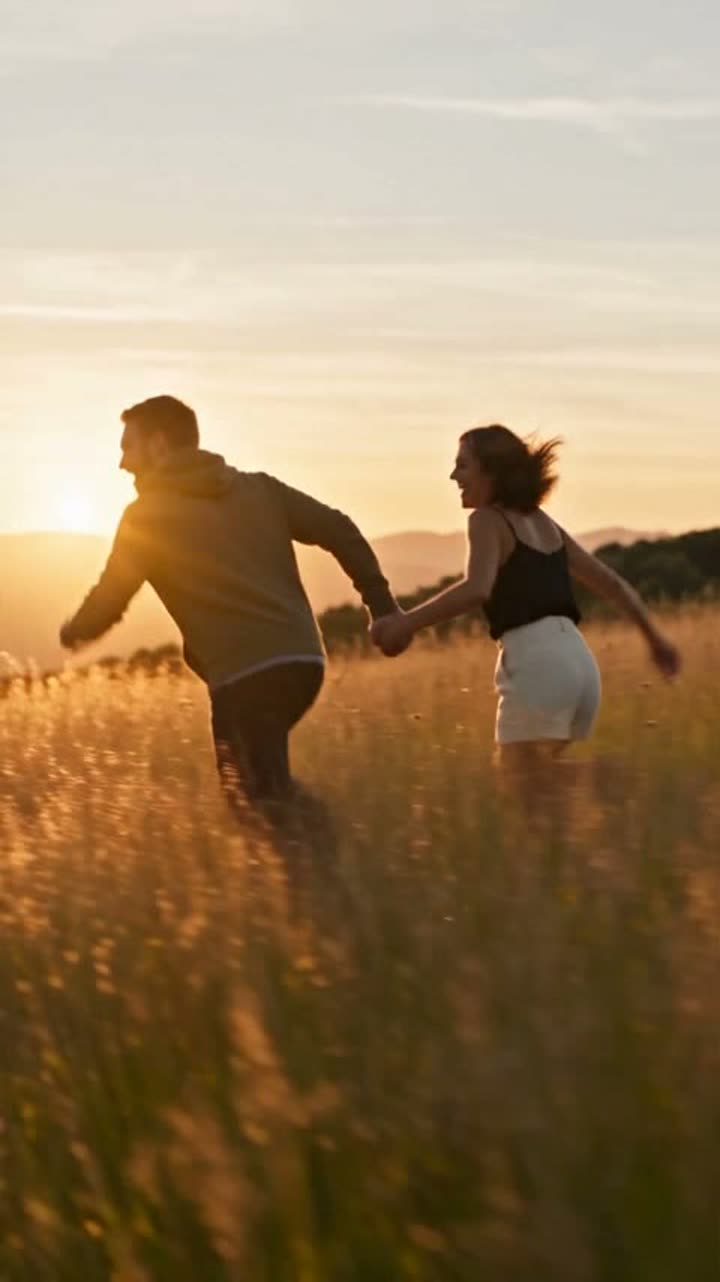
The studio's clips run 5 or 10 seconds, and the prompt asks for these beats in this order. Our demo clips stop at the cold half of the story - the cut into the warm memory is the beat the prompt asks for last.
The clip keeps the face you upload, so the photo decides how much of the result looks like the person you meant.
A single person, looking towards the camera. In a group photo the model has to choose one face to follow, and there is no control on this page that picks it for you.
Daylight or a lit room; avoid hard shadows across the face and anything covering the eyes.
Those are the two formats the model accepts; anything else is refused before a credit is spent.
A photo where the eyes are in focus works. A screenshot of a photo, or an image that has been through five apps, loses the detail the model needs.
A photo from this year beats one from a decade ago: the clip is of the person in the photo you send.
You can try the studio with a sample photo before you spend anything - the tray under the photo slot loads one of ours.
The prompt box opens with this effect's shot list already in it, in English, because that is what the video model reads most reliably. Leave it as it is and you get the clip this page describes; edit it only if you want a different scene.
The camera moves, the lighting and the cut are part of the prompt the studio builds - you do not have to describe them.
The prompt asks for one survivor and one zombie. Nothing in the studio decides which of your two photos is which by gender, and neither photo is labelled with a role: both go into the same frame and the prompt names one of each.
Two photos, one frame. Both photos are composited into a single frame before the clip is generated, so the model keeps both faces instead of inventing the second one.
Only one photo? Then send one. The studio builds the second person from the prompt and the model decides what they look like; two photos is the version you can predict.
The notice above the Generate button is the same rule as our Terms of Service: only photos you are authorized to use, and everyone in them has agreed.
The standoff, and the zombie it cuts to - two stills from the clip this effect makes.
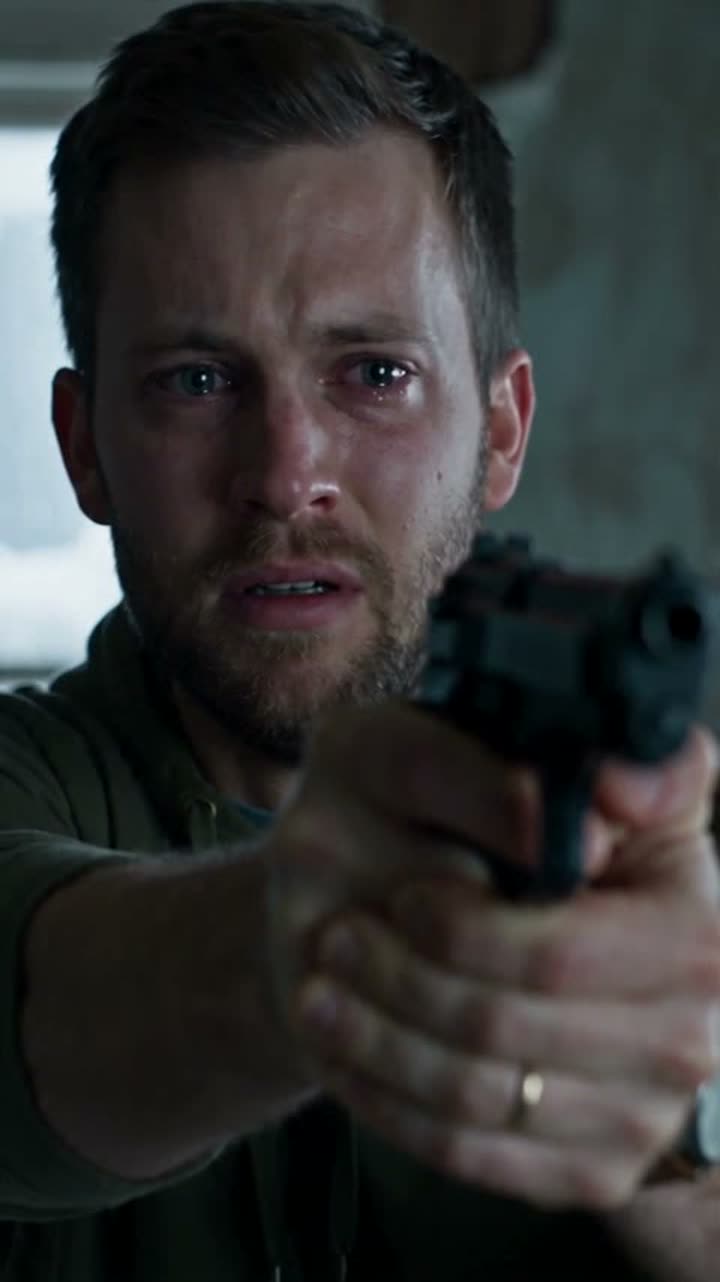
A still from our own demo clip: the survivor in the cold, present-day kitchen
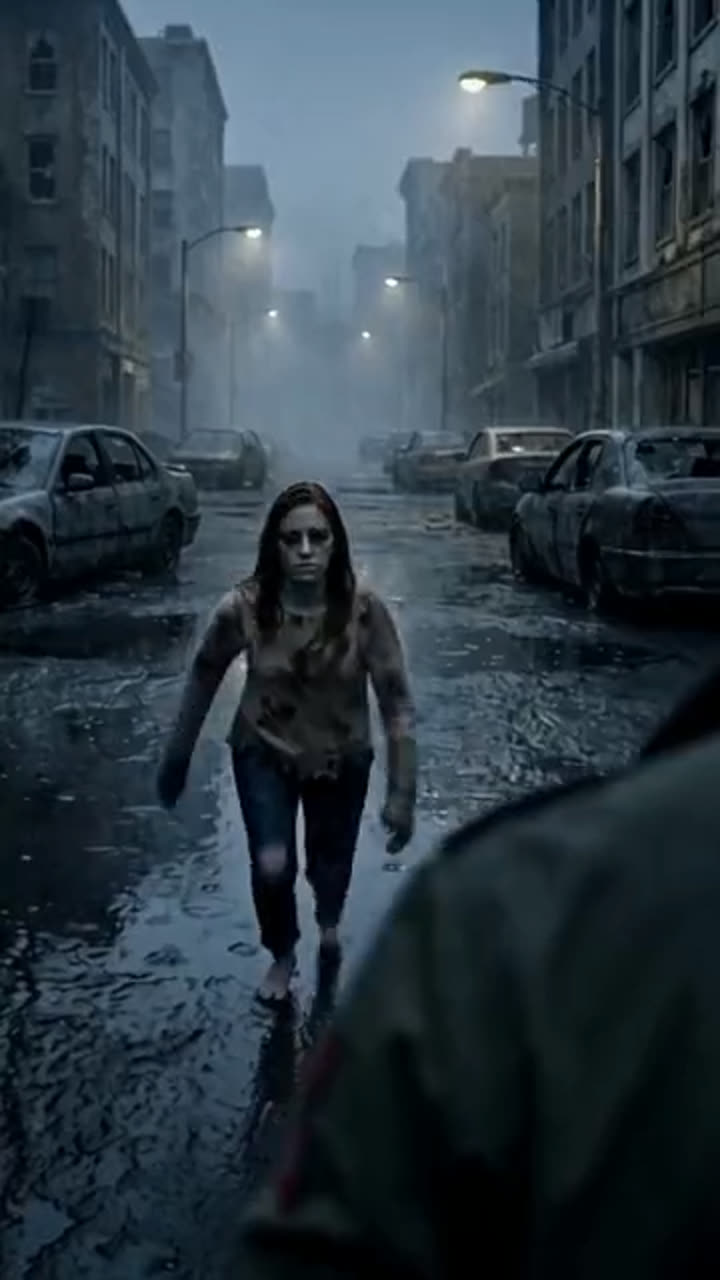
A still from our own demo clip: the zombie walking towards the camera
Both stills are frames from our own demo clip. Your clip follows the photos you upload.
Answers about the photo you upload, the credits and what a clip costs.
Pick an effect, add the photos the studio asks for, and check the credit cost before you submit. The first 5-second clip is $4.99, and one-time packs carry no subscription.
Oct 8, 2026
The zombie love story AI trend explained: the four emotional beats, why it spread on short video, and how a photo becomes a cinematic clip of your own.
Oct 8, 2026
A step-by-step guide to making a zombie AI video from one photo: what a good source photo looks like, how the preview works, and what credits cost.
Oct 8, 2026
Fifteen zombie AI video prompts for the love story, pet, Halloween makeup, mini me and giant effects, with a short note on how prompts meet this site.
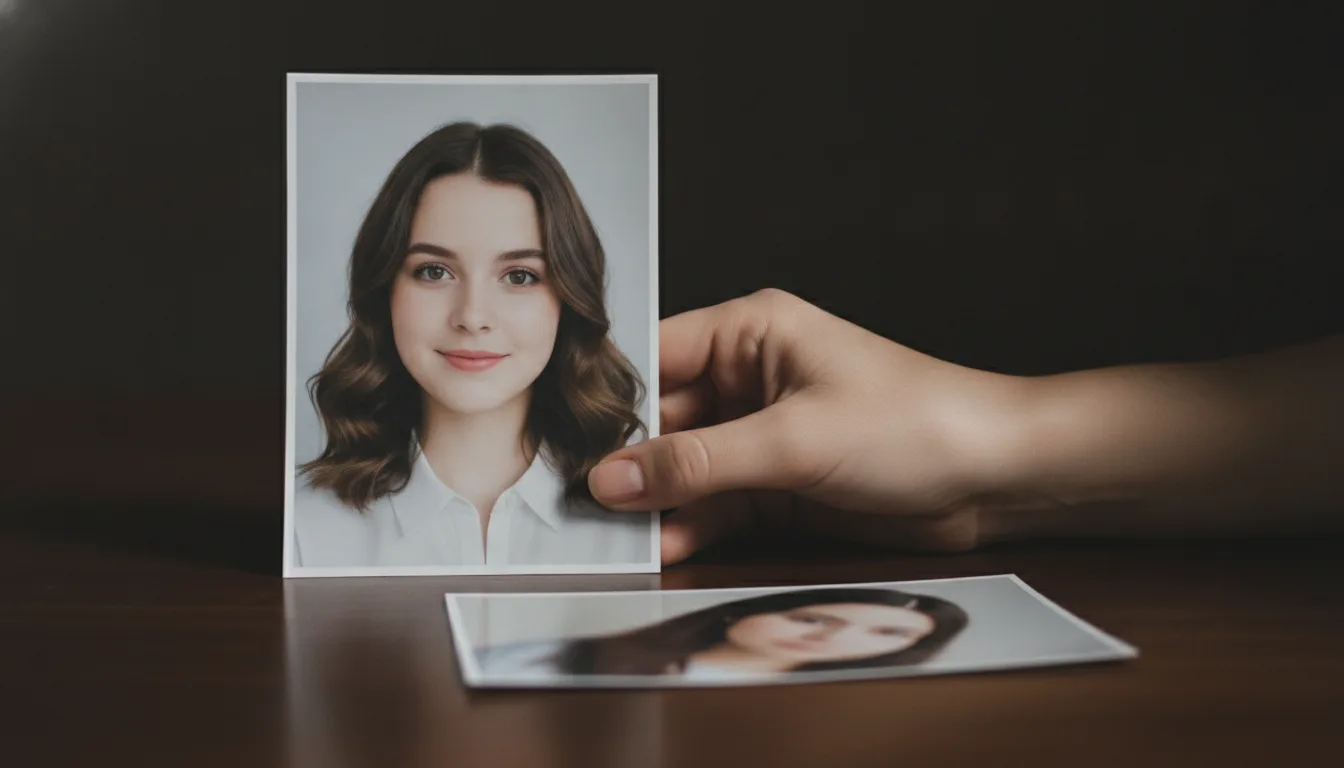
Oct 8, 2026
How to pick and prepare the source photo for a zombie AI video: front-facing framing, even light, sharp detail, and the mistakes that blur the likeness.
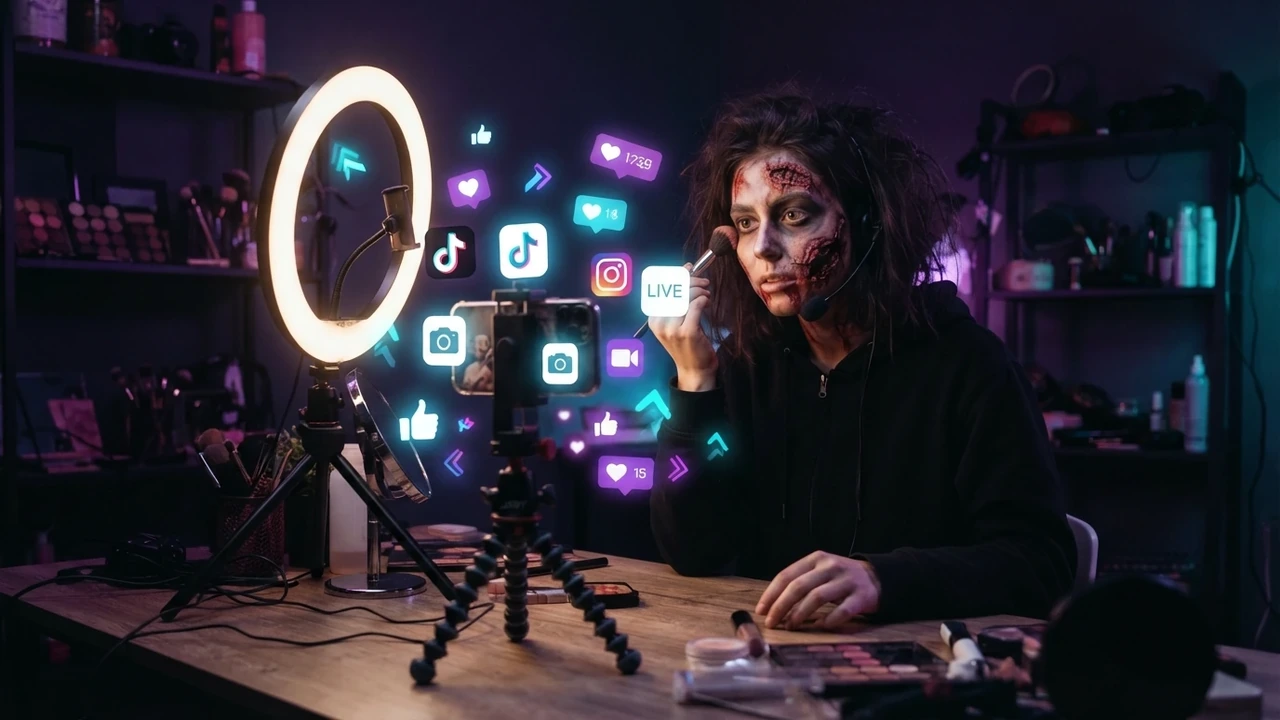
Oct 8, 2026
How to make the zombie love story clip for TikTok: vertical framing, the first-second hook, captions, hashtags, sound, posting time, and reply remakes.
Oct 8, 2026
How to publish the zombie love story clip on Instagram Reels: vertical framing, cover image, the four beats, the hard cut, cross-posting, and hashtags.
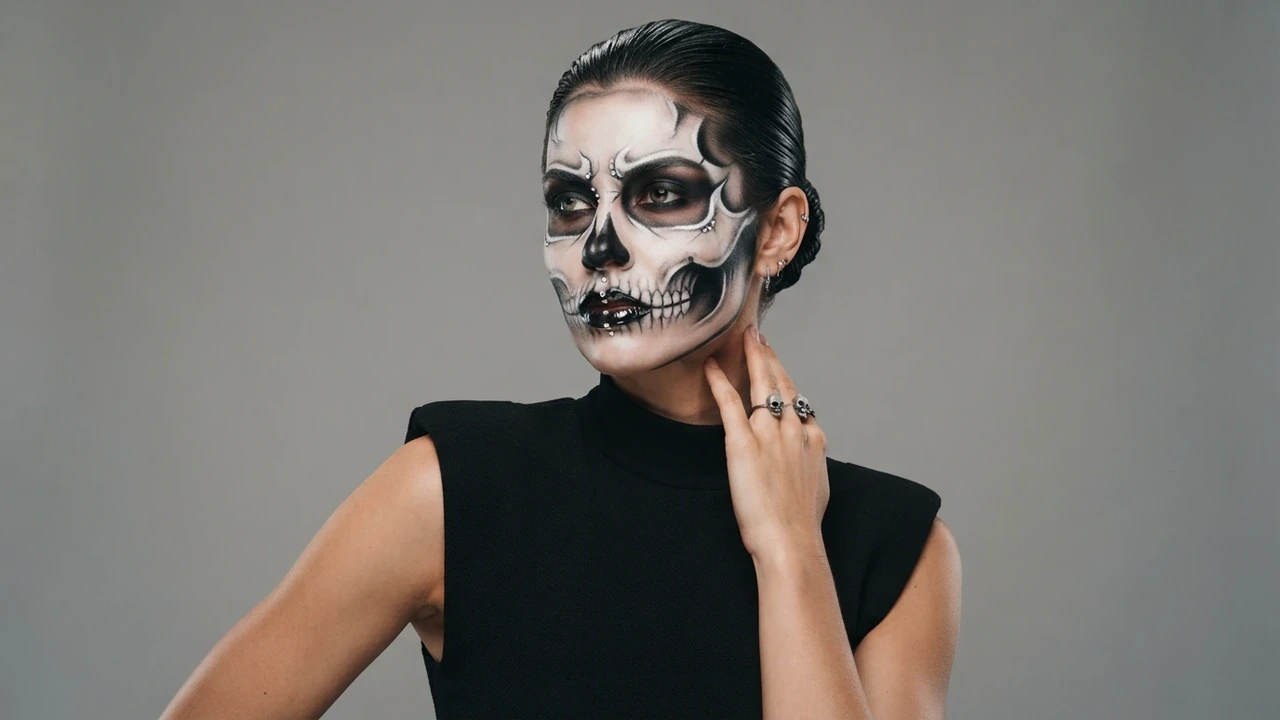
Oct 8, 2026
A look-by-look guide to the AI Halloween makeup effect: what it changes, how to describe the look you want, and how to pair it with a zombie story clip.
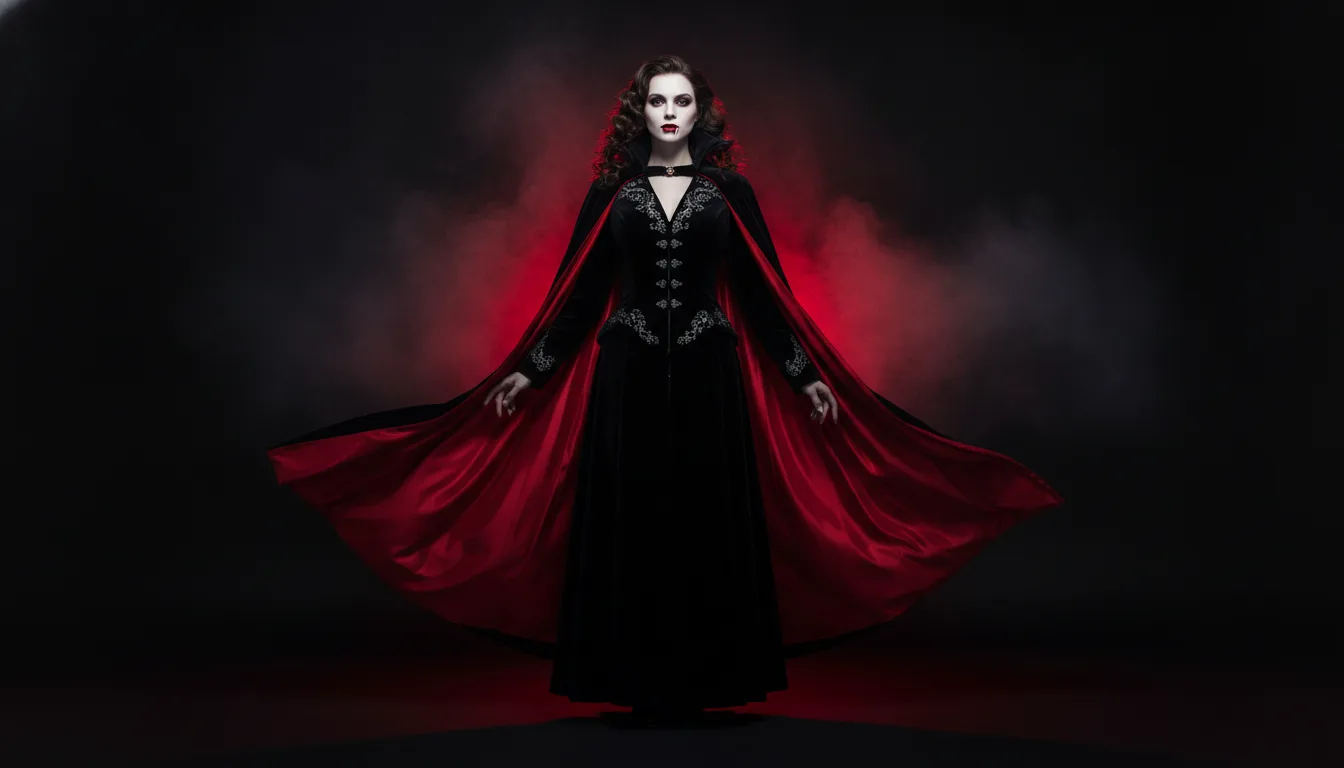
Oct 8, 2026
AI Halloween costume ideas for 2026: turn one selfie into several costume clips, plan a family and pet set, and post a Halloween series before 31 October.
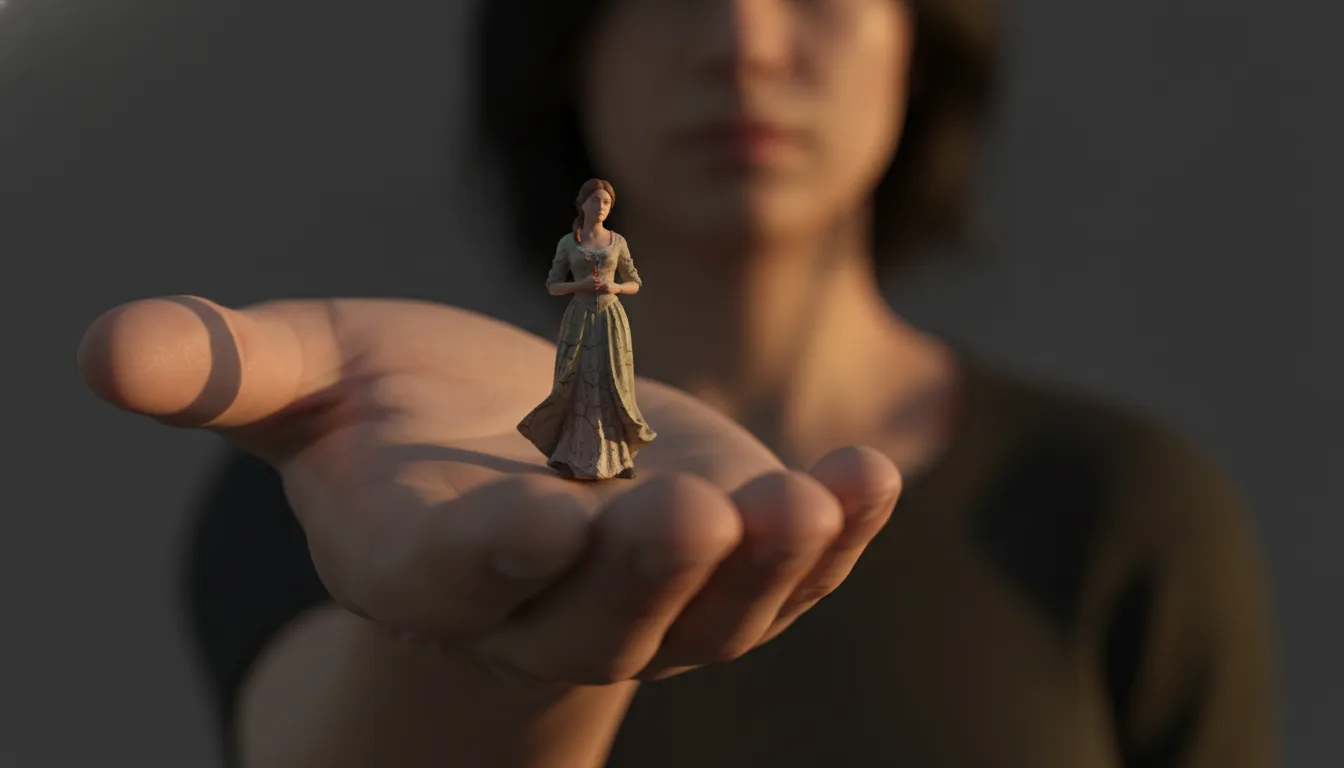
Oct 8, 2026
The AI mini me trend turns one photo into a tiny version of you inside a full-size room. How the effect is made, how to shoot for it, and clip ideas.
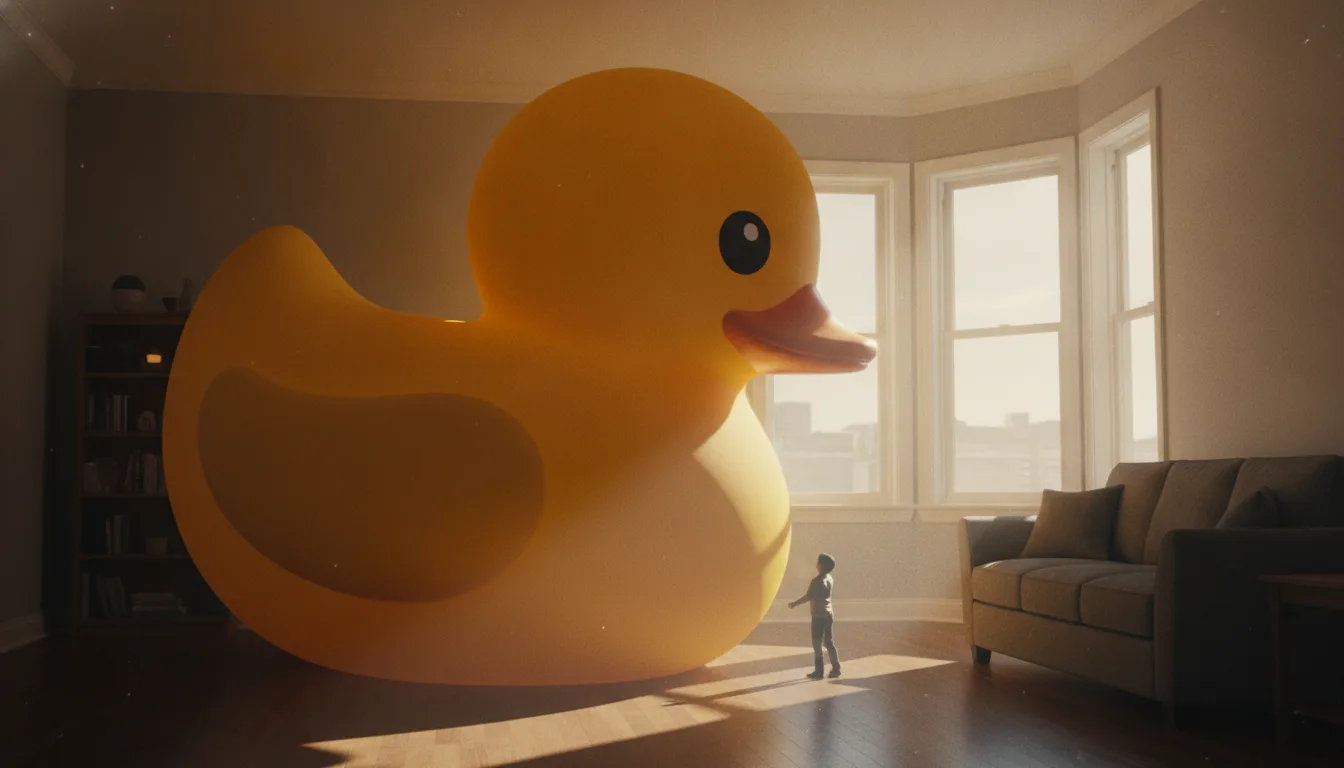
Oct 8, 2026
Make it giant AI scales a small everyday object up until it towers over a room. Which objects work best, how to keep the scene believable, and clip ideas.