Oct 8, 2026
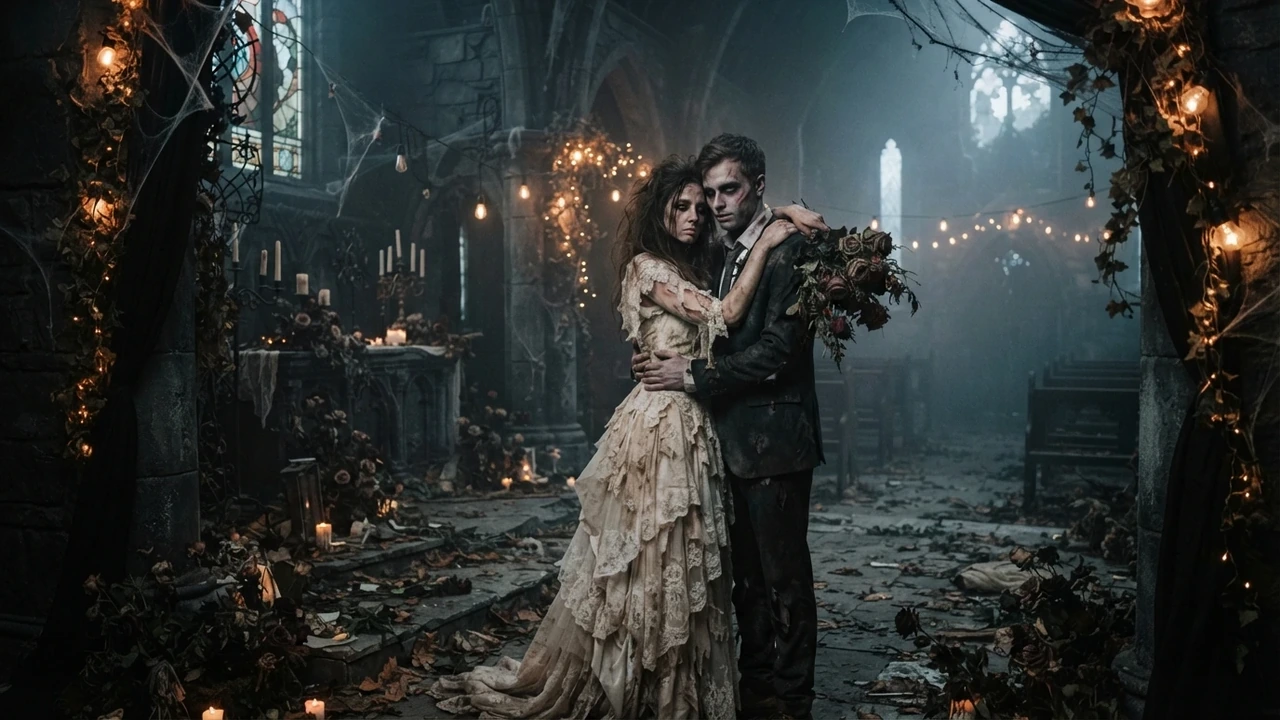
Zombie Love Story AI: How the Trend Works
The zombie love story AI trend explained: the four emotional beats, why it spread on short video, and how a photo becomes a cinematic clip of your own.
Inspect photo brightness, contrast, color warmth, and 9:16 safe-zone framing locally on an HTML5 canvas before spending credits in the Zombie AI studio.
All inspection runs locally in your browser. Zero images uploaded.
Preflight Readiness Score
--
Next step: upload your checked portraits into Zombie AI Studio
Export the cropped 9:16 PNG above, then run your clip in the studio. Generating a video requires purchased credits starting at 300 credits per 5-second clip.
Ready for AI Rendering
This browser workbench is free to use. When you are ready to render with the AI video pipeline, pick a one-time credit pack with no subscription required and open the studio.
No. Every pixel measurement, safe-zone preview, and 9:16 crop runs locally inside your browser canvas. Nothing is sent over the network until you choose to upload a photo inside the paid studio.
When Partner A and Partner B share a similar brightness range and color temperature, the image-to-video pipeline holds both facial identities more reliably across the standoff and memory cut.
Use a clear front-facing portrait with at least 720 pixels on the short side, eyes positioned in the upper-middle third, and enough headroom so TikTok or Reels captions do not cover the face.
Yes. Running lighting checks and exporting cropped 9:16 PNG frames in your browser is completely free. Generating an AI video clip in the studio requires purchased credits.
Free Browser Prompt Workbench
Assemble structured, identity-preserving prompts for Zombie Love Story, Zombie Pet, Halloween Makeup, AI Mini Me, and Make It Giant clips without guesswork.
Open toolFree Browser Budget Tool
Plan a four-beat TikTok, Reels, or Shorts zombie clip timeline and calculate exact studio credit requirements using the live Zombie AI pricing schedule.
Open toolOct 8, 2026
The zombie love story AI trend explained: the four emotional beats, why it spread on short video, and how a photo becomes a cinematic clip of your own.
Oct 8, 2026
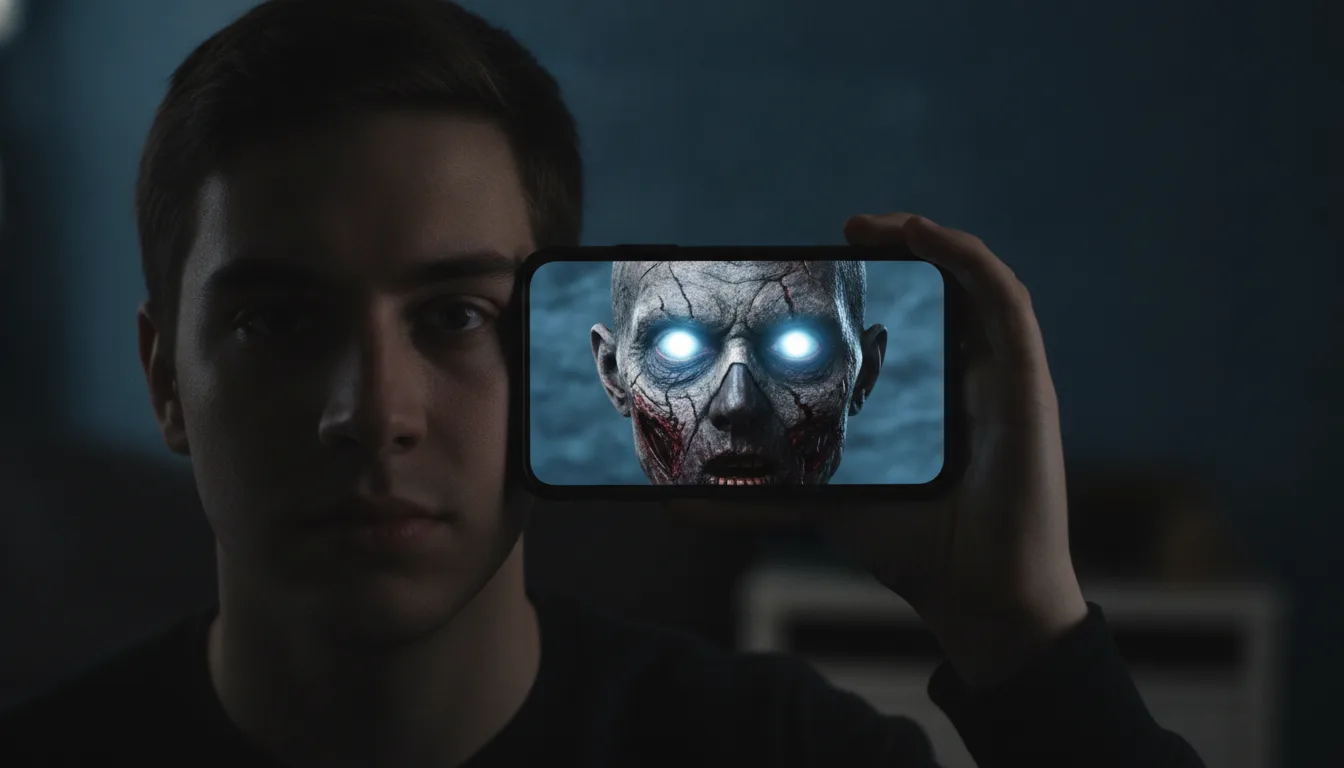
A step-by-step guide to making a zombie AI video from one photo: what a good source photo looks like, how the preview works, and what credits cost.
Oct 8, 2026
Fifteen zombie AI video prompts for the love story, pet, Halloween makeup, mini me and giant effects, with a short note on how prompts meet this site.
Oct 8, 2026
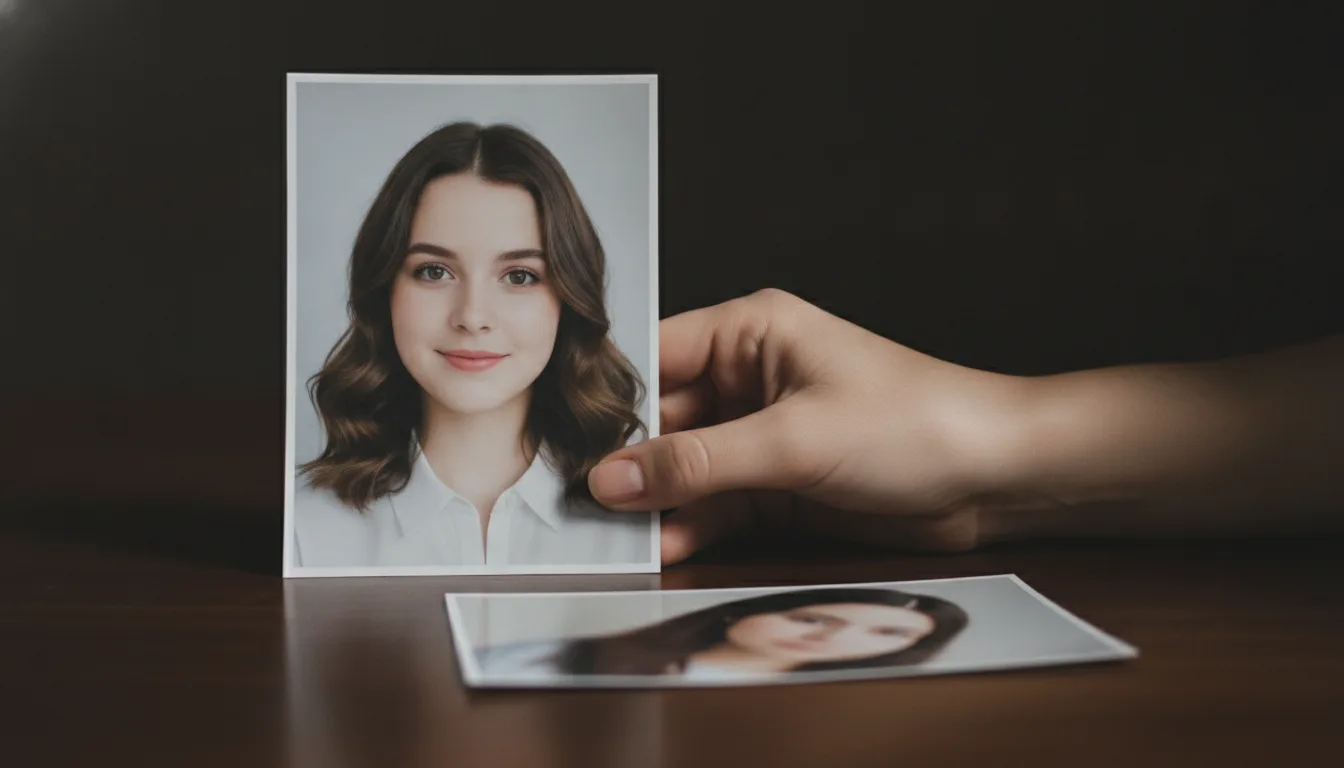
How to pick and prepare the source photo for a zombie AI video: front-facing framing, even light, sharp detail, and the mistakes that blur the likeness.
Oct 8, 2026
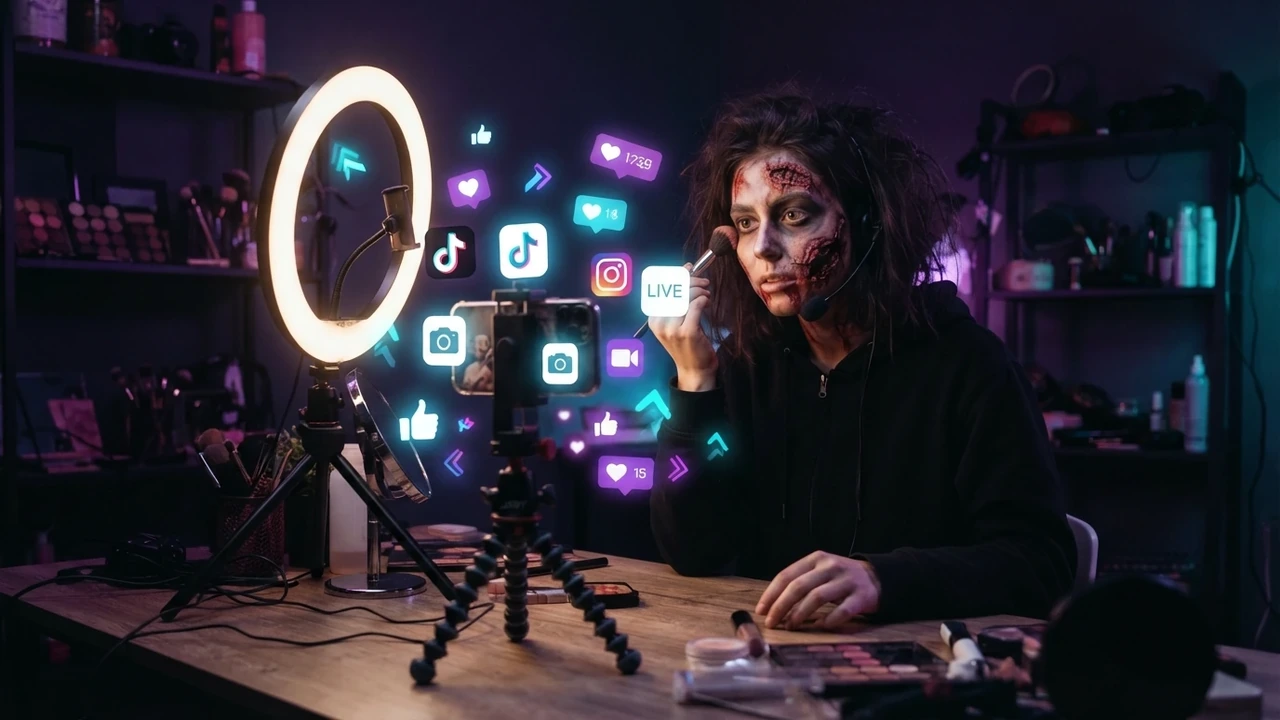
How to make the zombie love story clip for TikTok: vertical framing, the first-second hook, captions, hashtags, sound, posting time, and reply remakes.
Oct 8, 2026
How to publish the zombie love story clip on Instagram Reels: vertical framing, cover image, the four beats, the hard cut, cross-posting, and hashtags.
Oct 8, 2026
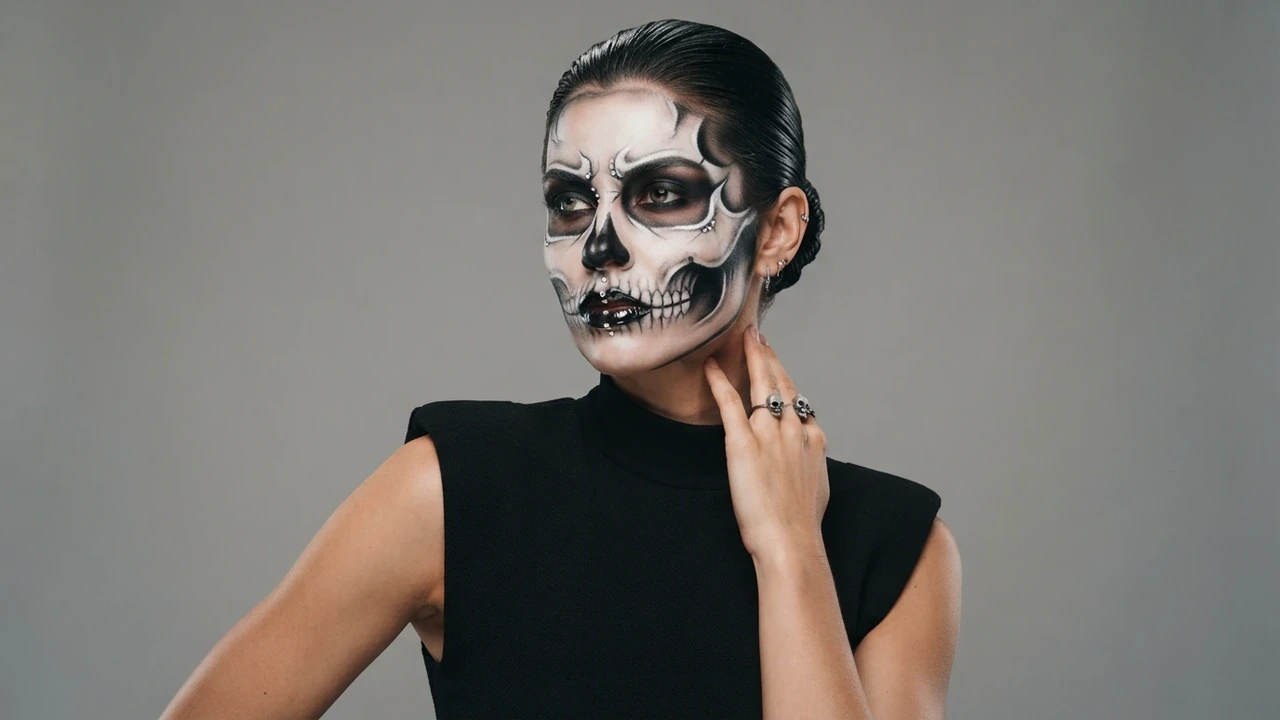
A look-by-look guide to the AI Halloween makeup effect: what it changes, how to describe the look you want, and how to pair it with a zombie story clip.
Oct 8, 2026
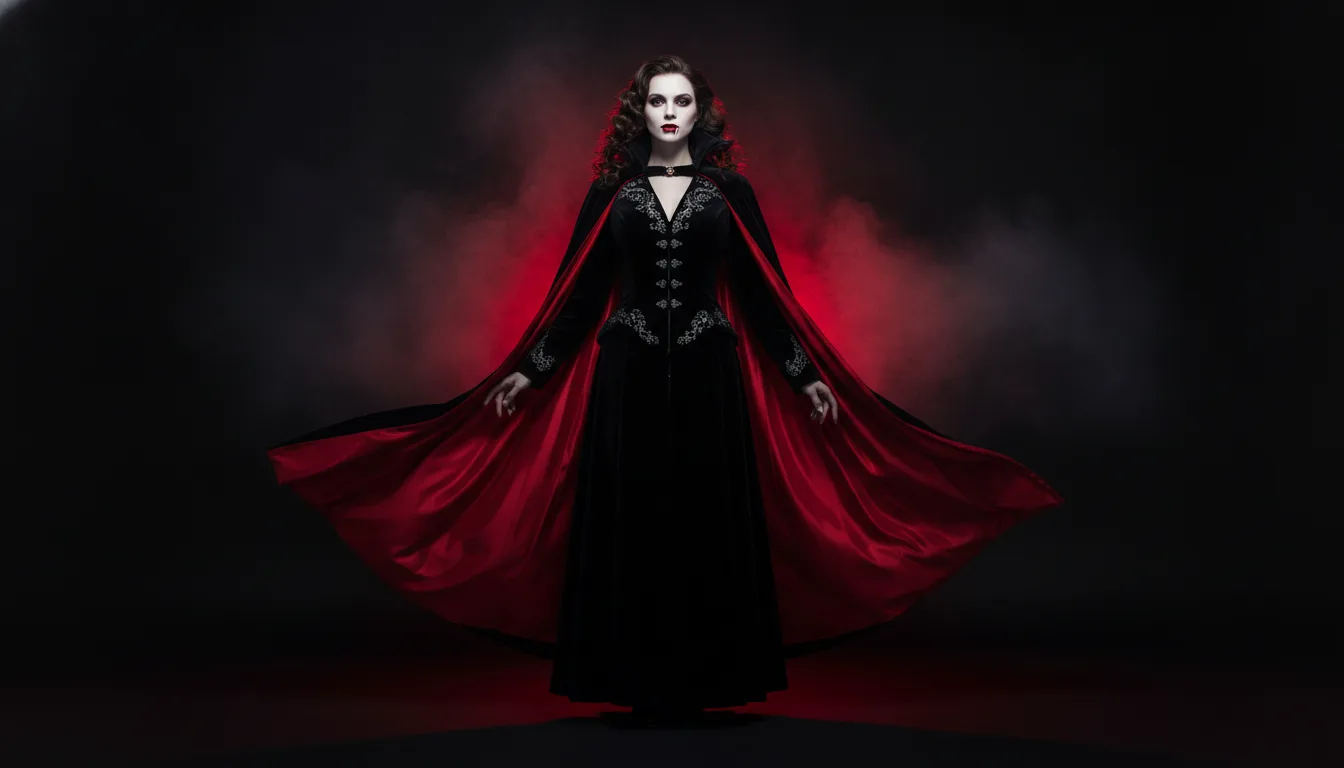
AI Halloween costume ideas for 2026: turn one selfie into several costume clips, plan a family and pet set, and post a Halloween series before 31 October.
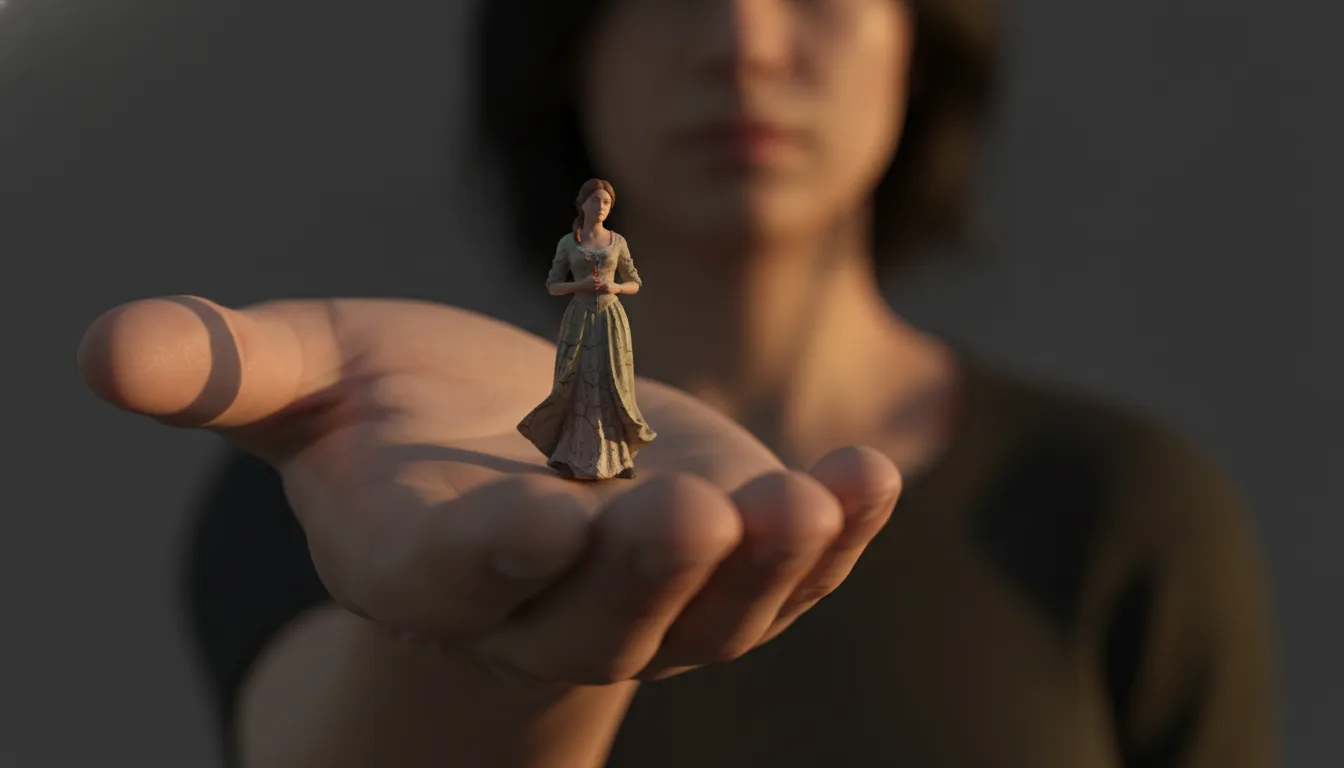
Oct 8, 2026
The AI mini me trend turns one photo into a tiny version of you inside a full-size room. How the effect is made, how to shoot for it, and clip ideas.
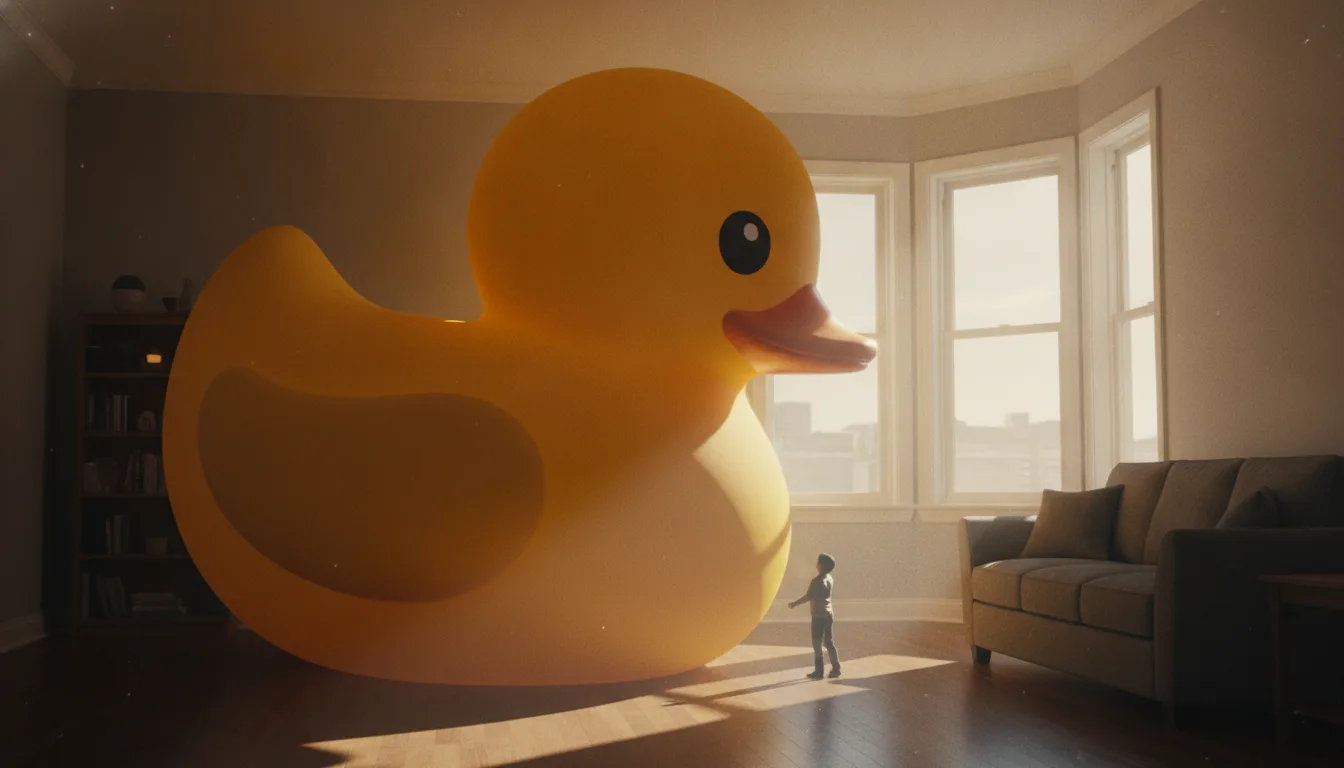
Oct 8, 2026
Make it giant AI scales a small everyday object up until it towers over a room. Which objects work best, how to keep the scene believable, and clip ideas.