Oct 8, 2026
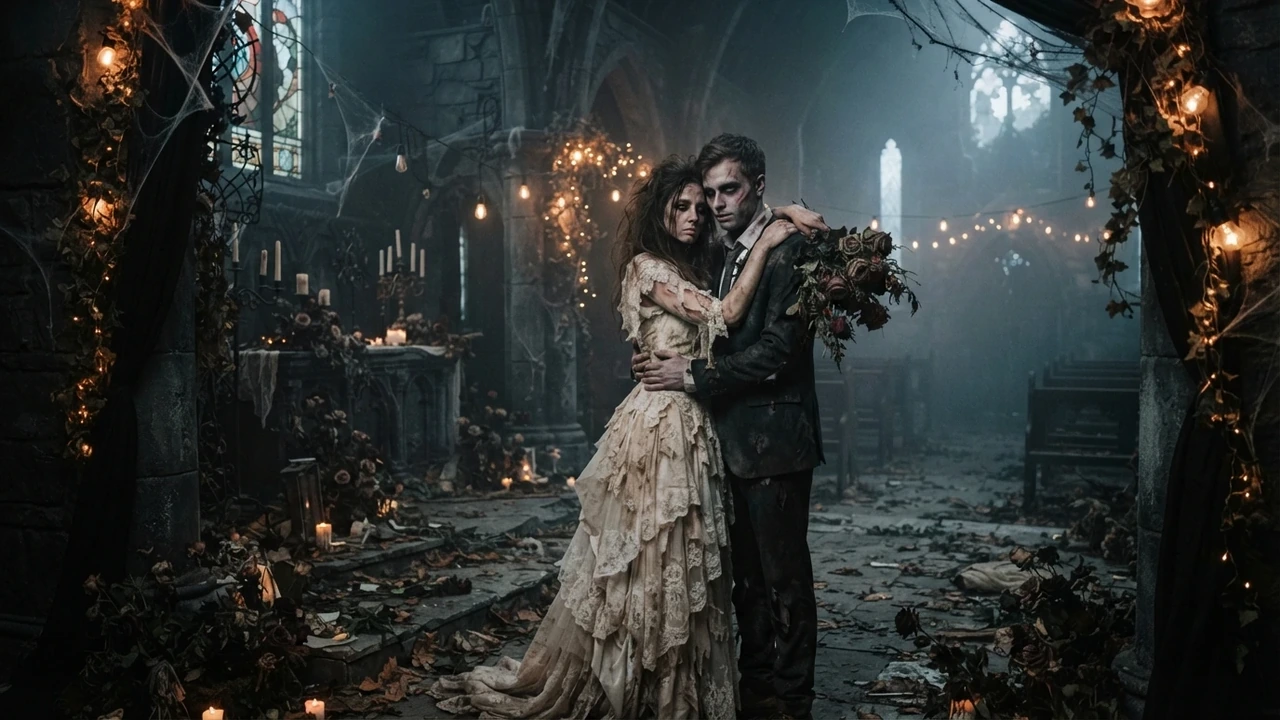
Zombie Love Story AI: How the Trend Works
The zombie love story AI trend explained: the four emotional beats, why it spread on short video, and how a photo becomes a cinematic clip of your own.
Image editing
Pet costumes are hard to photograph: the hat slips, the cape moves and the animal has other plans. This tool edits a clear pet photo instead. It keeps the breed, fur colour, markings and face, then adds a costume and a studio set around them.
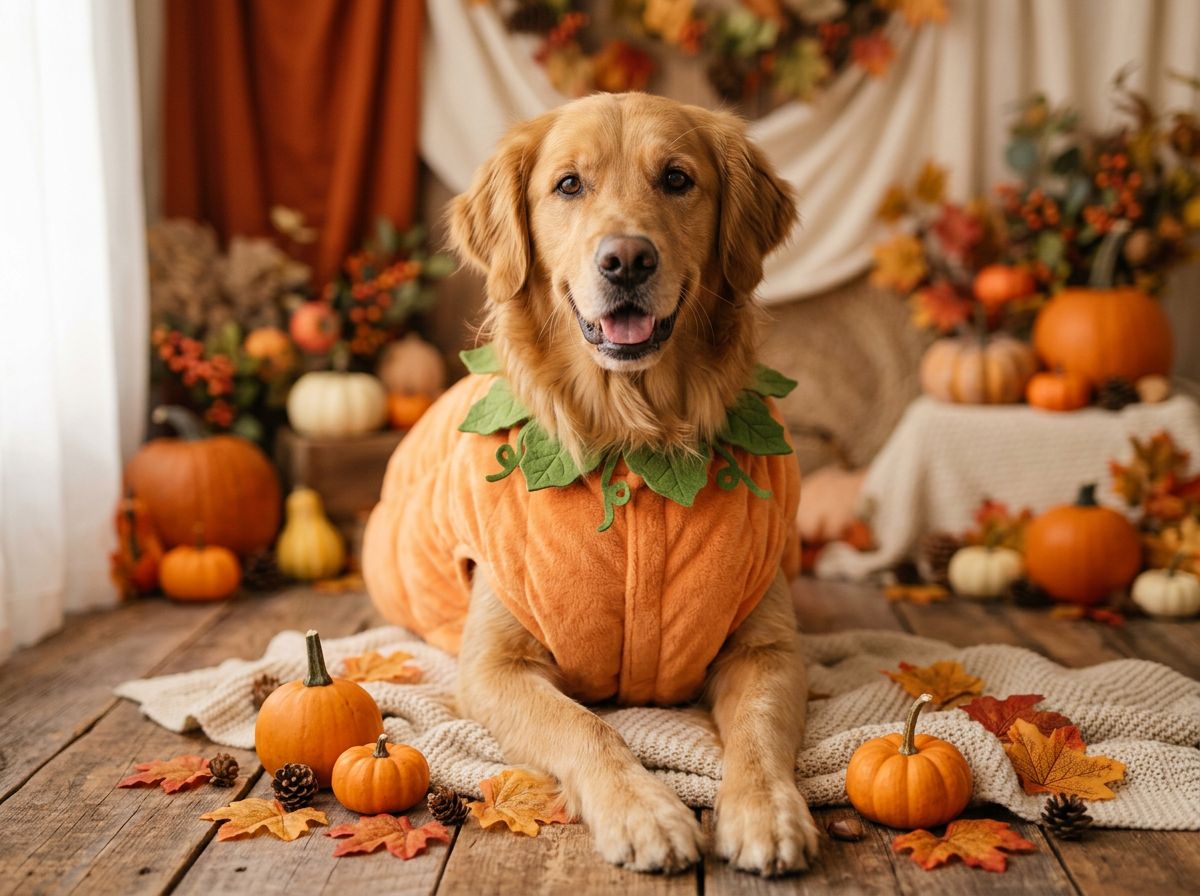
Image editing
Photo edit
Output
1:1 still image
Credits
80 per image
Upload one pet photo and choose a pumpkin, glow dinosaur or little wizard costume. The prompt protects the animal’s face and markings.
Upload a photo, keep the face and pose, and change the costume, makeup or scene. One image edit costs 80 credits.
The image is AI-generated, not a real photograph of the person in the source photo.
A failed edit returns its credits automatically.
Your edited image will appear here.
Upload a photo and generate to see the result.
Image edits cost 80 credits. The smallest one-time pack is 300 credits for $4.99.
The photo supplies the animal. The edit supplies the costume and the set.
Face the pet toward the camera, keep the eyes visible and avoid a photo where the animal is a small part of a wide room.
Pumpkin pet is warm and classic, glow dinosaur is playful, and little wizard is a calm indoor portrait.
The first thing to check is the fur pattern around the face. If it changed, the source photo was probably too soft or too far away.
The output keeps the animal’s species, breed, face and markings. The costume sits on the body rather than replacing it, and the eyes are never covered.
The details that decide whether a pet edit looks right.
Yes. The prompt asks the model to preserve the animal’s breed, fur colour, markings and body shape, so it works for cats, dogs and most clear pet portraits.
The prompt explicitly protects the face and markings. A clear, close photo gives the model the best chance of keeping them. If the face drifts, upload a sharper photo rather than adding more costume detail.
One pet per photo is the reliable path. A second animal can confuse which body the costume belongs to. Generate each pet separately, or use the couple page for two people.
One edit costs 80 credits. The entry pack is 300 credits for $4.99, and failed edits return their credits.
Edit a person, a couple or a whole Halloween scene.
Image editing
Upload a portrait and choose gothic glam, pumpkin party or midnight witch. The preset writes the costume, makeup and lighting instructions for you.
OpenImage editing
Upload a front-facing photo, choose a preset and generate. The prompt is already written for you; edit it only if you want a different scene.
OpenVideo generation
Upload a costume or portrait photo and keep the preset prompt. It adds pumpkins, fog and candlelight while the subject stays in frame.
OpenUpload one clear pet photo and download the edited portrait.
Open the pet editorOct 8, 2026
The zombie love story AI trend explained: the four emotional beats, why it spread on short video, and how a photo becomes a cinematic clip of your own.
Oct 8, 2026
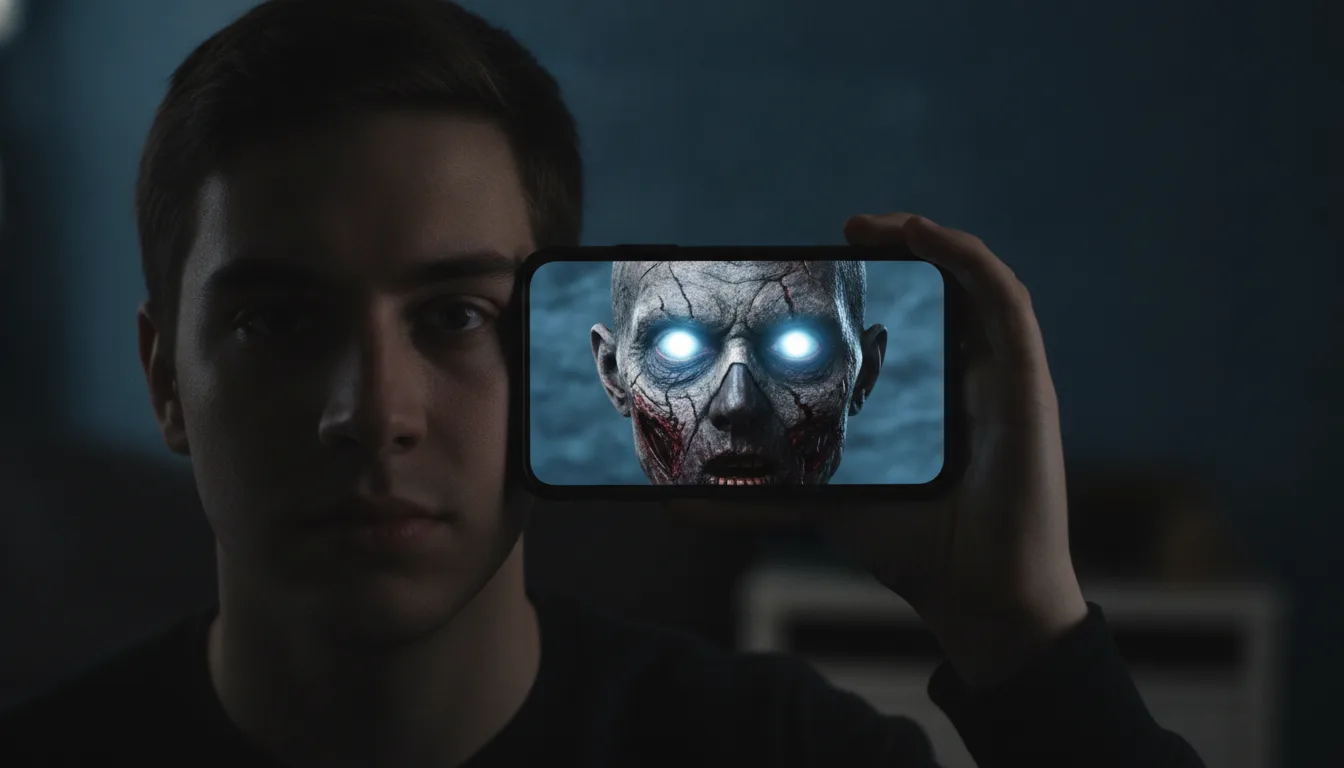
A step-by-step guide to making a zombie AI video from one photo: what a good source photo looks like, how the preview works, and what credits cost.
Oct 8, 2026
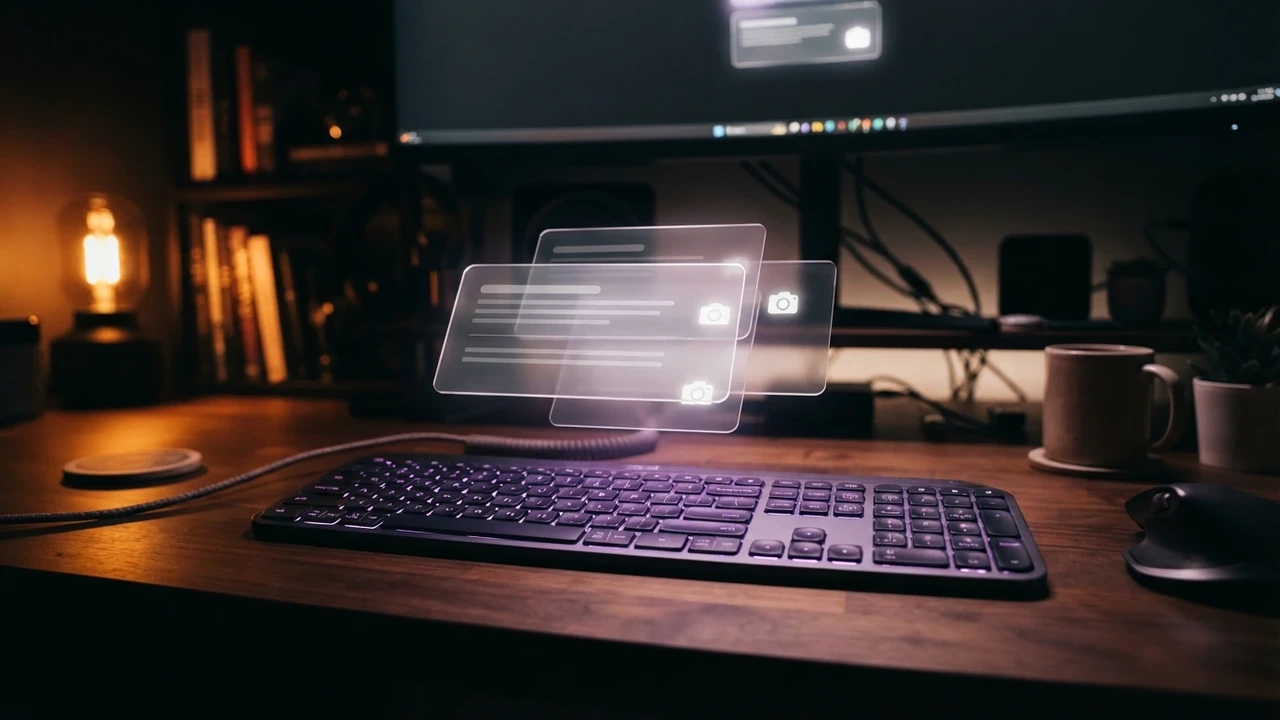
Fifteen zombie AI video prompts for the love story, pet, Halloween makeup, mini me and giant effects, with a short note on how prompts meet this site.
Oct 8, 2026
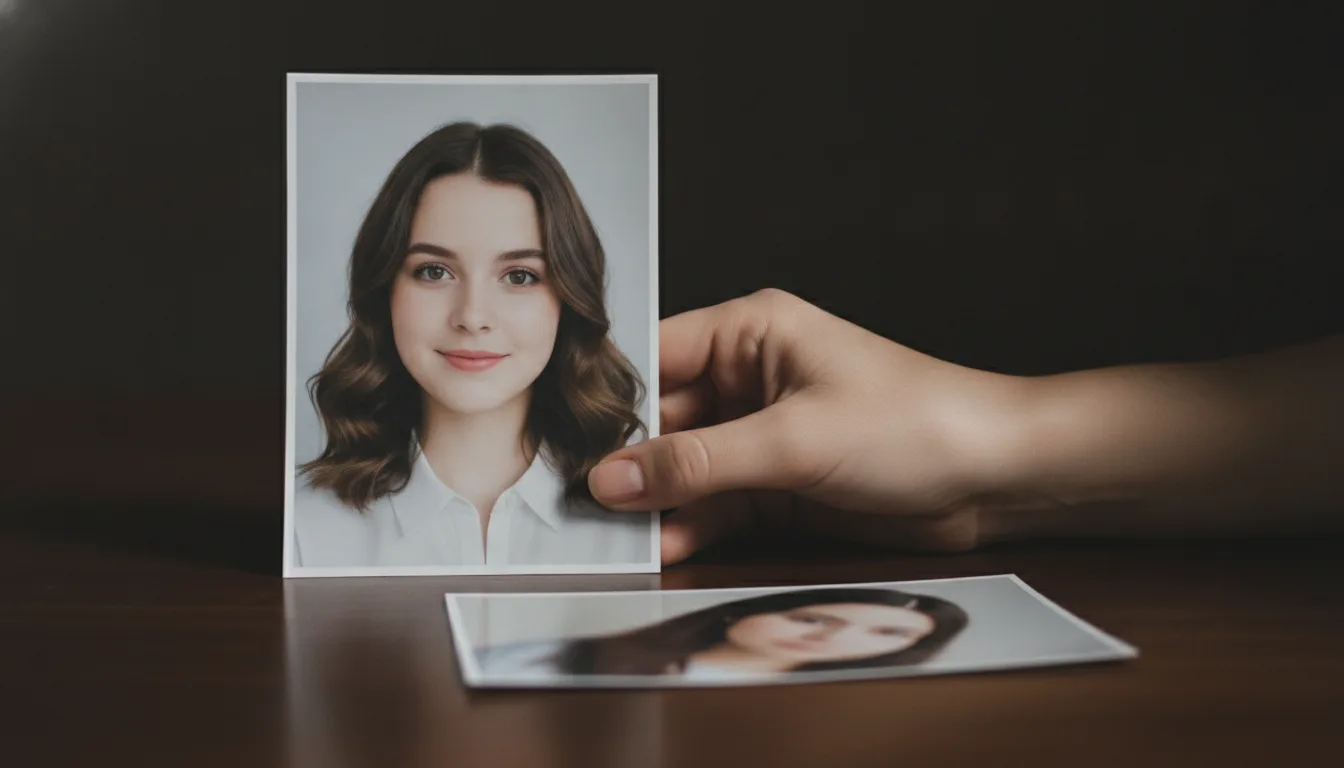
How to pick and prepare the source photo for a zombie AI video: front-facing framing, even light, sharp detail, and the mistakes that blur the likeness.
Oct 8, 2026
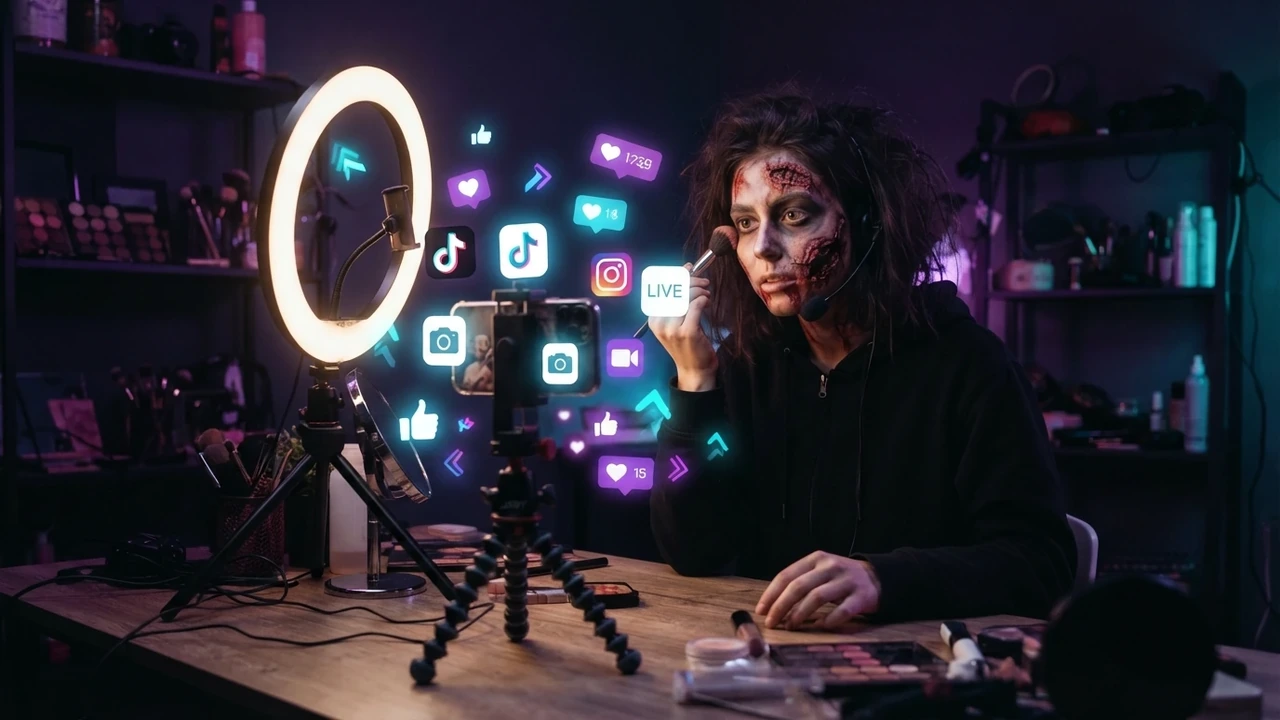
How to make the zombie love story clip for TikTok: vertical framing, the first-second hook, captions, hashtags, sound, posting time, and reply remakes.
Oct 8, 2026
How to publish the zombie love story clip on Instagram Reels: vertical framing, cover image, the four beats, the hard cut, cross-posting, and hashtags.
Oct 8, 2026
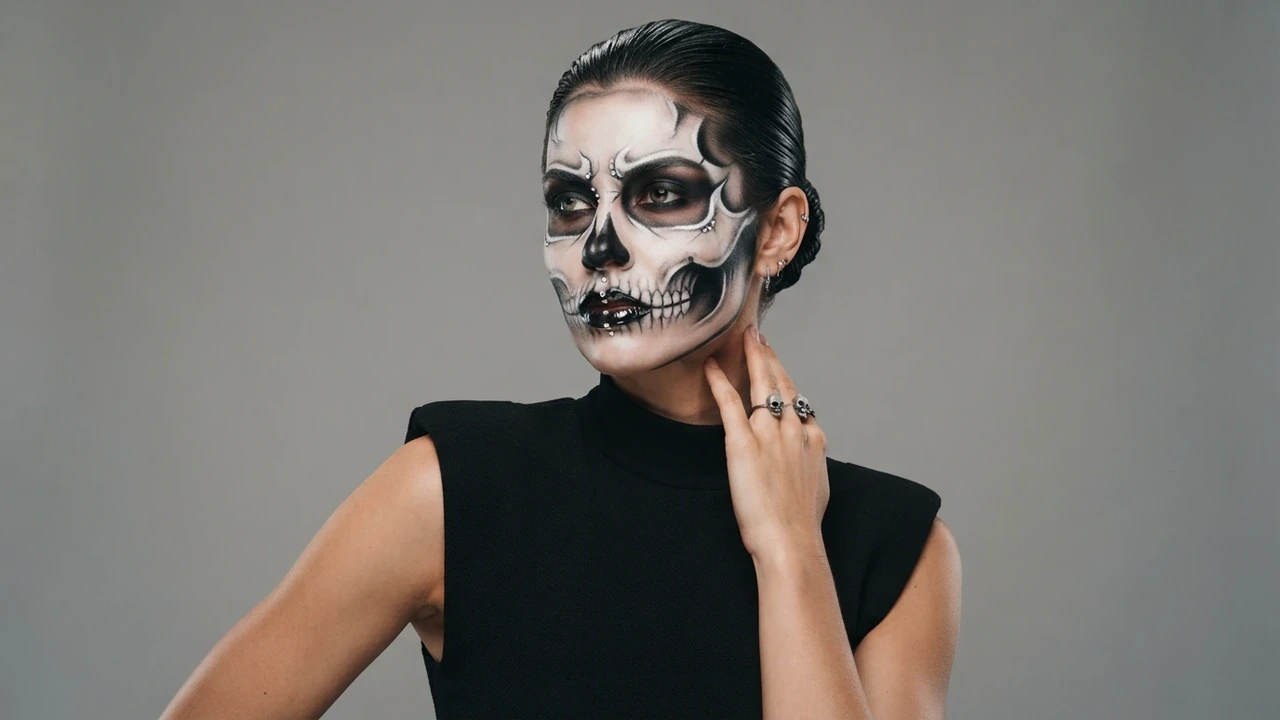
A look-by-look guide to the AI Halloween makeup effect: what it changes, how to describe the look you want, and how to pair it with a zombie story clip.
Oct 8, 2026
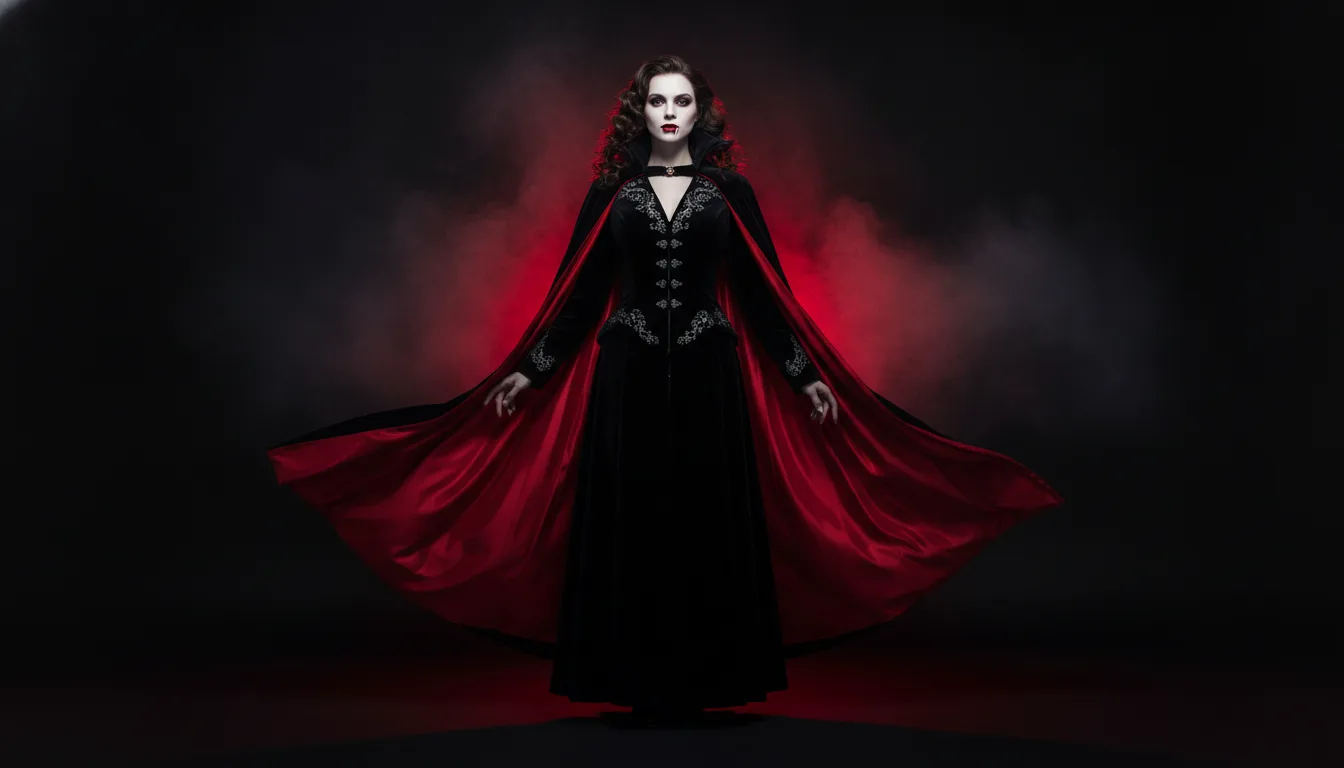
AI Halloween costume ideas for 2026: turn one selfie into several costume clips, plan a family and pet set, and post a Halloween series before 31 October.
Oct 8, 2026
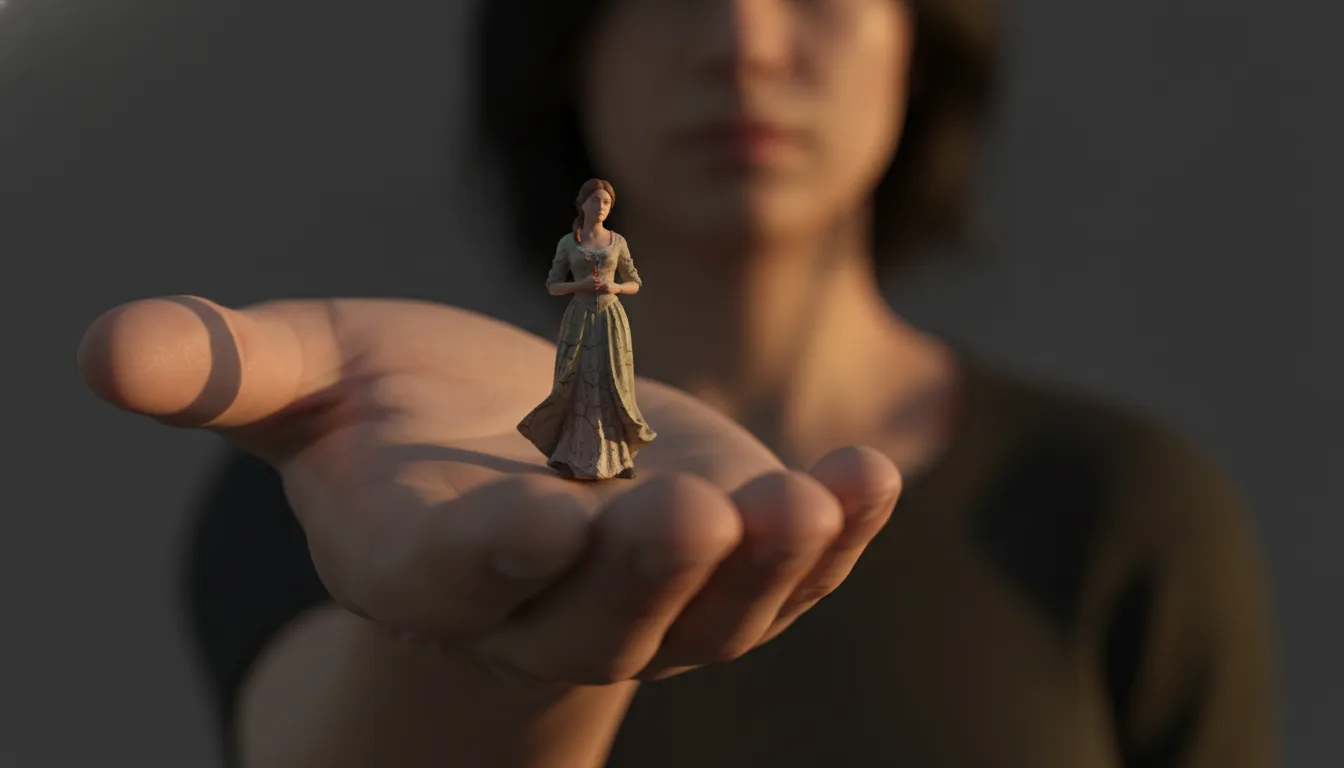
The AI mini me trend turns one photo into a tiny version of you inside a full-size room. How the effect is made, how to shoot for it, and clip ideas.
Oct 8, 2026
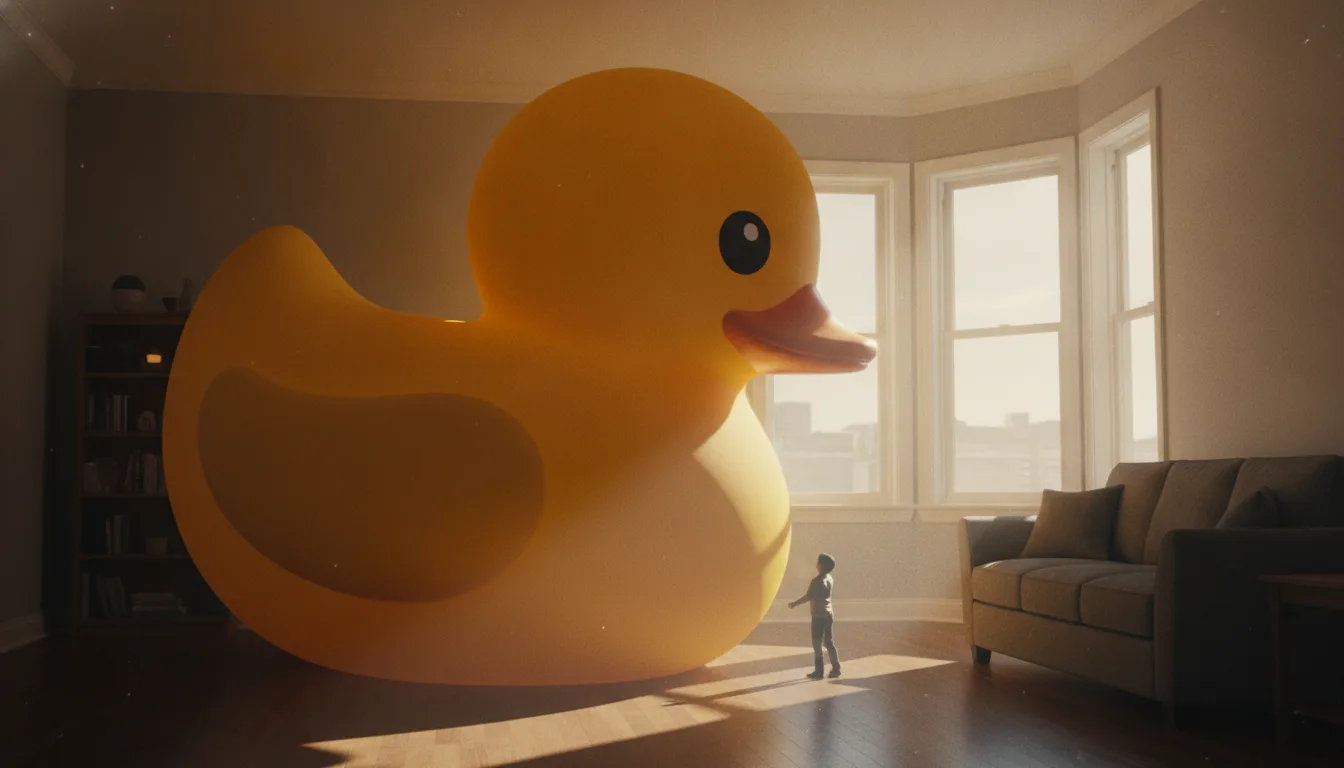
Make it giant AI scales a small everyday object up until it towers over a room. Which objects work best, how to keep the scene believable, and clip ideas.