Oct 8, 2026
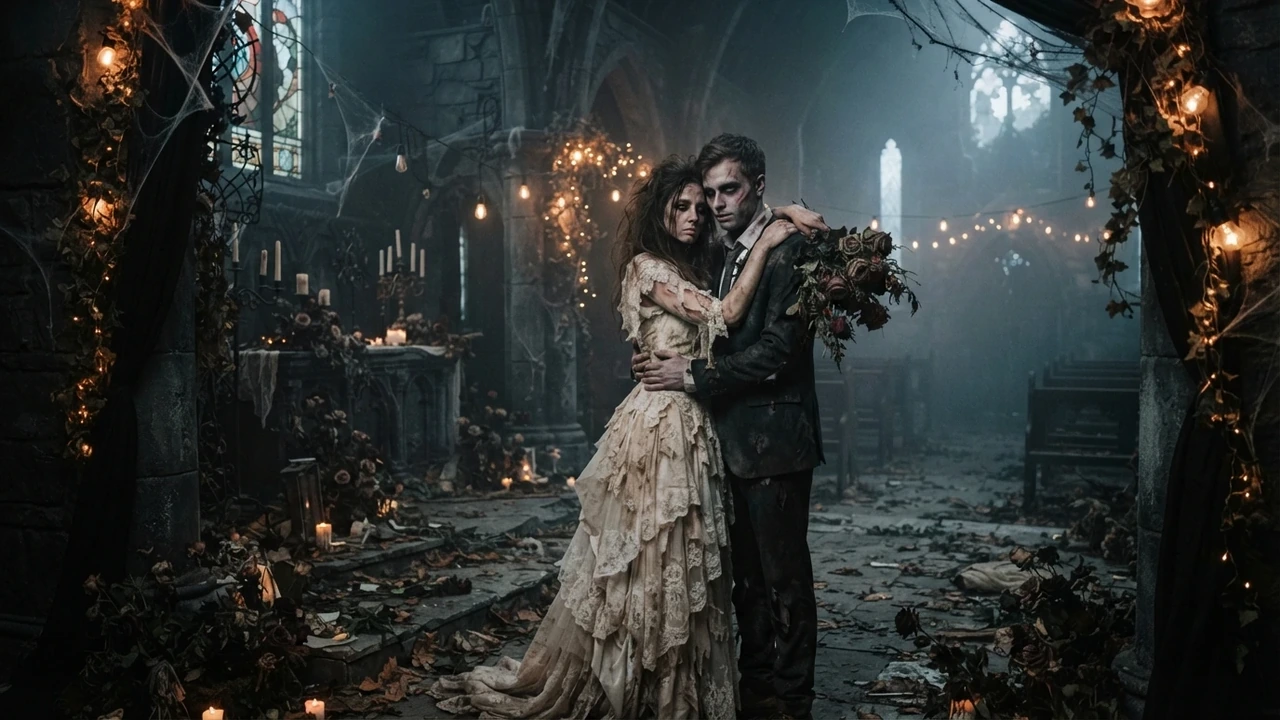
Zombie Love Story AI: How the Trend Works
The zombie love story AI trend explained: the four emotional beats, why it spread on short video, and how a photo becomes a cinematic clip of your own.
Image editing
This is a photo editor, not a face swap. Upload one clear portrait, pick a zombie look, and the model changes the skin, eyes, clothing and lighting while keeping the person’s face and pose recognizable. The result is a still image you can download and post.
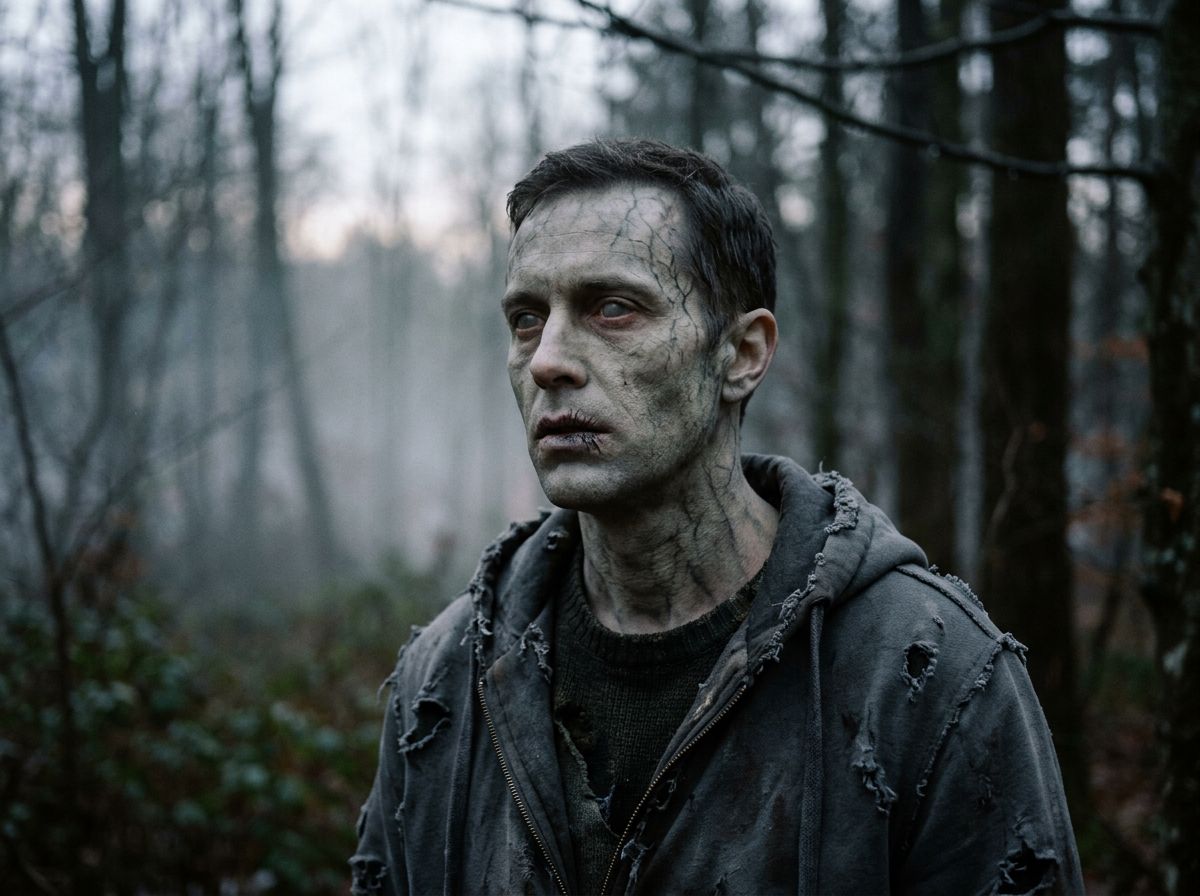
Image editing
Photo edit
Output
1:1 still image
Credits
80 per image
Upload a front-facing photo, choose a preset and generate. The prompt is already written for you; edit it only if you want a different scene.
Upload a photo, keep the face and pose, and change the costume, makeup or scene. One image edit costs 80 credits.
The image is AI-generated, not a real photograph of the person in the source photo.
A failed edit returns its credits automatically.
Your edited image will appear here.
Upload a photo and generate to see the result.
Image edits cost 80 credits. The smallest one-time pack is 300 credits for $4.99.
The source photo is the whole input, so a clear face matters more than a long prompt.
Use a front-facing photo in even light. Sunglasses, heavy shadow and a face turned away from the camera all hide the details the edit needs.
Pick freshly turned, decayed or outbreak night. Each preset keeps the same face and changes the skin, clothing and scene.
The edit usually finishes in a minute or two. Review the face first, then download the clean image from the result card.
The model keeps the person and changes the surface: skin texture, eyes, clothing and the light around them. It does not replace the face with a different person.
The questions people ask before they upload a photo.
No. The model edits the photo you uploaded and keeps the same face, pose and body shape. It changes the skin, eyes, clothing and lighting, so the result still looks like the person in the source photo.
A front-facing portrait with the whole face visible and even light. A plain background helps, but it is not required. Avoid sunglasses, heavy filters and photos where the face is turned away.
One image edit costs 80 credits. The entry one-time pack is 300 credits for $4.99, so it covers several edits. Credits stay on your account until you use them. A failed edit returns its credits.
Yes. The pet costume page is built for animal photos, and the couple costume page takes two portraits. Use those pages so the prompt asks for the right subject and the form asks for the right number of photos.
The same studio, with prompts built for a different subject.
Image editing
Upload a portrait and choose gothic glam, pumpkin party or midnight witch. The preset writes the costume, makeup and lighting instructions for you.
OpenImage editing
Upload one pet photo and choose a pumpkin, glow dinosaur or little wizard costume. The prompt protects the animal’s face and markings.
OpenImage editing
Upload one clear photo per person, then choose cowboy and angel, vampire duo or cosmic pair. The prompt keeps both identities and the two-person count.
OpenUpload a clear portrait and see the edited result before you spend more credits.
Open the photo editorOct 8, 2026
The zombie love story AI trend explained: the four emotional beats, why it spread on short video, and how a photo becomes a cinematic clip of your own.
Oct 8, 2026
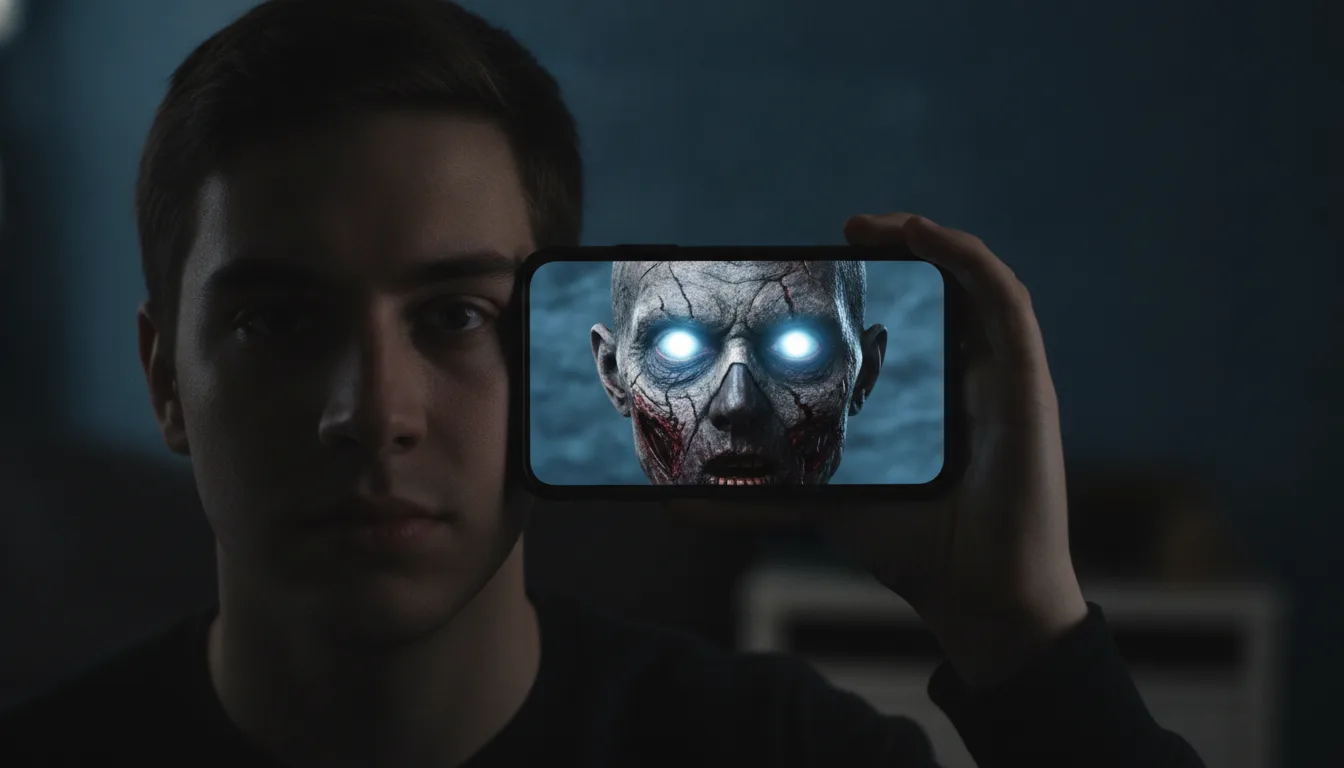
A step-by-step guide to making a zombie AI video from one photo: what a good source photo looks like, how the preview works, and what credits cost.
Oct 8, 2026
Fifteen zombie AI video prompts for the love story, pet, Halloween makeup, mini me and giant effects, with a short note on how prompts meet this site.
Oct 8, 2026
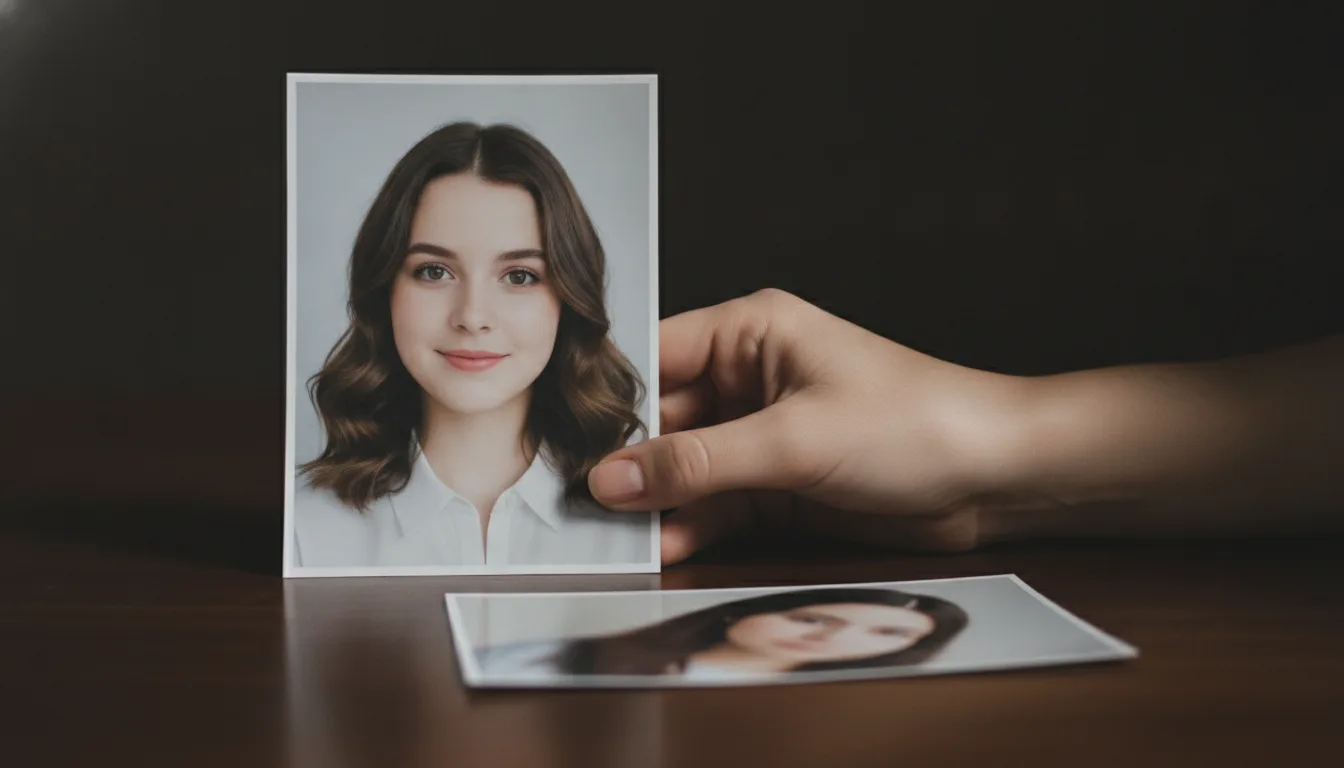
How to pick and prepare the source photo for a zombie AI video: front-facing framing, even light, sharp detail, and the mistakes that blur the likeness.
Oct 8, 2026
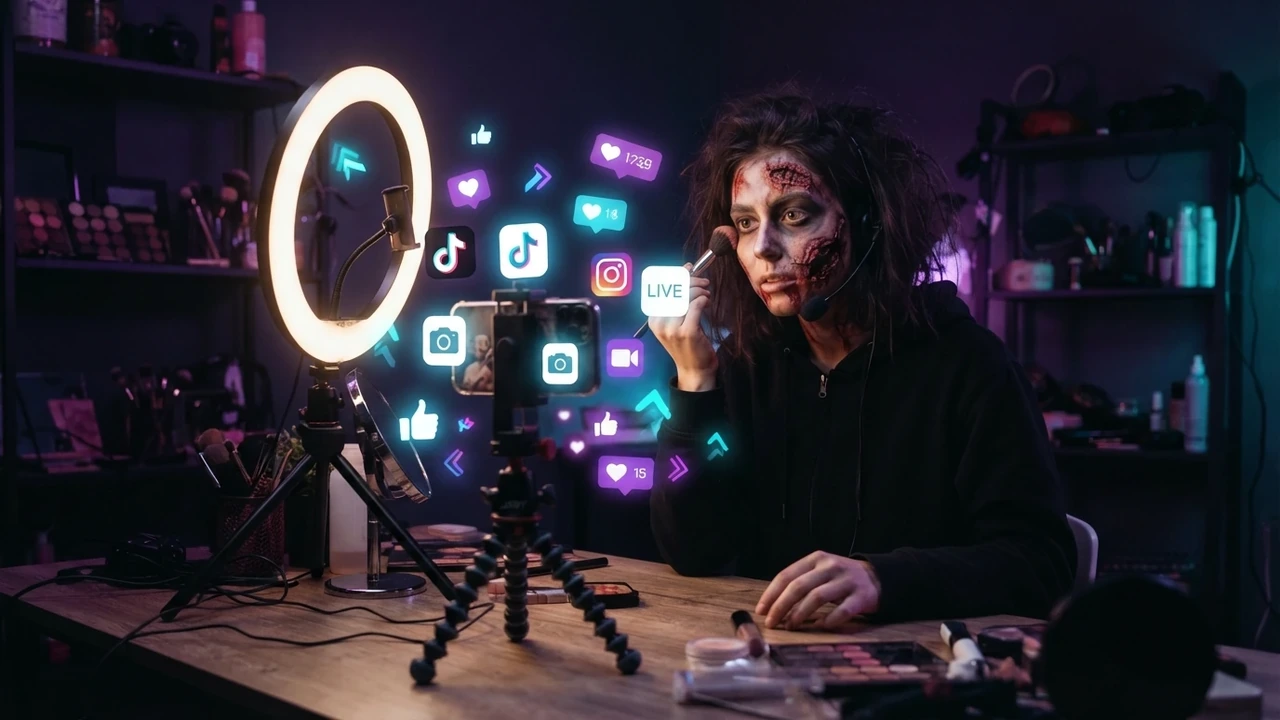
How to make the zombie love story clip for TikTok: vertical framing, the first-second hook, captions, hashtags, sound, posting time, and reply remakes.
Oct 8, 2026
How to publish the zombie love story clip on Instagram Reels: vertical framing, cover image, the four beats, the hard cut, cross-posting, and hashtags.
Oct 8, 2026
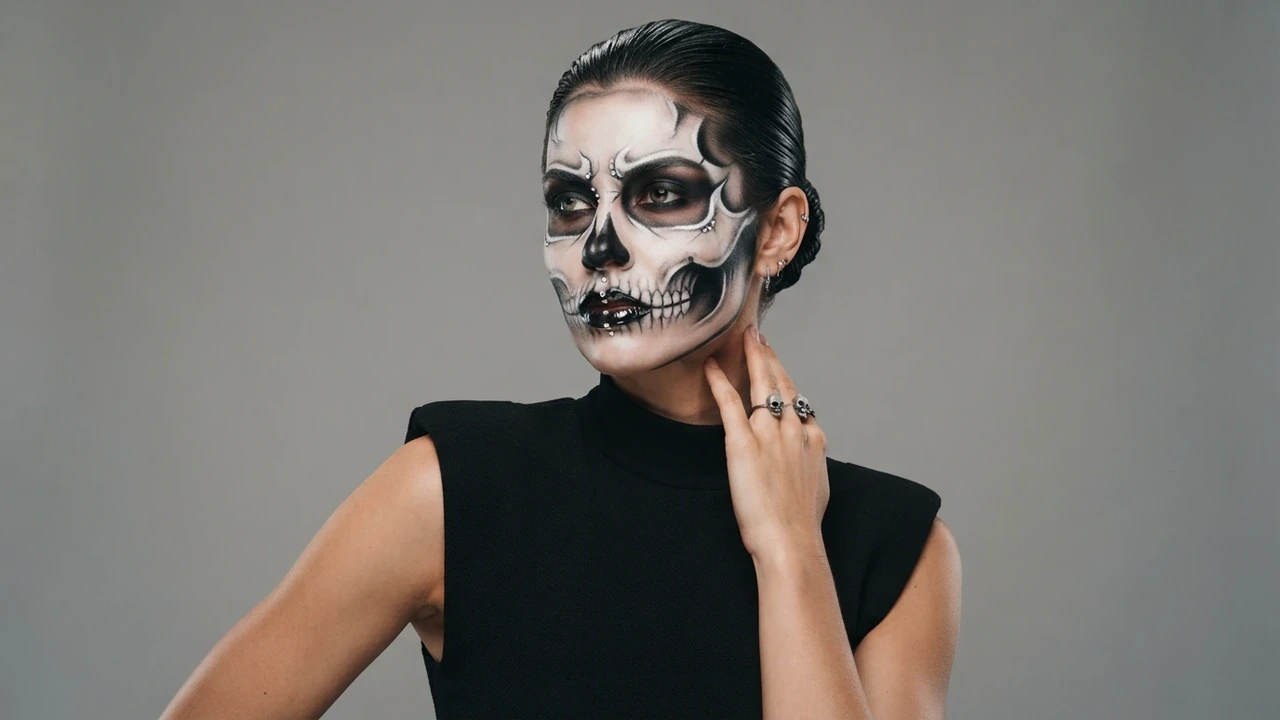
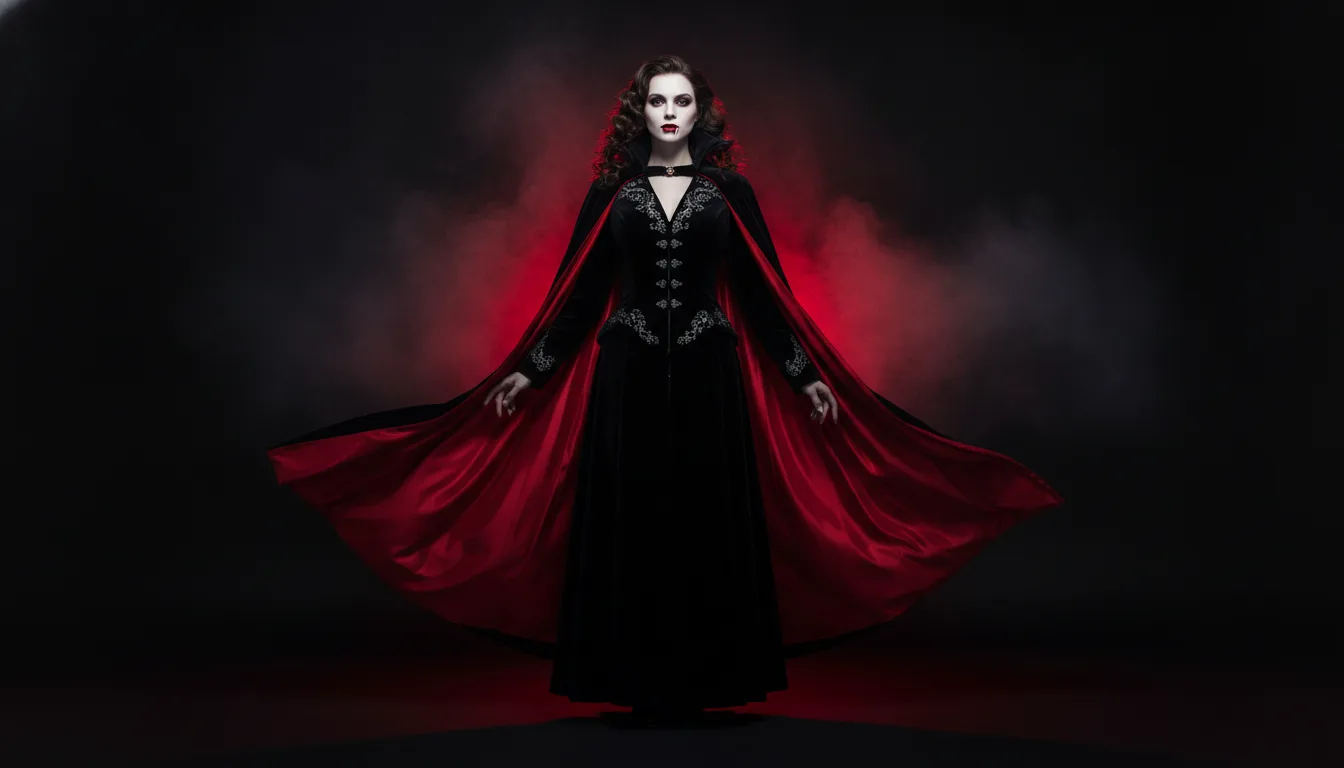
A look-by-look guide to the AI Halloween makeup effect: what it changes, how to describe the look you want, and how to pair it with a zombie story clip.
Oct 8, 2026
AI Halloween costume ideas for 2026: turn one selfie into several costume clips, plan a family and pet set, and post a Halloween series before 31 October.
Oct 8, 2026
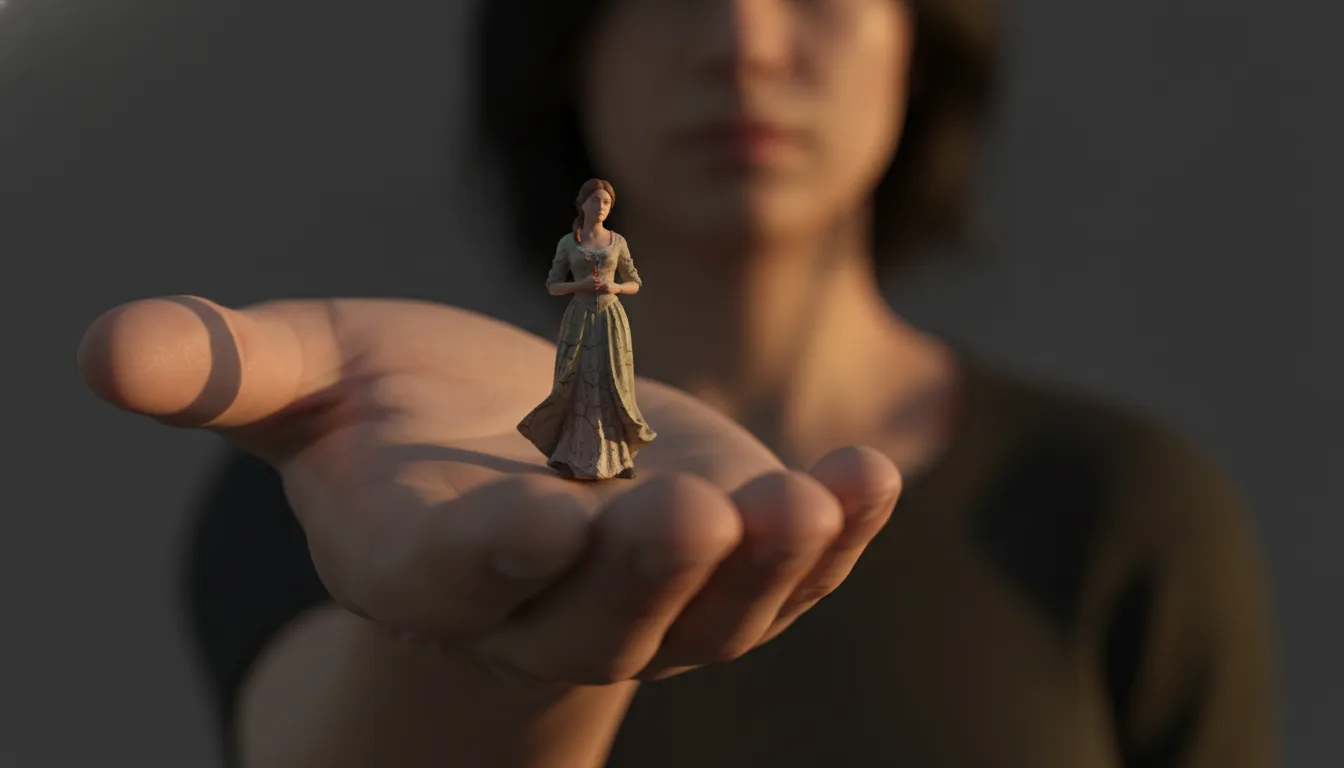
The AI mini me trend turns one photo into a tiny version of you inside a full-size room. How the effect is made, how to shoot for it, and clip ideas.
Oct 8, 2026
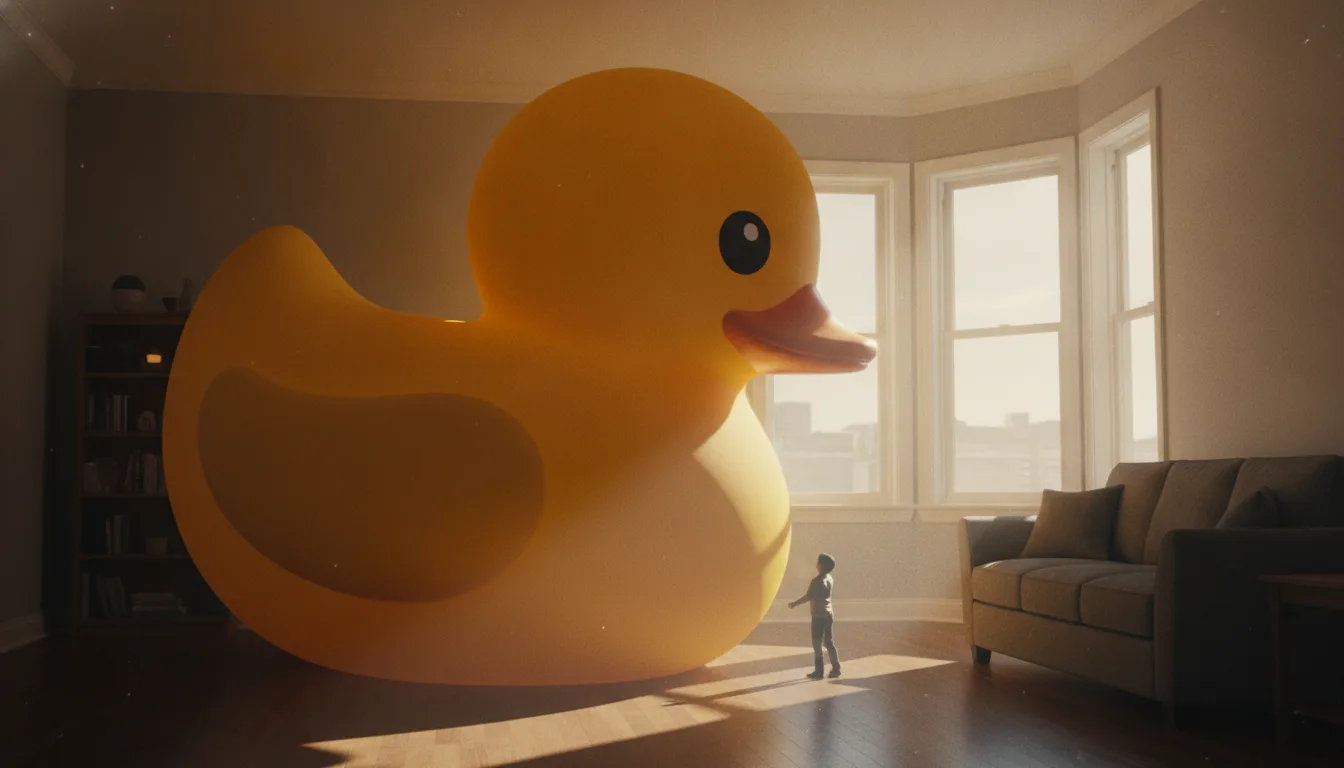
Make it giant AI scales a small everyday object up until it towers over a room. Which objects work best, how to keep the scene believable, and clip ideas.