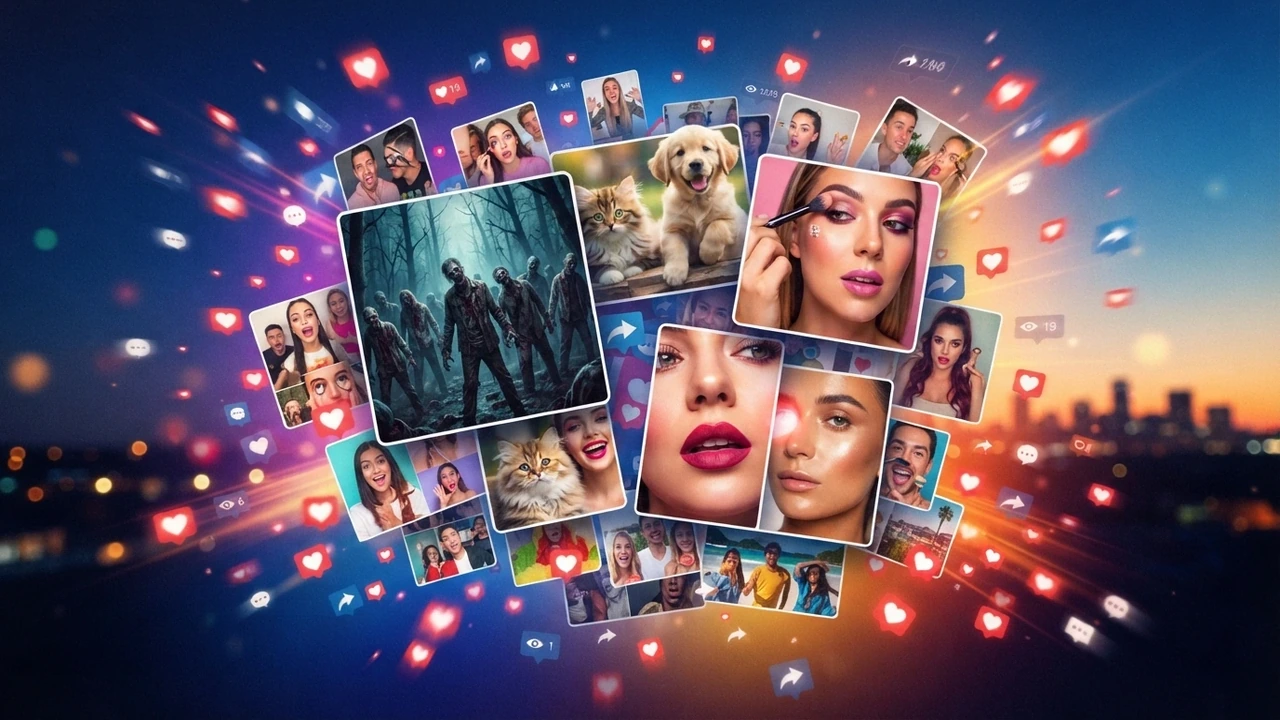
The zombie trend of October 2026 is less a single video and more a family of them. The same four-beat story keeps reappearing with a different subject each week: a partner, a pet, a selfie in costume, a shrunken double, a giant object. If you want to understand why the trend keeps regenerating, it helps to look at the shapes rather than the individual posts, because the shapes are what let anyone with a photo join in.
Why this trend keeps regenerating
Most short-video trends die because the format only supports one joke. This one survives because its structure is portable. The core is a turn from danger into warmth, played in a few seconds with a recognisable face. Swap the face and you have a new clip; the beats do not change.
That is the whole trick. The trend does not ask for a personality, a script, or a location. It asks for one clear photo, and almost everyone has one. A format that anyone can fill is a format that keeps being filled, which is exactly what you see when the same shape shows up on TikTok, Reels and Shorts at once.
The love story at the centre
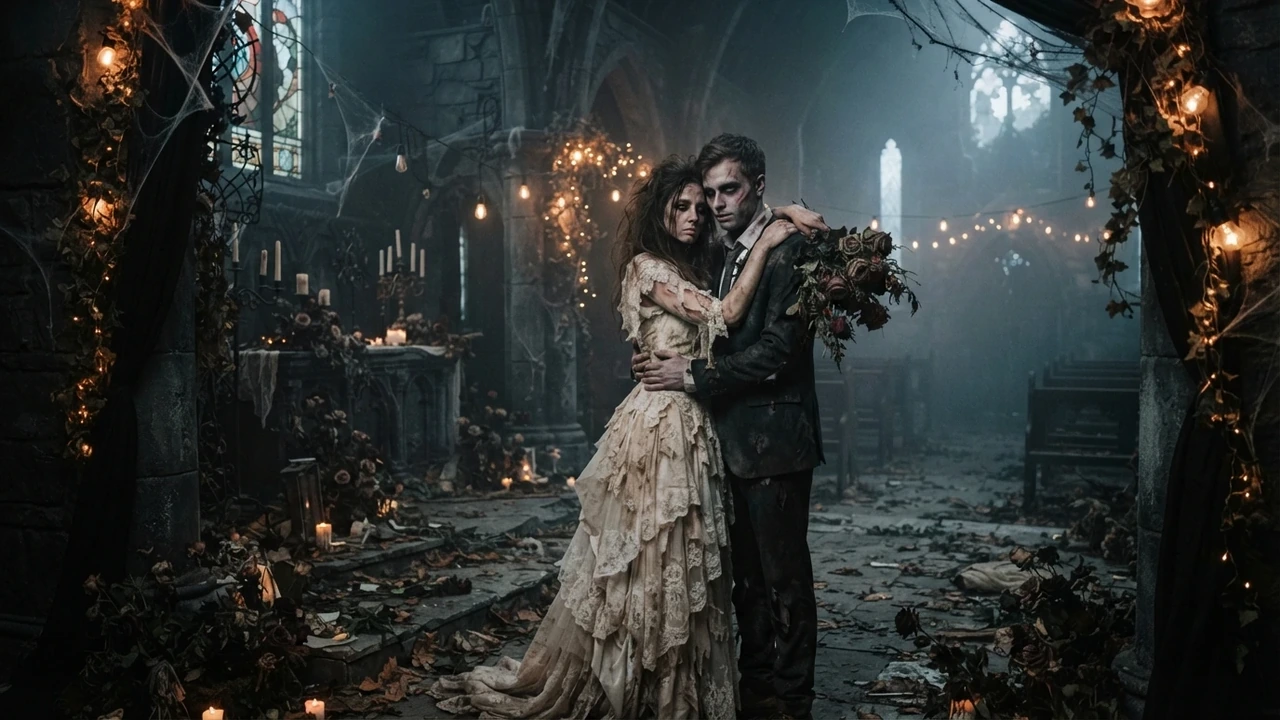
The anchor format is the zombie love story: a survivor points a weapon at a turned partner, lowers it, hugs them, and the clip hard-cuts into a warm, sunlit memory in the same pose. It spread because it reads in one second with the sound off, and because the cut does the emotional work without a single line of dialogue. The zombie video generator runs this one, and it is the effect to start with if you have a good photo of a person.
The reason it stays at the centre is that it is the most rewatchable. Once a viewer knows the cut is coming, they look for the clues in the first half, and a clip that rewards a second watch is a clip the feed keeps serving.
The pet turn
The second shape swaps the partner for an animal. A dog or cat becomes the infected character, and the same turn from danger to warmth plays out soft rather than grim. It works because the relationship is real: people watch their own pets far more than they watch themselves. The zombie pet effect takes one animal photo and builds the scene around it.
The pet version is the easiest entry point in the whole trend, because a clear photo of a pet is often easier to find and less awkward to post than a photo of yourself.
The costume shapes
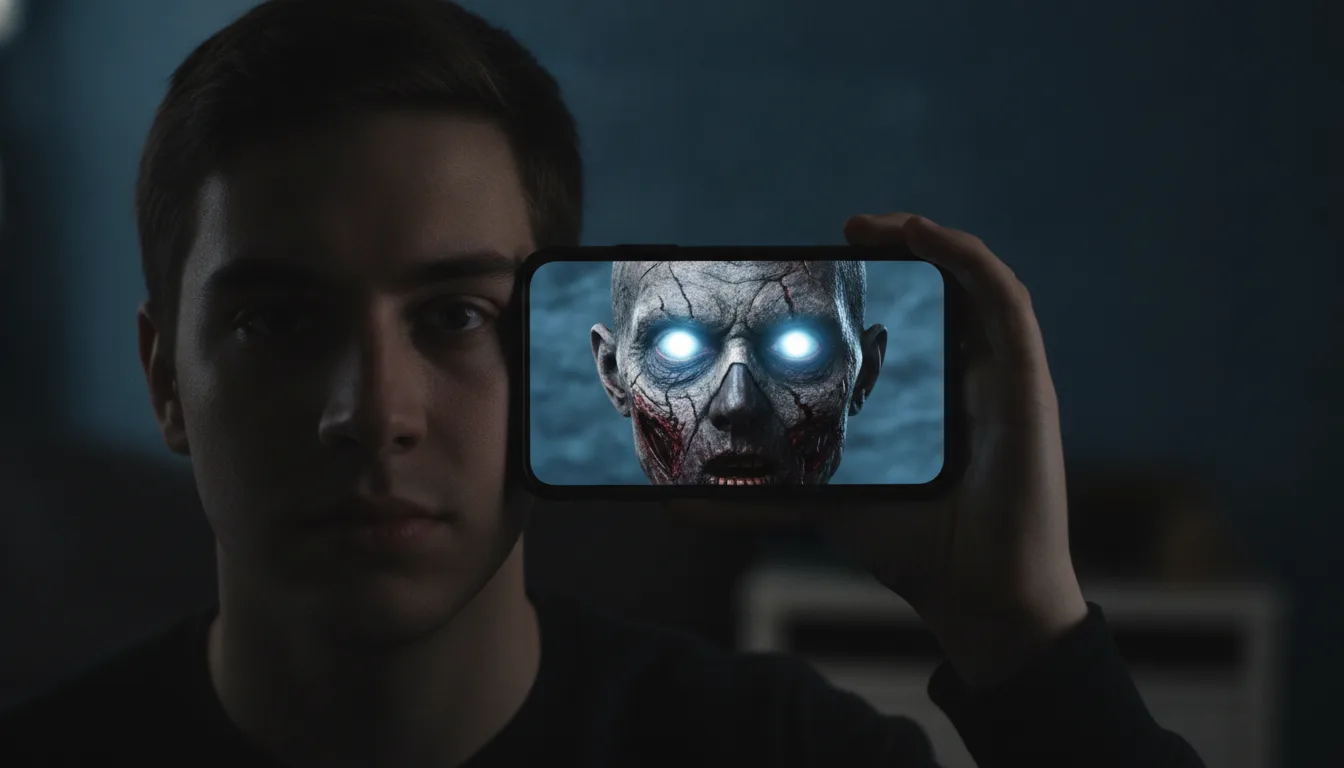
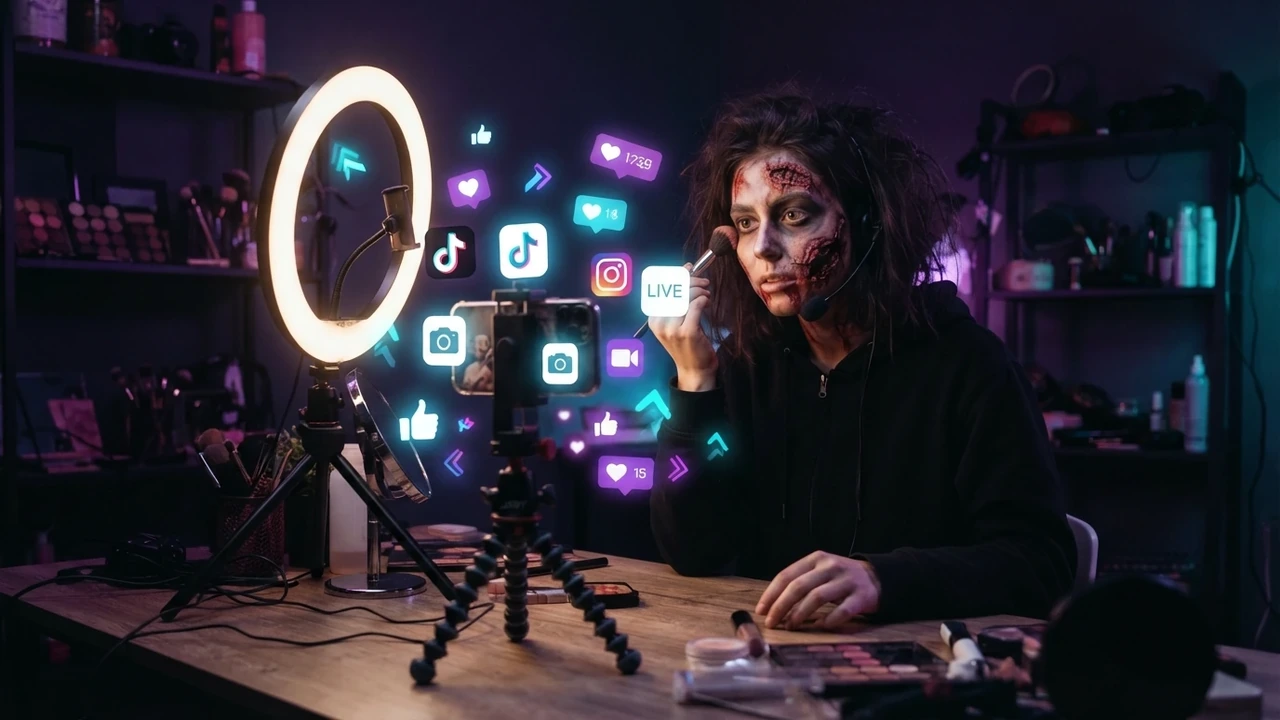
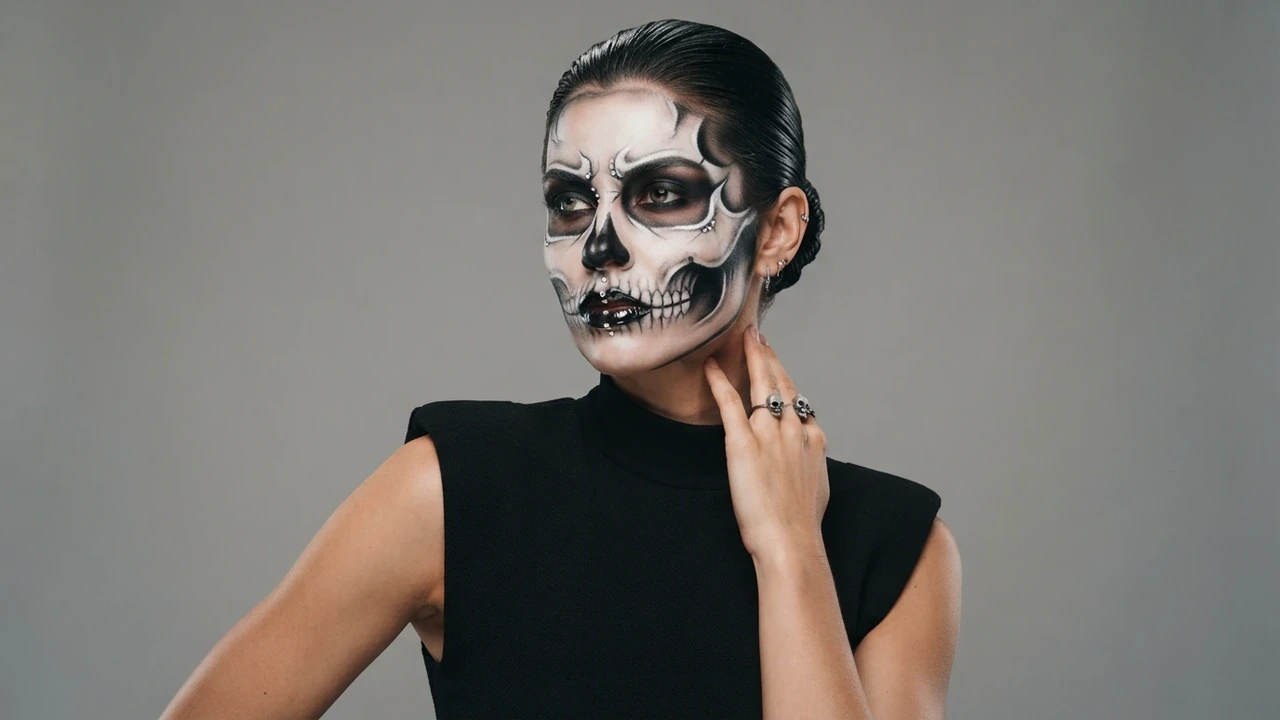
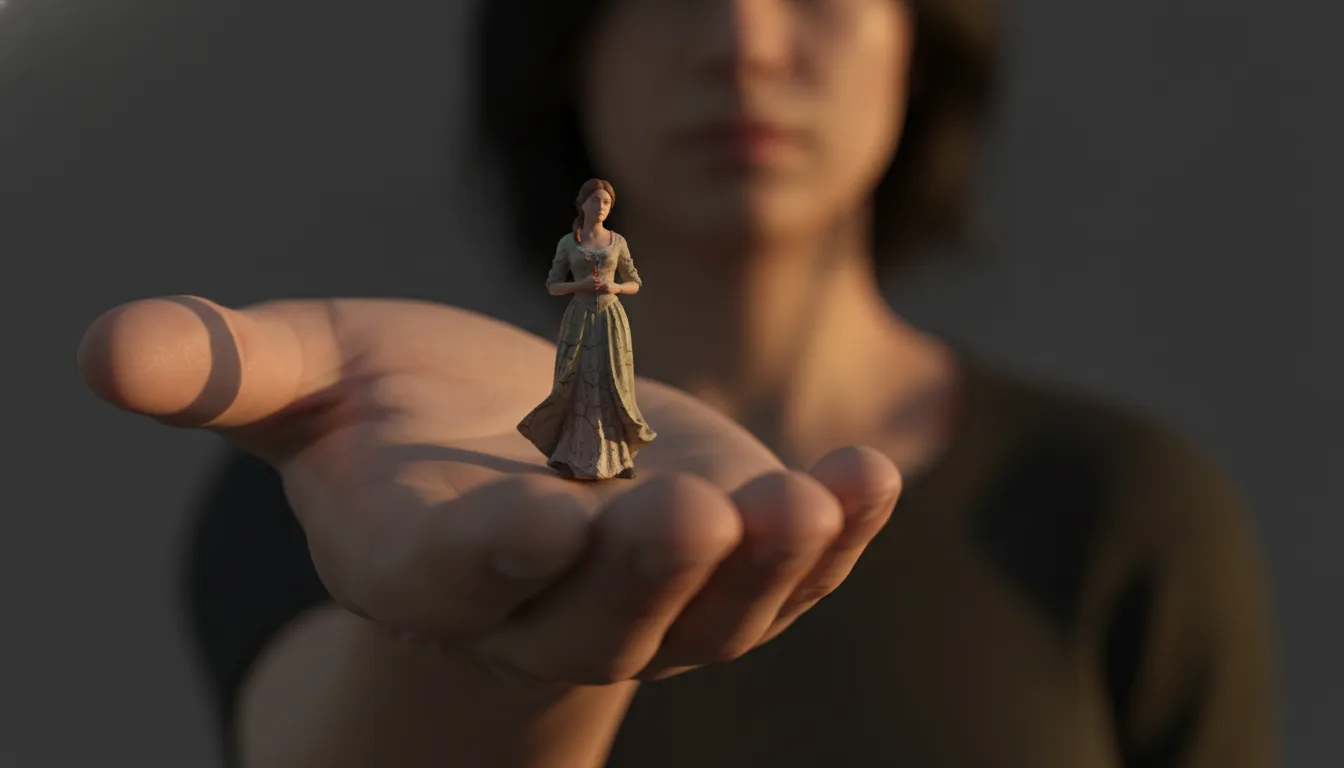
Two of the formats are about what you look like rather than who you are with. The AI Halloween makeup effect takes one selfie and layers a full horror makeup look onto it, so you can test a look without a kit. The AI mini me effect puts a smaller version of a person into the frame, which reads as a scale joke more than a scare.
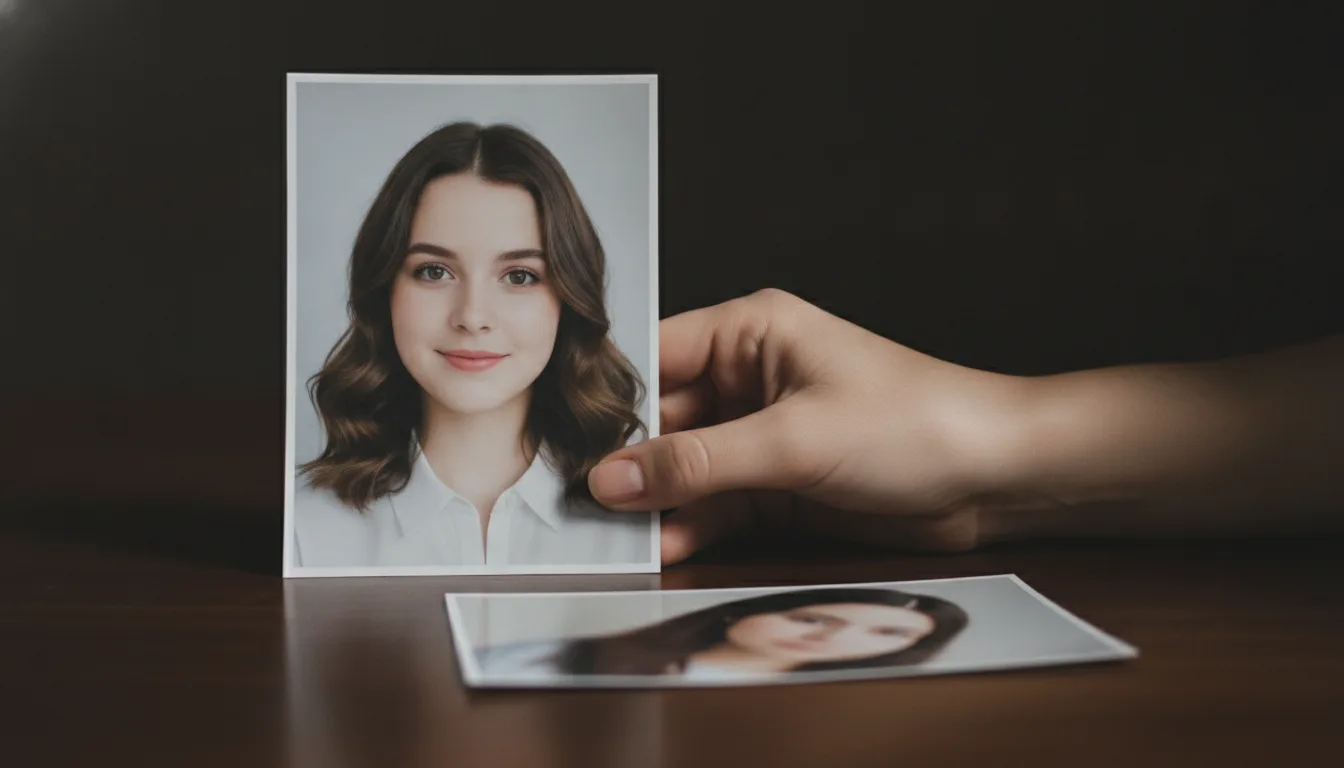
Both depend on the same rule as everything else here: the face is the point, so the source photo has to show it clearly. A makeup clip with a hidden face is just a texture, and a mini me clip where the subject is a tiny figure in the corner has nothing to compare against.
The scale shape
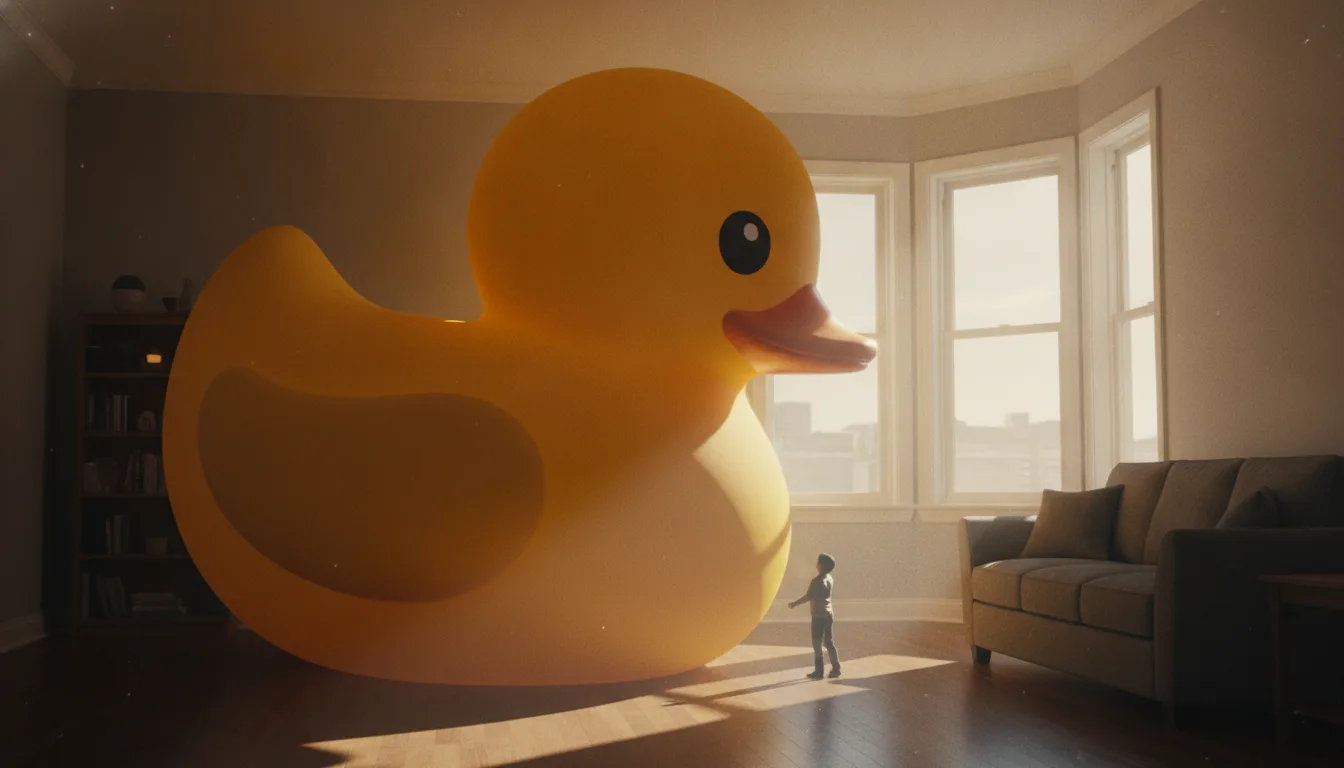
The make-things-giant effect is the odd one out, and it is the one that shows the pipeline is not only for horror. It scales a small everyday object up until it towers over a room. The trick is the same across the whole trend: pick a subject the viewer already recognises, then change one thing about it and hold the change long enough to read.
How a trend like this spreads
Three properties make a format travel, and this one has all three. It is readable in the first second, because the standoff is a pose anyone understands. It fits a vertical frame, since two figures or a single subject can be composed close together. And it survives silence, which matters on a feed where most people watch without sound at first.
The fourth property is the one people underestimate: it is remixable without being complicated. Four beats, no dialogue, no props. That low floor is what lets a format cross from one account to another without a tutorial.
How to join it
Pick one effect, not all five. Start with the photo you already have the best version of, run a single clip, and see whether the likeness holds. If it does, you have the base for a series; change one variable at a time and post the next one.
For the anchor format, upload to the zombie video generator and follow the four beats. If you want copyable scene ideas before you start, the zombie AI video prompts list fifteen briefs grouped by effect.
What it costs to test the trend
One clip is 300 credits, and one clip is five seconds. The entry tier is $4.99 for a single clip, $9.99 for five, and $19.99 for eleven. The same three prices are the monthly plans, and there are yearly options. The studio shows the credit cost before you generate, video is paid from the first clip, and the file you download has no watermark on it, so the version you post is clean. The pricing page has the full breakdown.
Halloween on 31 October is the peak of the season, so the two weeks before it are when the formats are searched most. After that the trend does not vanish; it just becomes a permanent joke, which is usually the sign that a format has finished arriving.
Start with one shape
The fastest way into the trend is to run one clip with one photo and see how the turn lands with your own face or your own pet in it. Upload it to the zombie video generator, check the credit cost before you generate, and pick the next shape only once the first one works.