Oct 8, 2026
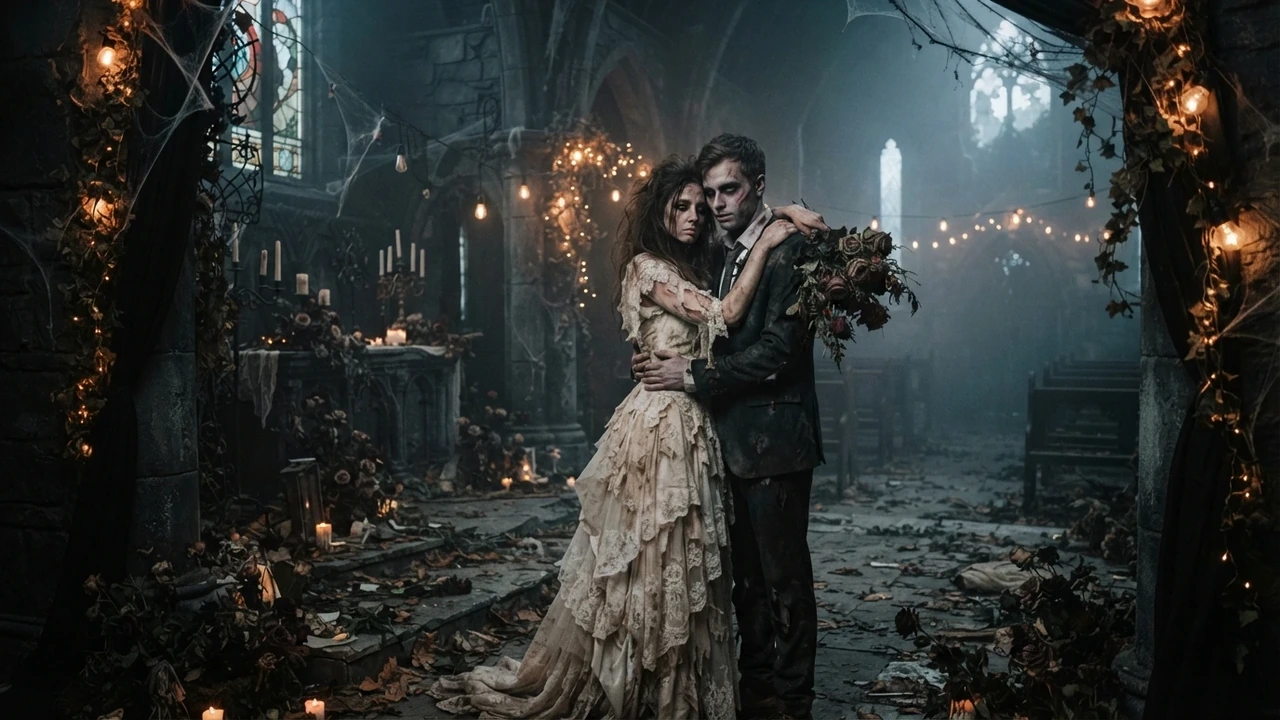
Zombie Love Story AI: How the Trend Works
The zombie love story AI trend explained: the four emotional beats, why it spread on short video, and how a photo becomes a cinematic clip of your own.
Yes. Every effect on Zombie AI ships with its own prompt, so you can skip the prompt box entirely: choose an effect, upload the photo it asks for, and generate. The clip comes back staged by the effect's own prompt, which means a first attempt needs no writing at all. There is also nothing to install — the whole flow runs in the browser.
Start on the studio.
The effects are built as self-contained scenes: the zombie love story has its four beats already written into the prompt, and the single-photo effects know what look they are going for. If you want the standard version of an effect, adding a prompt only risks pulling the render away from it. This is the path for a first clip, and it is the path for anyone who does not want to think about model phrasing.
A prompt is worth writing when you want something the effect does not already include — a specific setting, a specific cut, a specific grade. The honest rule is to change one thing at a time: run the default first, then add a single sentence describing the change you want, and compare. The prompt library has ready-made prompts for each effect if you would rather start from one, and the how-to guide shows how to revise a draft that came back wrong.
There is no timeline, no keyframes and no layer stack: the model produces the motion, so the only decisions are which effect, which photo, and whether the draft is good enough to keep. That is a much shorter list than a video editor asks of you, and it is why the browser flow works for someone making their first clip. If the draft is close but not right, regenerate from a better photo rather than trying to fix it in an editor.
The same four things every time: the face (still recognisable?), the light (does it match the photo's direction?), the motion (did the turn or cut land?), and the frame (is the subject placed where you wanted?). Because the rendering is probabilistic, two runs from the same photo can differ, and a failed run does not charge a credit. Review the free clip first; pay only for the one worth keeping.
One clip costs 300 credits, which is a 5-second video, and the studio shows that cost before you generate. The file you download has no watermark on it, and the tiers are listed on the pricing page. If you want the full breakdown of what is free, read what is actually free.
Open the studio, pick the effect that matches your photo, and generate without typing anything in the prompt box. If the default is what you wanted, that is the whole task; if not, add one sentence and try once more.
Pick an effect, add the photos the studio asks for, and check the credit cost before you submit. The first 5-second clip is $4.99, and one-time packs carry no subscription.
Upload reference photo
JPG, PNG (max 10MB)
Upload the second photo
Optional. Add the other person's photo and the model keeps both faces instead of inventing one.
Or try an example
The clip is AI-generated, not real footage of the people in the photos.
A generation that fails does not charge you: the credits go back to your balance automatically.
Oct 8, 2026
The zombie love story AI trend explained: the four emotional beats, why it spread on short video, and how a photo becomes a cinematic clip of your own.
Oct 8, 2026
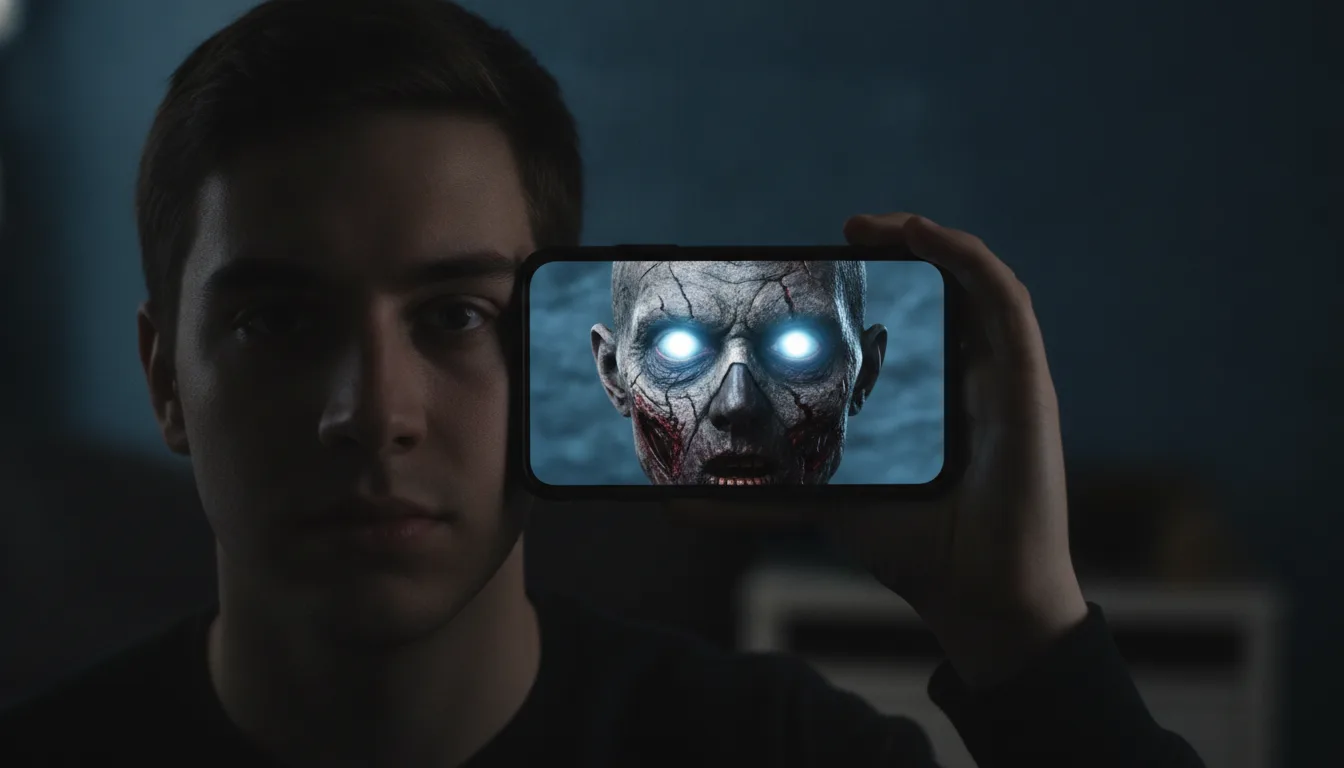
A step-by-step guide to making a zombie AI video from one photo: what a good source photo looks like, how the preview works, and what credits cost.
Oct 8, 2026
Fifteen zombie AI video prompts for the love story, pet, Halloween makeup, mini me and giant effects, with a short note on how prompts meet this site.
Oct 8, 2026
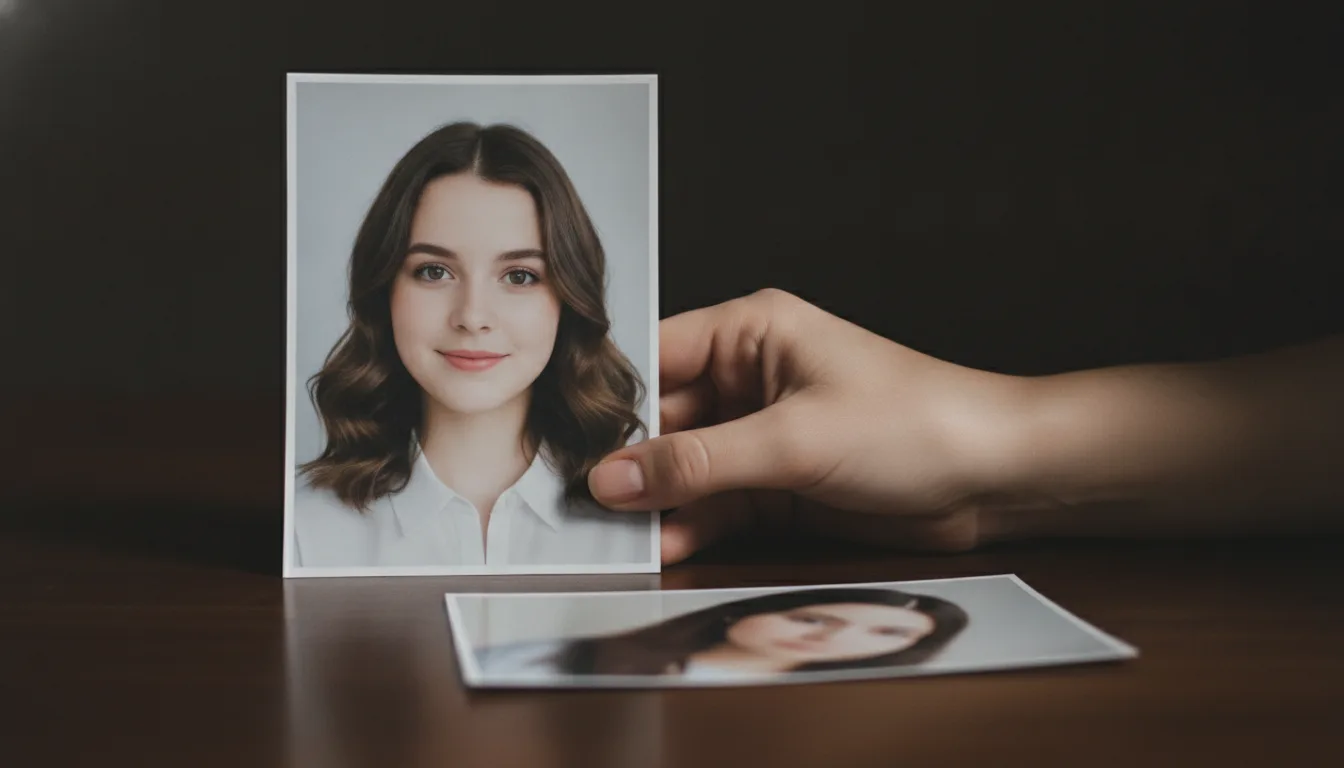
How to pick and prepare the source photo for a zombie AI video: front-facing framing, even light, sharp detail, and the mistakes that blur the likeness.
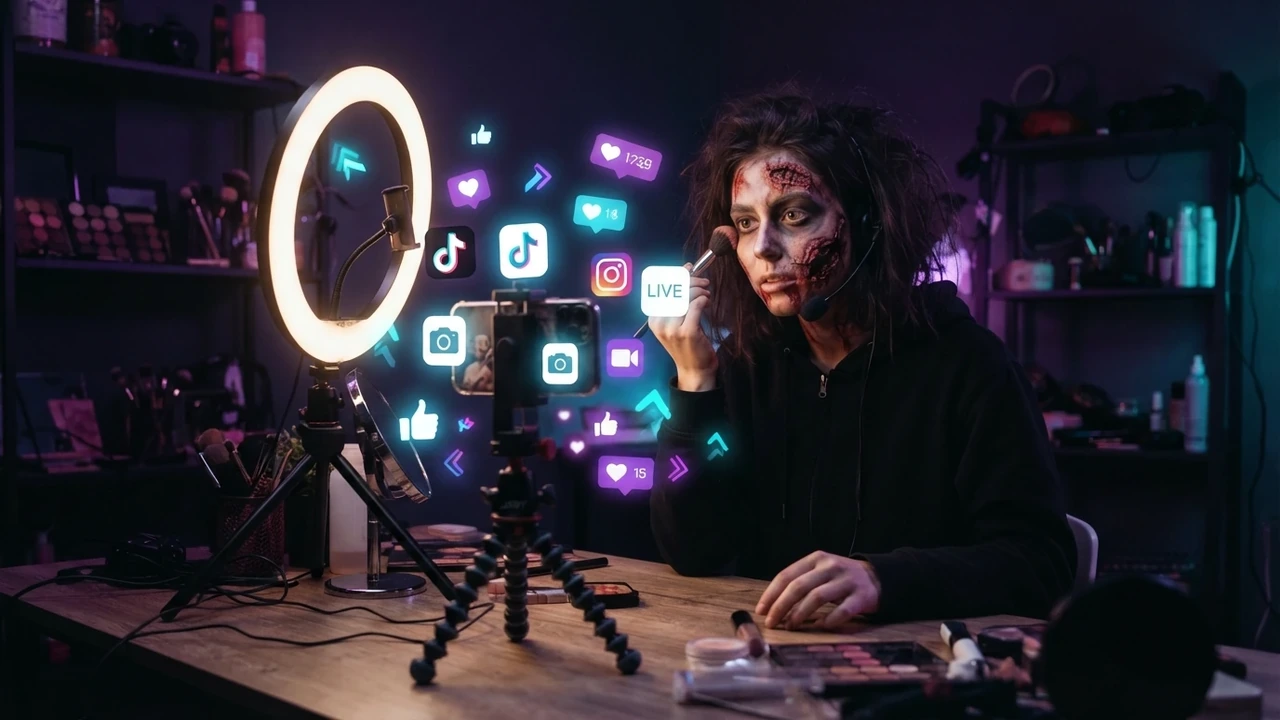
Oct 8, 2026
How to make the zombie love story clip for TikTok: vertical framing, the first-second hook, captions, hashtags, sound, posting time, and reply remakes.
Oct 8, 2026
How to publish the zombie love story clip on Instagram Reels: vertical framing, cover image, the four beats, the hard cut, cross-posting, and hashtags.
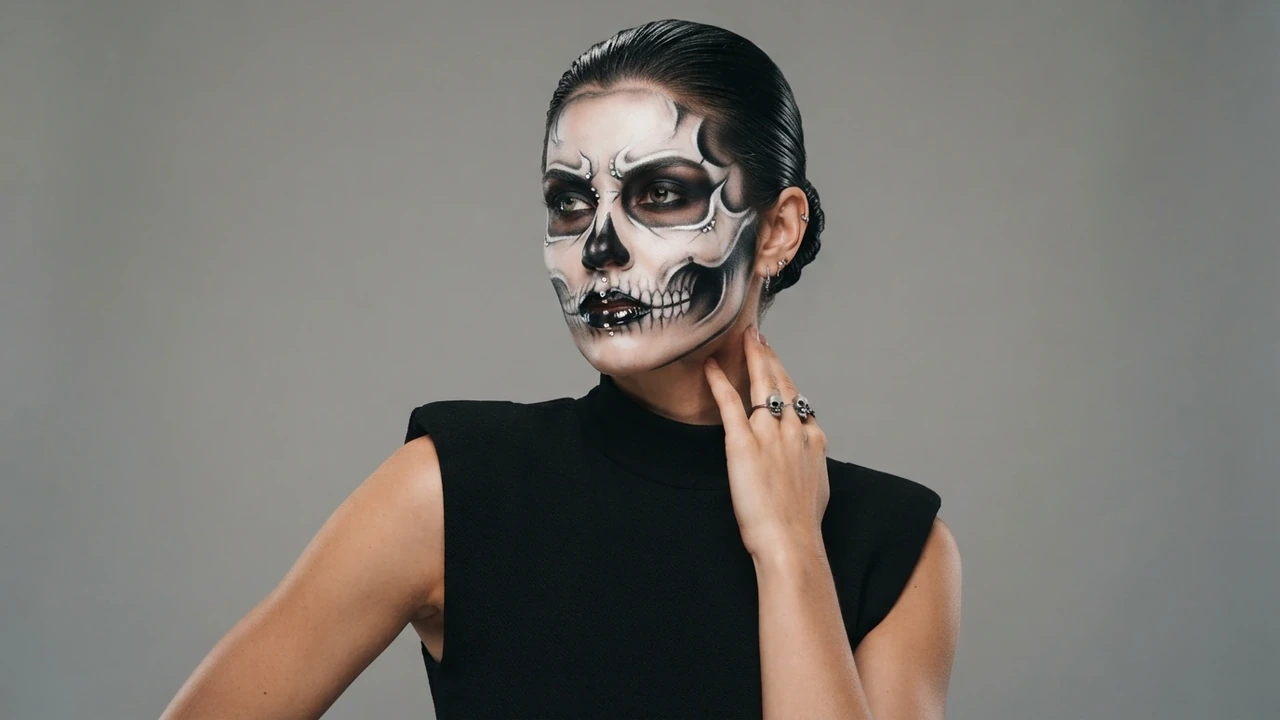
Oct 8, 2026
A look-by-look guide to the AI Halloween makeup effect: what it changes, how to describe the look you want, and how to pair it with a zombie story clip.
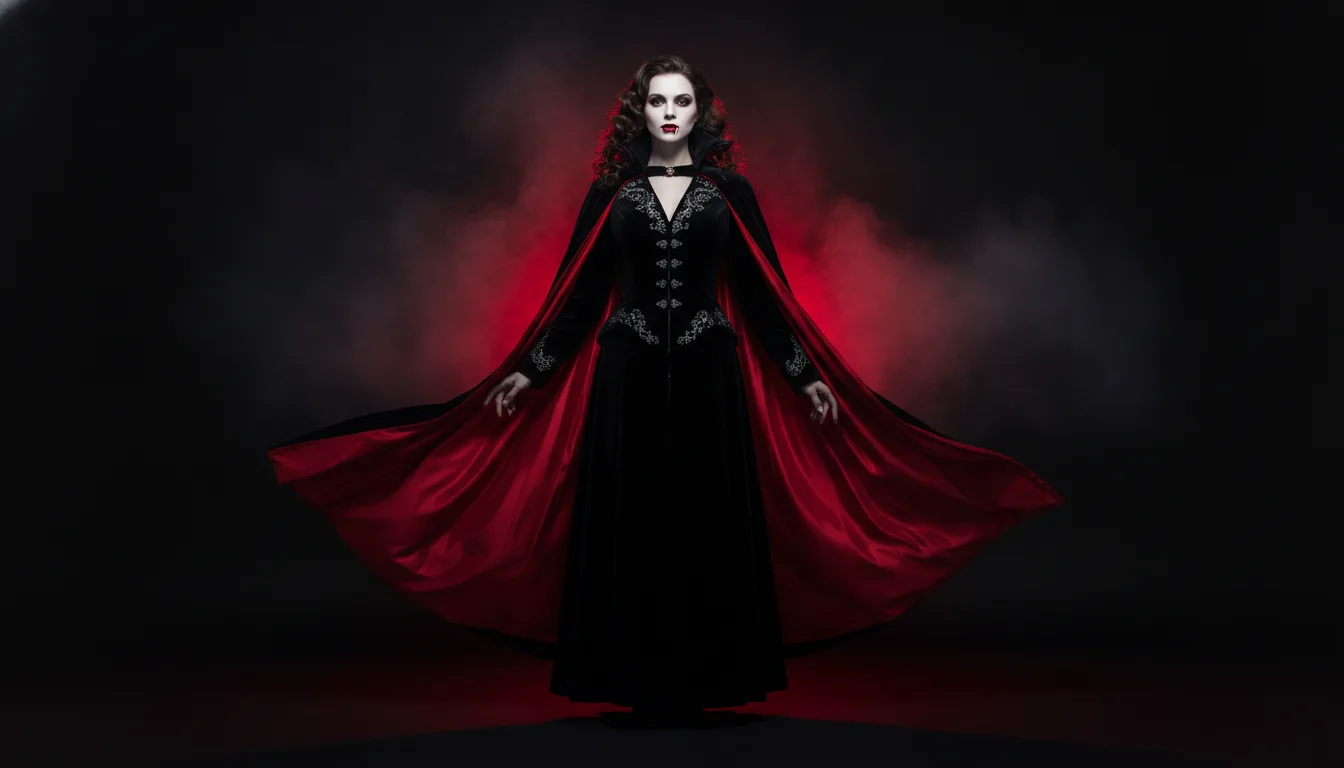
Oct 8, 2026
AI Halloween costume ideas for 2026: turn one selfie into several costume clips, plan a family and pet set, and post a Halloween series before 31 October.
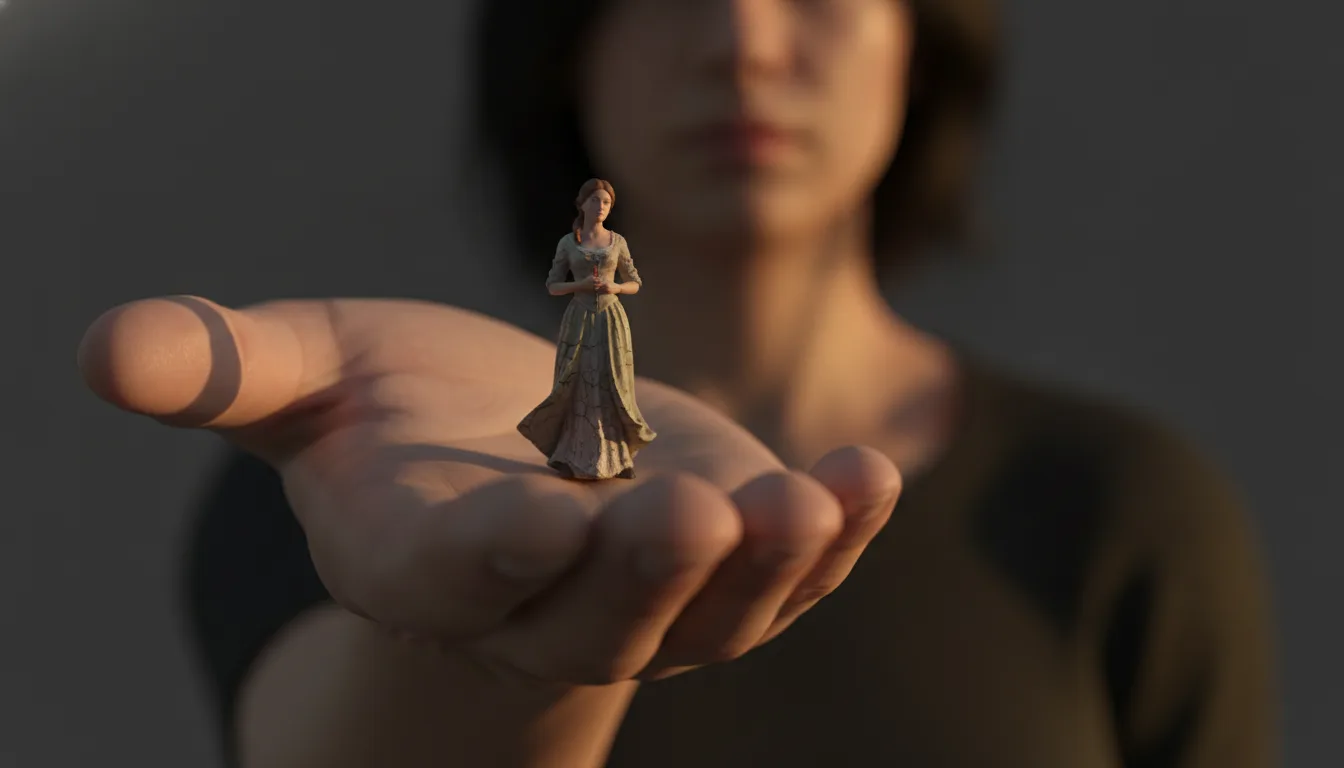
Oct 8, 2026
The AI mini me trend turns one photo into a tiny version of you inside a full-size room. How the effect is made, how to shoot for it, and clip ideas.
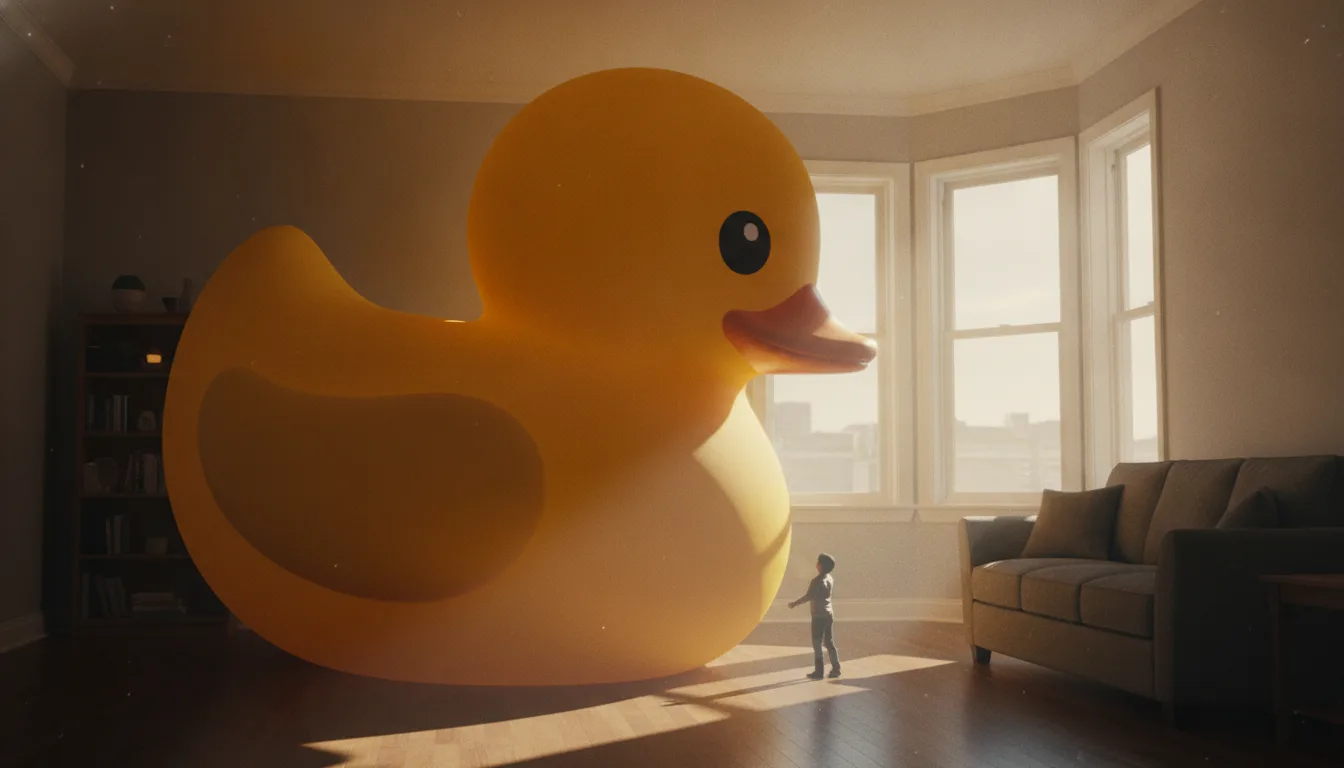
Oct 8, 2026
Make it giant AI scales a small everyday object up until it towers over a room. Which objects work best, how to keep the scene believable, and clip ideas.