Oct 8, 2026
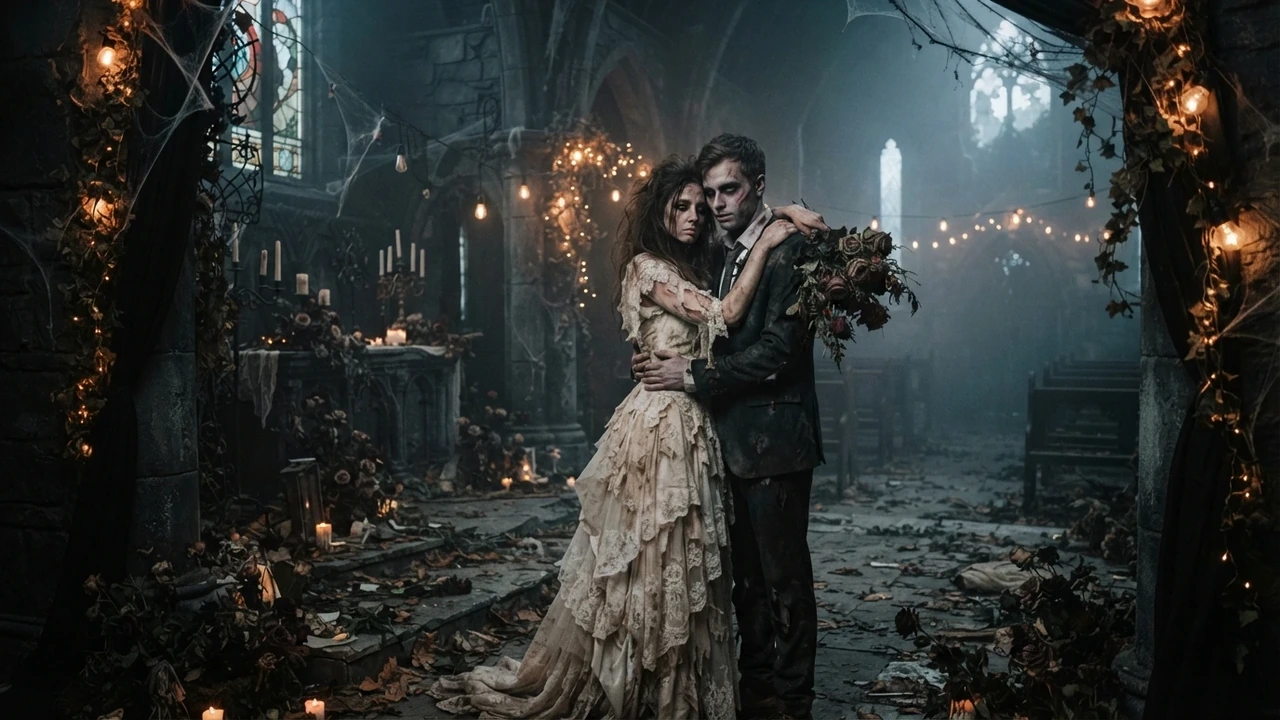
Zombie Love Story AI: How the Trend Works
The zombie love story AI trend explained: the four emotional beats, why it spread on short video, and how a photo becomes a cinematic clip of your own.
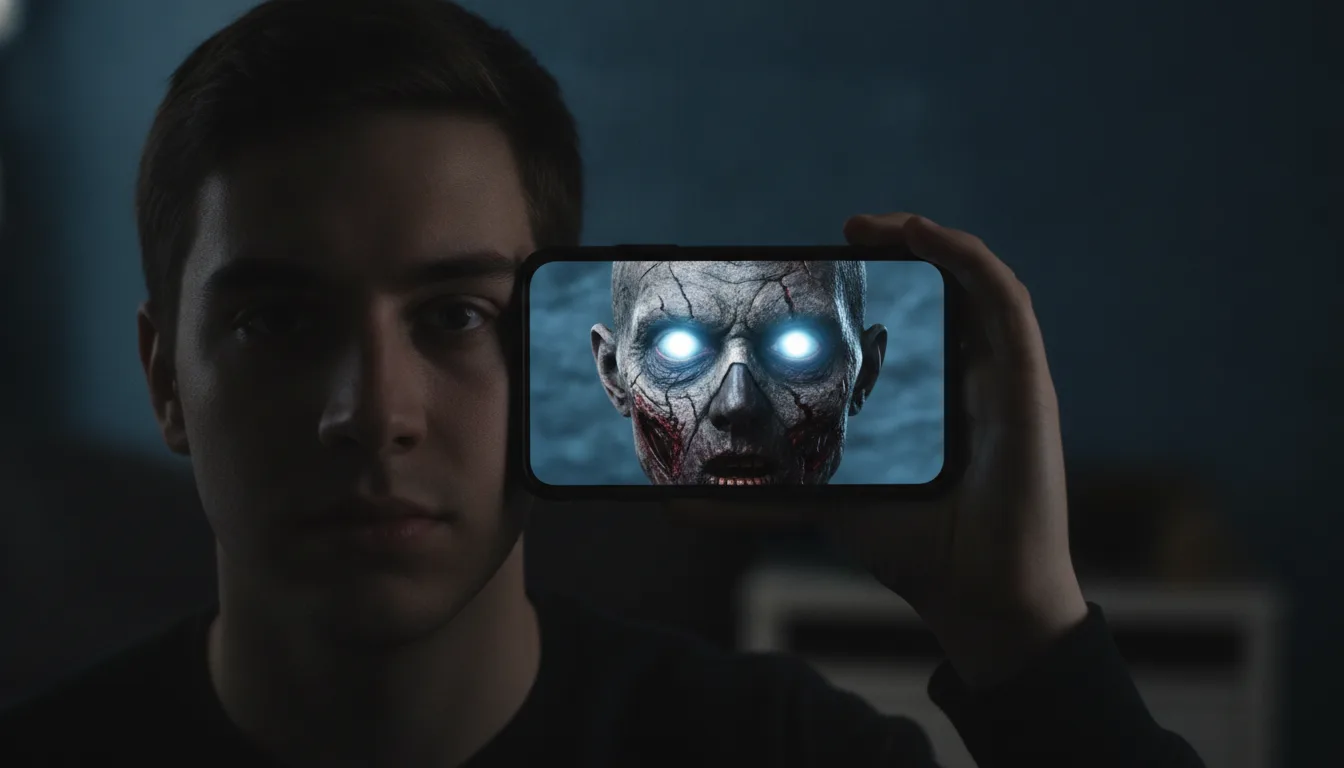
You turn a selfie into a zombie video by uploading the portrait to an image-to-video generator, choosing a zombie effect, and letting the model animate it into a short clip. On Zombie AI that happens on the effect page: upload the selfie, review the credit cost the studio shows, and generate. The first 5-second clip on a new account is free to watch, and the download is the part that costs credits.
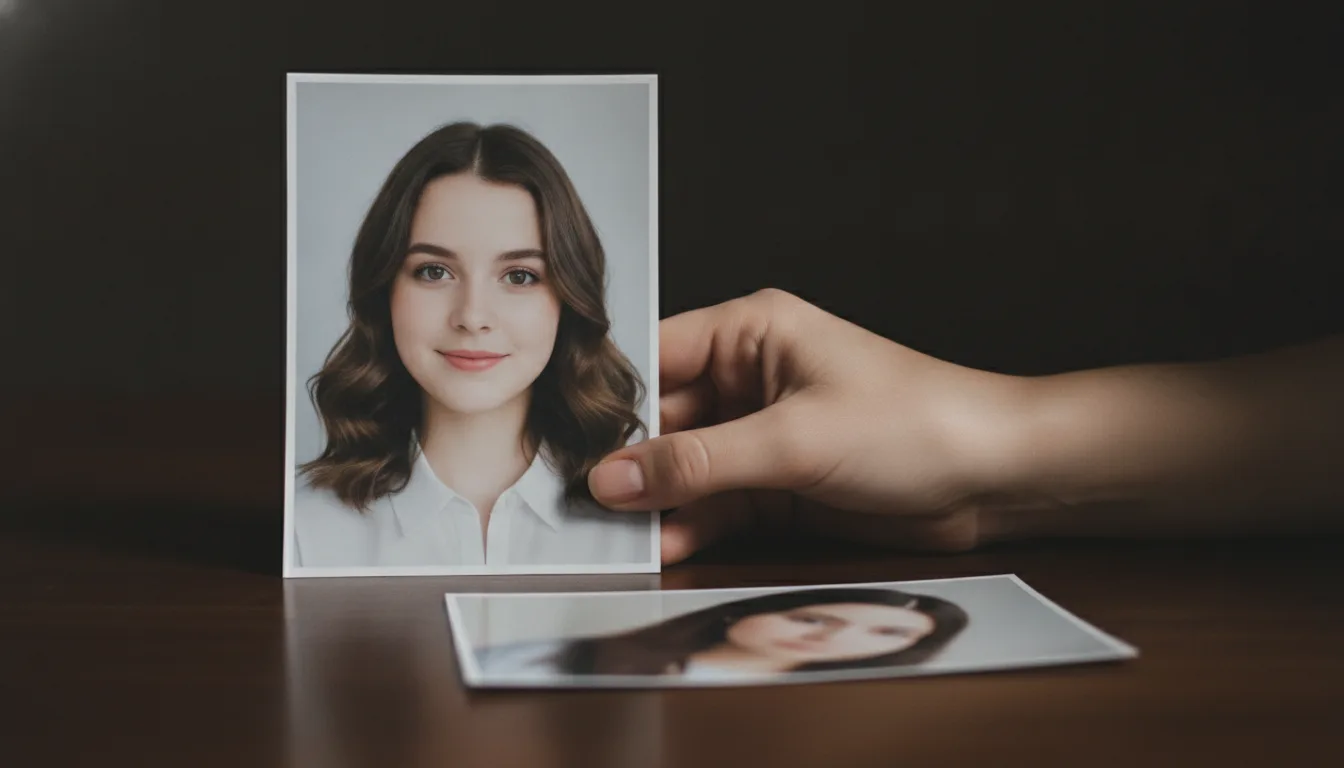
One clear portrait is enough for a single-photo effect. The model reads the face, the light and the background from that image, so a sharp, front-facing photo with one clear direction of light gives it the most to work with. Avoid heavy filters, sunglasses that hide the eyes, and photos where the face is small in the frame; each of those gives the model less to hold on to, and less to animate.
If you want the two-person zombie love story instead, that effect asks for two photos — one per character — because it has to keep both faces straight across the cut. The two-photo guide explains which pairs work.
Zombie AI runs five effects on the same image-to-video pipeline, so the choice is about the story you want, not a different tool:
The makeup and miniature effects are the ones that suit a single selfie best, because they change the subject or the scale rather than staging a second character. Start on the studio and pick the effect that matches your photo.
The result is a short cinematic clip, not a slideshow: the model animates the scene in one pass, so motion and timing are generated rather than keyframed by you. Because the rendering is probabilistic, the exact motion differs from one run to the next, and a run that fails does not charge a credit. That is normal for image-to-video, and it is why the studio asks you to review a draft before you spend credits to download the finished file.
If a draft is close but not right, regenerate rather than paying for a clip you will not use. The credit cost is displayed before you generate, so you always know what an attempt costs.
A single selfie is the quickest path: one upload, one effect, one clip. The two-photo version buys a tighter story — two recognisable people and a beat between them — at the cost of one more photo and a stricter requirement that the two images share a lighting direction. If you are making your first clip, start with one selfie and the makeup effect; if you want the clip the trend is known for, bring both photos.
One clip costs 300 credits, which is a 5-second video, and the same amount is what a single clip is priced at on the one-time packs. The studio shows the cost before you submit, and the file you download has no watermark on it. The current tiers are listed on the pricing page.
Upload your selfie on the studio, pick an effect, and watch the first 5-second clip on a new account. If it looks like you and the scene holds together, download it; if not, adjust the photo and try again.
Pick an effect, add the photos the studio asks for, and check the credit cost before you submit. The first 5-second clip is $4.99, and one-time packs carry no subscription.
Upload reference photo
JPG, PNG (max 10MB)
Upload the second photo
Optional. Add the other person's photo and the model keeps both faces instead of inventing one.
Or try an example
The clip is AI-generated, not real footage of the people in the photos.
A generation that fails does not charge you: the credits go back to your balance automatically.
Oct 8, 2026
The zombie love story AI trend explained: the four emotional beats, why it spread on short video, and how a photo becomes a cinematic clip of your own.
Oct 8, 2026
A step-by-step guide to making a zombie AI video from one photo: what a good source photo looks like, how the preview works, and what credits cost.
Oct 8, 2026
Fifteen zombie AI video prompts for the love story, pet, Halloween makeup, mini me and giant effects, with a short note on how prompts meet this site.
Oct 8, 2026
How to pick and prepare the source photo for a zombie AI video: front-facing framing, even light, sharp detail, and the mistakes that blur the likeness.
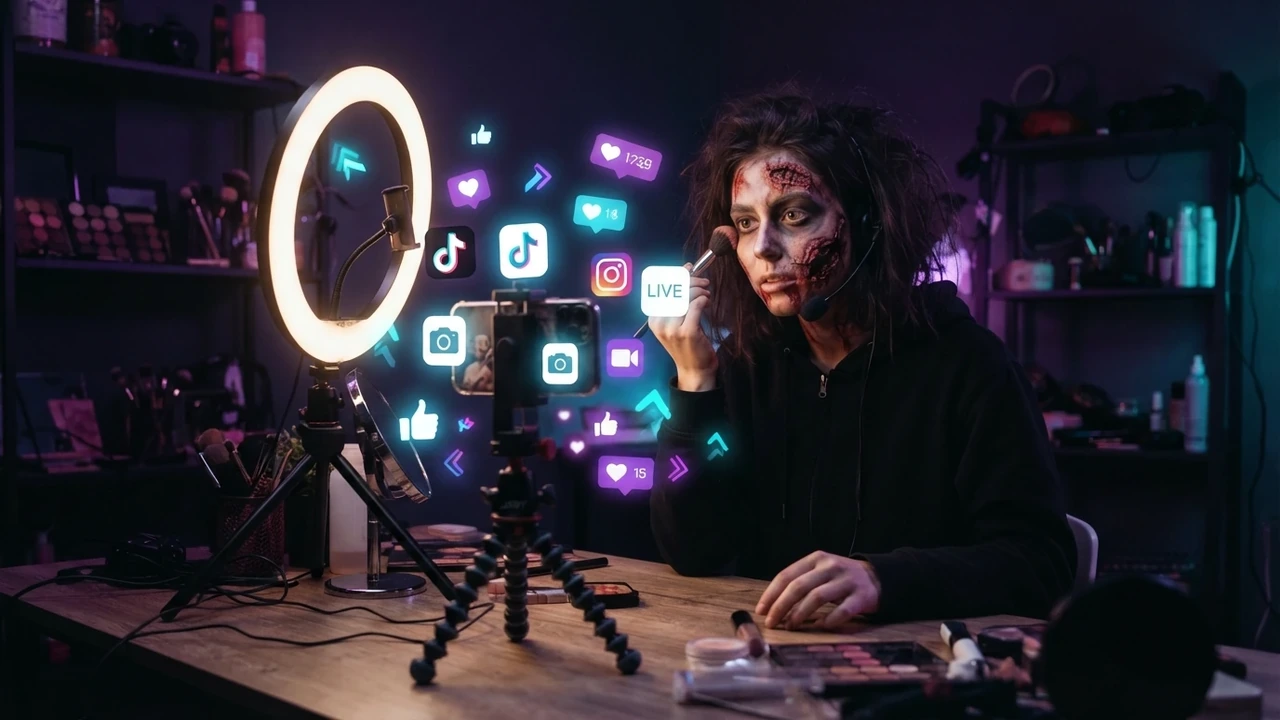
Oct 8, 2026
How to make the zombie love story clip for TikTok: vertical framing, the first-second hook, captions, hashtags, sound, posting time, and reply remakes.
Oct 8, 2026
How to publish the zombie love story clip on Instagram Reels: vertical framing, cover image, the four beats, the hard cut, cross-posting, and hashtags.
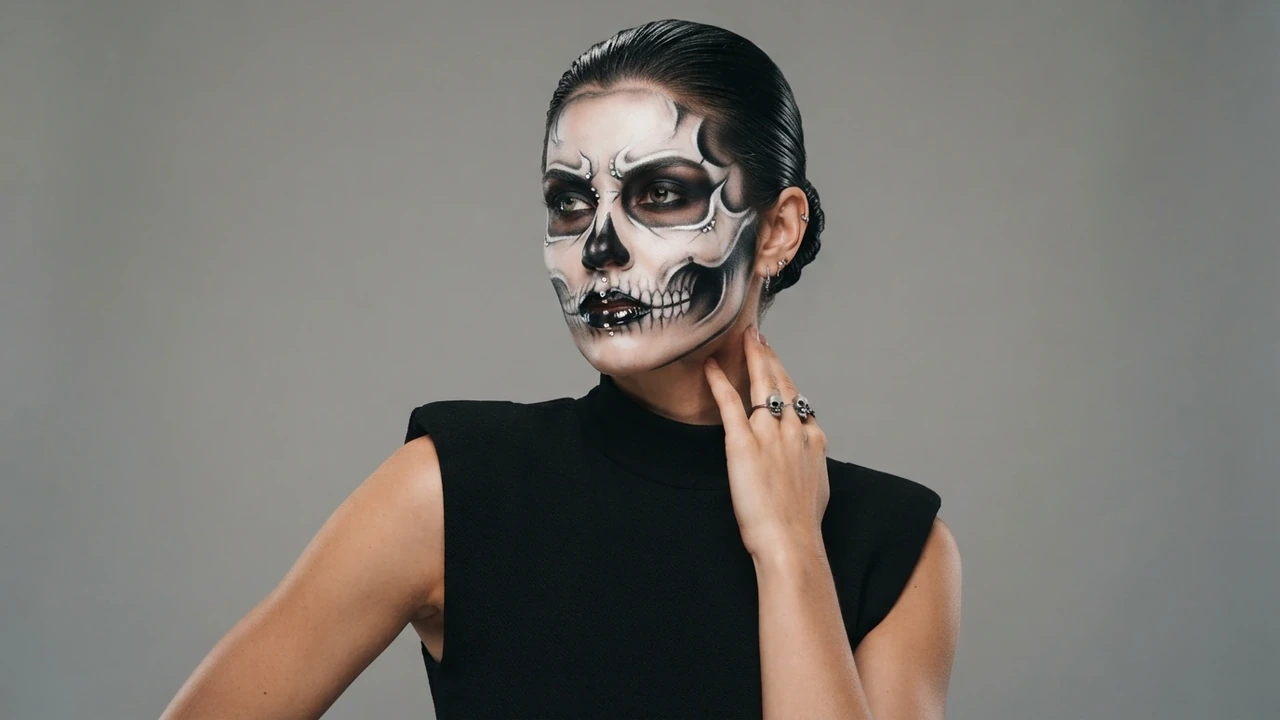
Oct 8, 2026
A look-by-look guide to the AI Halloween makeup effect: what it changes, how to describe the look you want, and how to pair it with a zombie story clip.
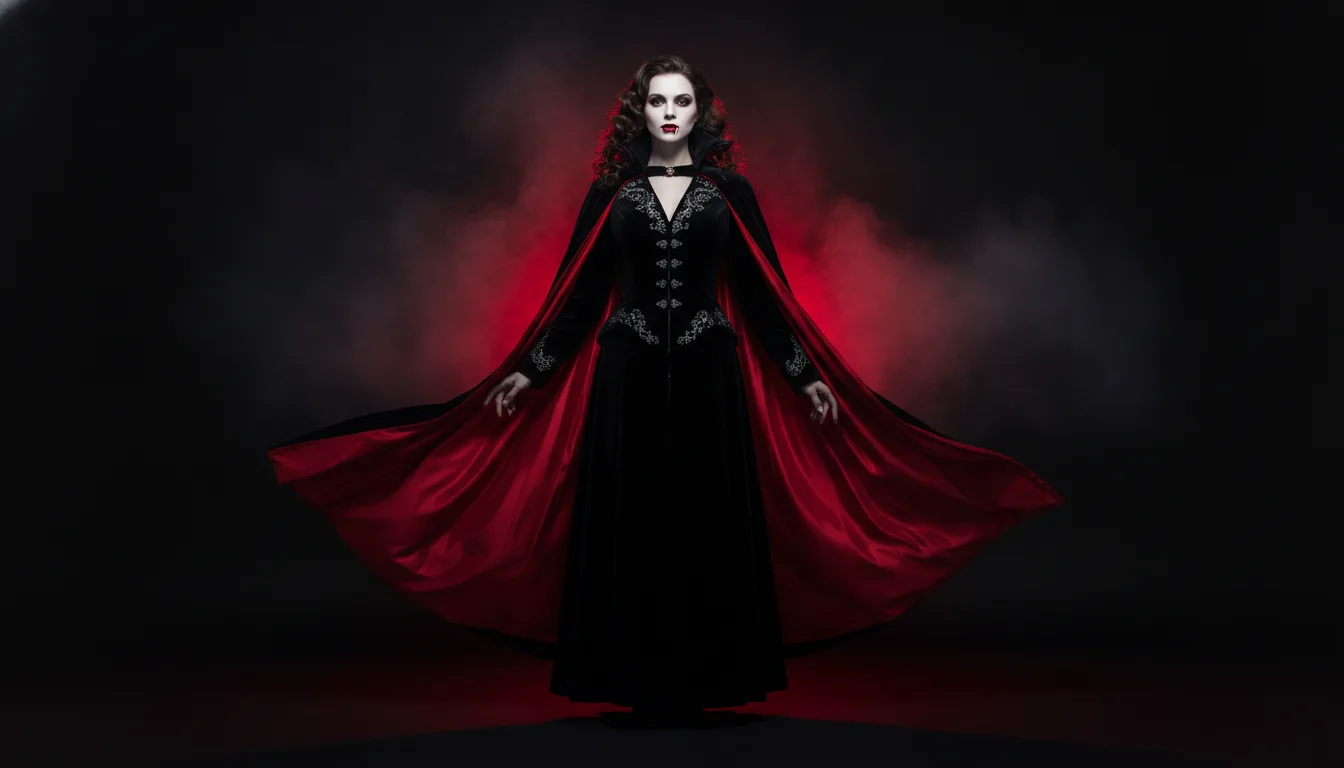
Oct 8, 2026
AI Halloween costume ideas for 2026: turn one selfie into several costume clips, plan a family and pet set, and post a Halloween series before 31 October.
Oct 8, 2026
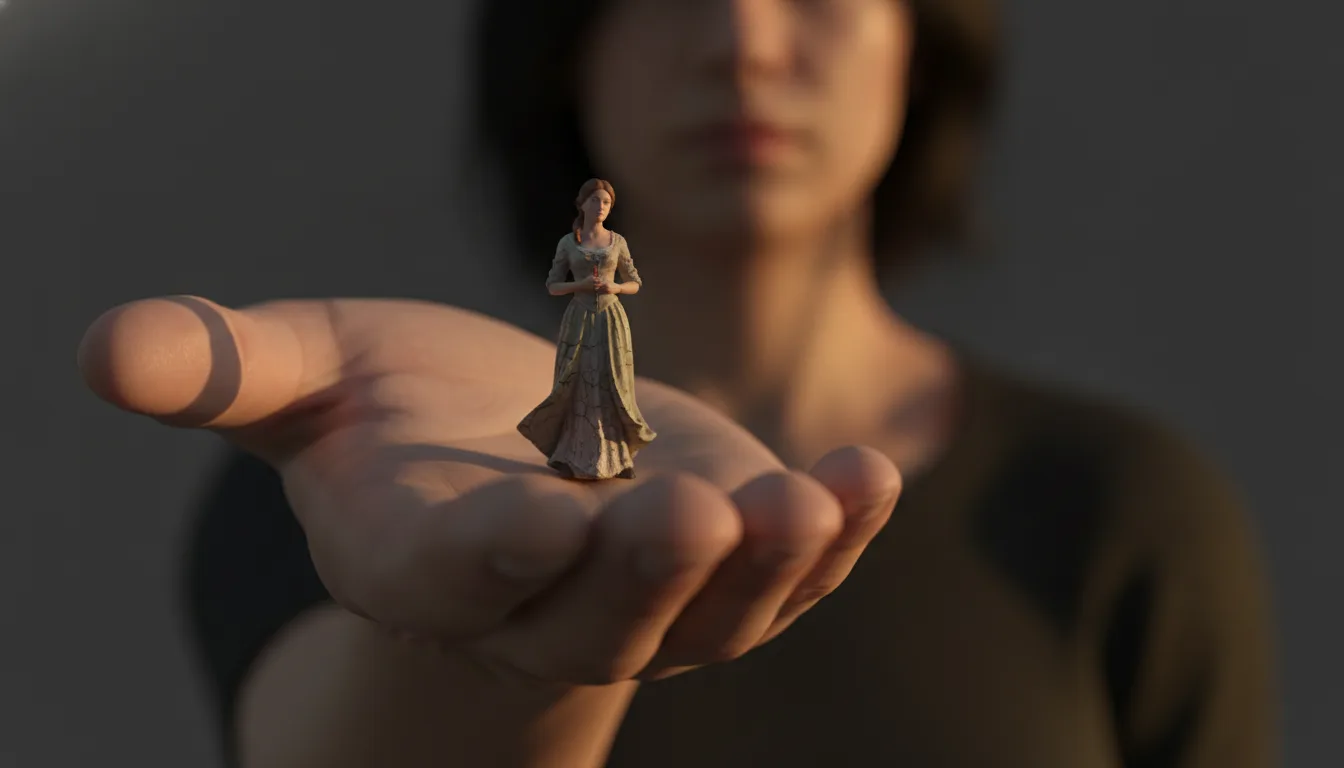
The AI mini me trend turns one photo into a tiny version of you inside a full-size room. How the effect is made, how to shoot for it, and clip ideas.
Oct 8, 2026
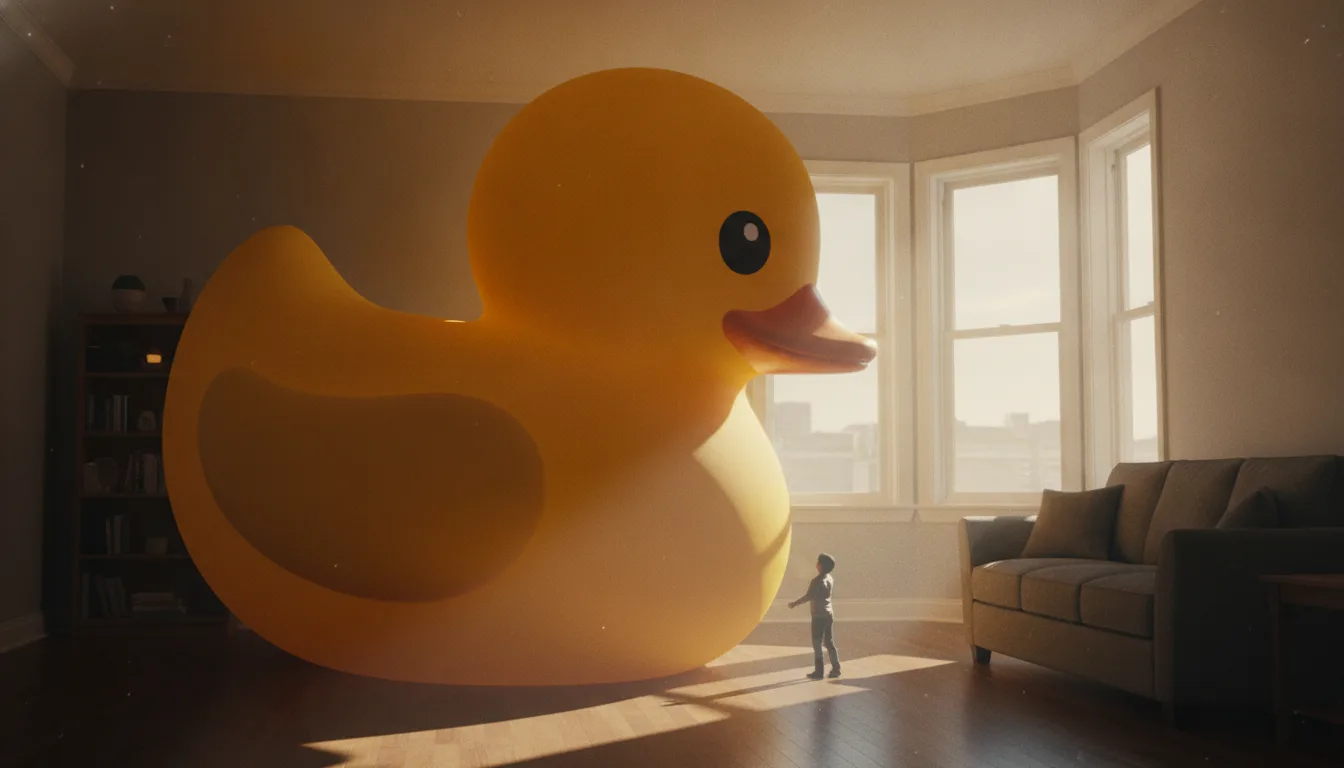
Make it giant AI scales a small everyday object up until it towers over a room. Which objects work best, how to keep the scene believable, and clip ideas.