Oct 8, 2026
Zombie Love Story AI: How the Trend Works
The zombie love story AI trend explained: the four emotional beats, why it spread on short video, and how a photo becomes a cinematic clip of your own.
Generate the clip, then post it as it comes back: it is framed for a phone screen, so it drops into TikTok without an awkward crop. The parts that decide whether it performs are the first second, the caption, and the length. On Zombie AI you start on the studio, upload the photo the effect asks for, and let the model return a vertical clip; the first 5-second clip on a new account is free to watch, and the download is the paid part.
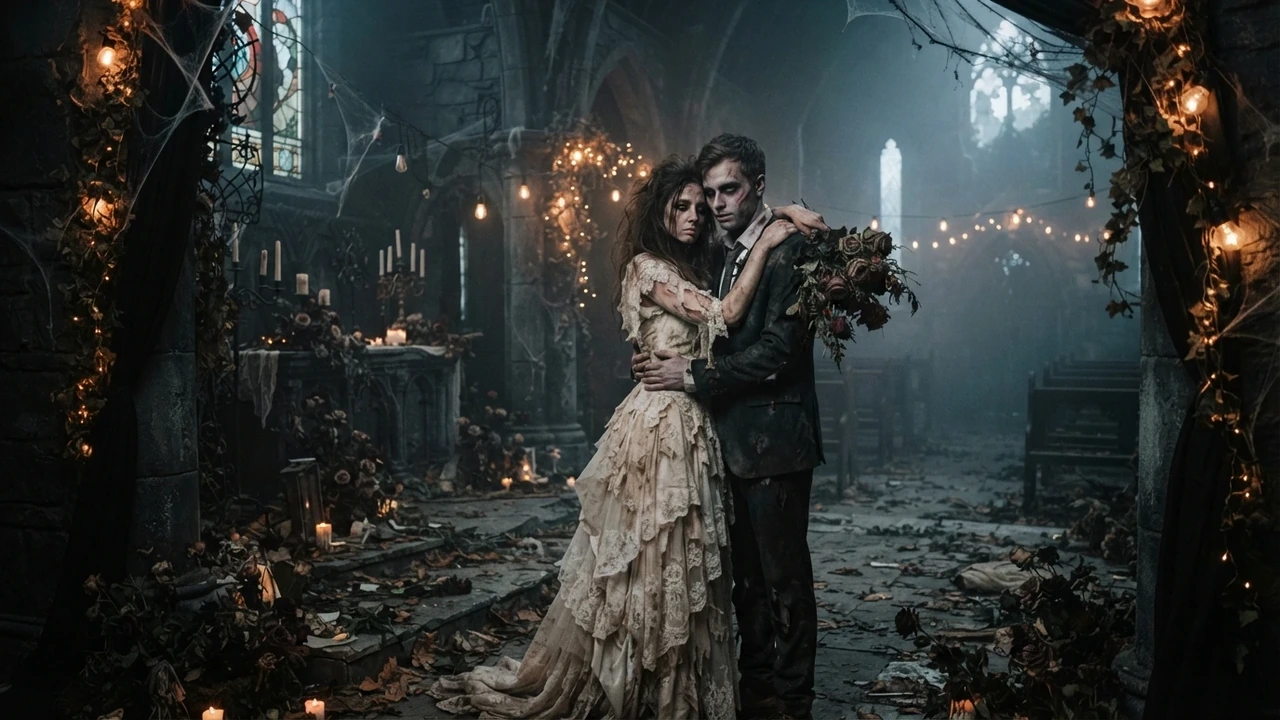
The zombie love story runs on four beats — a standoff, a lowered weapon, a hug, and a hard cut into a warm memory — and the clip is generated in the vertical frame TikTok shows. That matters more than people expect: a clip that fills the screen reads as native, and native clips get watched further. If you are making your first one, the how-to guide walks the upload-to-clip flow, and the prompt library has copy-paste prompts if you want a specific beat.
The format has a built-in hook: two people who should be enemies are about to embrace. Do not bury it behind a title card or a slow zoom — open with the two faces already facing each other at second zero. A short hook line over the first second helps, something like "she did not know he was infected", kept under about eight words. The clip carries the rest.
Keep any text you add inside the middle of the frame, roughly the middle 70 percent of the height. TikTok's interface covers the bottom with the caption and the right side with the button column, so a hook line that sits behind those elements is a hook line nobody reads. Check the placement on the actual phone, not on a desktop preview.
The caption is not a description of the clip; it is the line that makes someone watch twice. Write it as the survivor's line, or as the moment just before the hug, and keep it short. Three to five hashtags is plenty: the format tag, one broad Halloween tag, and one tag for the niche — rotate them between posts rather than pasting the same block every time. For sound, either a slow sad track that lets the cut land, or a cold open that snaps into something warm exactly on the frame of the cut; a cut and a sound change half a second apart feel like a mistake.
The format is short by design, so a 5-second clip is the right unit for a first post. Post when your audience is awake and scrolling, which for most accounts means the evening, and spread a series across several nights rather than dumping it in one. The trend is tied to Halloween on 31 October, so the two weeks before the date are the window when the format is searched most.
The vertical clip works on Reels too. The main differences are the audio choice and how much the first frame has to communicate on its own; the Reels guide covers them. If you want the deeper platform write-ups, the full TikTok guide and the Reels guide are both linked from this site.
One clip costs 300 credits, which is a 5-second video. The studio shows the cost before you generate, the file you download has no watermark on it, and a new account gets one free 5-second clip to watch first. The pricing page lists every tier.
Open the studio, upload your photo, and watch the clip in the same vertical frame TikTok will show it in. If the hard cut lands the way you hoped, that is the clip worth posting — and the download is the next step.
Pick an effect, add the photos the studio asks for, and check the credit cost before you submit. The first 5-second clip is $4.99, and one-time packs carry no subscription.
Upload reference photo
JPG, PNG (max 10MB)
Upload the second photo
Optional. Add the other person's photo and the model keeps both faces instead of inventing one.
Or try an example
The clip is AI-generated, not real footage of the people in the photos.
A generation that fails does not charge you: the credits go back to your balance automatically.
Oct 8, 2026
The zombie love story AI trend explained: the four emotional beats, why it spread on short video, and how a photo becomes a cinematic clip of your own.
Oct 8, 2026
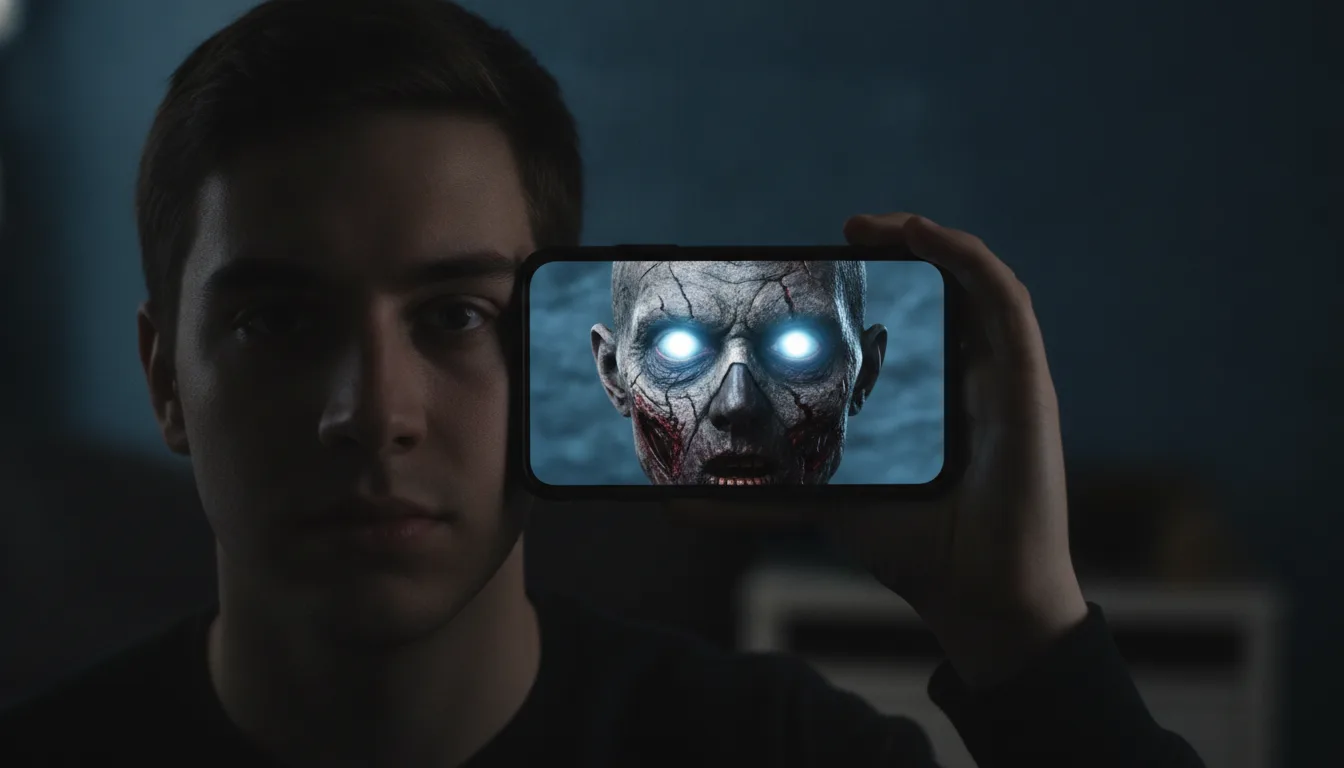
A step-by-step guide to making a zombie AI video from one photo: what a good source photo looks like, how the preview works, and what credits cost.
Oct 8, 2026
Fifteen zombie AI video prompts for the love story, pet, Halloween makeup, mini me and giant effects, with a short note on how prompts meet this site.
Oct 8, 2026
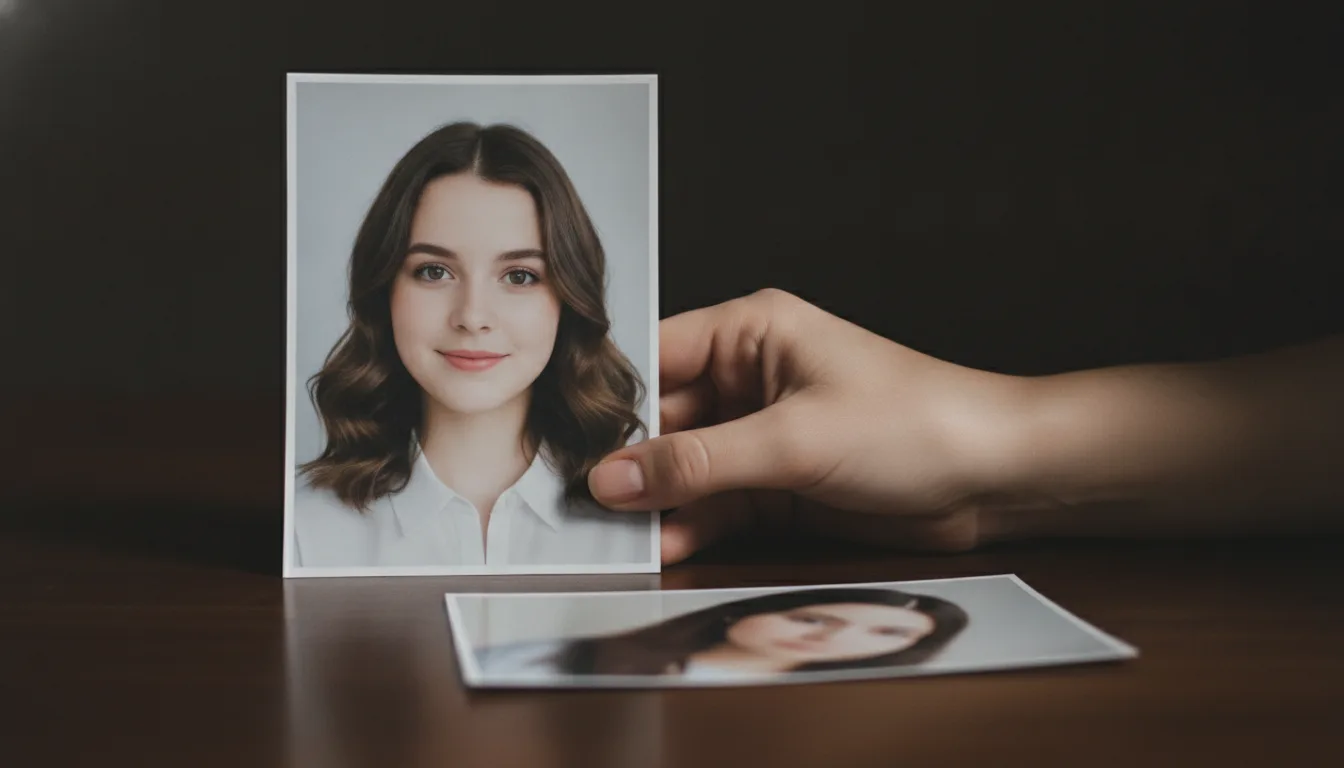
How to pick and prepare the source photo for a zombie AI video: front-facing framing, even light, sharp detail, and the mistakes that blur the likeness.
Oct 8, 2026
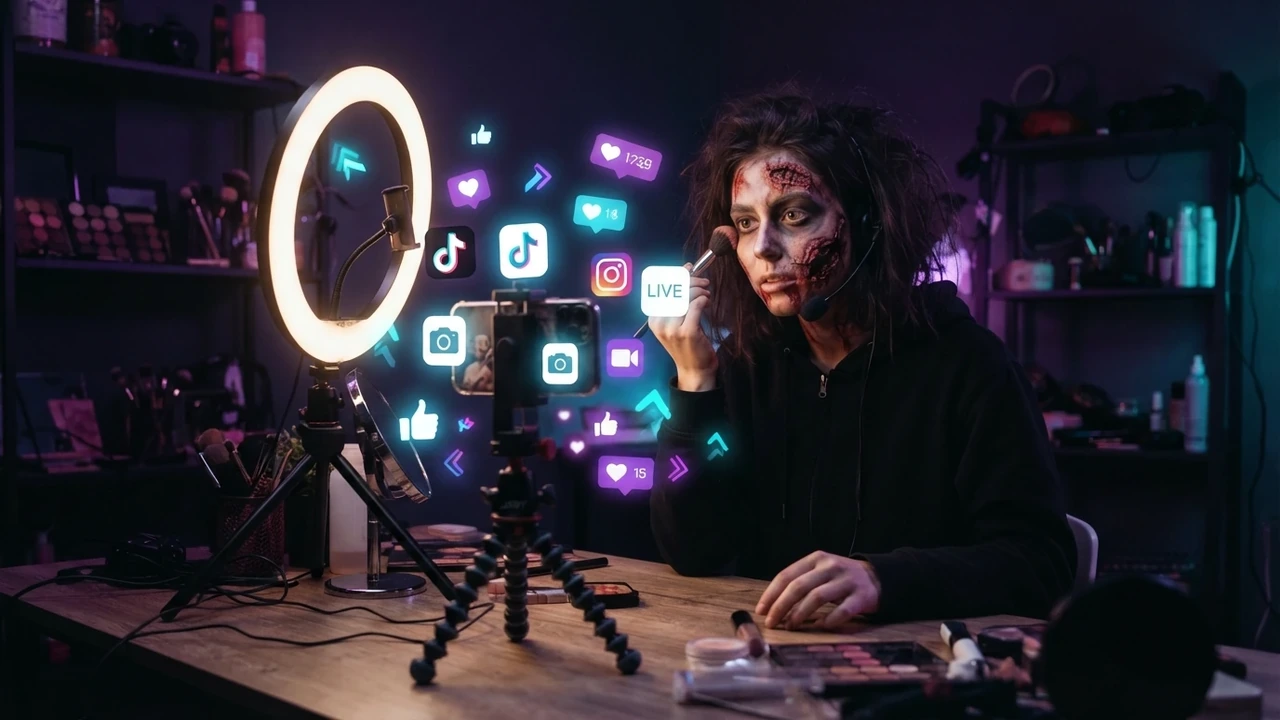
How to make the zombie love story clip for TikTok: vertical framing, the first-second hook, captions, hashtags, sound, posting time, and reply remakes.
Oct 8, 2026
How to publish the zombie love story clip on Instagram Reels: vertical framing, cover image, the four beats, the hard cut, cross-posting, and hashtags.
Oct 8, 2026
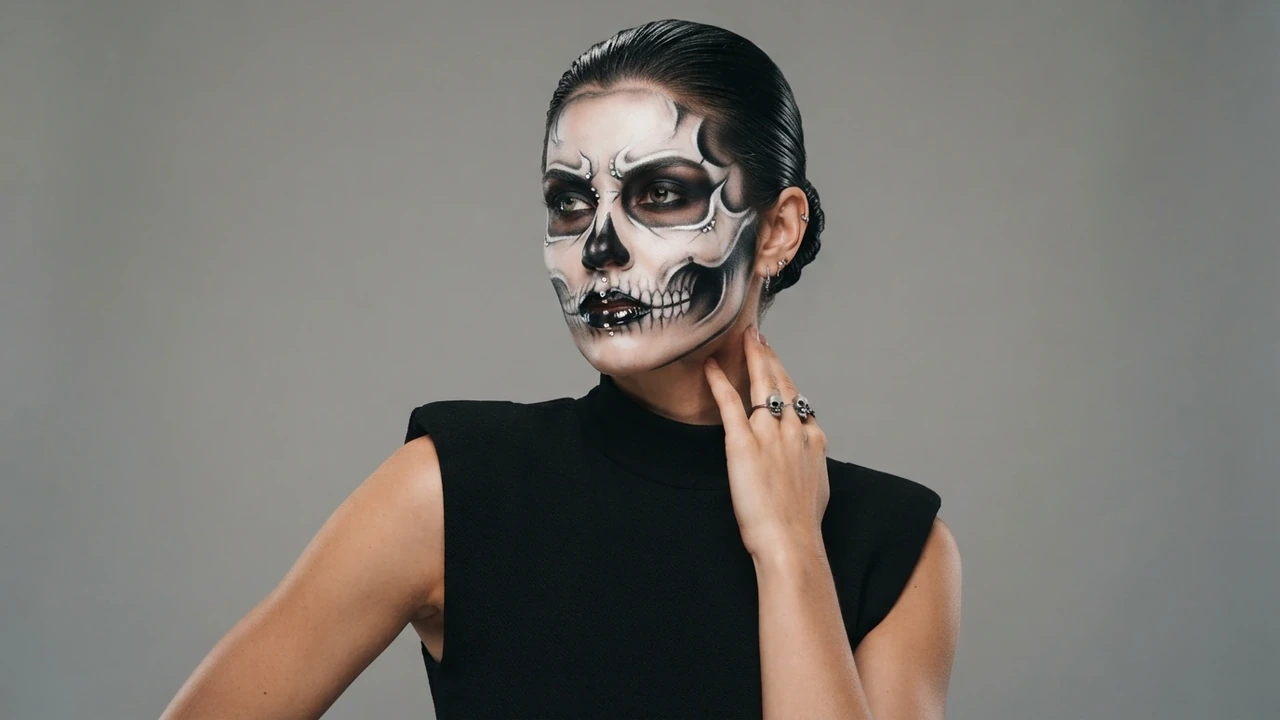
A look-by-look guide to the AI Halloween makeup effect: what it changes, how to describe the look you want, and how to pair it with a zombie story clip.
Oct 8, 2026
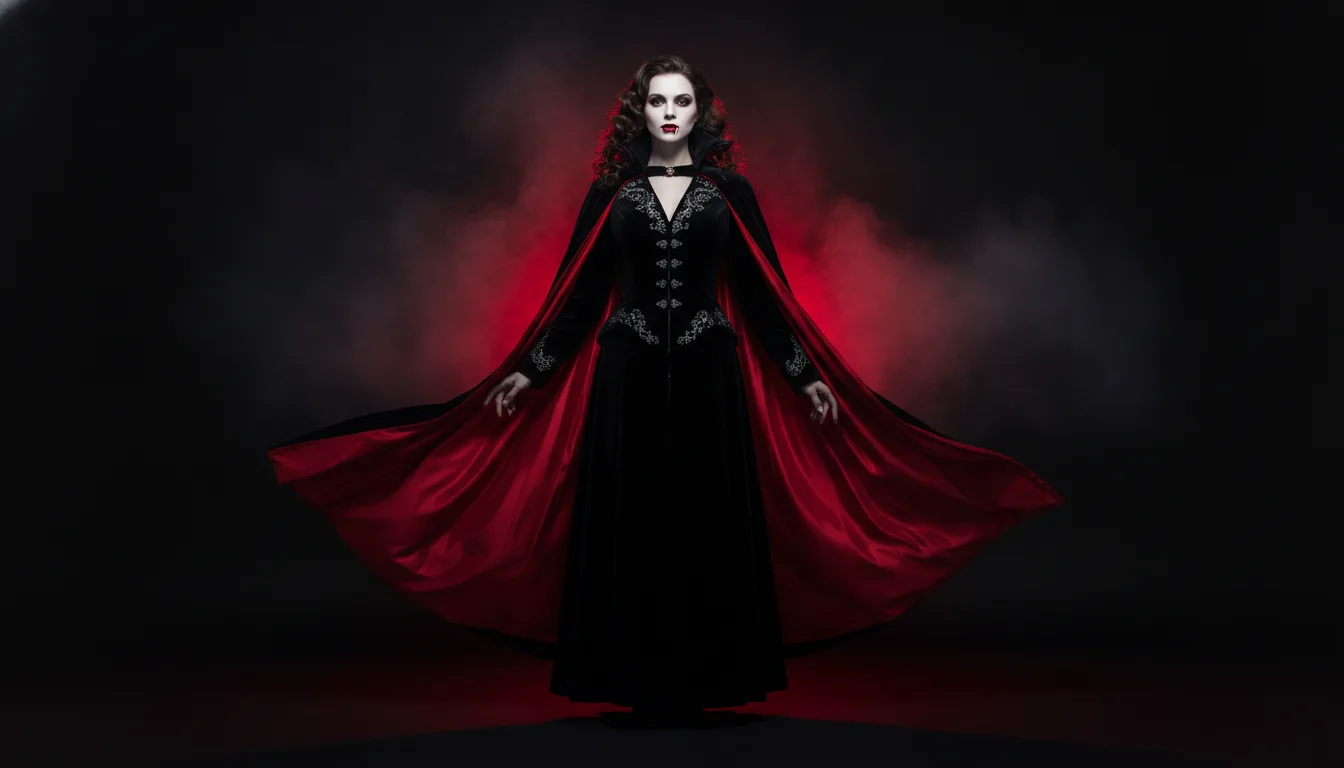
AI Halloween costume ideas for 2026: turn one selfie into several costume clips, plan a family and pet set, and post a Halloween series before 31 October.
Oct 8, 2026
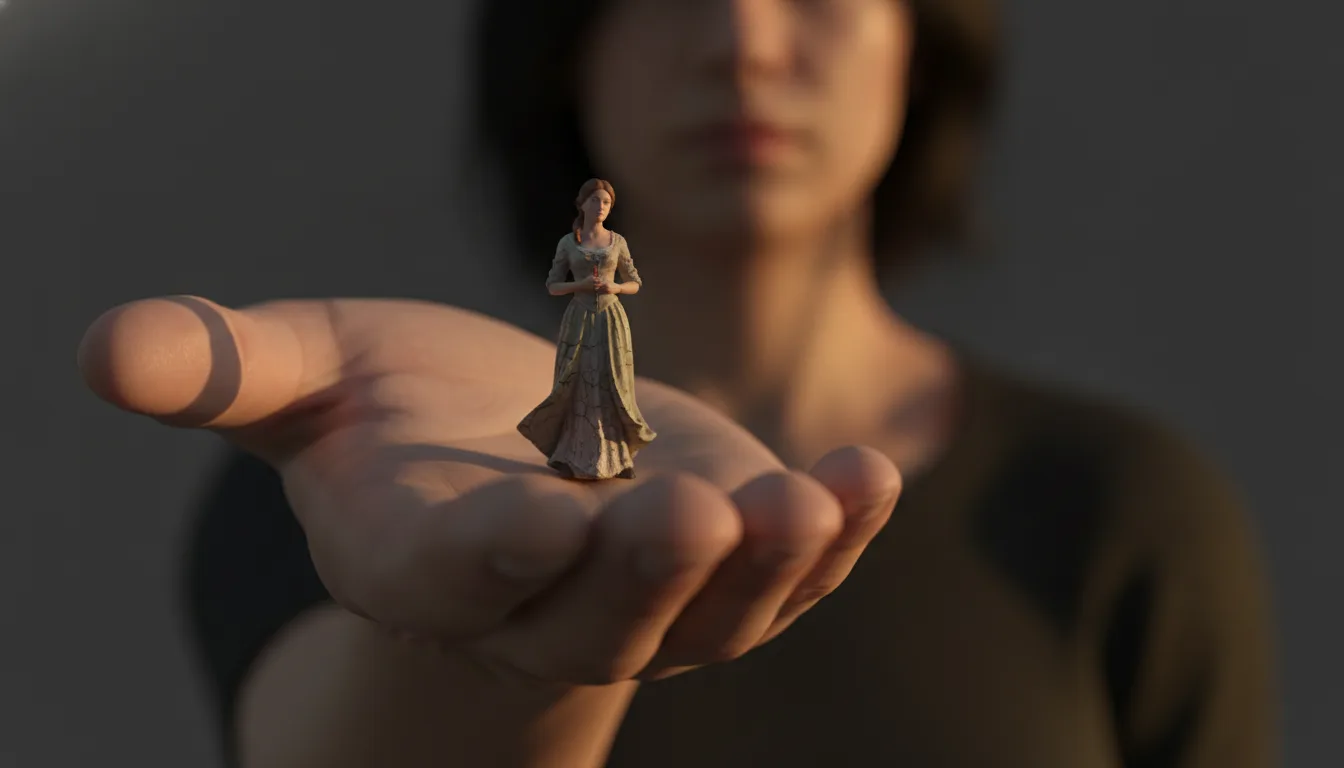
The AI mini me trend turns one photo into a tiny version of you inside a full-size room. How the effect is made, how to shoot for it, and clip ideas.
Oct 8, 2026
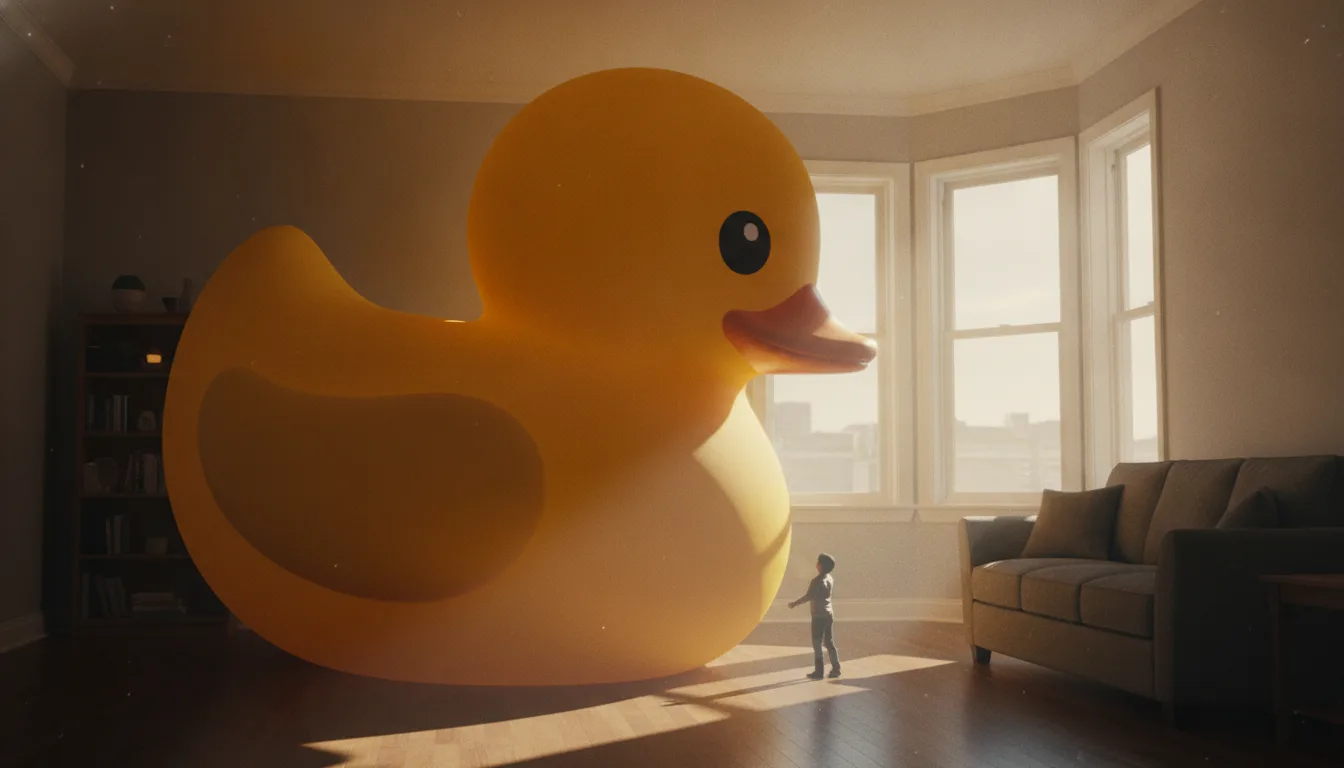
Make it giant AI scales a small everyday object up until it towers over a room. Which objects work best, how to keep the scene believable, and clip ideas.