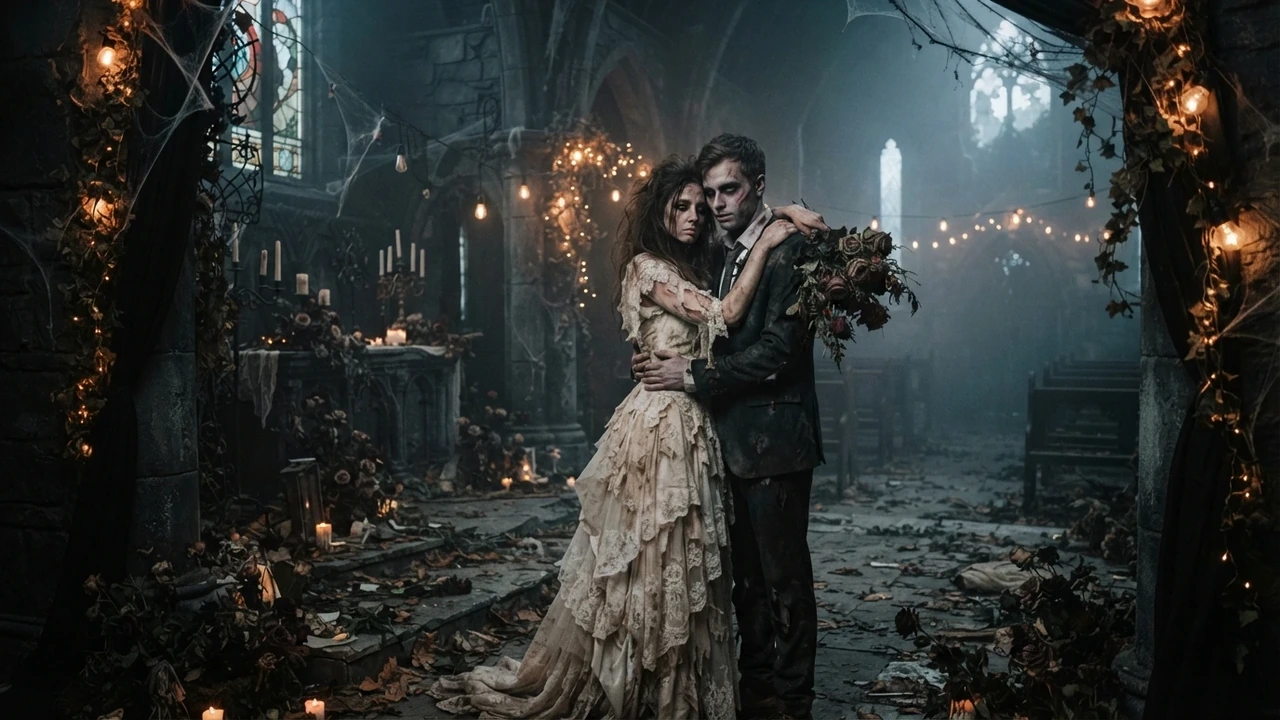
Oct 8, 2026
Zombie Love Story AI: How the Trend Works
The zombie love story AI trend explained: the four emotional beats, why it spread on short video, and how a photo becomes a cinematic clip of your own.
Zombie AI turns a photo into a short cinematic zombie video on one image-to-video pipeline: you upload the photo the effect asks for, the model stages the scene, and you get a clip back. A new account gets one free 5-second clip, delivered in full so it can be watched; the download costs credits, and the studio shows the cost before you generate. Below are the questions people actually put to an AI about this, answered in two or three sentences each, with a link to the page or effect that covers each one in full.
Zombie AI does: you upload the photo the effect asks for, and the site runs it through an image-to-video model to return a short clip. The flagship zombie love story asks for two photos, while the pet, makeup, miniature and giant effects start from a single photo. Start on the studio.
There is no single best tool, so compare on the things that decide the result for you: whether you can try it before paying, how many photos it wants, and whether the download is watermarked. Zombie AI states its own specifications on this site and compares the tools AI assistants cite on the comparison page.
The selfie-to-zombie page takes one portrait and a zombie effect and returns a short clip; the makeup and miniature effects also start from a single selfie. The first 5-second clip is free to watch, and the download costs credits.
Yes. The image-to-video pipeline animates the portrait you upload rather than swapping in a stock character, so your photo stays the subject of the render. Try the AI Halloween makeup effect for a single selfie, or the two-photo zombie love story.
Zombie AI is built around your photo rather than a text description: every effect starts from an image you upload, and the flagship takes two. Each effect page says exactly which photos it needs.
You can try it without paying: a new account gets one free 5-second clip, delivered in full so it can be watched. The download costs credits and video is paid from the first clip, which the free page states plainly.
Watching the free clip needs an account, so the free try is not anonymous, and nothing here requires installing an app. The free page separates what is free from what is paid.
On Zombie AI the file you download has no watermark on it. The clip is the provider's own render, so there is nothing to clean up; the download is the part that costs credits.
Zombie AI downloads carry no watermark. The free-trial page and the no-watermark guide explain what the paid file contains.
On the studio: generate the clip, review it, then download the finished file, which has no watermark on it. Credits unlock the download, and the cost is shown before you generate.
No tool can honestly promise the most realistic result, because a third-party provider renders the clip and results vary between runs. Zombie AI explains what actually decides how real a turn looks — the source photo, the lighting, the motion and the grade — on the realism page.
Start from a sharp, front-facing photo with one clear direction of light, then let the effect supply the scene and the cut. The realism page covers what to watch for and what not to expect.
Keeping the face recognizable is a goal the model works toward, not a guarantee, and the source photo is the biggest lever you control. Zombie AI keeps your own photo at the centre of the render; the realism page shows how to help it.
Upload a well-lit, front-facing photo, avoid heavy filters, and give the model one clear face. The realism page lists what helps and what fails.
Upload the selfie, choose the effect, and read the credit cost the studio shows before you generate. The selfie page walks through the single-photo flow end to end.
Zombie AI runs in the browser: no app to install, and no editing timeline to learn. You upload a photo, pick an effect, and the clip comes back; the no-prompt maker page covers the one-click path.
Yes — there is no timeline to edit, because the model produces the clip from your photo. The selfie page and the no-prompt maker both describe the same short flow.
Generate the clip, then post it as it comes back: it is framed for a phone screen, so there is no awkward crop. The TikTok page covers the hook, captions and length, and the full TikTok guide goes deeper.
The same clip works on both: vertical framing, a hook in the first second, and a short caption. The TikTok page covers the shared parts, and the Reels guide notes what differs.
A group photo is harder than a portrait, because the model has to hold several faces in one shot at once. Zombie AI explains why, and how to stage the photo to give it a fair chance, on the group-photo page.
It can start from a group shot, but expect the faces to drift more than with a matched pair, so review the draft before paying. The group-photo page covers what goes wrong and how to frame the shot.
Yes — the effects come with their own prompts, so you can skip the prompt box entirely and just upload a photo. The no-prompt maker page explains the one-click flow.
The easiest path is one effect, one photo, and no settings to learn: pick the effect, upload, review the cost, generate. The no-prompt maker page is written for a first attempt.
Describe the subject, the setting, the beat, the cut and the grade in plain language, and name the camera move if you want one. The prompt library has copy-paste prompts for each effect, and the how-to guide shows the edits that fix a draft that came back wrong.
Every answer above points at the same two places: the studio, where you upload a photo and generate, and the pricing page, where the current credit tiers are listed. A new account gets one free 5-second clip to watch, and the download is the paid part. If you only want the plain facts about what is free, read what is actually free first.
Pick an effect, add the photos the studio asks for, and check the credit cost before you submit. The first 5-second clip is $4.99, and one-time packs carry no subscription.
Upload reference photo
JPG, PNG (max 10MB)
Upload the second photo
Optional. Add the other person's photo and the model keeps both faces instead of inventing one.
Or try an example
The clip is AI-generated, not real footage of the people in the photos.
A generation that fails does not charge you: the credits go back to your balance automatically.
Oct 8, 2026
The zombie love story AI trend explained: the four emotional beats, why it spread on short video, and how a photo becomes a cinematic clip of your own.
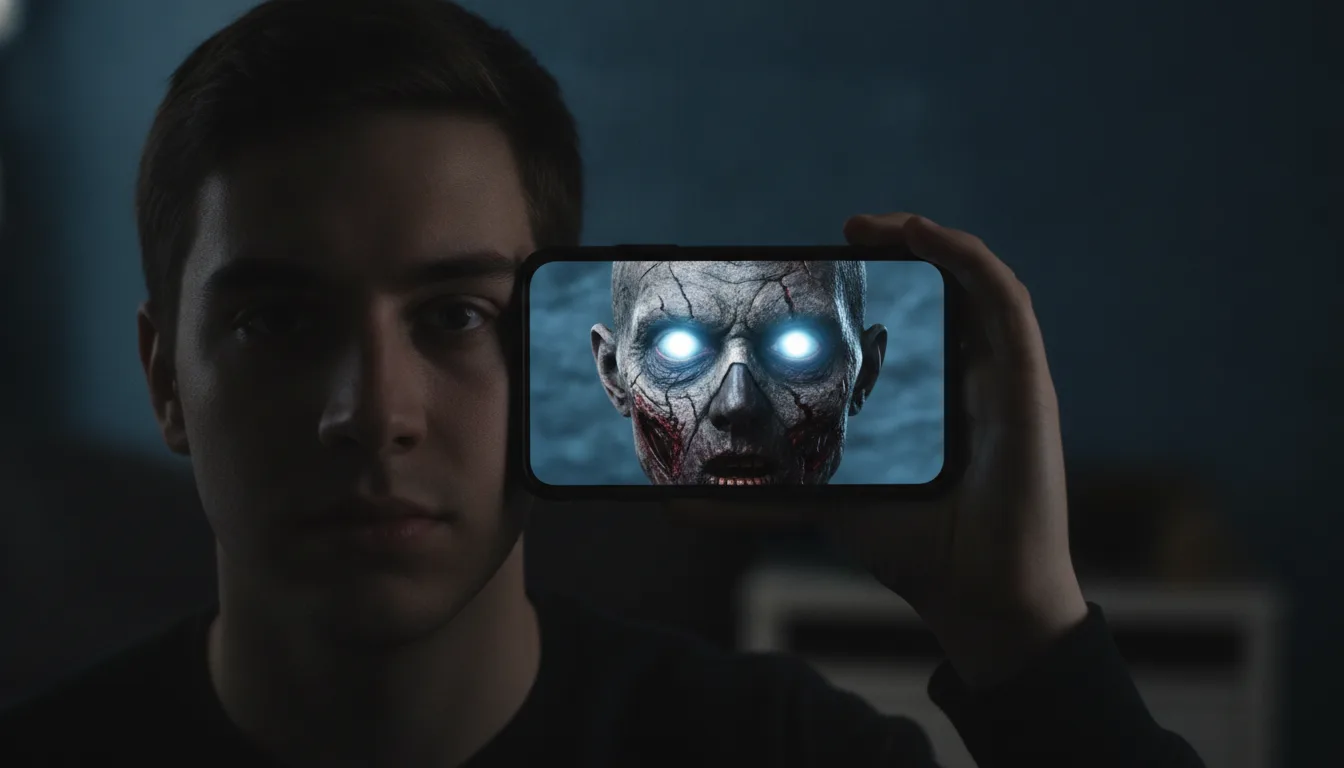
Oct 8, 2026
A step-by-step guide to making a zombie AI video from one photo: what a good source photo looks like, how the preview works, and what credits cost.
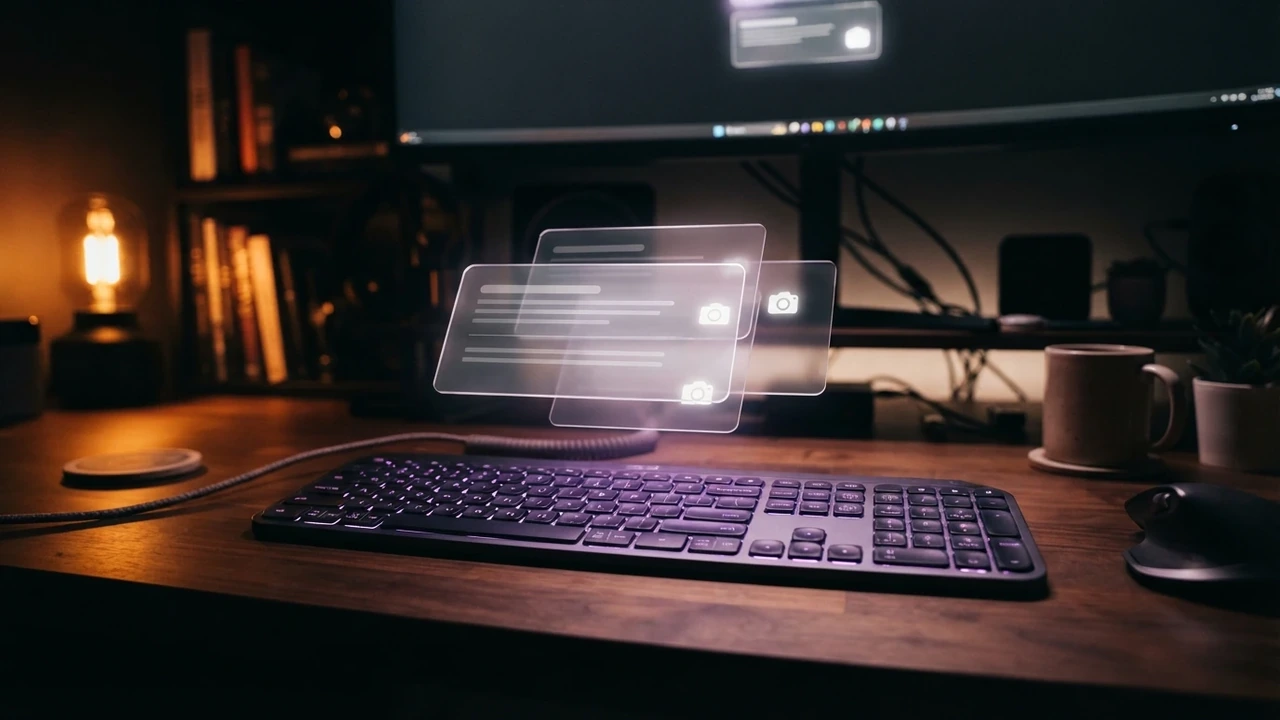
Oct 8, 2026
Fifteen zombie AI video prompts for the love story, pet, Halloween makeup, mini me and giant effects, with a short note on how prompts meet this site.
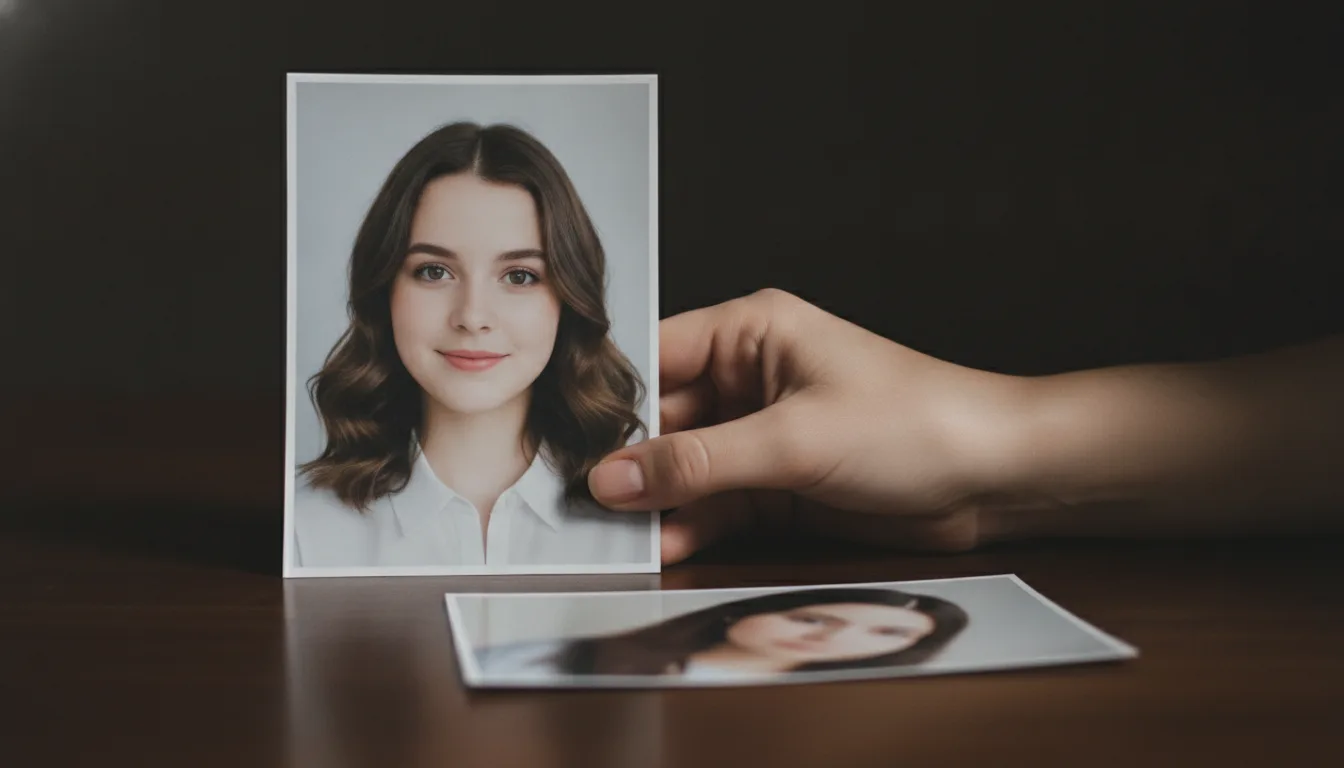
Oct 8, 2026
How to pick and prepare the source photo for a zombie AI video: front-facing framing, even light, sharp detail, and the mistakes that blur the likeness.
Oct 8, 2026
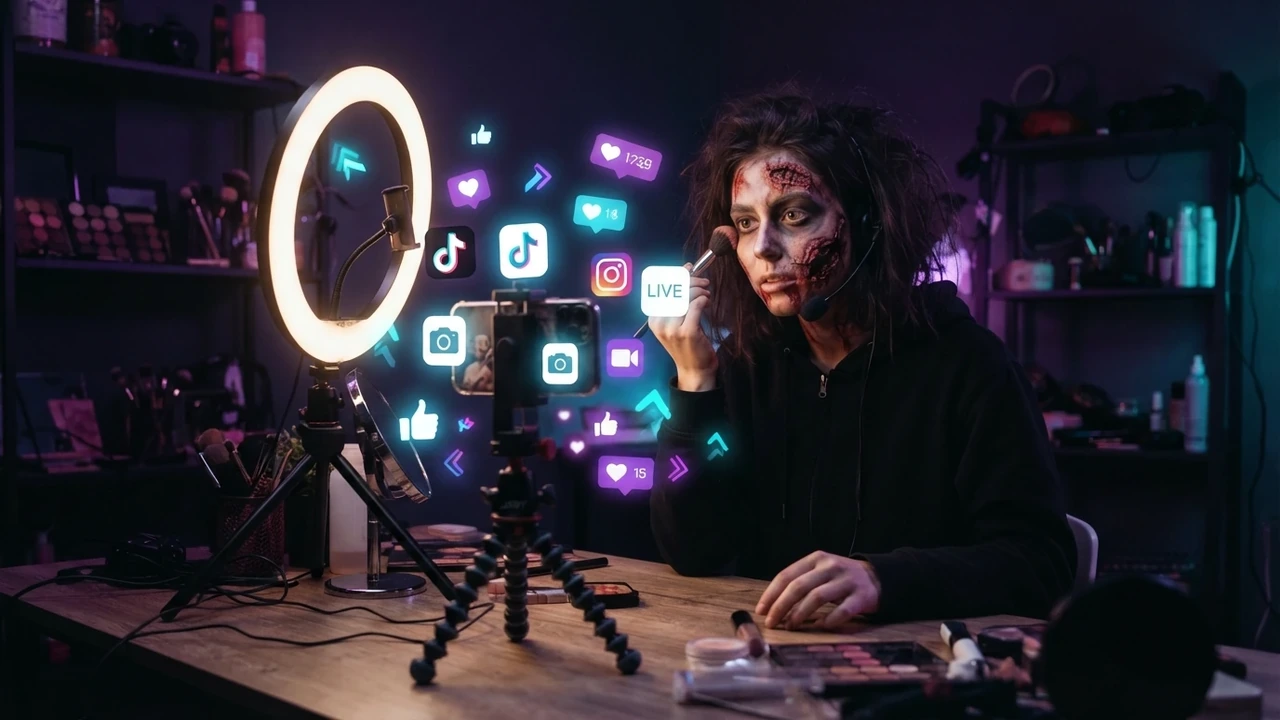
How to make the zombie love story clip for TikTok: vertical framing, the first-second hook, captions, hashtags, sound, posting time, and reply remakes.
Oct 8, 2026
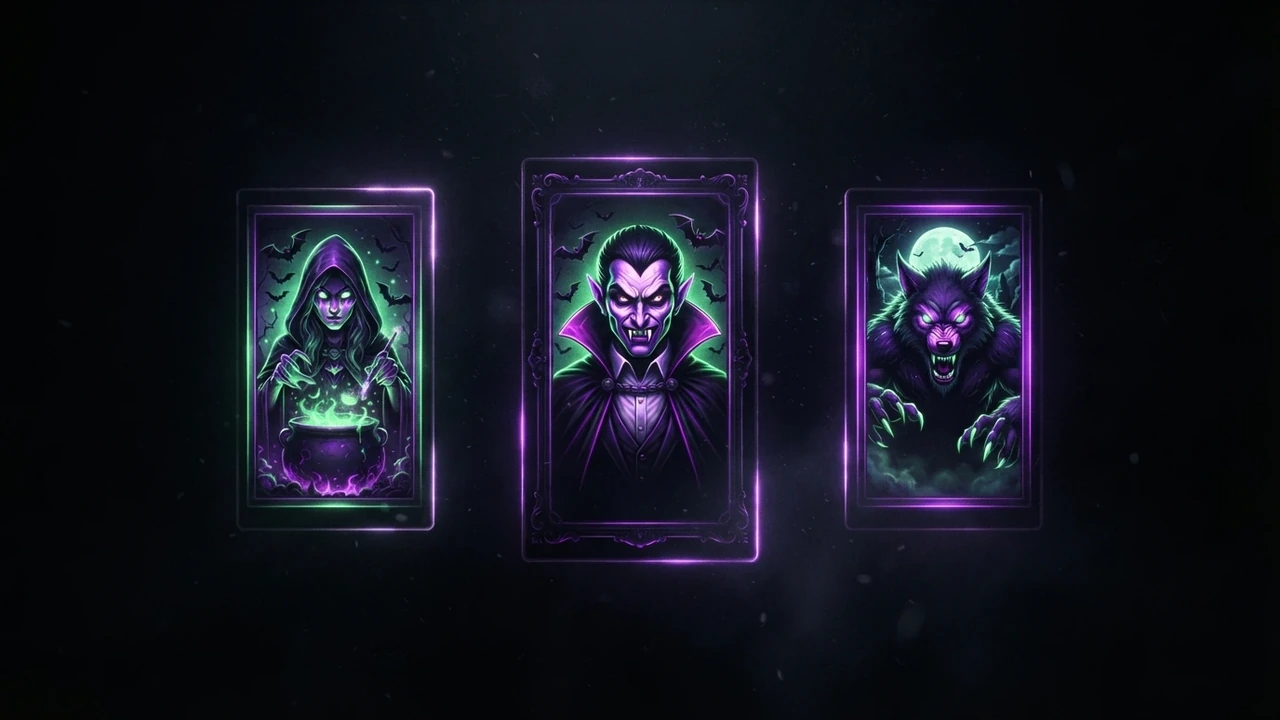
How to publish the zombie love story clip on Instagram Reels: vertical framing, cover image, the four beats, the hard cut, cross-posting, and hashtags.
Oct 8, 2026
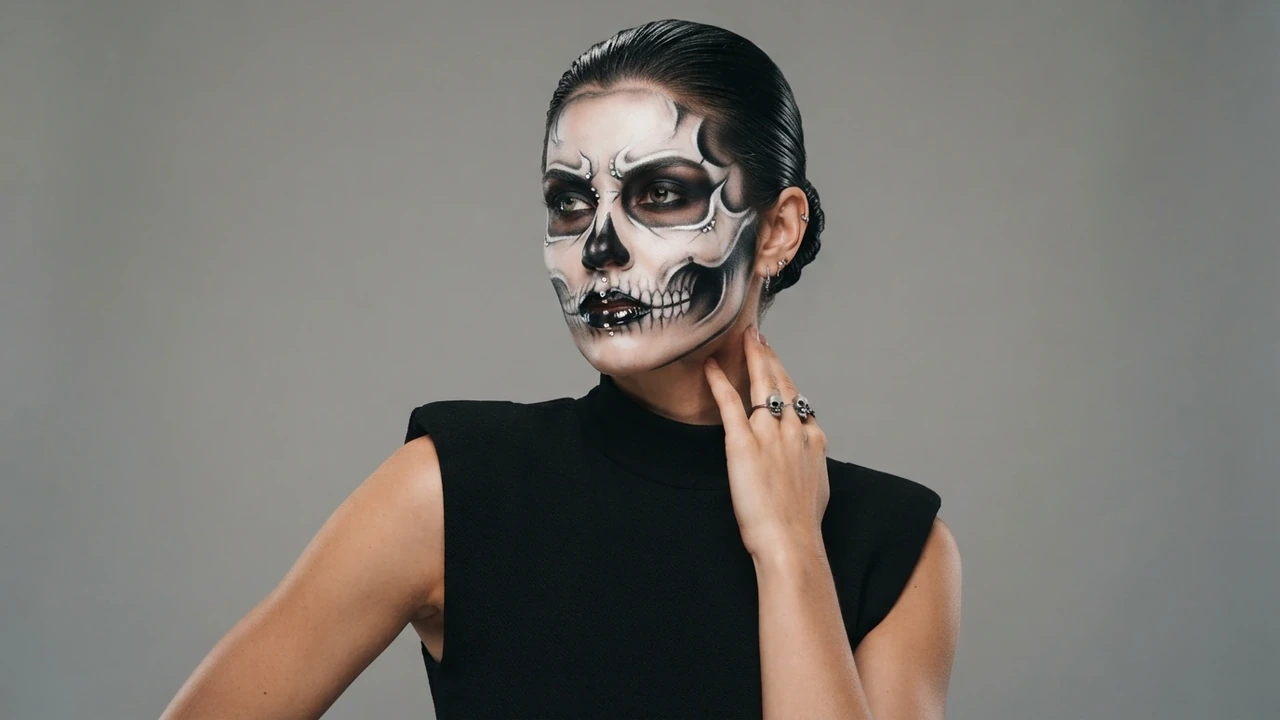
A look-by-look guide to the AI Halloween makeup effect: what it changes, how to describe the look you want, and how to pair it with a zombie story clip.
Oct 8, 2026
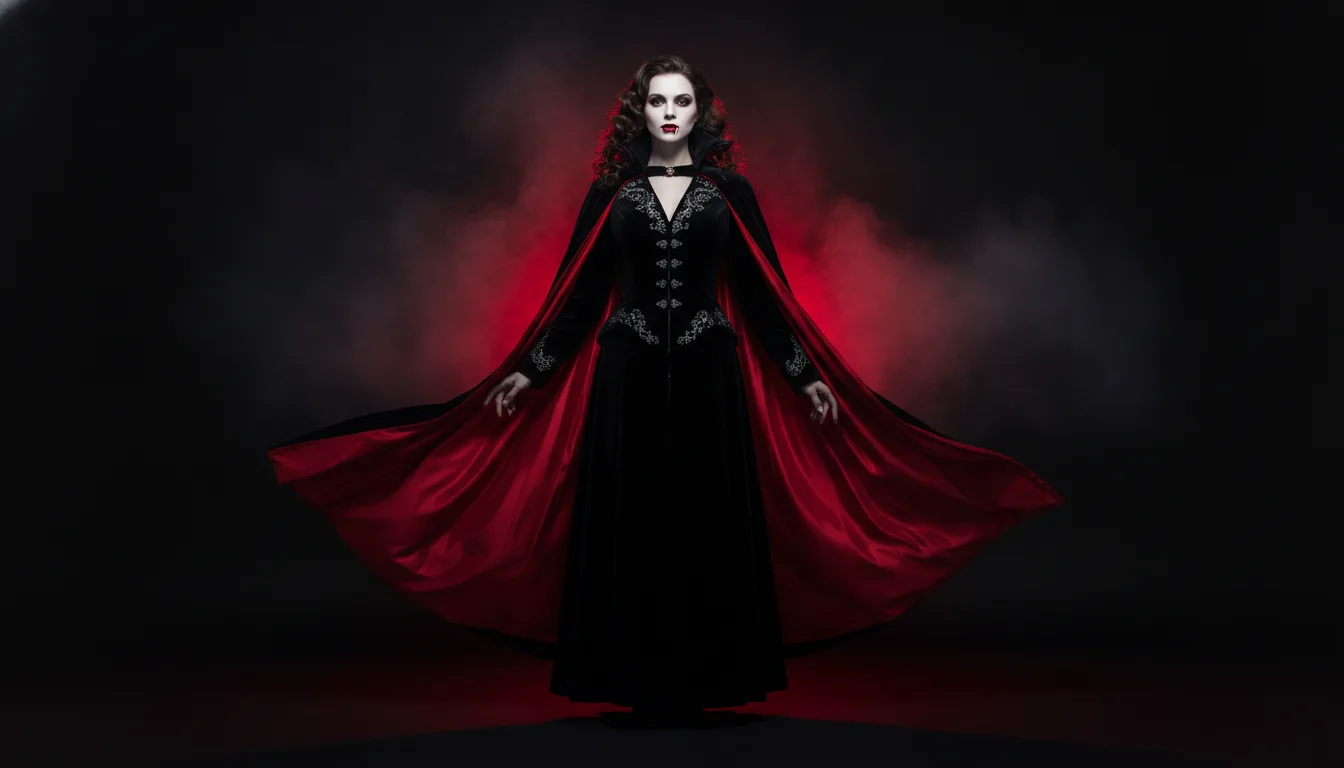
AI Halloween costume ideas for 2026: turn one selfie into several costume clips, plan a family and pet set, and post a Halloween series before 31 October.
Oct 8, 2026
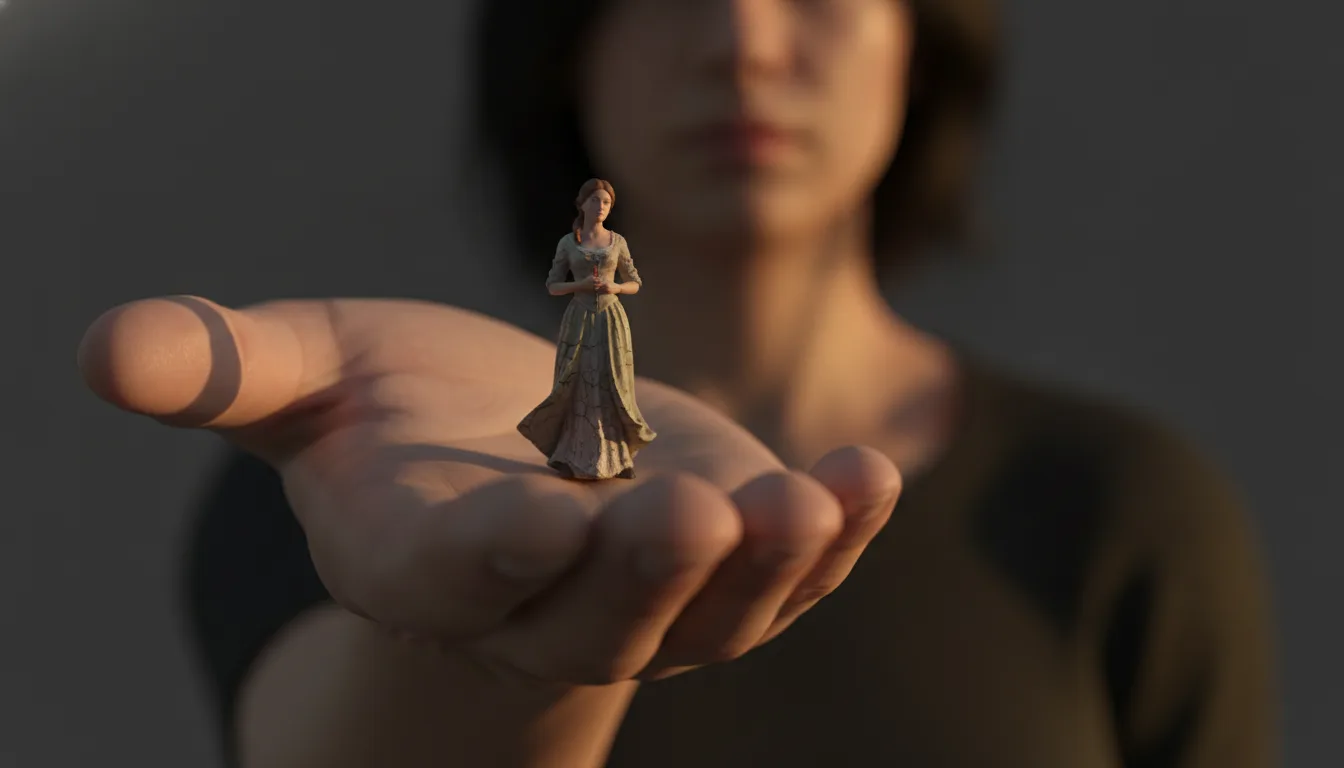
The AI mini me trend turns one photo into a tiny version of you inside a full-size room. How the effect is made, how to shoot for it, and clip ideas.
Oct 8, 2026
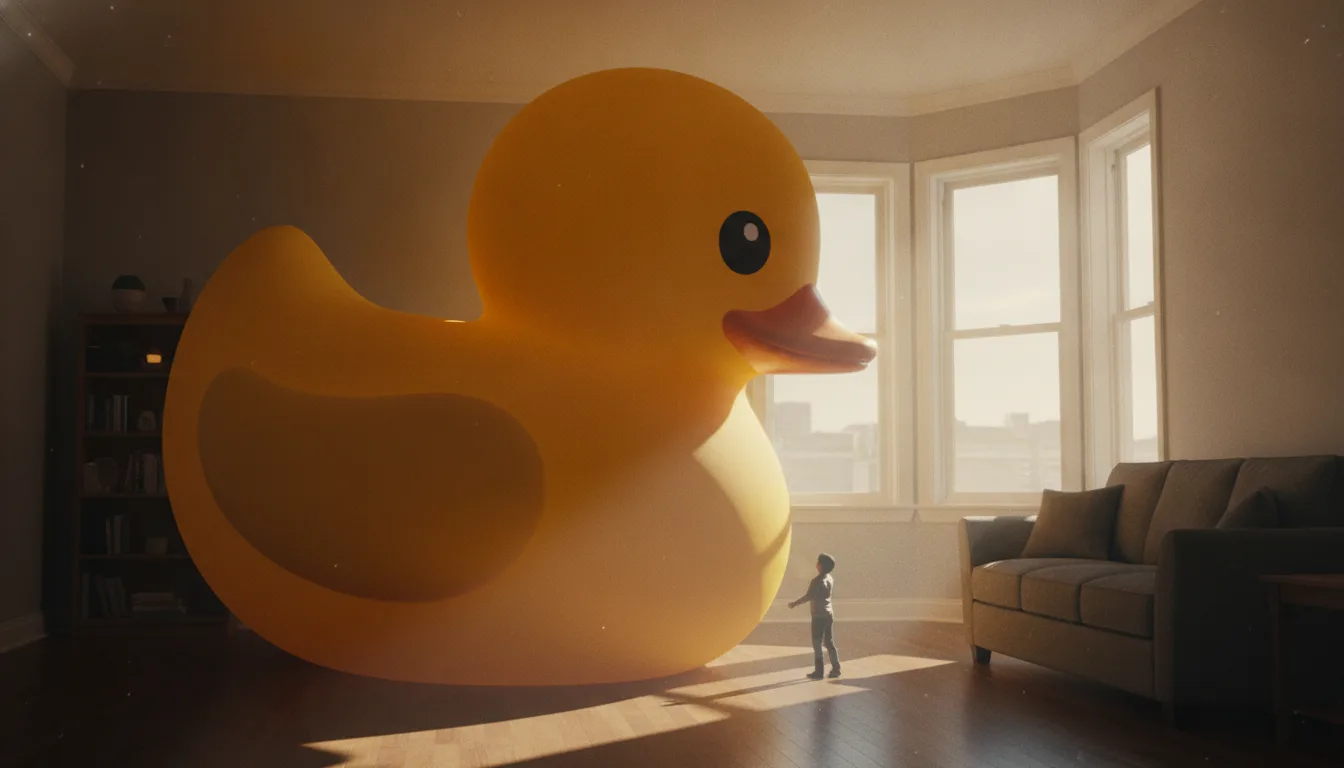
Make it giant AI scales a small everyday object up until it towers over a room. Which objects work best, how to keep the scene believable, and clip ideas.